
A QR code for Facebook page works best when it sends people to one clear action, like followinging, messaging, reviewing, or offering, and printed signs should usually be at least 2.5 inches (6.4 cm) wide. Facebook is still one of the easiest places to keep customers in the loop. You post hours, new stock, events, photos, and replies in one spot. A good code gets people there without making them type your page name and guess which result is yours. The trick is not the code itself. The trick is where you place it, what page it opens, and whether that destination might need to change later. If you just need a simple link that never changes, a static code is fine and downloading it is free with no signup. If you want to swap the destination later, or see scan analytics from print, use a dynamic code instead.
At the counter, ask for the follow#
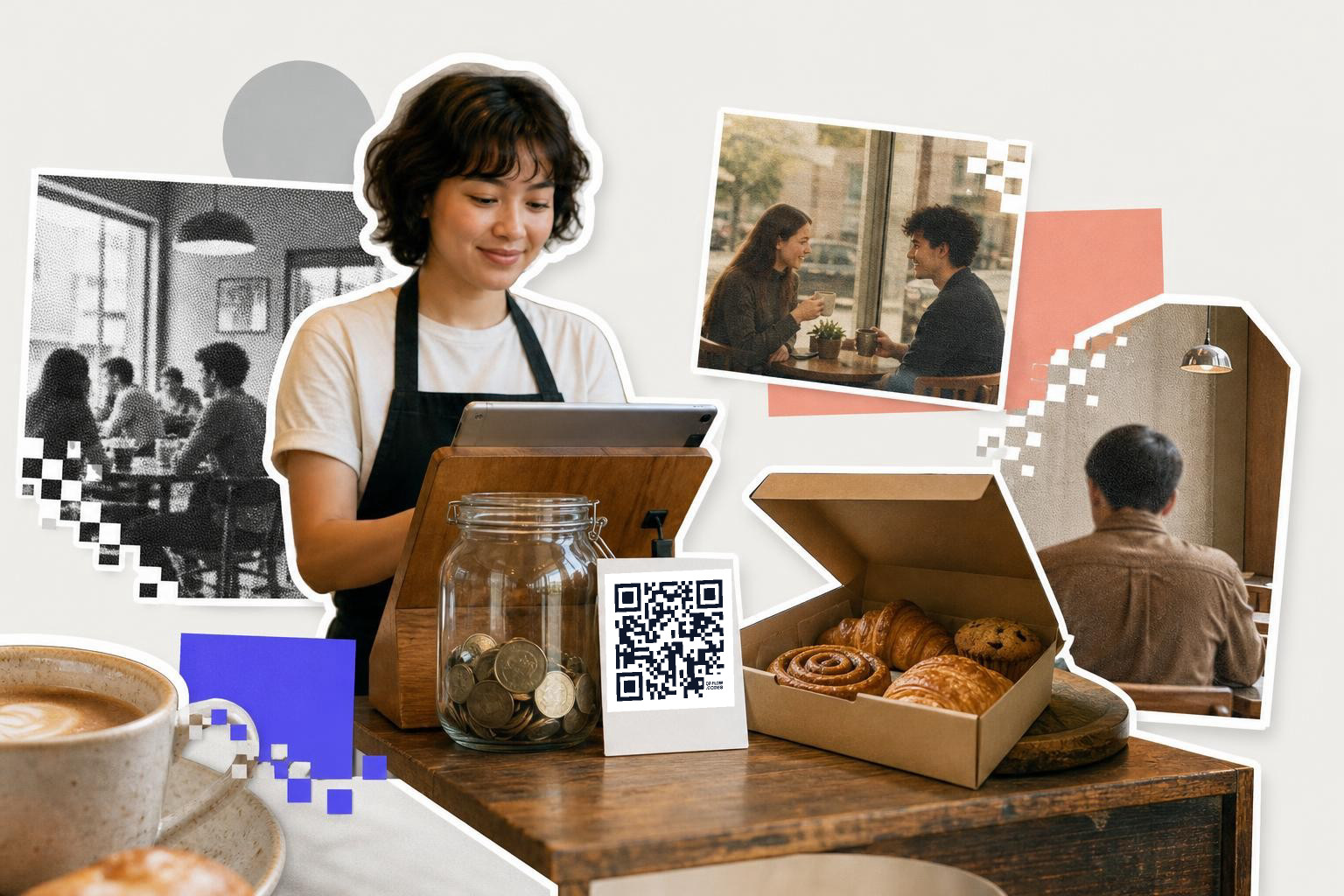
Counter signs are the easiest place to use a QR code for Facebook page. Put the code where people already pause, next to the register, tip jar, or pickup spot, and send it straight to your Facebook page or a specific post worth following.
A lot of shops make the sign too wordy. Keep it to one line, like “Follow us for weekly specials” or “See today’s menu on Facebook.” If the sign is within arm’s reach, print the code at least 1 inch (2.5 cm) wide. If people scan while standing back in line, use 1.5 inches to 2 inches (3.8 cm to 5.1 cm).
Placement matters more than decoration. Leave a quiet margin around the code, and do not cram it against a coupon, logo, or block of tiny text. A white background usually scans faster under mixed indoor lighting.
If your counter message changes often, make that sign dynamic. With a dynamic code from QRFLOW.codes, you can keep the printed sign and switch the destination from your main page to a holiday offer or event post after it is already out.
On packaging, send people back after the sale#

Product packaging works well for Facebook when you want repeat attention, not just one sale. A candle box, bakery sticker, or thank-you card can send buyers to your page for restock dates, behind-the-scenes posts, or customer photos.
Packaging gets scanned in messy real life. Bags wrinkle. Labels curve. Boxes get tossed on a kitchen counter. For that reason, print the code at least 0.8 inches (2 cm) on a flat box, and closer to 1.2 inches (3 cm) on small labels or slightly curved packaging.
The destination should match the product moment. A downtown bakery can link to a page post with next week’s flavors. A local maker can link to a pinned post showing how to use the item. A home repair business can link to reviews and recent work.
This is also a good place to think beyond your homepage. If you need the setup first, our guide on how to create a QR code for a link shows the fast way to build and test one.
How big should a Facebook QR code be on a booth sign?#
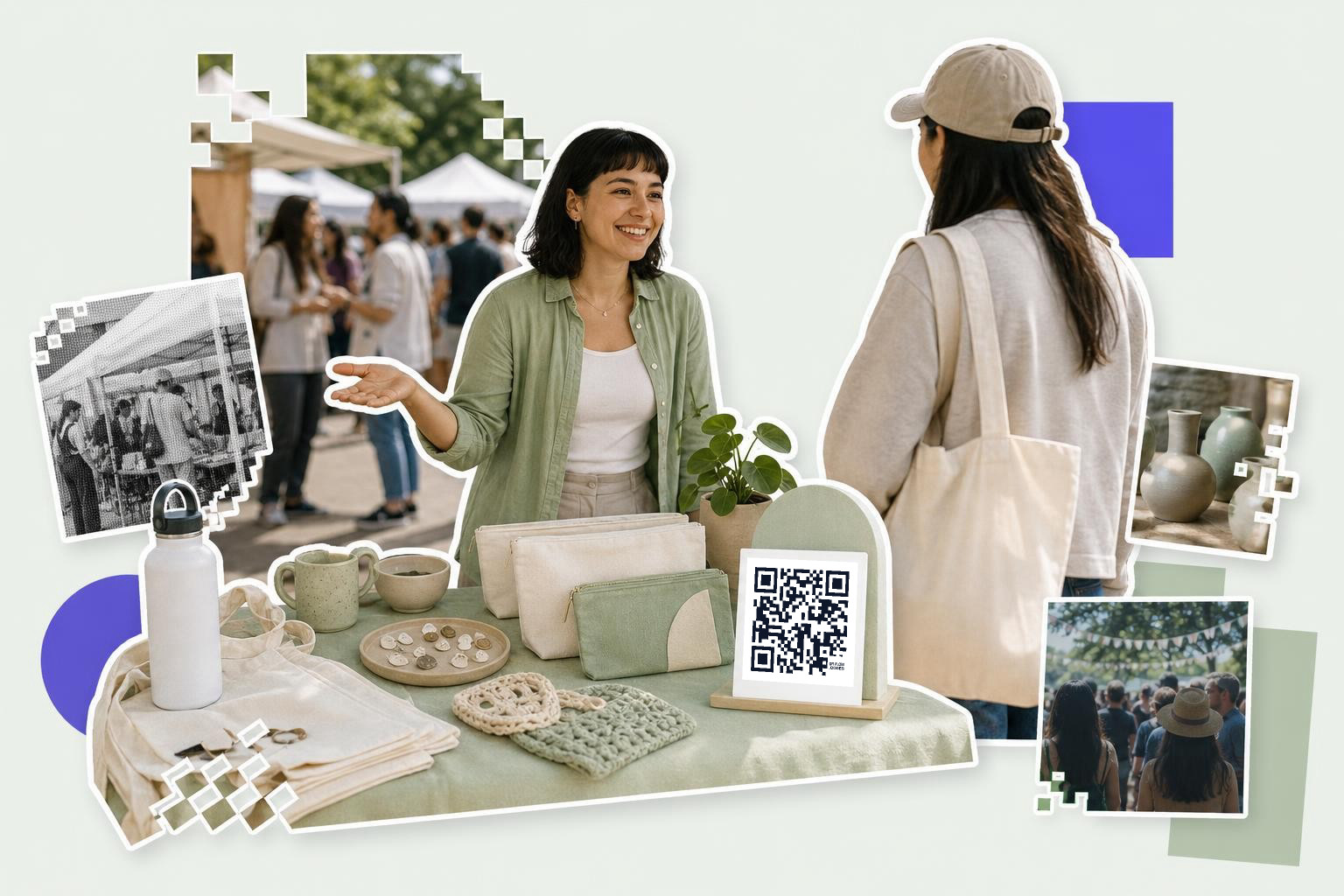
A Facebook QR code on a booth sign should usually be 2.5 inches to 4 inches (6.4 cm to 10.2 cm) wide. Booth visitors often scan from 3 to 6 feet (1 to 2 m) away, so tiny codes get ignored or fail.
Trade fairs, craft markets, school events, and pop-ups are noisy places. People are holding bags, drinks, or kids. They will not stop and troubleshoot your sign. Give the code one simple job, like “Follow for drop dates” or “Message us for custom orders.”
Booth signs also benefit from dynamic links. You might want one code on day one that opens your page, then switch it on day two to a giveaway post or event album. Premium dynamic codes can also show scan analytics, which helps if you are comparing two sign spots or two messages.
If you need several versions for different tables or staff stations, QRFLOW.codes lets you make the basic static ones free, no signup wall, no upsell popups. Bulk CSV generation is a Premium feature if you ever need many codes at once.
Business cards and appointment desks#
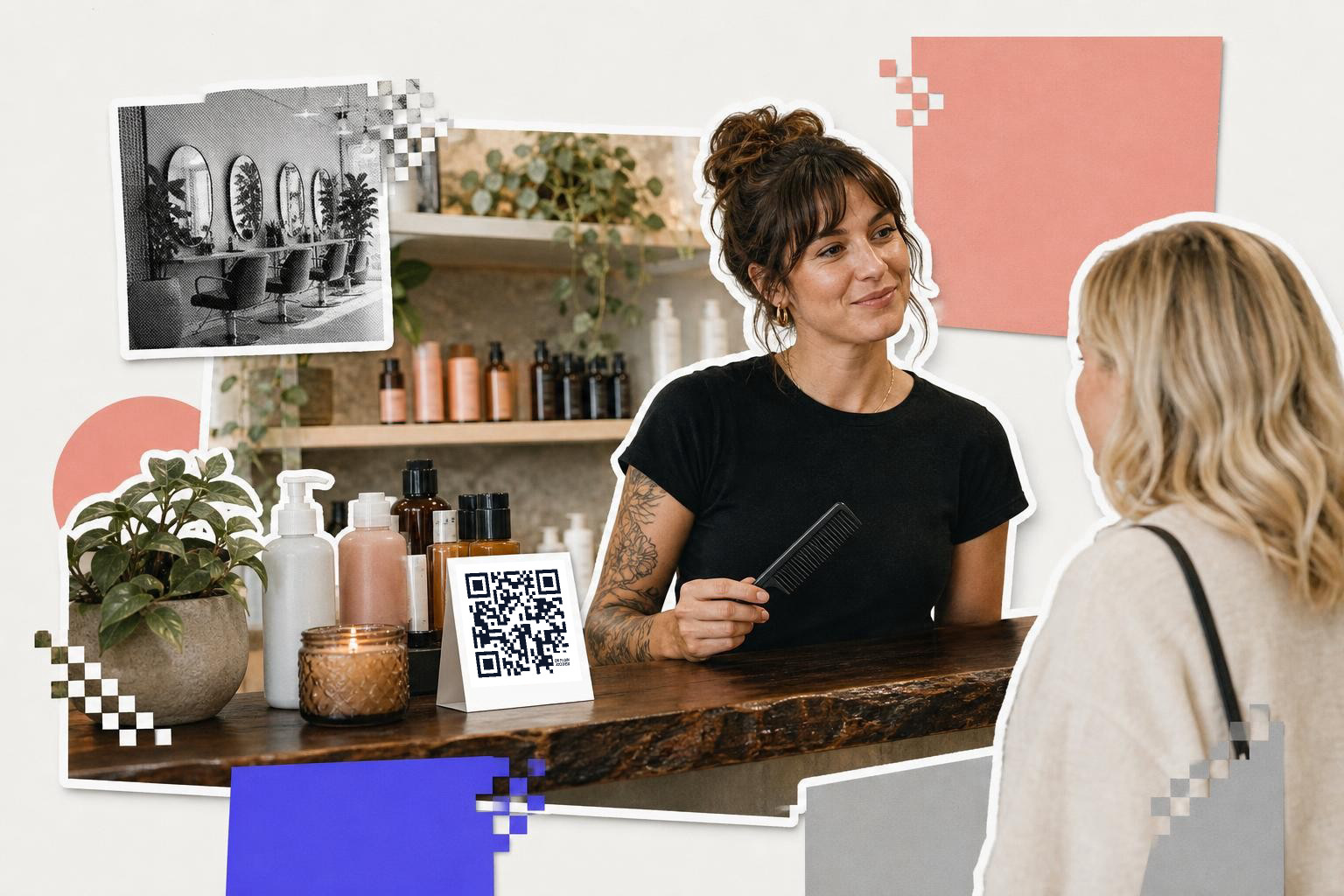
Business cards and front desks work best with a Facebook code when your page proves you are active. If the last post is eight months old, skip the code and point to a website or booking page instead.
For cards, keep the code at least 0.8 inches (2 cm) wide, and never place it right on the trim edge. Leave enough room so a printer’s slight cut shift does not eat into the pattern. On a desk sign, 1.2 inches to 1.5 inches (3 cm to 3.8 cm) is more forgiving.
A neighborhood salon, private tutor, portrait studio, or phone repair shop often does well here because the page shows fresh work. A quick before-and-after post, a new opening, or recent client comments can reassure people before they book.
Branding matters, but scanning matters more. If you add a logo or frame, test the printed version before you order 500 cards. On QRFLOW.codes, logos, frames, SVG downloads, and watermark removal are Premium features, so use them when the print job is worth it.
How do you promote Facebook with QR on takeout and receipts?#

Takeout bags, receipt holders, and package inserts are good spots to promote Facebook with QR because the customer already said yes once. Put the code near a short reason to scan, like new specials, loyalty drops, or weekend updates.
Do not send every customer to your plain page if a specific post would do better. A local restaurant can link to a post with the week’s special. A gift shop can link to a giveaway post. A neighborhood bakery can point to a preorder announcement.
Receipts can be tricky because thermal printers are not kind to dense details. If you are printing directly on a receipt, keep the code larger than 1 inch (2.5 cm) and test on the actual printer, not just on your screen. If that is not reliable, use a bag sticker or insert card instead.
Paper inserts also give you room for more than one destination over time. A dynamic code lets you keep the same printed card while changing the target as your campaign changes, which is genuinely useful for seasonal promos.
Can a window poster use a QR code for Facebook page?#
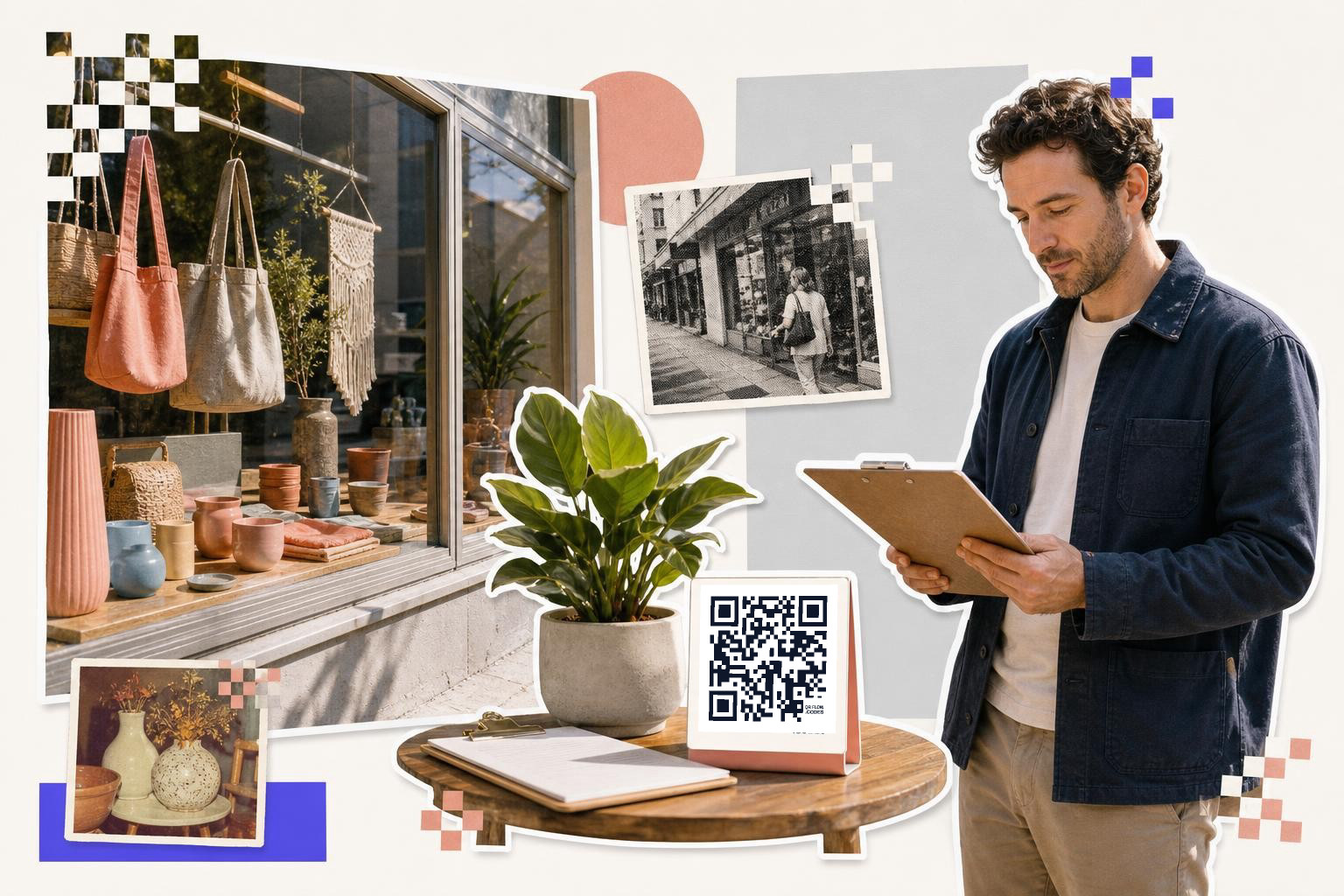
A window poster can use a QR code for a Facebook page, but the code needs to be bigger than most people expect. For street-facing glass, start around 4 inches (10.2 cm) wide and test from the sidewalk, especially if there is glare.
Window scans fail for boring reasons. Sunlight hits the glass. Cars are moving. People stand farther away than you planned. Dark tinted windows can also lower contrast if the code is printed directly on transparent material.
The easy fix is simple. Print the code on a solid light panel, keep the message short, and place it near eye level, not down by the handle. If the page is mainly for updates, say that clearly: “Follow for tonight’s hours” beats “Scan me.”
If the poster also needs a menu, price list, or event sheet, a separate code can be cleaner than one overloaded Facebook destination. Our post on how to make a QR code for a PDF covers when a document link makes more sense.
Questions people ask about QR code for Facebook page#
Link to main page or post?#
A specific post usually works better when you have one goal, like a giveaway, event, or new menu. A main page works better when you want people to browse, follow, and see that you post often.
Can I put my Facebook QR code on every printed thing?#
You can, but you should not if the scan has no clear value there. Put it where people pause and have a reason to care, like a counter sign, package insert, booth card, or waiting area table.
Do static Facebook QR codes expire?#
Static codes do not expire if the destination link stays live. If the page URL changes, the static code will still point to the old address, which is when a dynamic code saves you from reprinting.
What color should the code be?#
Dark code on a light background is the safest choice. Fancy brand colors can work, but low contrast, glossy finishes, and busy backgrounds are common reasons a print that looked nice ends up scanning badly.
A Facebook QR code generator is easy to find. The part people miss is testing the final print in the place it will live, under real light, from the distance people will actually scan.
Make one code per job, test it on paper, then keep the size generous. If you want a clean static code fast, or a dynamic one you can edit later, free QR code generator is a simple place to make it. If you need editable links, logos, SVG, analytics, or bulk CSV, the Premium plan covers those extras for $4 per month.