
What to link the code to
The best menu link is a page that loads in under two seconds on a phone and needs no zooming: a simple web page with the sections in order, or a PDF exported at phone width. A photo of the printed menu is the worst option; it is slow, and guests pinch and scroll instead of reading.
You don't have to pick one. Many places run three codes: the menu on the table, a reviews code on the receipt, and a Wi-Fi code by the register. Each is a separate code with its own scan count, so you can see which one guests actually use. The blog goes further on getting more Google reviews with a QR code, including where to put the ask.
- Menu page or PDF: the everyday code on the table.
- Online ordering or reservations: the code on the window and the takeout bag.
- Google reviews: on the receipt or the counter, where a happy guest is standing anyway.
- Wi-Fi: near the register, so staff stop spelling out the password.
Where it goes and how big to print it
Table tents and stickers get scanned from a seated position, roughly 12 to 16 in (30 to 40 cm) away, so a 1 in (2.5 cm) code is already comfortable and 1.2 in (3 cm) is safe under dim lighting. Window decals get scanned from the sidewalk; go to 3 in (8 cm) or more and keep it at eye level, not at the bottom of the glass.
Matte lamination beats glossy: a spotlight over the table turns a glossy card into a mirror and the camera can't lock on. Leave a clean white margin around the code (the quiet zone), at least the width of four of its small squares, and never print it in a light color on a light card.
Frames that do the talking
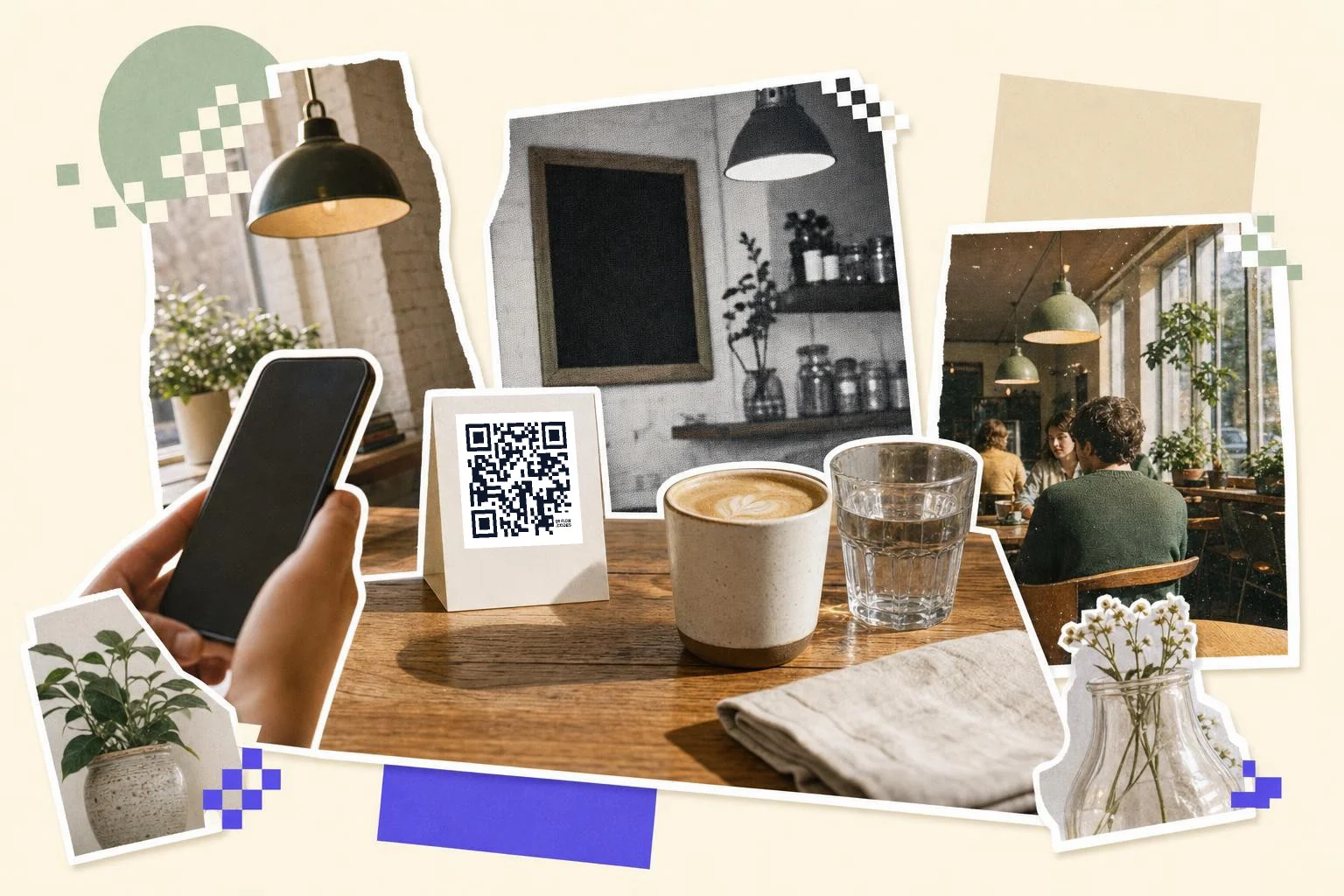
A bare QR square on a table gets ignored; the same code inside a frame that says "Scan for menu" gets scanned. The Table Tent frame prints the table number under the code so guests can order from a phone and staff know where to bring it. The Caption frame is the plain one: "Menu", "Wine list", "Order here".
Add your logo in the middle if you like; the code still scans, because QR codes carry error correction for exactly that. Keep the logo under about a fifth of the code's width and it reads every time.
How big to print it
Rule of thumb: the code should be at least one tenth of the distance it is scanned from. These are the sizes that work in practice for this job.
| Where | Scan distance | Minimum width |
|---|---|---|
| Table tent or sticker | 12-16 in (30-40 cm) | 1 in (2.5 cm) |
| Counter card by the register | 20-28 in (50-70 cm) | 1.5 in (4 cm) |
| Window decal | 3-7 ft (1-2 m) | 3 in (8 cm) |
| Sandwich board outside | 7-10 ft (2-3 m) | 5 in (12 cm) |
Why make it dynamic
A menu changes more than any other thing a business prints: prices, the Tuesday special, the dish that sold out at 7pm. A static code bakes the link into the pattern, so a new menu URL means new cards on every table. A dynamic code points at a short link we redirect, so you swap the menu, the specials PDF, or even send Friday's code to the reservations page, and the card on table 12 keeps working.
Dynamic codes are part of Premium, $4 a month. Static vs dynamic, explained.
Step by step
- 1
Paste your menu link
A menu page, a PDF, or your ordering platform. The preview updates as you type.
- 2
Pick a frame and caption
Open Customize and choose Table Tent or Caption, then write "Scan for menu" or the table number.
- 3
Download and print
PNG for a quick print, SVG for the print shop. Print at least 1 in (2.5 cm) wide for tables, 3 in (8 cm) for the window.
- 4
Change the menu later, not the cards
On Premium the code is dynamic: update the link in your dashboard and every printed card follows.
Questions people ask
- How do I make a QR code for my restaurant menu?
- Paste the link to your menu page or PDF into the generator on this page, download the PNG or SVG, and print it. That takes about a minute and is free. If you want to change the menu behind the code later without reprinting, save it as a dynamic code on Premium.
- Do guests need an app to scan a QR code menu?
- No. The camera app on every iPhone since iOS 11 and every Android phone since 2017 reads QR codes directly; a link pops up over the viewfinder and one tap opens the menu.
- Can I change the menu without printing new QR codes?
- Yes, with a dynamic code. The printed code points to a short link that we redirect, so you change the destination in your dashboard and every card on every table follows. A free static code bakes the link into the pattern, so a new link means new prints.
- What size should a QR code be on a table?
- At least 1 inch (2.5 cm) wide for a table tent or sticker scanned from a seated position. Go to 1.2 in (3 cm) if the room is dim, and 3 in (8 cm) or more for a window decal scanned from the sidewalk.
- Should I link to a PDF menu or a web page?
- A web page built for phones is best: fastest to load, easy to update, no zooming. A PDF works if you export it at phone width with large type. Avoid linking to a photo of the paper menu.
- Is a QR code menu free?
- Making and printing a static menu code is free here, and a free account removes the small QRFLOW mark that anonymous downloads carry. Premium ($4 a month) makes the code editable after printing and counts scans per table.
Make the code now, change the link later
Free to make and print. Premium ($4/mo) keeps it editable and counts every scan.