Every QRFLOW.codes generator can produce static codes for free. On Premium, saved codes are dynamic, so you can change where a code points without reprinting.
Static: content is the image
A static QR encodes the destination directly. Nothing to update, nothing to break, nothing to track.
- Best for: WiFi credentials, plain text, vCards, one-off links.
- Pros: works forever, no account needed, no third-party dependency.
- Cons: cannot be edited after printing, no scan analytics.
Dynamic: short link you own
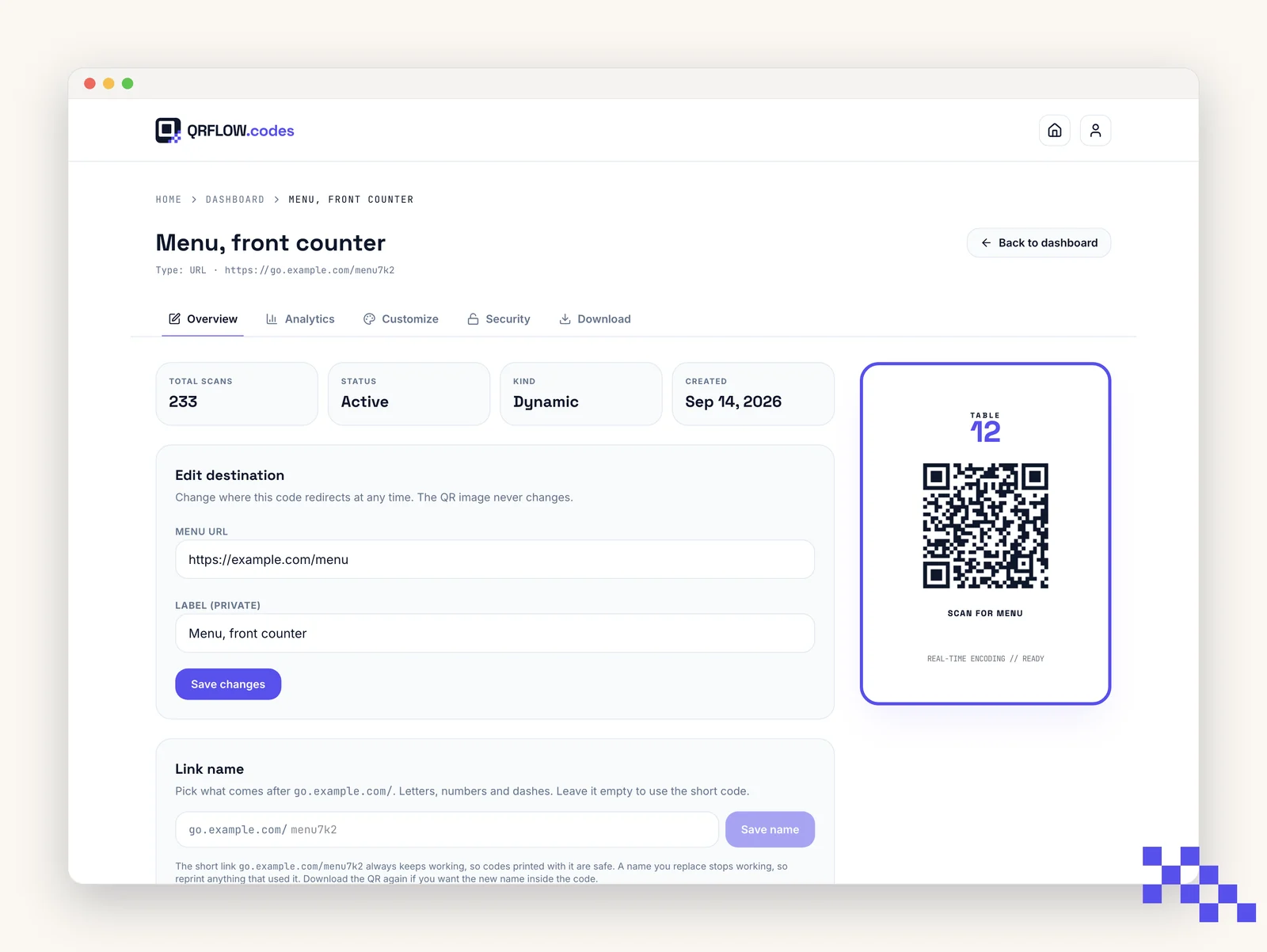
A dynamic QR encodes a short qrflow.codes/q/xxxx URL that redirects to your real destination. You can change the destination anytime and every scan is counted.
- Best for: menus, flyers, business cards, campaigns, anything you might update.
- Pros: editable forever, scan analytics, password protection, safe redirects.
- Cons: needs a Premium account and depends on qrflow.codes being reachable.
Tip. If the destination could ever change, go dynamic. Premium is $4 a month and gives you a way out after the code is printed.
How to make a code dynamic
- 1Sign in to a Premium account
Create an account, upgrade on the pricing page, and sign in from the top-right.
- 2Fill the generator as usual
Any type works: URL, Wi-Fi, vCard, everything.
- 3Click Save & make editable
The button appears under the preview once you are signed in. QRFLOW.codes creates a short redirect link and saves the code.
- 4Open it from the Dashboard
Every saved code lives in your Dashboard. Click it to edit, customize, or view analytics.
Ready to make your own QR code?
Free QR codes rendered as you type, no signup to try. Premium makes them dynamic for $4 a month.
Still stuck? Search the help center, or contact support and a person will answer.