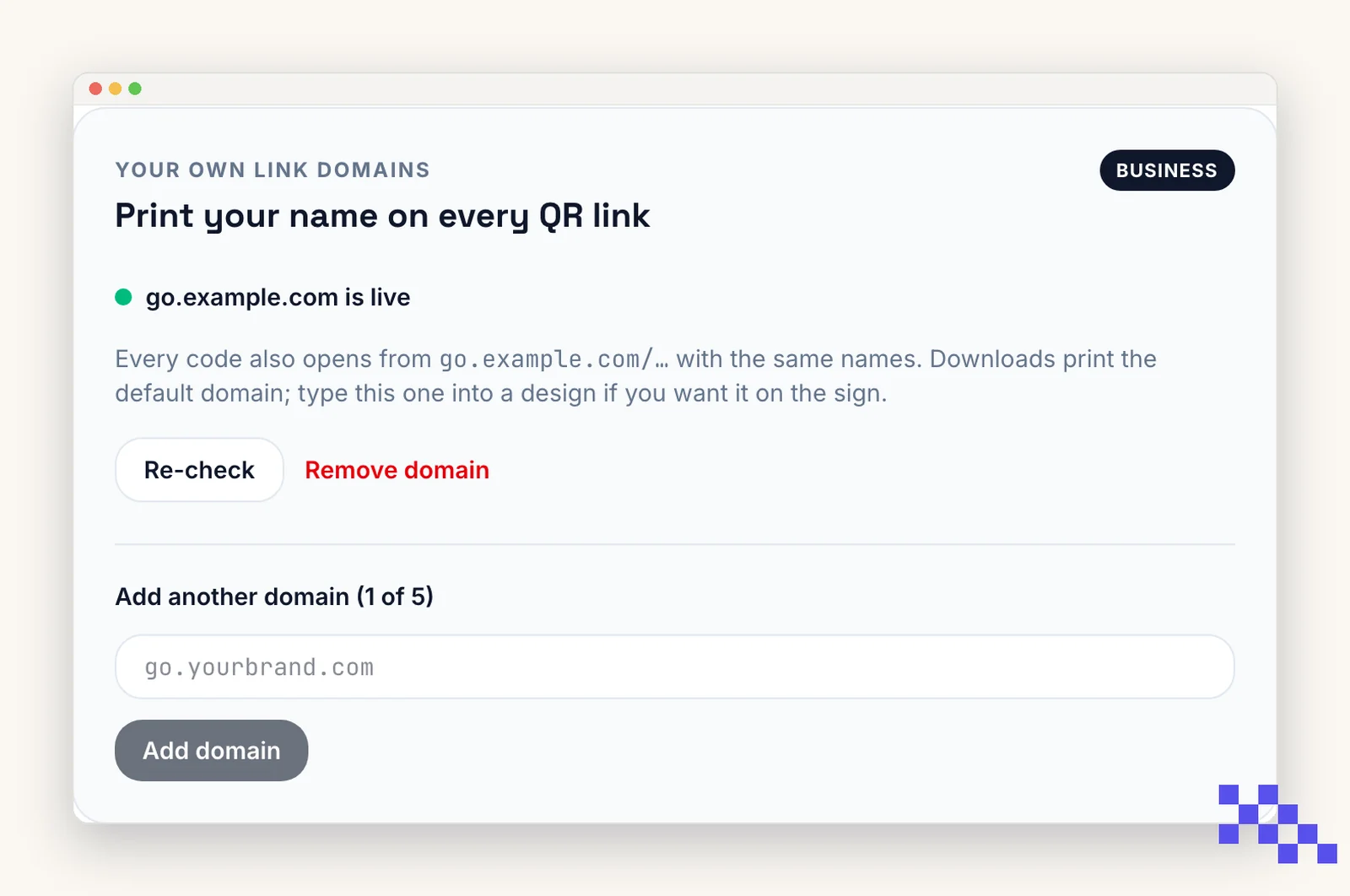
Every dynamic QR code points to a short link that we redirect. On Premium and Business that short link can live on a subdomain you own, so the printed code and the link people see carry your name. Premium connects one domain; Business connects up to five (one per brand, venue or client). Setup is one DNS record and takes about five minutes.
Pick a subdomain
Use a subdomain of a domain you already own, not the main domain itself. We recommend go. (go.yourbrand.com): it is short and reads naturally on a sign. qr. and scan. are good too. Your main website (yourbrand.com, www.yourbrand.com) is untouched.
Open Account, find Your own link domain, type the name, and click Continue.
Add one DNS record
- 1Open DNS at your domain provider
GoDaddy, Namecheap, Cloudflare, Squarespace, Wix, Google Domains: wherever you bought the domain. Look for DNS, DNS records, or Manage DNS.
- 2Add a CNAME
Type: CNAME. Name: the subdomain part only (go). Value: cname.vercel-dns.com. Leave TTL on its default. The Account page shows these with copy buttons.
- 3Cloudflare only
Set the orange cloud on that record to DNS only (grey). Proxied records break certificate issuance.
- 4Wait
Most providers publish within minutes; a few take up to an hour. The Account page re-checks every 20 seconds and turns green when it sees the record. HTTPS is issued automatically.
Name your links
With a domain connected, each dynamic code gets a Link name box on its Overview page. Type menu and the code becomes go.yourbrand.com/menu; the QR preview and downloads update to match. Names are lowercase letters, numbers and dashes, 3 to 40 characters, and only have to be unique inside your account.
The random short link keeps working next to the name, so codes you printed before naming stay valid. A name you replace stops working, so reprint anything that used the old one.
What changes once it is live
All your dynamic codes now encode go.yourbrand.com/<code>, or go.yourbrand.com/menu once you name them. The Dashboard, code pages, downloads, and bulk CSVs show the new link. Codes you already printed with qrflow.codes/q/… keep working; both addresses redirect to the same destination and count scans the same way.
Error pages on your domain (paused, expired, password) show your subdomain, not QRFLOW branding.
Removing the domain or leaving a paid plan
Remove domain on the Account page switches every code back to qrflow.codes/q/… links. Codes printed with your subdomain stop resolving, so reprint first if you need to.
With more than one domain connected (Business), each dynamic code can pick which one it prints with: open the code, Link name, and choose the domain. Codes without a choice use the account's default, the domain you connected first. Every domain of the account resolves every code either way.
If the subscription ends, the domain keeps working for 30 days so nothing printed goes dark overnight. Renew within that window to keep it; after that, codes on the subdomain stop until a paid plan is active again. Dropping from Business to Premium keeps your oldest domain and puts the others on the same 30-day clock.
Pick the plan that fits
Free never expires. Premium is $4 a month for dynamic codes and scan analytics. Business is $29 for link domains, a team of five and the API.
Still stuck? Search the help center, or contact support and a person will answer.