
Watch it: Weddings
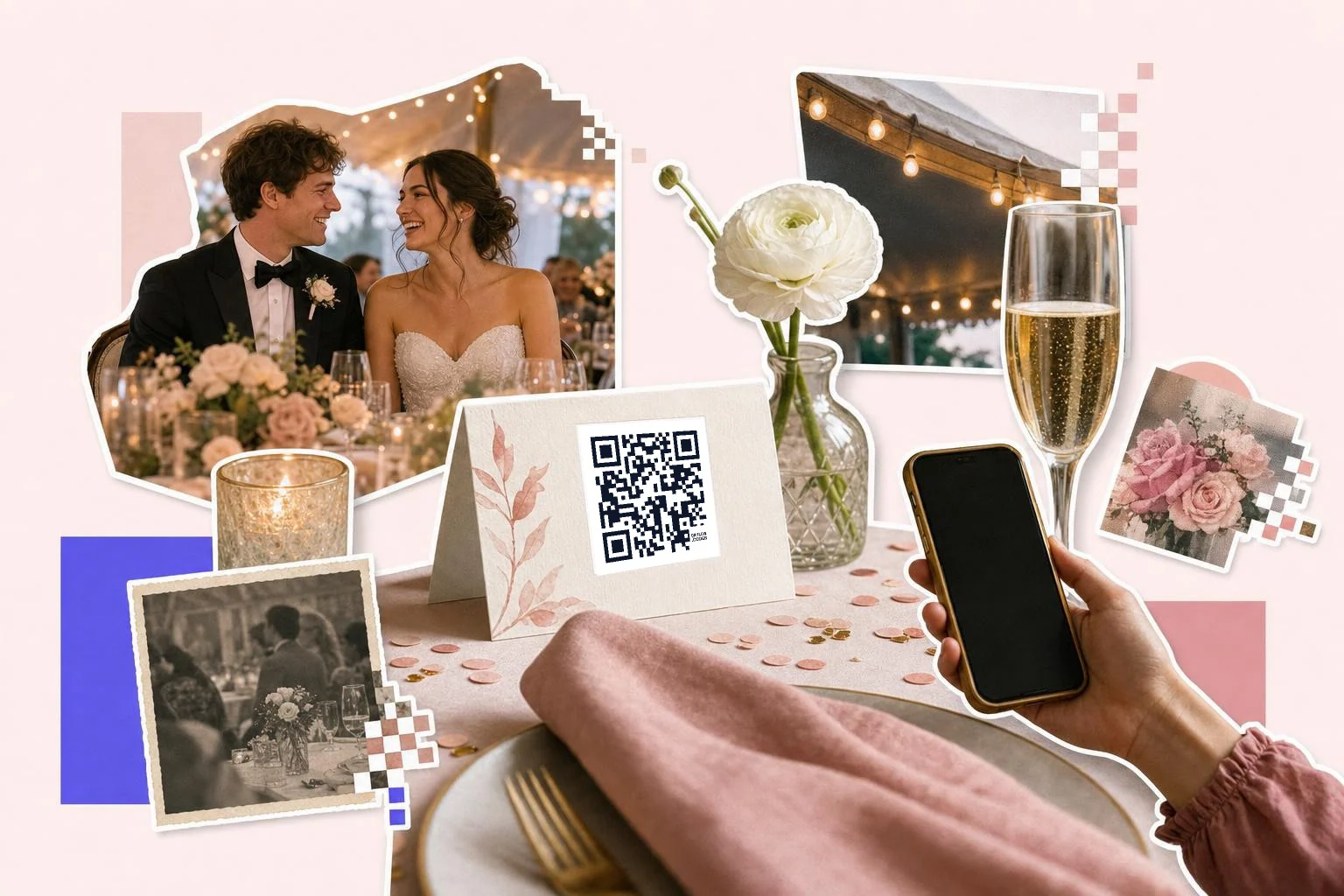
Guest photos in one album
Choose an album guests can add to without an account: a Google Photos shared album with "collaborate" on, an iCloud Shared Album with public link and contributions enabled, or a guest-photo service (POV, Guestpix, The Guest, Eventshare). Copy its share link, paste it here, and the table card becomes the upload button. Say what it does on the card, "Add your photos to our album", and add a line about when to scan: during dinner, not during the vows.
Test it with a phone that is not yours before printing fifty cards. Some album links only work for people already signed in. Wedding photo sharing QR codes covers where the cards go and what to link.
- Table cards and the welcome sign: the shared album.
- Invitations and save-the-dates: the wedding website or RSVP form.
- Ceremony program: the playlist, the readings, or the album again.
- Hotel welcome bags: the schedule, the shuttle times and the map.
Making it look like it belongs
A plain black square fights with a letterpress invitation. The Wedding frame sets the code in a light serif caption with generous space, in whatever ink your stationery uses; pick your palette in Customize so the code matches the invitation instead of interrupting it. Keep the code itself dark on a pale card; blush-on-cream looks lovely and does not scan.
Give the printer the SVG. On a 4 in (10 cm) table card the code can be 1 in (2.5 cm); on the welcome sign at the entrance, 3 in (8 cm) so people scan it while still holding a glass.
RSVPs and the details that change
Put the RSVP code on the invitation with the paper card as a fallback. The code opens your wedding site's RSVP page or a form, and the responses land in one place instead of a shoebox. The same website carries the schedule, dress code and directions, which is why the code on the welcome bag should point there: when the shuttle time changes, you edit one page.
How big to print it
Rule of thumb: the code should be at least one tenth of the distance it is scanned from. These are the sizes that work in practice for this job.
| Where | Scan distance | Minimum width |
|---|---|---|
| Invitation or RSVP card | 10-12 in (25-30 cm) | 0.8 in (2 cm) |
| Table card or place card | 12-16 in (30-40 cm) | 1 in (2.5 cm) |
| Ceremony program | 12 in (30 cm) | 1 in (2.5 cm) |
| Welcome sign or easel | 3-5 ft (1-1.5 m) | 3 in (8 cm) |
Why make it dynamic
Wedding stationery is printed early and changes late: the venue shifts, the album app changes its mind about sharing links, the shuttle time moves. A dynamic code on the invitation means the wedding website behind it can be edited the night before and nothing has to be reprinted. After the day, point the same code at the finished gallery so the table cards people took home become the album.
Dynamic codes are part of Premium, $4 a month. Static vs dynamic, explained.
Step by step
- 1
Paste the album or website link
The shared album for table cards; the wedding site or RSVP form for invitations.
- 2
Choose the Wedding frame and your ink
In Customize, pick the frame, set the caption ("Add your photos"), and match the colors to your stationery.
- 3
Download SVG for the stationer
1 in (2.5 cm) on cards, 3 in (8 cm) on the welcome sign; matte card, never foil behind the code.
- 4
Keep it editable
On Premium, point the invitation code at the website now and the finished gallery afterwards.
Questions people ask
- How do I make a QR code for wedding guests to share photos?
- Create a shared album that allows contributions (Google Photos with collaborate on, an iCloud Shared Album, or a guest-photo app), copy its share link, paste it into the generator here, pick the Wedding frame, and print the code on table cards and the welcome sign.
- Do guests need an app to upload photos?
- Depends on the album. Google Photos and iCloud shared albums open in the browser and let guests add photos without installing anything; some guest-photo services need their app. Test with a friend's phone before printing.
- Can the code match my invitation colors?
- Yes. In Customize, set the frame, caption and accent colors to your palette. Keep the code itself dark on a pale card so it still scans; put the color in the frame and text.
- What if the venue or schedule changes after invitations go out?
- Point the invitation code at your wedding website and edit the website. With a dynamic code you can even change where the code goes; the printed invitations are untouched.
- Can one code do RSVPs and photos?
- Better to use two: an RSVP code on the invitation and an album code on the table cards. Each has one job and its own scan count, and guests never land on the wrong page.
- Is a wedding QR code free?
- Yes, making and printing the code is free, and a free account keeps the download unmarked. Premium ($4 a month) lets you change the link later; cancel after the wedding.
Make the code now, change the link later
Free to make and print. Premium ($4/mo) keeps it editable and counts every scan.