Size is about scan distance. The rule that always works: the code should be at least one tenth of the distance it will be scanned from. A code read from 3 ft (1 m) away needs to be 4 in (10 cm) wide.
Safe sizes
- Business card, sticker, product label: 0.8 to 1 in (2 to 2.5 cm). Scanned from a hand.
- Table tent, menu, flyer: 1.2 to 1.6 in (3 to 4 cm). Scanned across a table.
- Poster, window, sign: 4 in (10 cm) or more. Scanned from 3 to 6 feet (1 to 2 m).
- Billboard or banner: scale with the distance; 3 ft (1 m) wide for 33 ft (10 m) away.
Dense codes (long URLs, vCards) need to be on the large end of each range. Short dynamic links (qrflow.codes/q/xxxx) are the least dense and scan smallest.
Quiet zone
Leave a clear margin around the code, at least the width of four modules (the little squares), on every side. Our downloads include it. Do not crop it away in a design tool and do not print the code on a busy pattern.
Heads up. Frames that touch the code, rounded corners that clip it, and text placed inside the margin are the most common reasons a printed code fails while the screen version worked.
Which file to print from
- SVG for anything a designer or printer touches. It is vector, so it is sharp at any size.
- PNG at 2K or 4K for posters and banners when SVG is not accepted.
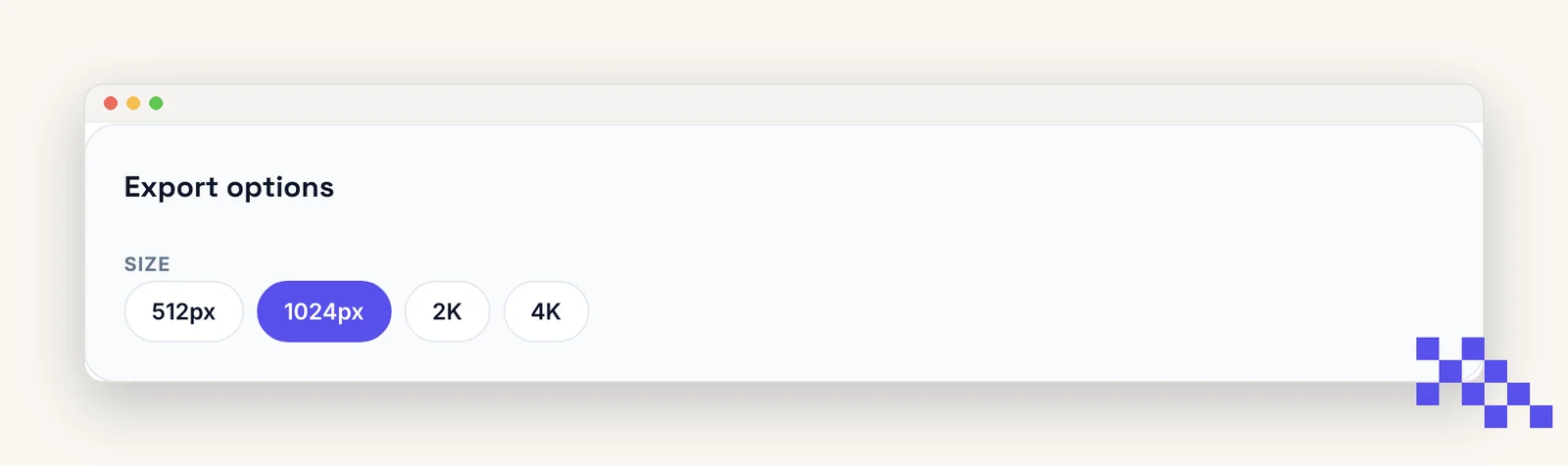
- PNG at 1024 px is fine up to about A5 (5.8 by 8.3 in) at 300 dpi.
Put this to work on your codes
Save a code to your dashboard and you can re-point it after printing, lock it, and watch every scan. Premium is $4 a month.
Still stuck? Search the help center, or contact support and a person will answer.