Every reprint we have seen came from skipping one of these. Do them in order; the whole list takes five minutes.
The checklist
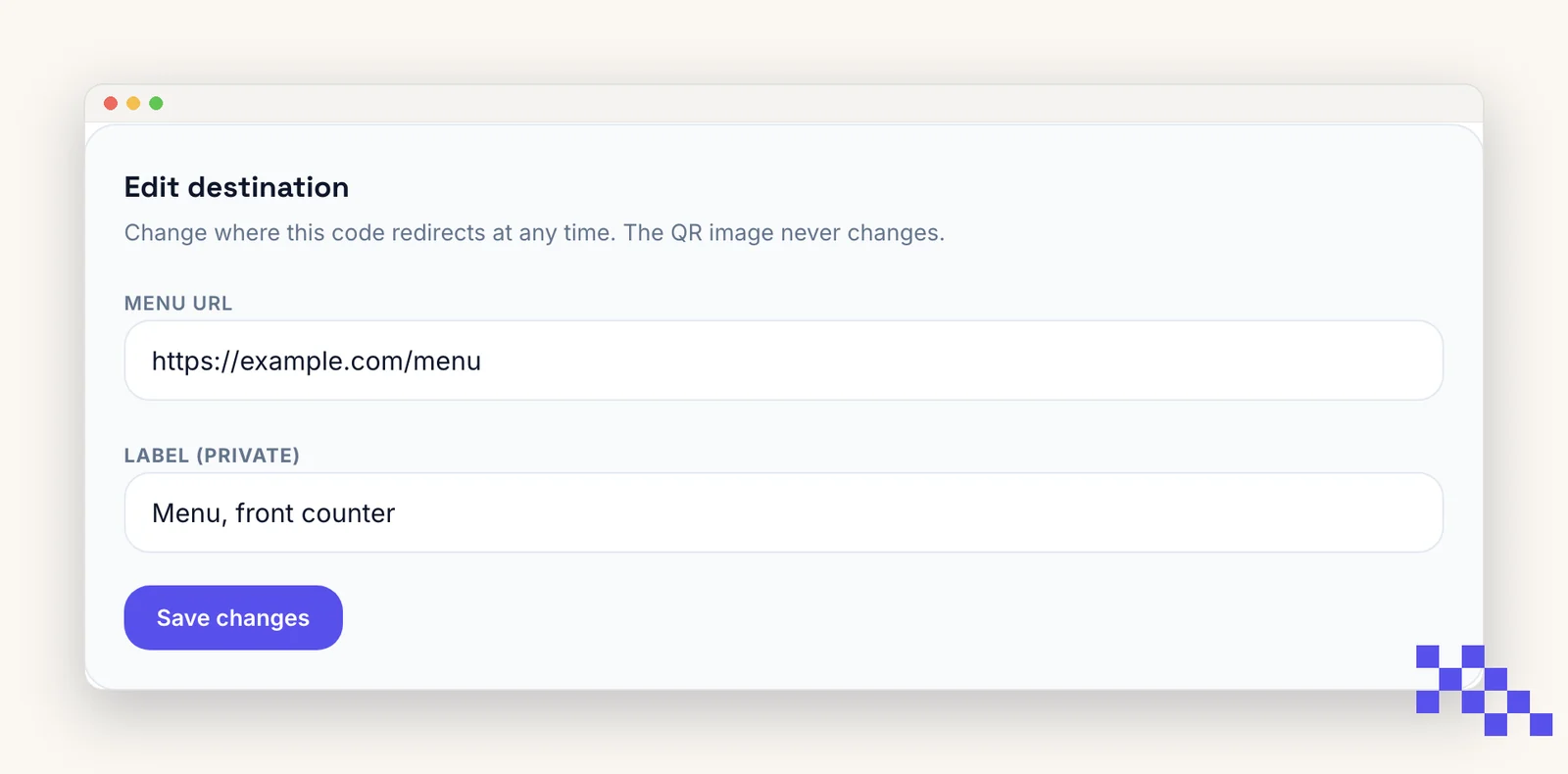
- 1Scan the file, not the screen
Open the downloaded PNG or SVG on your computer and scan it with two different phones (one iPhone, one Android if you can). Screens are forgiving; print is not.
- 2Open the destination all the way
Do not stop at the preview banner. Tap through and check the page loads, on mobile data, not just Wi-Fi.
- 3Print one proof at final size
On the real material if possible: glossy card stock and vinyl behave differently from office paper. Scan the proof from the real distance.
- 4Check the quiet zone survived
Look at the proof: clear margin on all four sides, nothing overlapping the corners.
- 5For dynamic codes, confirm the destination is saved
Open the code's Overview and re-read the destination. A typo there sends every scan to the wrong place, and it is the one thing you can fix after printing.
After printing
- Scan one copy from the batch when it arrives. Print shops occasionally rescale or recompress artwork.
- For dynamic codes, watch Analytics on day one. Zero scans by the afternoon of a launch usually means placement, not the code.
Put this to work on your codes
Save a code to your dashboard and you can re-point it after printing, lock it, and watch every scan. Premium is $4 a month.
Still stuck? Search the help center, or contact support and a person will answer.