Every code exports to PNG (raster) or SVG (vector). Both are baked with your latest colors, logo, and frame.
Which format do I need?
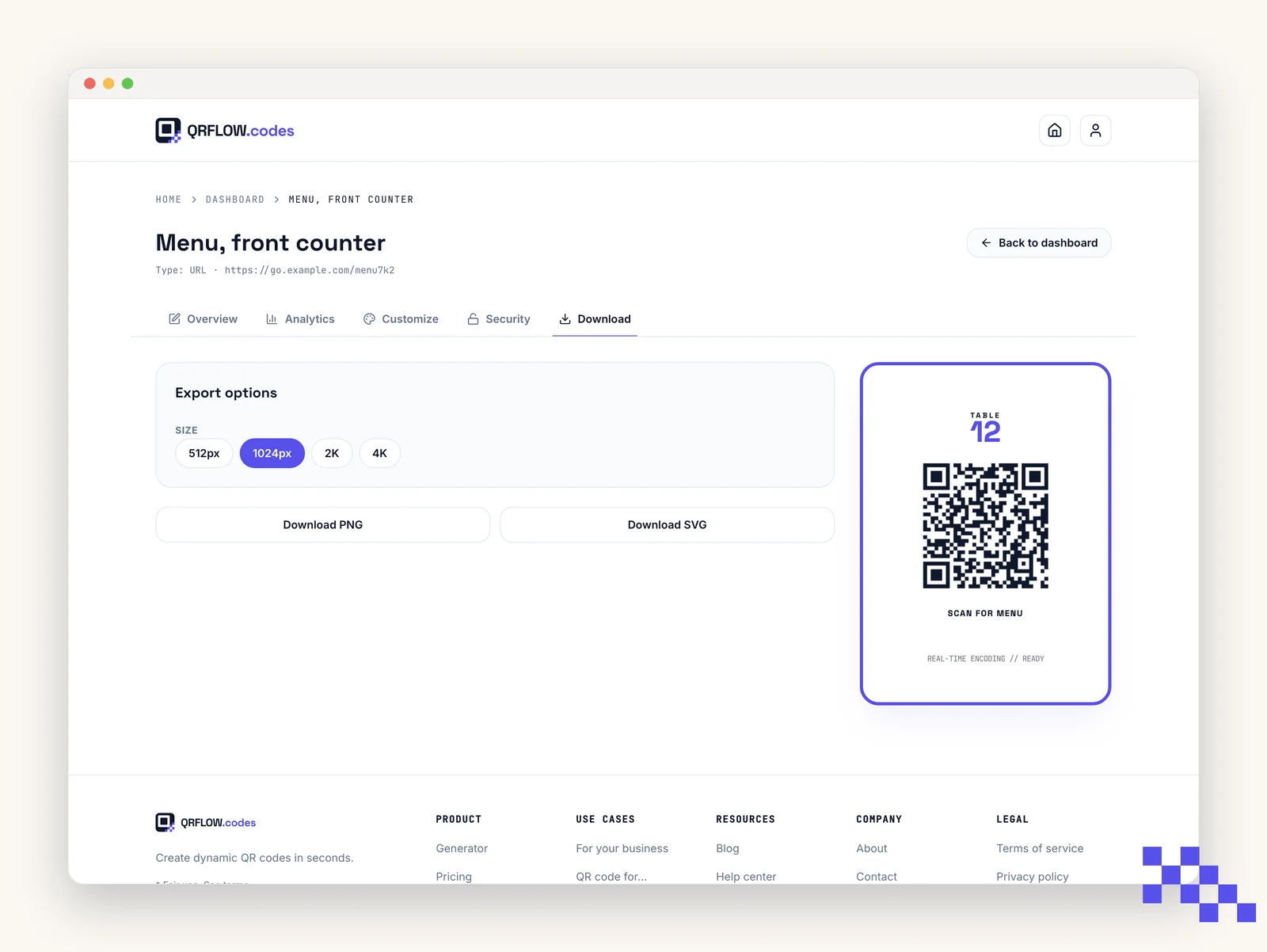
- PNG: for screens, slide decks, social posts, or any print job under about 2000 pixels wide.
- SVG: for design tools (Figma, Illustrator), large-format print, or any job that needs to scale infinitely.
Which size, and what the mark depends on
- PNG comes in 512, 1024, 2K and 4K. A free account downloads at 1024, which is enough for a business card, a table tent or anything on screen.
- Premium unlocks the size picker. Reach for 4K when the code goes on a poster, a banner or a vehicle, where the file gets scaled up on the press.
- SVG has no size at all. It is drawn fresh at whatever size it is placed, so it is the right answer for a printer every time.
- Your logo is baked into the download on Premium. On a free account the file comes without it.
Downloading without an account at all puts a small QRFLOW mark in the corner. A free account takes it off every PNG and SVG you download after that, with no card and no trial.
Heads up. A download is a snapshot. Change the colors, the logo, the frame or the caption afterward and the file on your desktop still shows the old one, so download again before the artwork goes to print. Changing the destination of a dynamic code is the opposite: nothing about the image changes and nothing needs re-downloading.
Print sizing
The smaller the print, the more contrast and quiet space you need. Rule of thumb: the code should be at least one tenth of the scan distance.
- Business card (scan at 4 in / 10 cm): print the code at 0.8 by 0.8 in (2 by 2 cm) minimum.
- Table tent (scan at 16 in / 40 cm): print at 1.5 in (4 cm) minimum.
- Poster (scan at 7 ft / 2 m): print at 8 in (20 cm) minimum.
Tip. Always print a proof and scan it with two different phones before running the full order.
Put this to work on your codes
Save a code to your dashboard and you can re-point it after printing, lock it, and watch every scan. Premium is $4 a month.
Still stuck? Search the help center, or contact support and a person will answer.