Use one QR code for wedding pictures, link it to a share page you control, print reception copies at least 2 inches (5 cm) wide, and make the code dynamic if the album link might change later.
Guests will scan faster when the code has one job. Open the album, not your whole website, not a cloud folder menu, not a social profile with five tabs.
The long-term part matters more than most couples expect. Wedding websites expire, file sharing permissions change, and a printed card can outlive all of that by years.
Where should you put a QR code for wedding pictures?#
Table cards are the easiest place to put a wedding photo QR code because guests are already sitting still, have their phones out, and can scan from about 1 to 3 feet (30 to 90 cm) away. Print the code at least 2 inches (5 cm) wide on the table, or 2.5 inches (6.4 cm) if the room is dim.
Reception tables work better than tiny favors. A code on the back of a menu card, a small frame near the centerpiece, or a separate tent card gets noticed without feeling pushy.
Ceremony programs can work too, but only if the album is ready that day. If your full gallery will take weeks, point that code to a simple landing page that says 'preview photos now, full album later.'
A welcome sign is fine for a big version. Guests will stand farther back, so go bigger, around 4 inches (10 cm) wide if people will scan from 4 to 8 feet (1.2 to 2.4 m) away.
If you want the design polished, pair the code with a short line of text like “See tonight’s photos” or “Open the wedding album.” Short beats clever here.
What should a wedding photo QR code link to?#
A wedding photo QR code should link to one page you can keep alive, not directly to a fragile file path you might move later. A simple album page, shared gallery, or personal page with one clear album button is the safest setup.
This is where couples get stuck for years later. You upload photos to one service, then switch accounts, stop paying for storage, or reorganize folders. The printed code still scans, but the destination breaks.
The fix is simple. Link the code to a page you control, then place the album link on that page. If the album ever moves, you only update the page.
That page can be very plain. Add one cover photo, one button for the main gallery, and maybe a second button for guest uploads or downloads. Keep it light so it opens fast on weak venue Wi-Fi.
If you just need the mechanics, how to create a QR code for a link covers the basic setup and testing.
Thank you cards are another great spot for a QR code wedding album, especially once your final gallery is ready. By then the link is less likely to change, and guests have more time to save pictures they love.
Keep QR code working long-term?#
A QR code for wedding pictures lasts for years when the destination stays under your control, the album permissions stay public to guests, and the printed code is static only if the link will never need changing. If there is any chance you will swap galleries later, use a dynamic code.
Static codes are free to make and download at QRFLOW.codes, and they never expire. Dynamic codes let you change the destination after printing, which is genuinely useful when your sneak peeks, full gallery, and anniversary album may live in different places over time.
A good long-term setup looks like this. First, make a page you own or expect to keep. Second, place the current gallery link on that page. Third, keep one backup copy of the page text and album URL somewhere boring but safe.
Also check the album privacy setting from a guest view, not from your own logged-in account. A link that opens for you can still block everyone else with a sign-in wall.
If you know you will start with a preview gallery and swap to a full set later, a dynamic code is the clean option. Premium also removes the watermark and includes SVG if you want extra crisp print for stationery. Pricing is on /pricing.
If you want a code on invitations, table cards, and thank you notes, QRFLOW.codes lets you make the code first and test it before anything goes to print.
Want guests to upload their own shots too?#
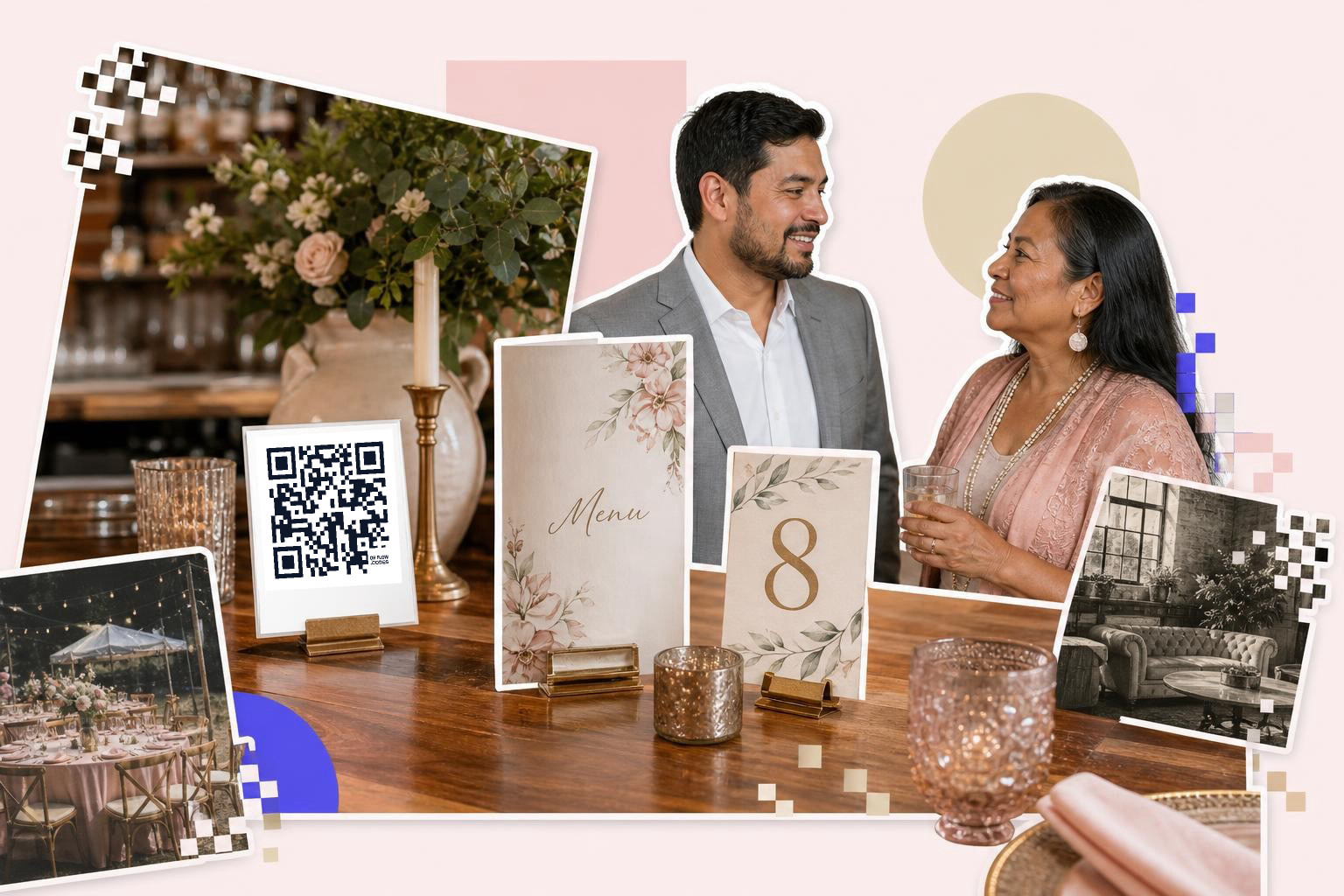
Guest upload codes work best when they open a single form or shared album with no account friction. Put that code near the guest book, disposable cameras, or the memory table, and print it at least 2.5 inches (6.4 cm) wide.
This code should not be the same as your viewing album if you can help it. One code says “see the photos.” The other says “add your photos.” Mixing both actions on one page causes hesitation.
A short upload flow matters more than fancy design. If guests need to request access, sign in, then hunt for an upload button, many will give up.
If you use a form, test file uploads on iPhone and Android before the wedding. Some forms look fine until someone tries to send ten photos on venue data.
Place the upload code where people pause anyway. Near the guest book, escort card table, or favor station beats the dance floor every time.
If your venue Wi-Fi is part of the plan, set that up clearly too. A separate guest network sign can help, and how to share Wi-Fi password shows the cleanest way to do it.
Can you share wedding pictures during the reception?#
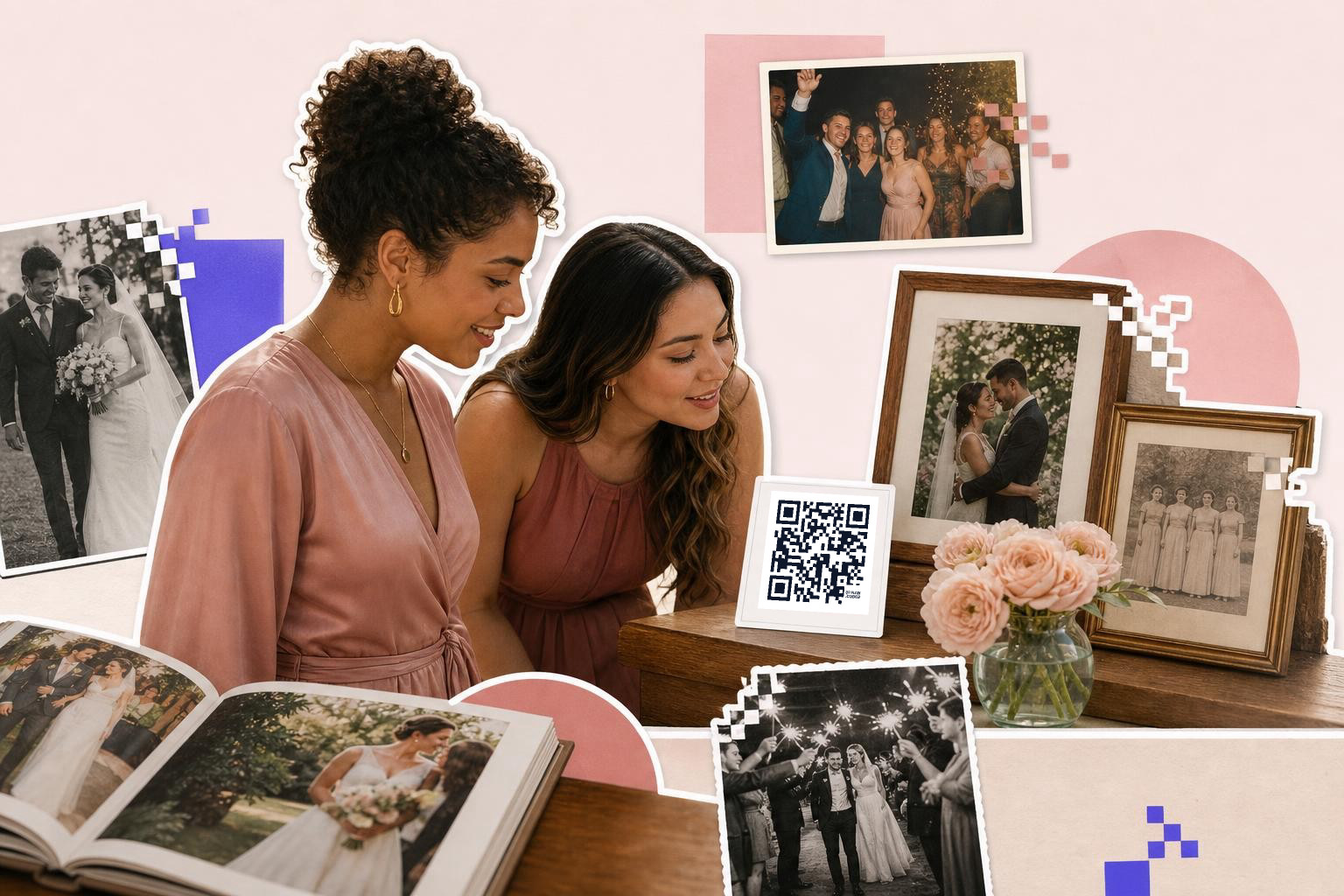
Yes, you can share wedding pictures during the reception if you link the code to a small highlight gallery that updates through the night. Put that code on the bar, lounge tables, or a photo display where guests naturally gather.
This works well for a same day slideshow, a handful of sneak peeks from your photographer, or a batch of phone shots from the wedding party. Keep expectations clear. Say “Tonight’s highlights” if it is not the full album yet.
For these fast moving links, dynamic helps again. You might point the code to a teaser gallery during cocktail hour, then switch it to the full album weeks later without reprinting anything.
Scan distance matters more in busy rooms. A bar sign usually needs a code around 3 inches (7.6 cm) wide because guests scan while standing, often from 2 to 4 feet (60 to 120 cm) away.
Keep enough empty space around the code. A quiet white border helps phone cameras lock on faster than a code squeezed into flowers, foil, and tiny script.
If you are designing the signs yourself, how to create a QR code in Canva for clear prints can help you avoid the usual sizing mistakes.
Should you keep the code after the wedding?#
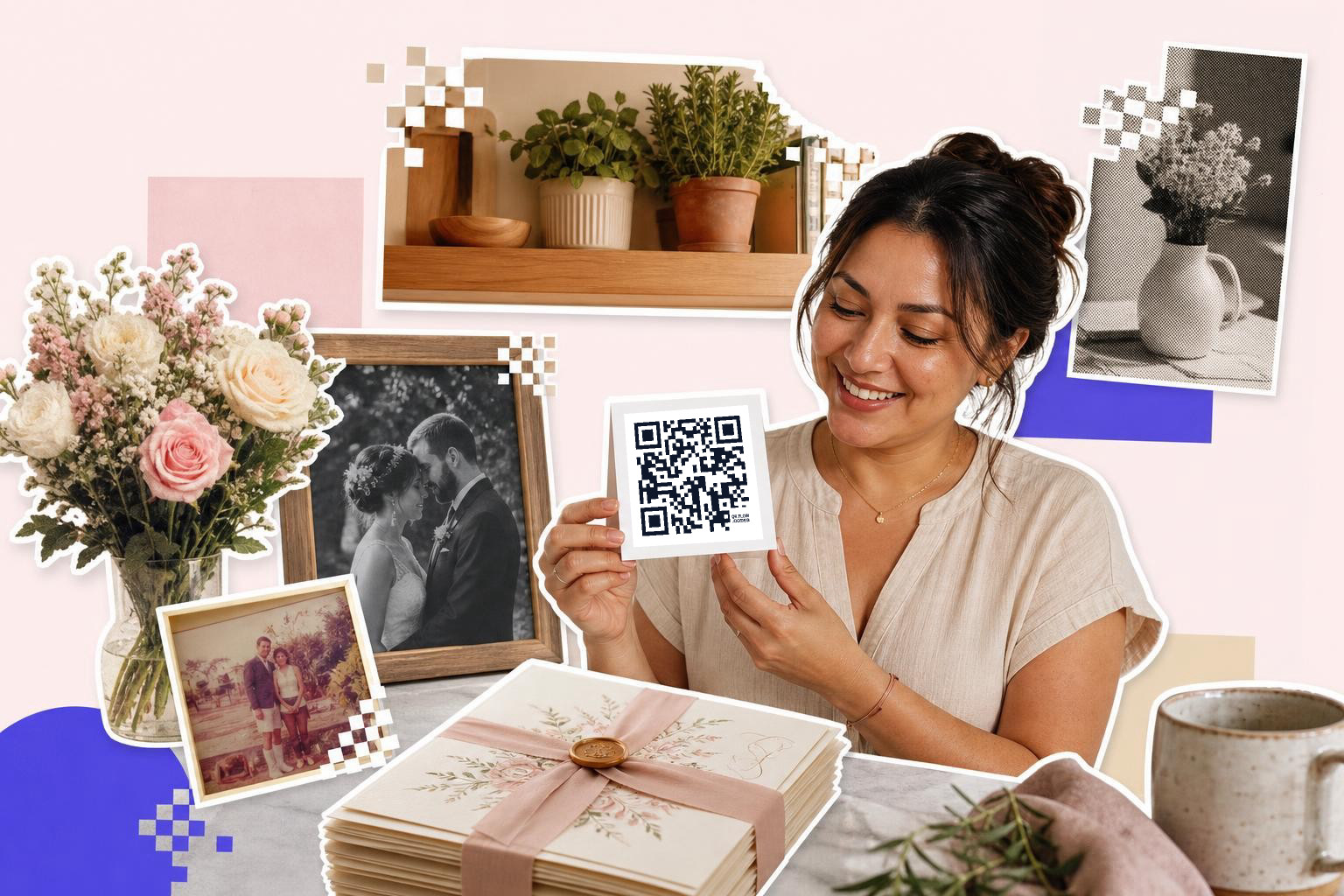
A wedding album code is worth keeping if you want an easy way to revisit photos on anniversaries, in framed prints, or in your scrapbook box. A small card at home only needs to be about 1 inch (2.5 cm) wide for close scanning.
This is the nicest use that people forget. Add the code to the back of a framed photo, inside your printed album, or on the lid of a keepsake box. Scan once, and the whole gallery opens.
If your photographer sends a new gallery later, or you make a favorites album for family, a dynamic code saves you from printing a new keepsake card. If your final album is settled and permanent, a static code is fine.
You can also make separate codes for different groups if that helps. One for all guests, one for family downloads, one for private behind the scenes pictures. Just label them clearly so nobody opens the wrong thing.
Common Questions About Wedding Photo QR Codes#
Can guests download photos from the code?#
Yes, if the page or album you link to allows downloads. The QR code only opens the destination, so downloading depends on your gallery settings, not the code itself.
Does a wedding photo QR code expire?#
A static code does not expire on its own. A dynamic code keeps working as long as the service stays active. In both cases, what usually breaks is the destination link, a deleted album, or changed permission setting.
Is one code enough for the whole wedding?#
One viewing code is enough for most weddings. If you also want guest uploads, use a second code so each one has one clear job and guests do not have to guess where to tap.
What file should you print?#
PNG is fine for most cards, signs, and thank you notes. If you are sending artwork to a stationer or scaling the code across several sizes, SVG is better because it stays crisp at any size.
A good QR code for wedding pictures is boring in the right ways. One clear link, enough size, and a destination you can still control years from now.
Make yours, test it on two phones, and print with confidence using free QR code generator.