
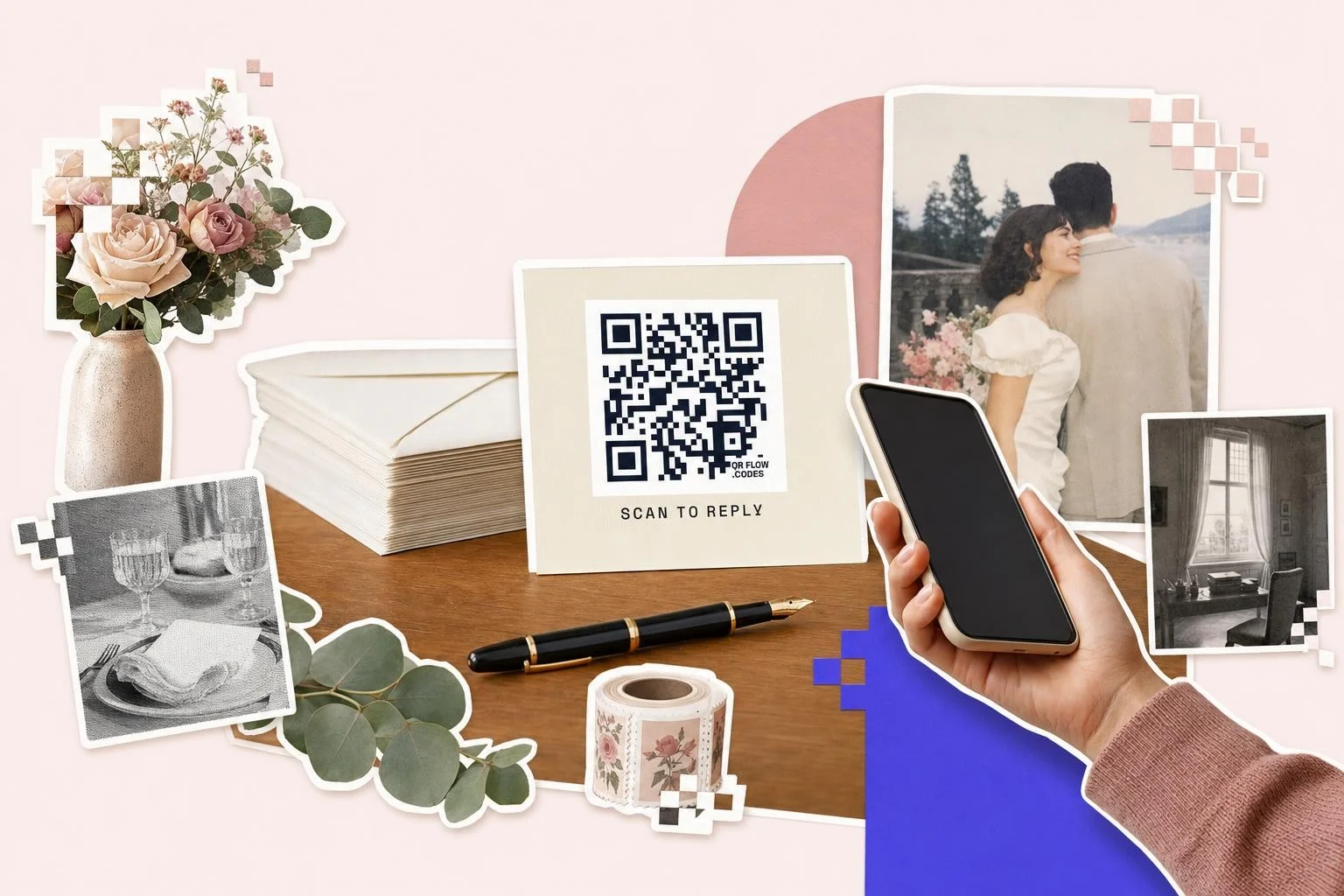
What to link the code to
The best destination is the page that takes the reply and nothing else: the RSVP screen of your wedding website, the event page on the platform you invited from, or a Google Form with four fields. What matters is that it opens fast on a phone and asks for as little as possible. A guest standing at their kitchen counter with an envelope in one hand will not make an account, and they will not zoom around a desktop layout.
Give each household one code if you can. Most wedding sites let you send guests to a page where they find their own name; if yours does, link that, because "find your name" is far less work than typing it. If you are using a form, put the names in a pre-filled link per household and make one code each, the same trick the Google Form page describes. Event check-in QR codes covers the day itself.
- Wedding website RSVP page: the usual answer, and the one guests expect.
- A form (Google Forms, Typeform, Jotform): fastest to set up, no account for guests.
- Event platform page: when you invited through Partiful, Evite or Paperless Post.
- Your own site: a single page with a form and the date at the top.
- A details page after the deadline: where a dynamic code goes when replies close.
What your invitation printer already gives you
Check before you make anything. If you are buying stationery from The Knot, a QR code is free inside their design tool: you click the QR icon on the template and paste any URL, so there is no reason to add one from elsewhere. Zola is the opposite trap, and it catches people every year: Zola prints a QR code on their own invites, save the dates, RSVP cards and enclosure cards, but their help center says plainly that a Zola QR code cannot be added to the wedding website or downloaded to use on non-Zola paper. So if your site is on Zola and your invitations come from anywhere else, or from your own printer, the code has to come from outside Zola. That is the job this page does: paste your Zola website link above and you have an SVG the printer can use.
The same check applies to any builder: look for Share or Settings on your site first, and if what you find is a picture you cannot download at the size you need, make the code here from the same link.
On the card: size, wording, and the line to keep
Keep the code around 1 in (2.5 cm) on an invitation or reply card, on a light background with a clear margin, and never over a photograph or a watercolor wash. Formal stationery survives a QR code perfectly well when it sits on the back or on the reply card rather than in the middle of the front.
Write the sentence, not just the square: "Scan to reply by June 1" does more work than a bare code. And always print the web address in small type under it. Some guests will hand the envelope to someone who types it, some cameras are older than the invitation, and the printed address is also what people find when they dig the card out of a drawer three months later.
Before the whole run goes to print
Scan the proof with two phones, one iPhone and one Android, in ordinary indoor light, and follow it all the way through a test reply so you see what a guest sees. Check the page on a small screen, check that the deadline is on it, and check that the reply actually arrived where you will look for it. Then print. Our test before you print checklist is the short version of this.
How big to print it
Rule of thumb: the code should be at least one tenth of the distance it is scanned from. These are the sizes that work in practice for this job.
| Where | Scan distance | Minimum width |
|---|---|---|
| Reply card or invitation | 10-14 in (25-35 cm) | 1 in (2.5 cm) |
| Save the date | 10-14 in (25-35 cm) | 0.9 in (2.2 cm) |
| Insert card in a suite | 10-12 in (25-30 cm) | 1 in (2.5 cm) |
| Welcome sign at the door | 3-5 ft (1-1.5 m) | 3 in (8 cm) |
Why make it dynamic
An invitation is the one print run you truly cannot redo: it is in a hundred envelopes before anyone notices the link is wrong. A dynamic code is the insurance. If the wedding site moves, the form fills up, the RSVP deadline passes or the date changes, you edit the destination and every envelope already posted still lands somewhere sensible, on a thank-you note or a details page instead of a dead link. The scan count also tells you how many people got as far as opening the page, which is the number you want a week before the caterer's deadline.
Dynamic codes are part of Premium, $4 a month. Static vs dynamic, explained.
Step by step
- 1
Copy the reply link
The RSVP page of your wedding site, the event page, or the form. Open it in a private window to be sure it works for someone who is not signed in.
- 2
Paste it above
The RSVP type is selected; the code appears as you paste.
- 3
Caption it and download
A frame with "Scan to reply by [date]". SVG for the stationery printer, PNG for a home print.
- 4
Keep it editable
On Premium the code stays editable after the envelopes are sealed: move it to a details page when replies close.
Questions people ask
- How do I make a QR code for a wedding RSVP?
- Copy the link to your RSVP page (your wedding website's reply screen, or a form), paste it into the generator on this page, and download the SVG for your stationery printer. Print it about 1 in (2.5 cm) with the web address in small type underneath.
- Can I use my Zola wedding website with my own invitations?
- Yes, but not with Zola's QR code. Zola's help center says a Zola QR code cannot be added to the wedding website or downloaded for non-Zola paper, so it only exists on stationery you buy from them. Copy your Zola website link, make the code here, and your own printer can use it.
- Do I still need paper reply cards?
- Not usually. A QR code plus the printed web address covers almost every guest, and you can post a small number of paper cards to the handful who would rather write. Doing both for everyone doubles your counting work.
- What happens to the code after the RSVP deadline?
- A static code keeps opening a closed form, which looks careless. A dynamic code can be pointed at a details page, the schedule or a thank-you note the day replies close, and every invitation already sent follows.
- Will older guests actually use it?
- Many will, and the ones who don't are why the web address goes under the code in readable type. Phone cameras have read QR codes without an app since 2017, so the barrier is habit rather than hardware; a sentence that says what happens when they scan closes most of that gap.
- Can each guest get their own code?
- Yes. If your site has a page where guests find their name, link that. If you use a form, make a pre-filled link per household and one code each; Bulk on Premium turns a CSV of names and links into a ZIP of codes.
- Is an RSVP QR code free?
- Yes to make and print, and a free account keeps the download unmarked. Premium ($4 a month) keeps the code editable after the invitations are mailed, and counts scans; plenty of couples keep it for the months around the wedding and cancel after.
Make the code now, change the link later
Free to make and print. Premium ($4/mo) keeps it editable and counts every scan.