
Address, place name or coordinates
An address works for anything with a street number. A place name ("Bellagio Fountains") works for landmarks Google knows. Coordinates (36.1126, -115.1767) are for the things addresses miss: a trailhead, a field gate, the right entrance to a large venue, a stall in a market. To get coordinates, long-press the spot in Google Maps and copy the numbers. If both are given, the generator uses the coordinates.
Where a map code saves a phone call
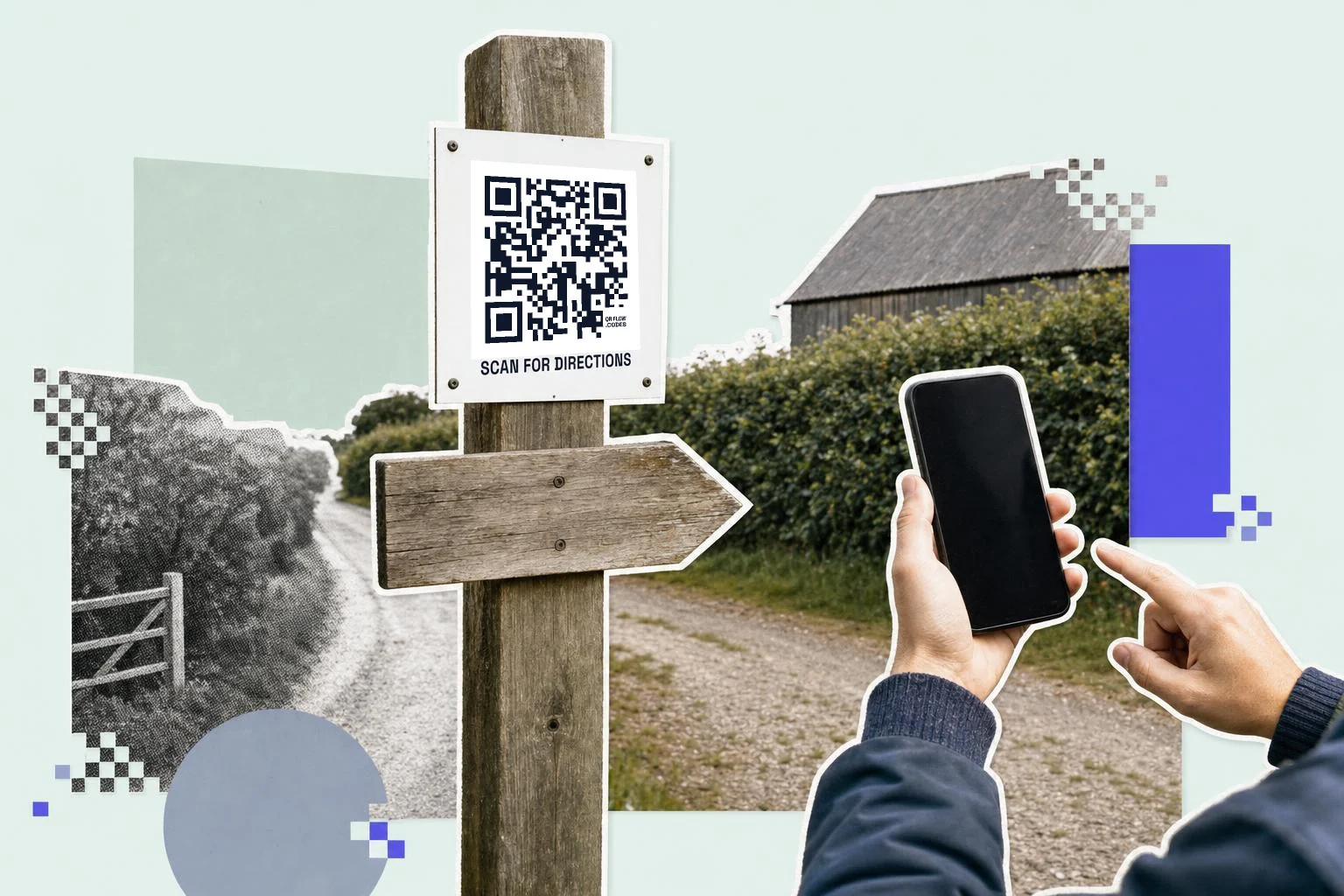
Anywhere people ask "where exactly?": wedding invitations, event flyers, delivery instructions for a rural address, the sign at the main road pointing to the venue, a business card for a place that's hard to find, an Airbnb welcome message for the parking spot. Print "Scan for directions" under it; the map itself does the rest.
- Invitations and flyers: the venue, with the exact entrance if it matters.
- Delivery and service instructions: coordinates for the gate, not the mailbox.
- Road signs and lot signs: the parking, not the front door.
- Real estate: the listing's location for drive-bys.
- Trail heads and outdoor events: coordinates, plus the nearest parking as a second code.
iPhone and Android
The code carries a Google Maps link. Android opens it in Google Maps. iPhone opens it in Google Maps if installed, otherwise in the browser, where Apple offers to open Apple Maps. Either way the pin is right and Directions is one tap.
Google Maps can share a link, not a code
Google Maps' Share button gives you a short maps.app.goo.gl link for any place, which you can paste here as a plain link code if you prefer it to the Location type; it opens the same pin. Maps itself does not draw a QR code, and Apple Maps only shares a link too, so for anything printed the code is made here either way. The Location type is the better default because you can see and edit the address or coordinates later instead of an opaque short link. Which Google Maps link to use compares a place link, a directions link and coordinates.
Why make it dynamic
Businesses move, events change venues, the parking lot for the festival is different this year. A dynamic location code on the invitation or the sign follows the change: edit the destination and every printed piece points at the right pin. The scan count also tells you how many people used the map, which for an event is a good proxy for how many are actually coming.
Dynamic codes are part of Premium, $4 a month. Static vs dynamic, explained.
Step by step
- 1
Enter the place
An address, a place name, or coordinates from a long-press in Google Maps.
- 2
Check the preview
Scan it and make sure the pin lands on the right entrance, not the middle of the block.
- 3
Caption and print
"Scan for directions" in the frame; 1 in (2.5 cm) on invitations, 3 in (8 cm) on signs.
- 4
Move it when you move
On Premium, edit the dynamic code to the new venue or the new parking lot.
Questions people ask
- How do I make a QR code for a Google Maps location?
- Choose Location in the generator, enter the address or the coordinates, and download the code. Scanning opens the place in Maps with directions one tap away.
- How do I get the coordinates of a spot?
- In Google Maps, long-press the spot; the coordinates appear at the top or bottom. Copy them into the latitude and longitude fields.
- Does it work on iPhone?
- Yes. It opens Google Maps if installed, otherwise the browser, which can hand off to Apple Maps.
- Can the code give directions straight away?
- The map opens on the pin with a Directions button; one tap starts navigation from wherever the phone is.
- Can I change the location later?
- With a dynamic code, yes. A static code holds the address in the pattern and needs a reprint.
- Can I use the share link from Google Maps instead?
- Yes. Share, Copy link in Google Maps gives a short maps.app.goo.gl link; paste it as a plain link code and it opens the same pin. The Location type here is easier to edit later because the address or coordinates stay readable.
- Does a location QR code cost anything?
- No. The code and PNG are free and unmarked once you have an account; Premium ($4 a month) lets you move the pin behind a printed code when the venue or the parking changes.
Make the code now, change the link later
Free to make and print. Premium ($4/mo) keeps it editable and counts every scan.