
Give each event QR code one job: check-in at the door, the live schedule on the badge, feedback while people are still seated. Print sign codes at least 2.5 inches wide, and make any code whose link might change dynamic.
You don't need QR codes everywhere. You need them where they save time, fix confusion, or catch people while they're already paying attention.
For a 300 person conference, a weekend street festival, a corporate offsite, a charity gala, or a community 5K, the job is usually the same. Move people faster, share updates without reprinting, and make follow-up easier after the last chair is stacked. The trick is giving each code one clear job.
What an event check-in QR code does to the line#
The QR codes for events page has the printable pieces for each of these; this post is about running the day.
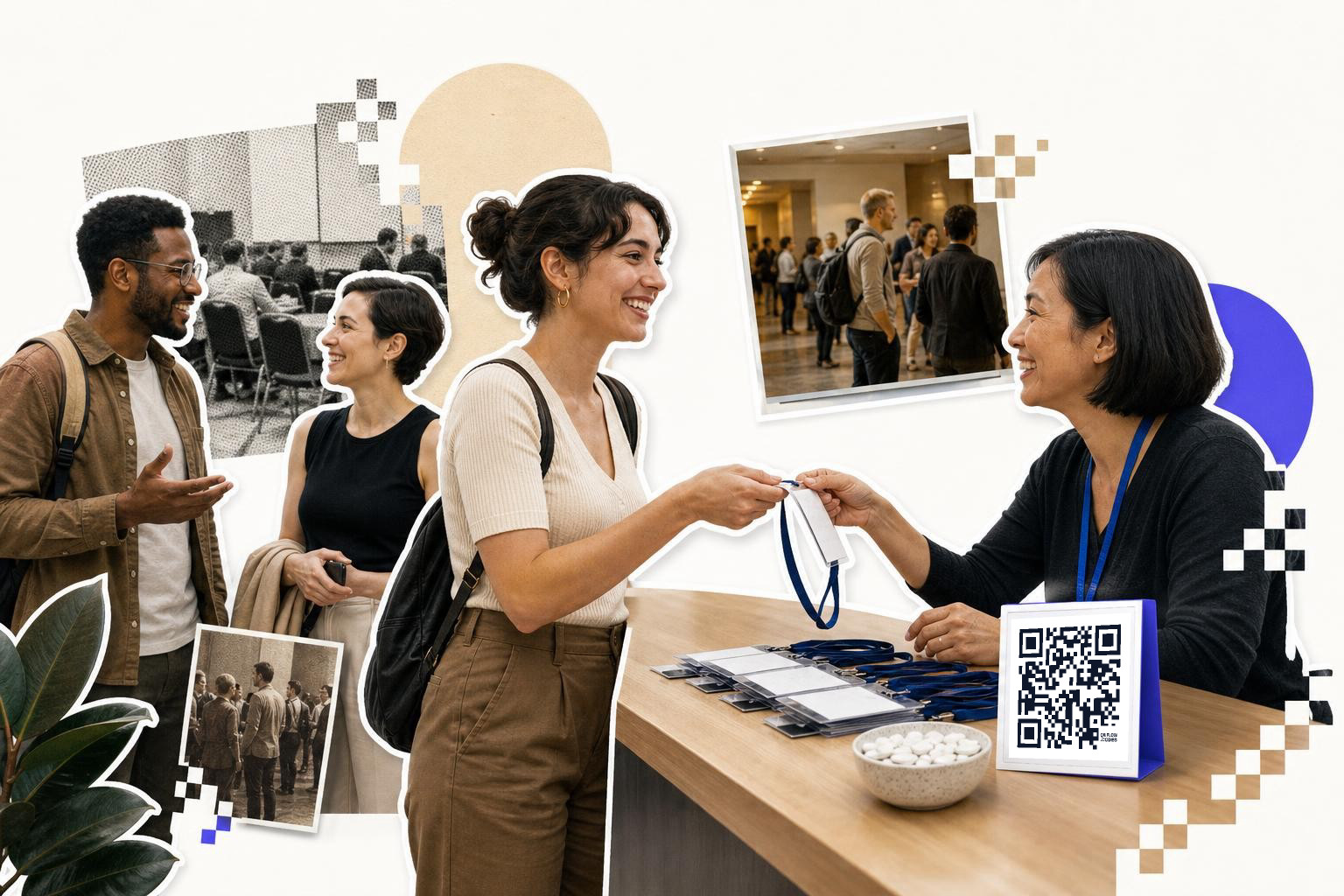
Your first event QR code should usually live at registration. Not on every surface, not buried in an email footer, right where people pause before the desk.
For a conference or gala, print one large code on an 8.5 x 11 inch sign at the start of the line, then a second at the desk. Link it to mobile check-in, ticket lookup, or a simple attendee list form. If people can scan before they reach staff, the line keeps moving.
A detail first-time organizers miss is scan distance. A tiny badge-sized code is fine in someone's hand, but bad for a line of 40 people. For a sign viewed from 3 to 6 feet away, make the code at least 2.5 inches wide, with quiet space around it.
Convention halls also love bad Wi-Fi. The code itself-scans offline because it's just an image, but the page it opens still needs internet. If your venue signal is weak, test on mobile data in the actual lobby, not just in your office.
For attendee badges, use a separate code only if staff needs to scan each guest. Keep the printed code at least 0.8 inch wide on the badge, and don't place it too close to the badge edge or lanyard hole. Curved plastic holders can warp the image a little, which is enough to slow cheap scanners.
If your ticketing link or check-in page might change after print day, use a dynamic code. With a dynamic QR code from QRFLOW.codes, you can swap the destination after badges and signs are already printed, which is a lifesaver the night before doors open.
How do QR codes help with changing schedules?#
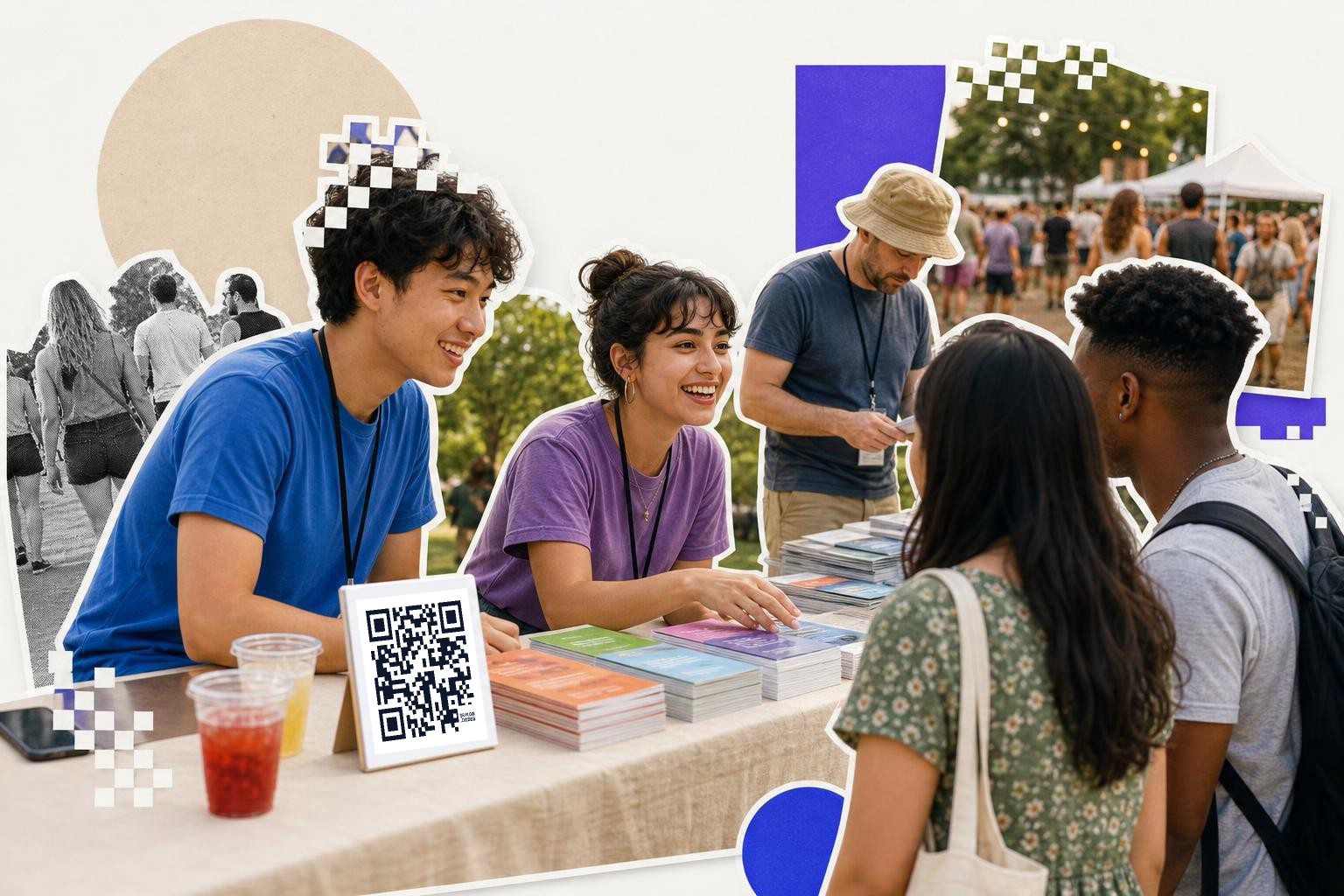
A printed program goes stale fast. Speakers miss flights, rooms change, weather moves a session indoors. One schedule code in the right places beats a stack of outdated handouts.
Put the schedule code on the badge-back, near room entrances, at the info desk, and on the first slide before the keynote starts. Link it to a mobile-friendly schedule page, not a PDF if you can help it. PDFs pinch, zoom, and make people grumpy.
Use one code for the live schedule only. Don't make it the same code as maps, Wi-Fi info, sponsor offers, and feedback. When one code points to a catch-all page, people have to hunt. At an event, that usually means they give up.
For a weekend street festival, the same rule holds. Put schedule and map on separate codes. Someone looking for the next band does not want to scroll past food truck rules and volunteer forms.
Here's the practical bit. If you're printing the code on a badge back, make it at least 1 inch wide and keep matte lamination if possible. Glossy badges can throw glare under lobby lights, especially when people tilt them while walking.
If your event team still needs signs fast, you can make and download PNG or SVG files from the free QR code generator and send them straight to your printer. SVG is usually the safer pick for large signs because it stays sharp at any size.
Where do QR codes go at an outdoor event?#
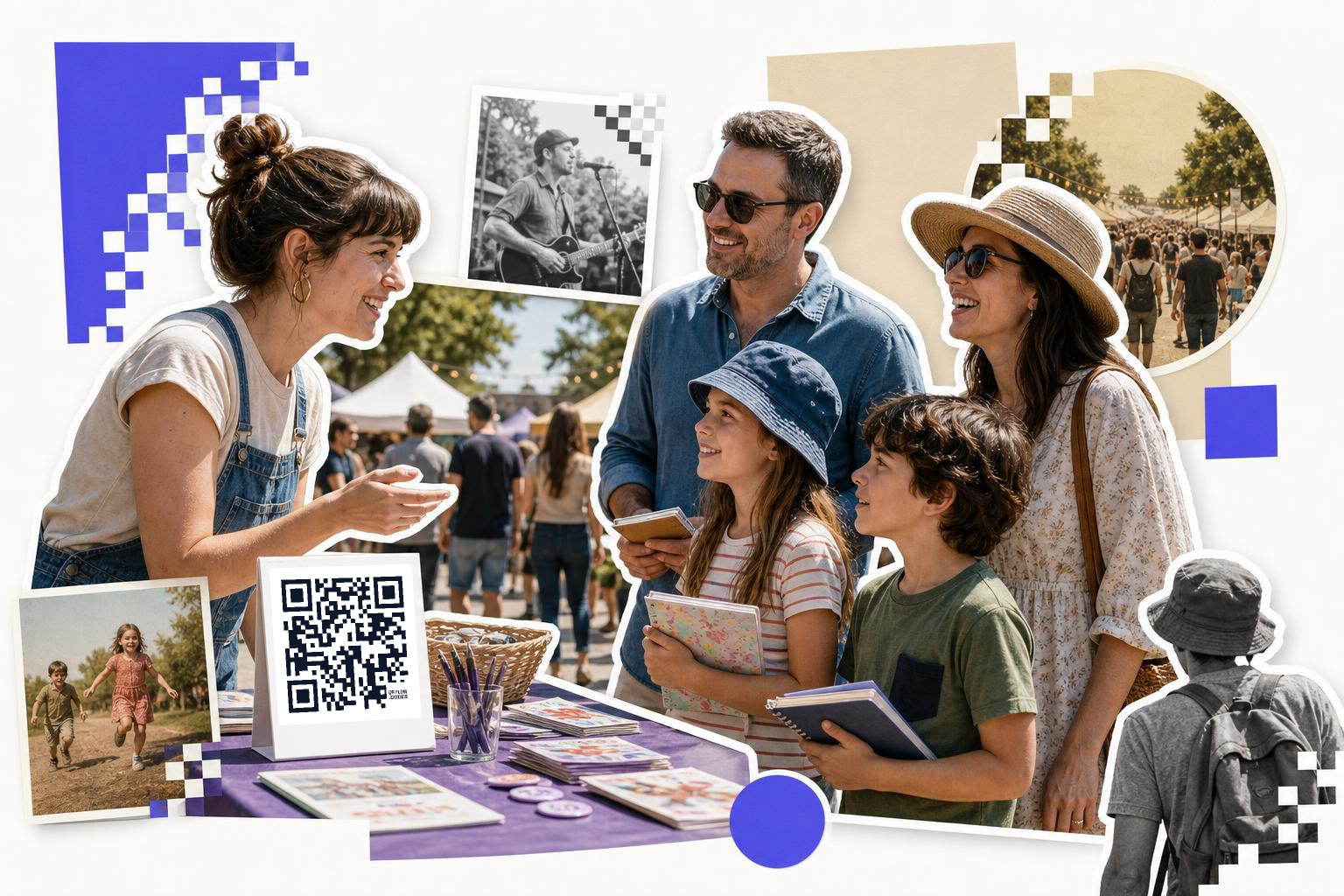
A street festival and a community 5K are not small indoor conferences with sunshine. Light, weather, motion, and dirty surfaces change what works.
For outdoor events, place codes where people naturally stop. Think entry fencing, water stations, vendor tents, and the packet pickup table. Avoid low placement on shiny tables or the side of a truck where glare and shadows fight each other.
Print bigger than you think. A code on a tent sign should usually be at least 3 inches wide. If people are scanning while standing in bright sun, strong contrast matters more than fancy styling.
Use outdoor codes for jobs that help in the moment. A 5K packet pickup code can open race day instructions. A festival info tent code can open today's lineup. A volunteer tent code can open shift notes and emergency contacts.
And yes, weather changes links too. If Saturday's stage moves because of rain, a dynamic code lets you update the destination instead of apologizing all day. That matters more outdoors, where reprinting can be slow and taping over signs looks rough.
Need lots of signs for checkpoints, tents, or route markers? Bulk generation is handy here, when each area needs its own code instead of one giant catch-all page.
When is the best time for session feedback with QR codes?#

If you want real feedback, ask before people leave the room. Waiting until the next morning drops response rates quickly.
For a conference session or corporate offsite workshop, put a feedback code on the last slide and another by the exit. Link it to one short form for that single session. Not the whole event survey, not a 20 question monster.
This is where one code per job really pays off. One code for keynote feedback, one for each breakout, one for the end of day survey. You'll get cleaner answers, and you can tell which room or speaker the feedback belongs to without asking people to fill that out manually.
Keep the form short enough to finish in under a minute. A rating, one favorite point, one fix, done. If you use dynamic codes, you can keep the printed slide the same across sessions and change where each room's code points.
You can also use scan analytics here in a practical way. If one room gets lots of scans but few completed forms, the problem is probably the form itself, not audience interest.
If you're planning a learning heavy event, our guide to QR codes for museums has a few useful ideas for room by room engagement too.
Mid event fix: build your signs and feedback pages before print deadlines, then keep the destinations editable. You can create a code now with QRFLOW.codes, print it once, and still change the page if a room, speaker, or form changes later.
How do booths and sponsors use QR codes?#

Event sponsors always want traffic. Attendees want less friction. A good booth code can help both, if it points somewhere specific.
For sponsor and vendor booths, use a code for one clear action. Book a demo. Download a lookbook. Enter a giveaway. Save a show special. Don't send people to a busy homepage and hope they figure it out.
Tabletop placement matters. Put the code upright at chest to waist height if possible, not flat on a table where hands, cups, and tote bags cover it. A 5 x 7 inch sign is often enough for a booth counter, as long as the code itself is at least 1.5 inches wide.
For a charity gala silent auction, codes can point straight to item details or mobile bidding. For a corporate offsite expo area, each team table can have its own code for resources and signups. For a street festival vendor row, every booth should run its own link, not a shared event page.
If you promised sponsors reporting, separate codes help there too. One booth, one destination, one result set. That's much easier to explain than a single event code used everywhere.
How do you keep attendees engaged after the event?#
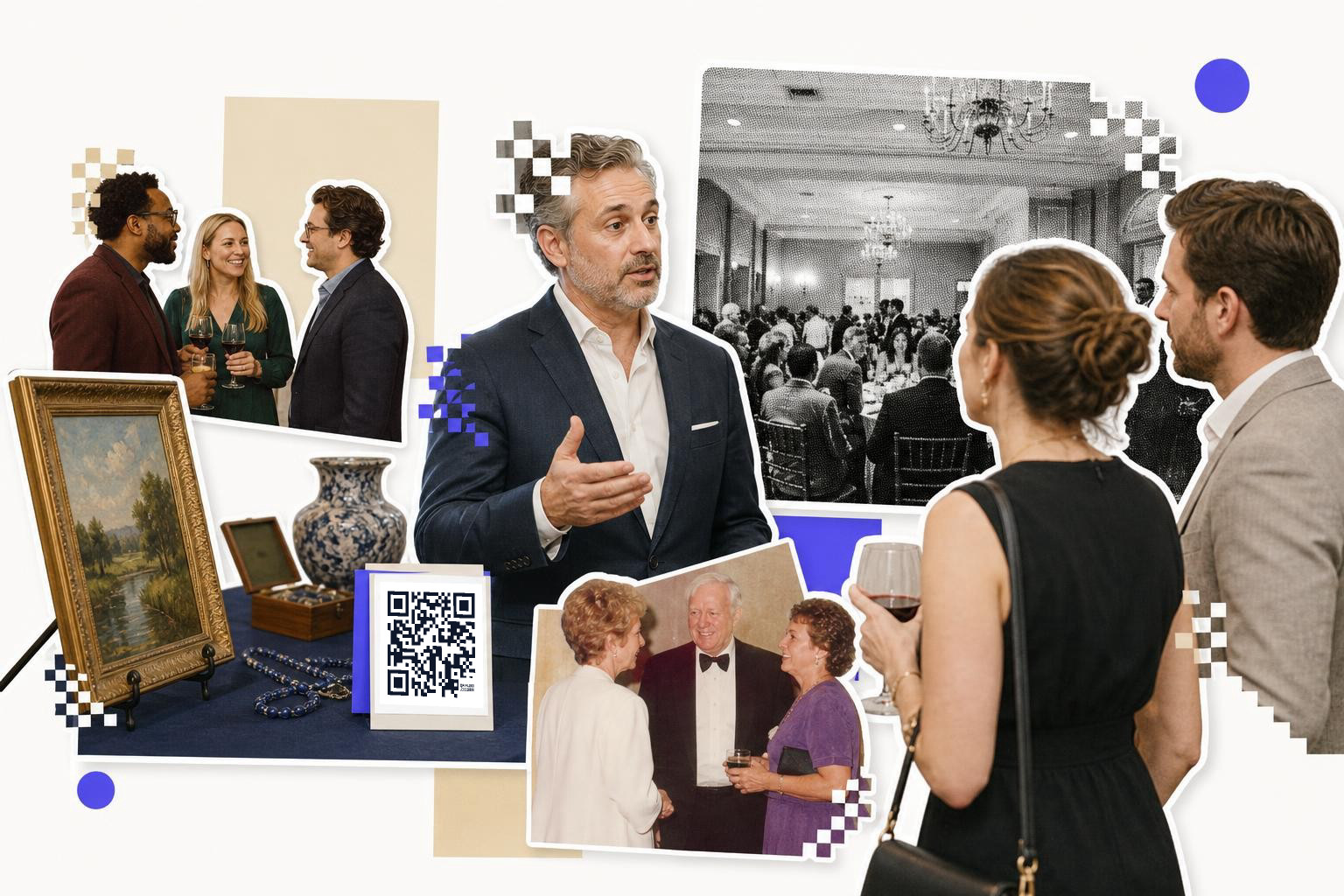
The best follow-up starts before people walk out. Put your final code where they see it during the closing session, near exits, and in the post-event email.
For a conference, link to slides, certificates, photo galleries, or next year waitlist pages. For a 5K, link to results and finish line photos. For a charity gala, link to donation follow-up and impact updates. For a corporate offsite, link to session recaps and internal resources.
This is another place where separate beats combined. One code for slides, one for full event feedback, one for future registration. If you put everything behind one page, you make one more decision for a tired attendee.
Printing lead times matter here. If your stage backdrop went to print two weeks ago, don't hard code it to a page that might change after the event. Use a dynamic link if the destination depends on attendance numbers, final photo uploads, or post-event approvals.
If you need a soft gate for private files after a company offsite or paid event, password protection can help keep the page limited to attendees. That's available on pricing.
Questions people ask about QR codes for events#
Should I use one QR code for the whole event?#
No, using one QR code for the whole event is not recommended. Use separate codes for different tasks like check-in, live schedule, session feedback, booth offers, and post-event follow-up. This makes scanning faster and improves the clarity of your reports.
Do QR codes work if the venue Wi-Fi is bad?#
The code image will still scan, but the page it opens needs internet access. Always test on cellular data at the venue. If the signal is weak, keep destination pages light, mobile friendly, and quick to load.
How small can an event QR code be on a badge?#
Around 0.8 inch wide is a practical floor for many badges, if staff scans it up close. For attendee self scan at a distance, go bigger. A badge back code around 1 inch wide is usually easier and faster.
Should event QR codes link to a PDF or a web page?#
A web page is usually better for schedules, maps, and updates. It loads better on phones and is easier to edit. PDFs are fine for fixed documents, but they can be awkward in a hallway when someone just wants quick info.
What's the biggest mistake first time organizers make?#
First-time organizers often create a single, all-purpose code and use it indiscriminately. The second mistake is not testing in real conditions, especially glare, weak signal, and scan distance. Clear purpose and real world testing beat fancy design every time.
Good QR codes for events feel invisible. People scan, get the thing they need, and keep moving. That's the goal.
If you're setting up signs, badges, feedback forms, or follow up pages, build them with QRFLOW.codes. It's a free QR code generator with free static codes and editable dynamic codes when you need changes after printing.
When the sign, card or label is ready to print, make the code on the generator and download it as SVG or PNG at the size the piece needs.