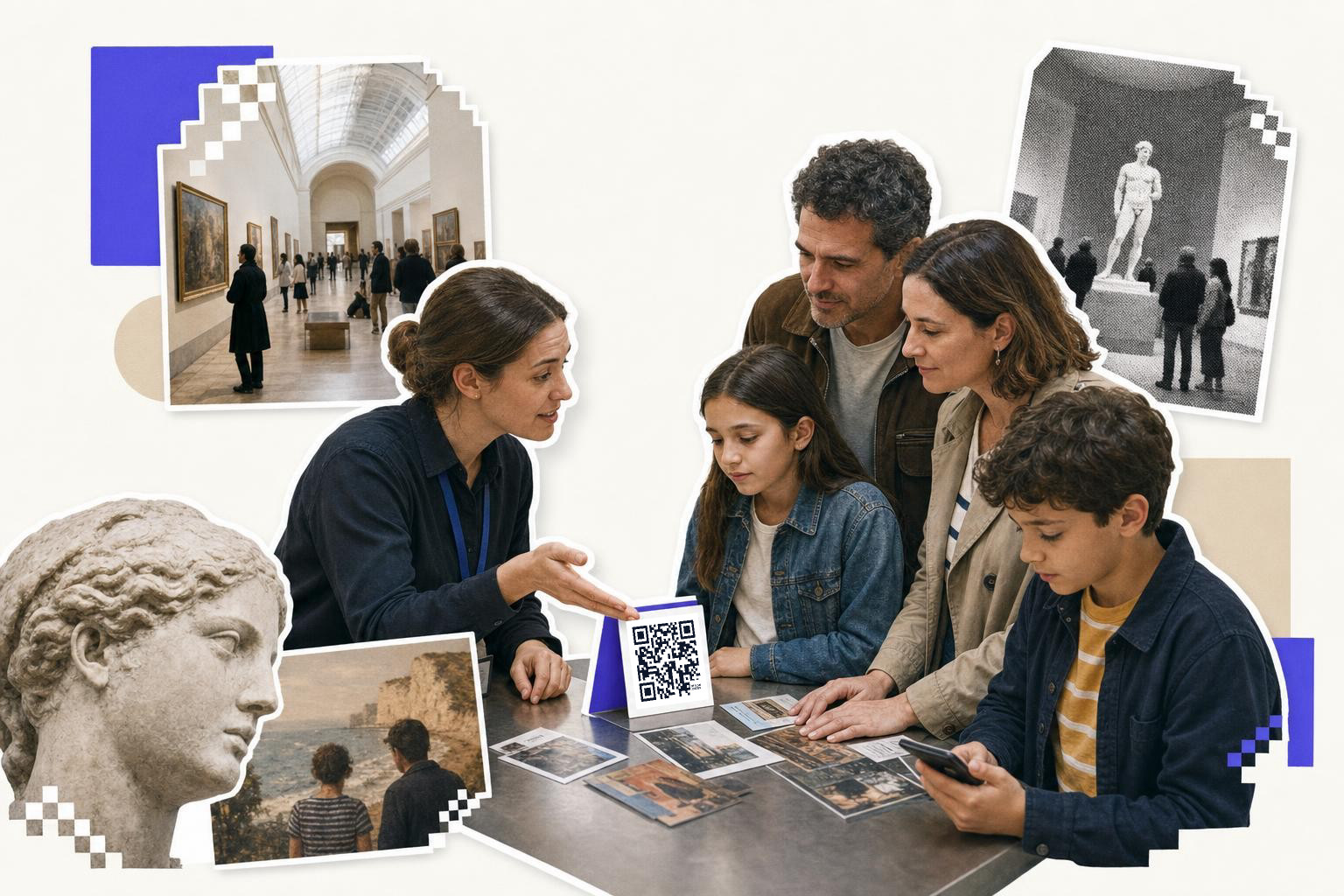
Put a museum QR code where the visitor already stops: the object label, the audio stop, the timed-entry line. Print it at least 0.8 inches wide, black on white, at hand height, and give it one job.
Museums already ask a lot from a wall label. Title, date, medium, credit line, maybe one short paragraph. That leaves no room for audio, video, translations, or the story behind the story. That is where QR codes for museums make sense.
The good version is simple. Open the deeper object story. Start an audio stop. Pull up a map. Get through timed entry faster. Join as a member after a great visit.
This guide is for visitor services, exhibitions, and marketing teams who want ideas they can copy this week, not next quarter.
Where should QR codes for museums start?#
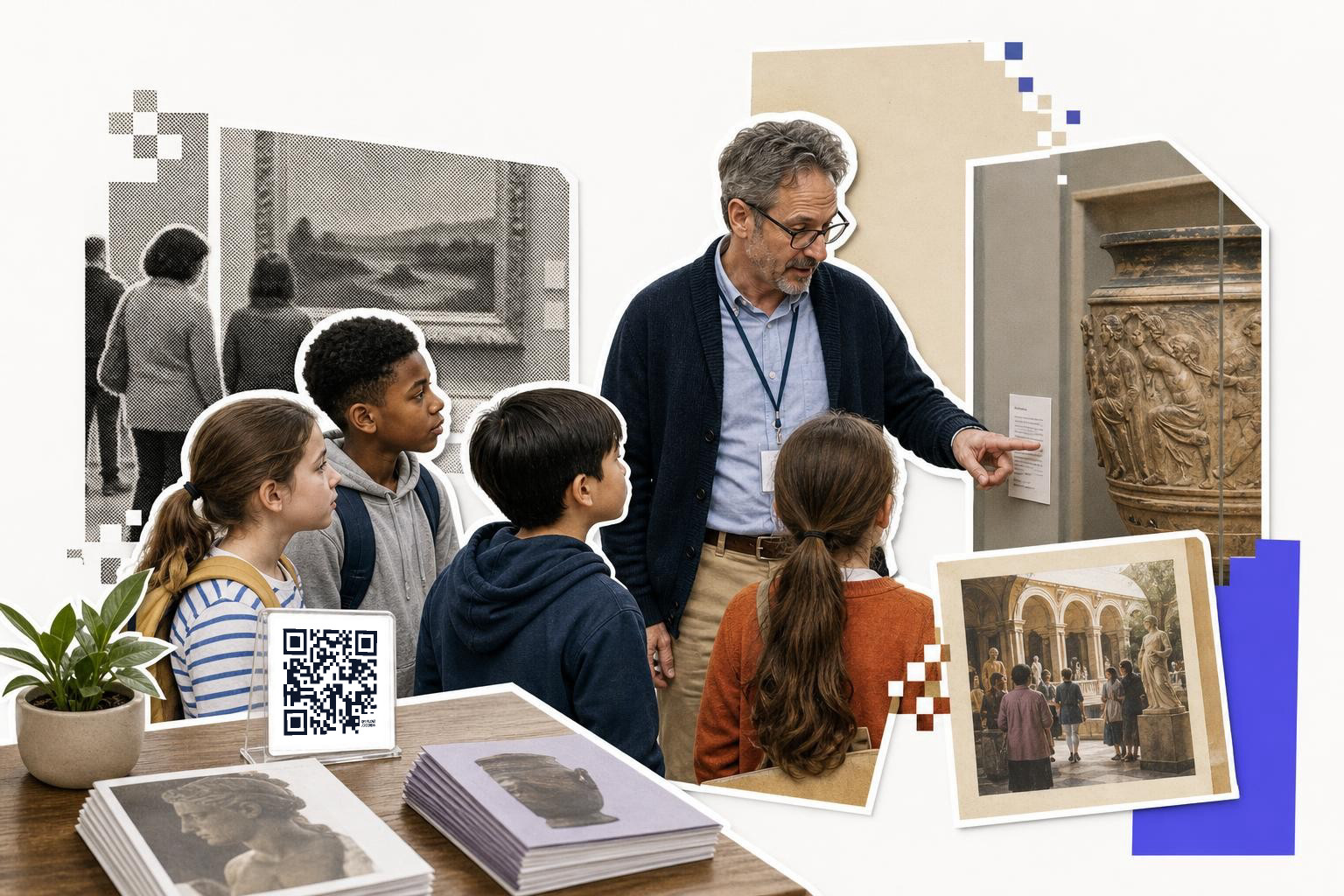
Start with the object label, because that is where QR codes in museums usually live or die. A code next to the label can open a short object page with 3 things only, a plain language summary, one close-up image, and one extra layer like conservation notes or a curator clip.
Keep the printed code at least 0.8 inches (20 mm) wide on labels visitors scan from arm's length. In dim galleries, contrast matters more than style. Black on white wins. If the label background is dark, place the code inside a solid white box with quiet space around it.
Test it from the spot where people naturally stop, usually 18 to 30 inches away. That sounds obvious, but many first runs get approved on a desk under office lights, then struggle on a wall under gallery lighting. If visitors lean in, squint, or block traffic, the code is too small or too low.
Give the page a real job. Good examples include a second language version, a pronunciation clip for artist names, or a 45 second "why this matters" audio note. Weak examples are a generic homepage or a PDF that forces pinching and zooming.
If your object pages will change after labels are printed, make that code dynamic. With a dynamic QR code from QRFLOW Codes, you can update the destination later without reprinting every label, which is genuinely useful during reinstallations and late copy edits.
Can a QR code replace the rented audio guide?#
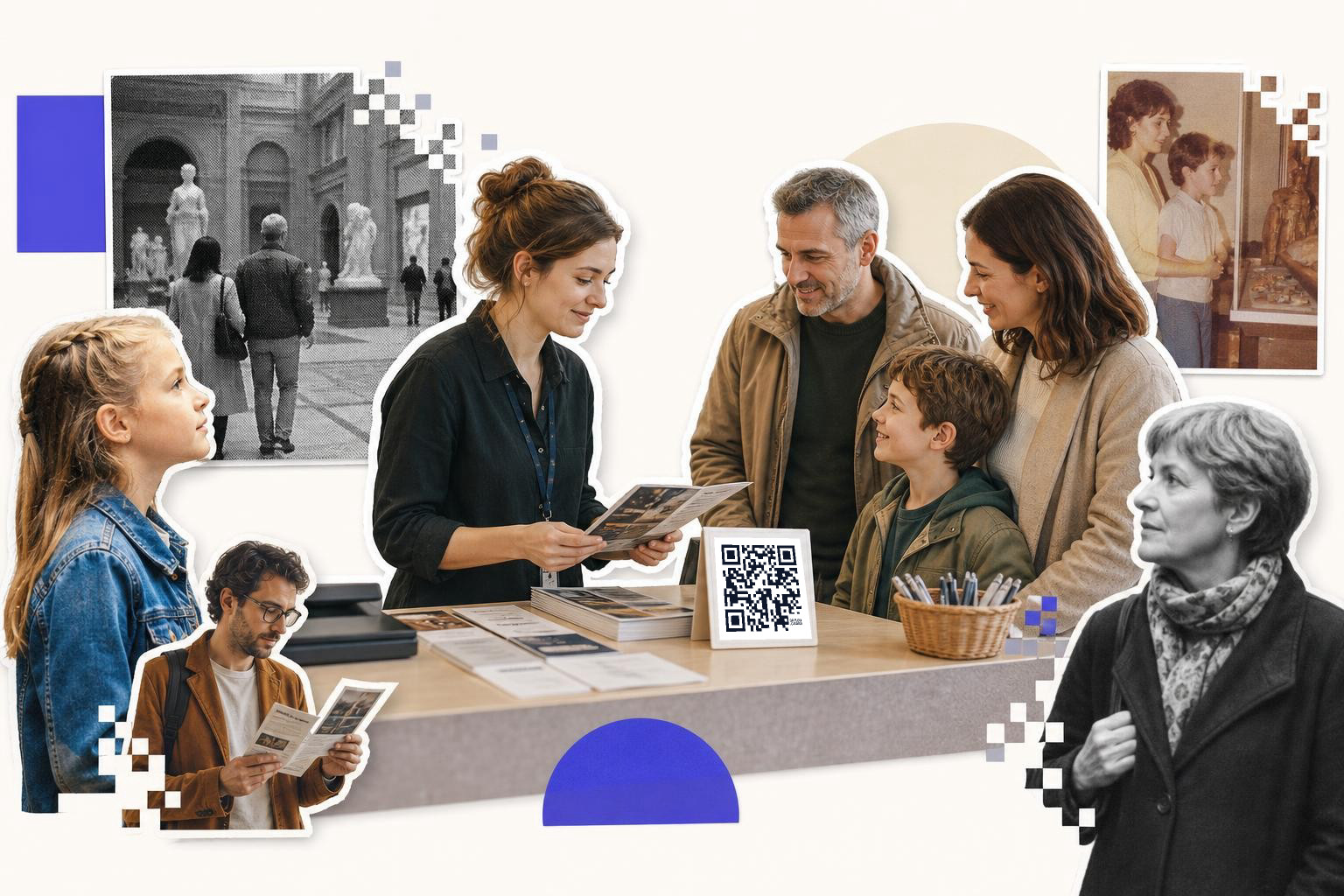
Yes, a QR code can replace the rented audio guide. Place a code at the intro panel for the full guide, and smaller codes at selected works. Visitors scan and listen on their phones, eliminating the need for a checkout desk or charging cart.
Visitors scan, tap, and listen on their own phone. This eliminates the need for a checkout desk, device charging cart, and prevents running out of audio guides during busy times.
This works best when each stop page loads fast and starts with a big play button. Keep each clip short. Around 60 to 90 seconds feels easy to commit to while standing. Add transcripts under every audio stop so visitors can read instead of listen.
Placement matters. Do not hide the code flush to the floor on a case rail. Put it near the title block or at hand height, around 48 inches from the floor, where a standing adult can scan without crouching. If families are a core audience, add at least some kid-height placements near interactive zones.
You also need a backup for visitors with low vision or people who do not want to scan. Print the stop number and a short URL in large type beside the code. Accessibility is not separate from visitor engagement. It is the thing that makes visitor engagement real.
If you are building a museum tour with many stops, a free QR code generator helps you create matching codes fast, and SVG downloads keep labels crisp at print size.
How do QR codes keep timed entry moving?#
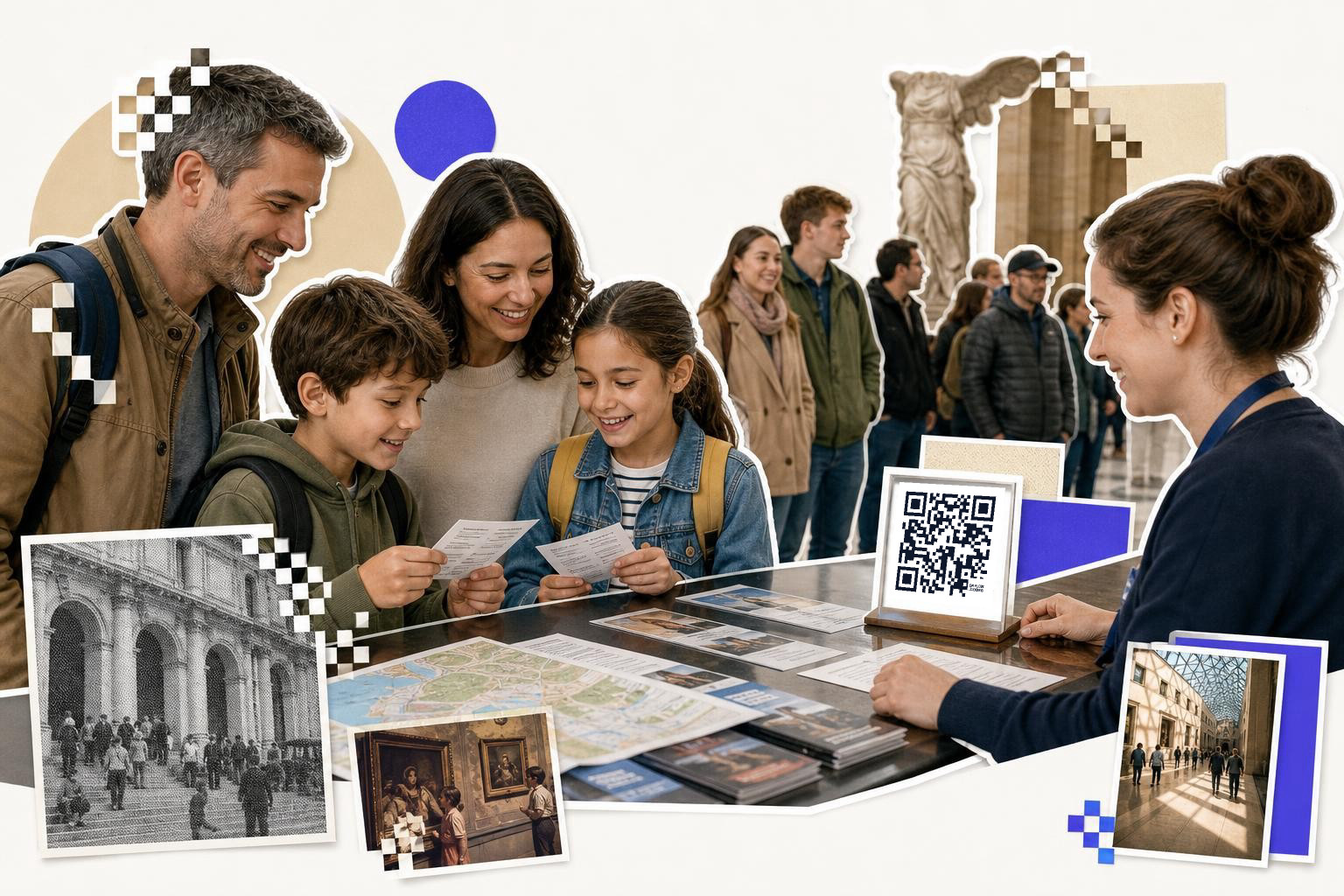
A busy entry line is no place for confusion. Use one code in pre-visit emails and confirmation pages for tickets, and a separate onsite code near the entrance for same-day updates like "next available timed entry" or bag policy.
For museums that change weekend capacity, school group instructions, or special exhibition entry details, dynamic links matter more here than almost anywhere else. You can change the linked page after posters, confirmations, or lobby signs are already out. Basic scan analytics also help you see when visitors are actually opening the entry page, which can reveal line pinch points by time of day.
At the desk, keep the code's job narrow. One code for mobile tickets. One code for timed entry rules. One code for member check in. Do not make one catch-all landing page and expect stressed visitors to sort it out while a line forms behind them.
If your museum also runs talks, screenings, or member nights, the playbook in QR codes for events maps neatly to check in, schedules, and last minute room changes.
How do QR codes help visitors find galleries?#
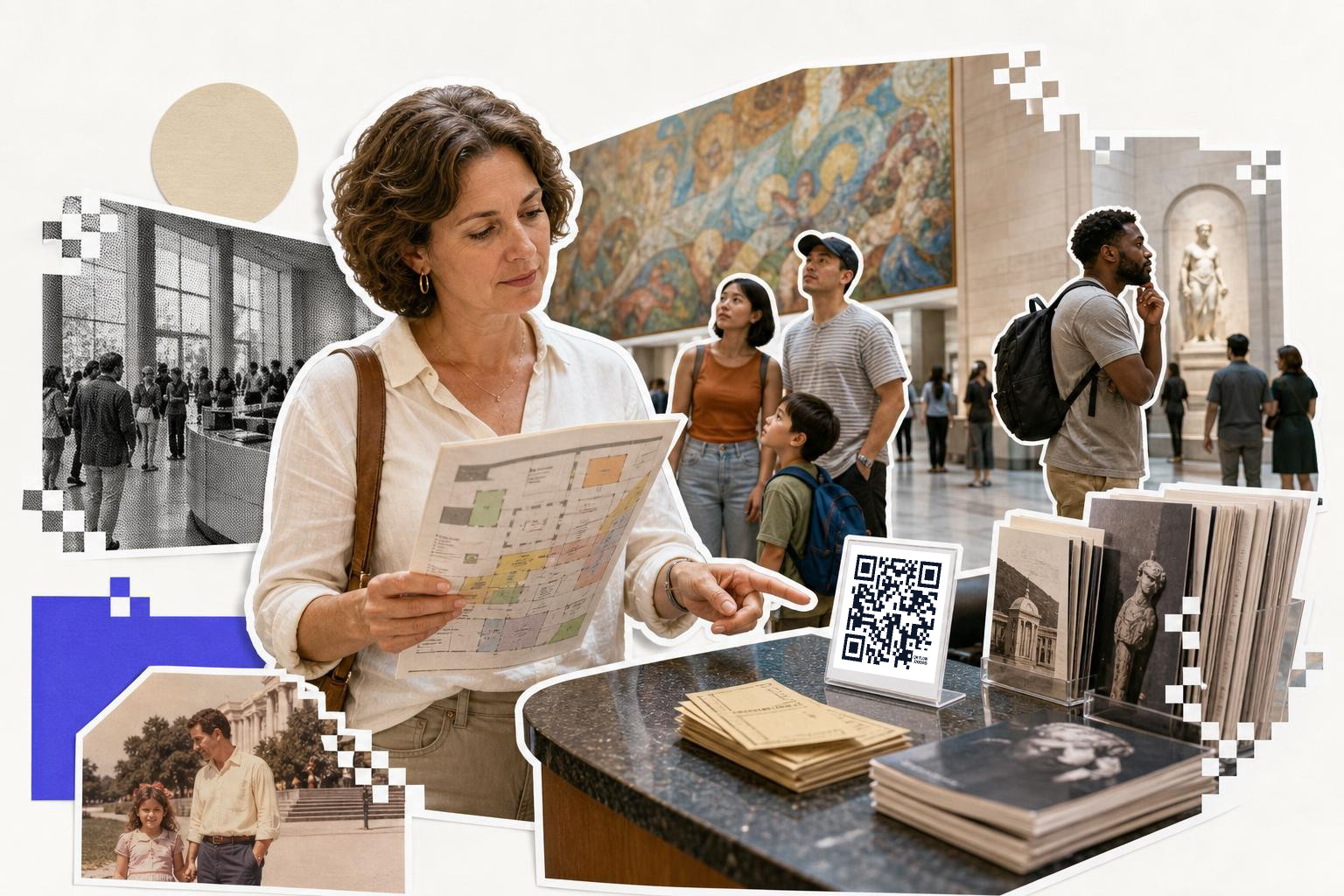
Wayfinding is where museums can be helpful without being loud. A QR code at the lobby, elevator bank, or major junction can open a simple mobile map with "you are here," restrooms, elevators, cafe, shop, and current exhibitions.
Keep this map light. A giant PDF floor plan is usually a pain on a phone. A mobile page with tap targets for each floor is better. If your building has poor signal in thick wall areas, test the experience on guest Wi-Fi, not just staff phones.
This is also a place to think about standing distance. A lobby code often gets scanned from 3 to 6 feet away, not one foot away like an exhibit label. That means a larger print size, often 1.2 to 1.5 inches wide, and clear space around it so it does not blend into directional text.
A nice extra touch is destination-specific codes. One at the family desk for "find the stroller friendly route." One near the special exhibition entrance for "find coat check and restrooms." Small choices like that make museums feel easier to move through.
How can QR codes boost museum membership?#
The best moment to ask is not random. It is right after a good gallery experience, at the cafe table, near the exit, or beside a member preview desk. A short sign with a code can open one clean page, join today, give $10, or support this exhibition.
Keep the page stripped down. A long menu of funds, forms, and institutional language will lose people. If the ask is specific, like conserving a textile work or funding school visits, say so in one sentence.
This is where design teams sometimes get too clever. Decorative codes in brand colors can work, but test them hard before printing. Donation scans often happen in mixed light from a few feet away. Reliability beats style every time.
For member tables at galas, lectures, or after-hours programs, a dynamic code lets you swap the destination between join, renew, RSVP, or member perks without remaking the sign. If you want logo options or frames for donor facing materials, that sits on the pricing page.
When is the best time to ask for museum feedback?#
Exit surveys work best when they are tiny. One code by the exit doors, café receipt station, or coat check can open a 3 to 5 question form. Ask what people saw, how easy the museum was to navigate, and whether they would come back.
Be specific with placement. A code on the inside of the final gallery wall catches people before they switch mental gears. A code near the exterior doors competes with weather, kids, and parking validation. Even moving it 15 feet can change response quality.
Use separate codes for separate moments if you want cleaner insight. One for general visitors at the exit. One for school group leaders at the bus pickup area. One for members after special programs. With QRFLOW.codes, you can track scans by code, which makes it easier to see which touchpoint actually gets attention.
Keep the first screen honest. Tell visitors it takes one minute. If it takes four, they will leave on question two.
Questions museum teams ask once they start#
Should every exhibit have its own QR code?#
No. Start with selected works where the extra layer adds real value, such as audio, close up detail, process video, or translation. Too many codes can make a gallery feel busy and make visitors stop trusting that a scan is worth their time.
Are static or dynamic codes better for museums?#
Static works for pages that will not change, like a permanent donation page or a stable audio file. Dynamic is better for rotating exhibitions, timed entry info, maps, and any label text that might get revised after printing.
What size should a museum QR code be?#
For object labels scanned at close-range, 0.8 inches (20 mm) is a solid floor. For lobby signs or wayfinding scanned from farther away,, go larger, often 1.2 to 1.5 inches. Always test under gallery lighting before final print.
How do we make QR codes more accessible in galleries?#
Print a short plain language cue beside the code, plus a readable short URL in large type. Add transcripts for audio, avoid low contrast backgrounds, and place codes where visitors can scan without bending or blocking others.
What should a museum QR code link to?#
One code should lead to one clear task. Good targets include an object page, audio stop, mobile map, mobile ticket, donation form, or one-minute survey. Avoid sending visitors to a homepage that makes them hunt around.
A museum QR code should feel like a small favor. Scan this, get the extra layer, keep moving. When you keep each code focused, test it where people actually stand, and plan for content changes before print, visitors will use it.
If you want to make your own, start with QRFLOW.codes. It is a free QR code generator with static codes, editable dynamic options, and clean downloads for labels, signs, and front desk materials.