The difference between barcodes and QR codes is simple: barcodes are usually best for one fast ID on a label, while QR codes are better when people need to open a link, menu, file, form, or payment page.
If you are choosing between the two, start with one question. Who is scanning it, a store system or a person with a phone?
That answer decides most of the rest. Barcodes shine when speed and simple product IDs matter. QR codes shine when one scan needs to open something useful.
A good shortcut is this: barcodes mostly point inward, to your own system. QR codes often point outward, to something the scanner can use right away. Once you look at the job that way, the choice gets much easier.
What is the difference between barcodes and QR codes?#
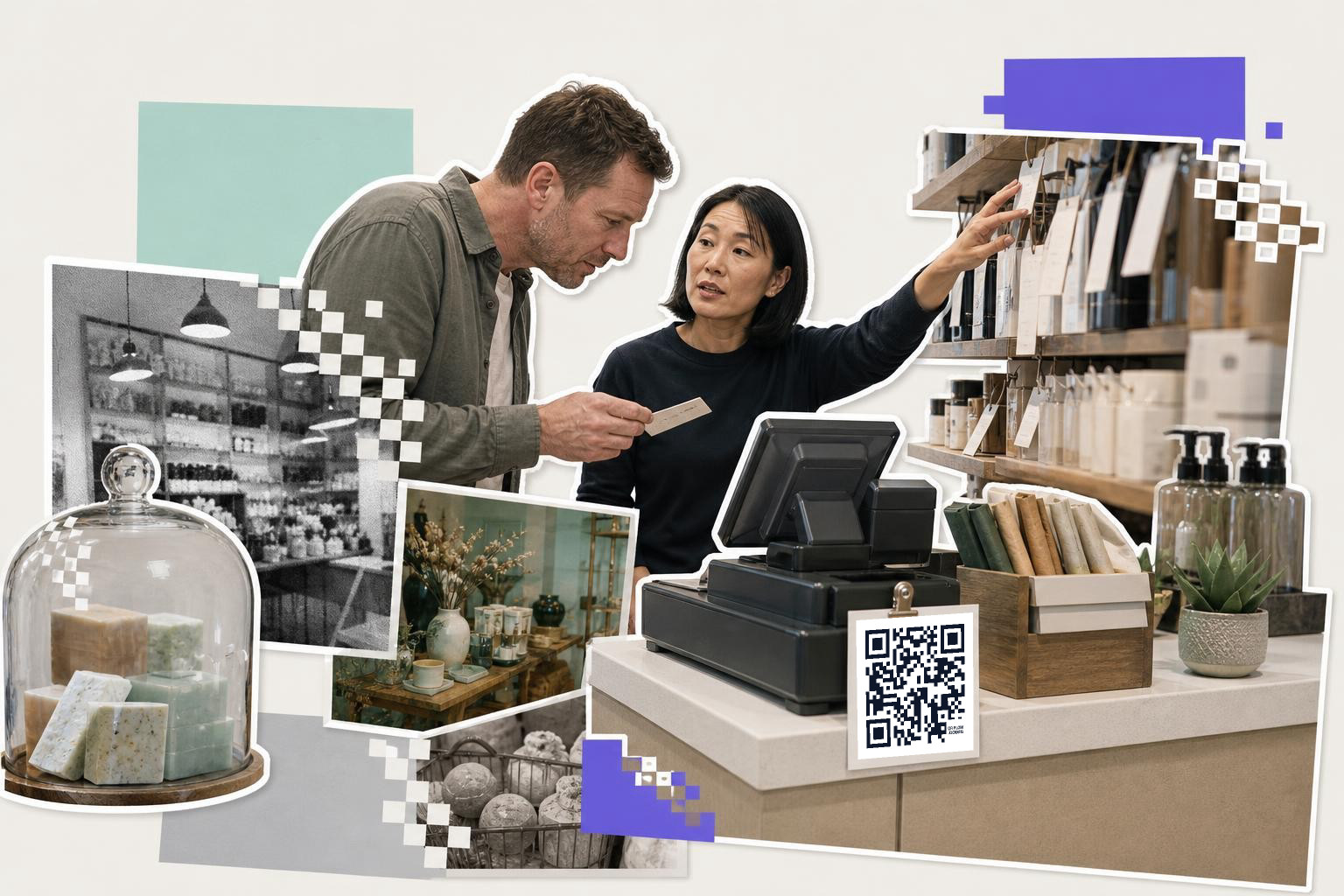
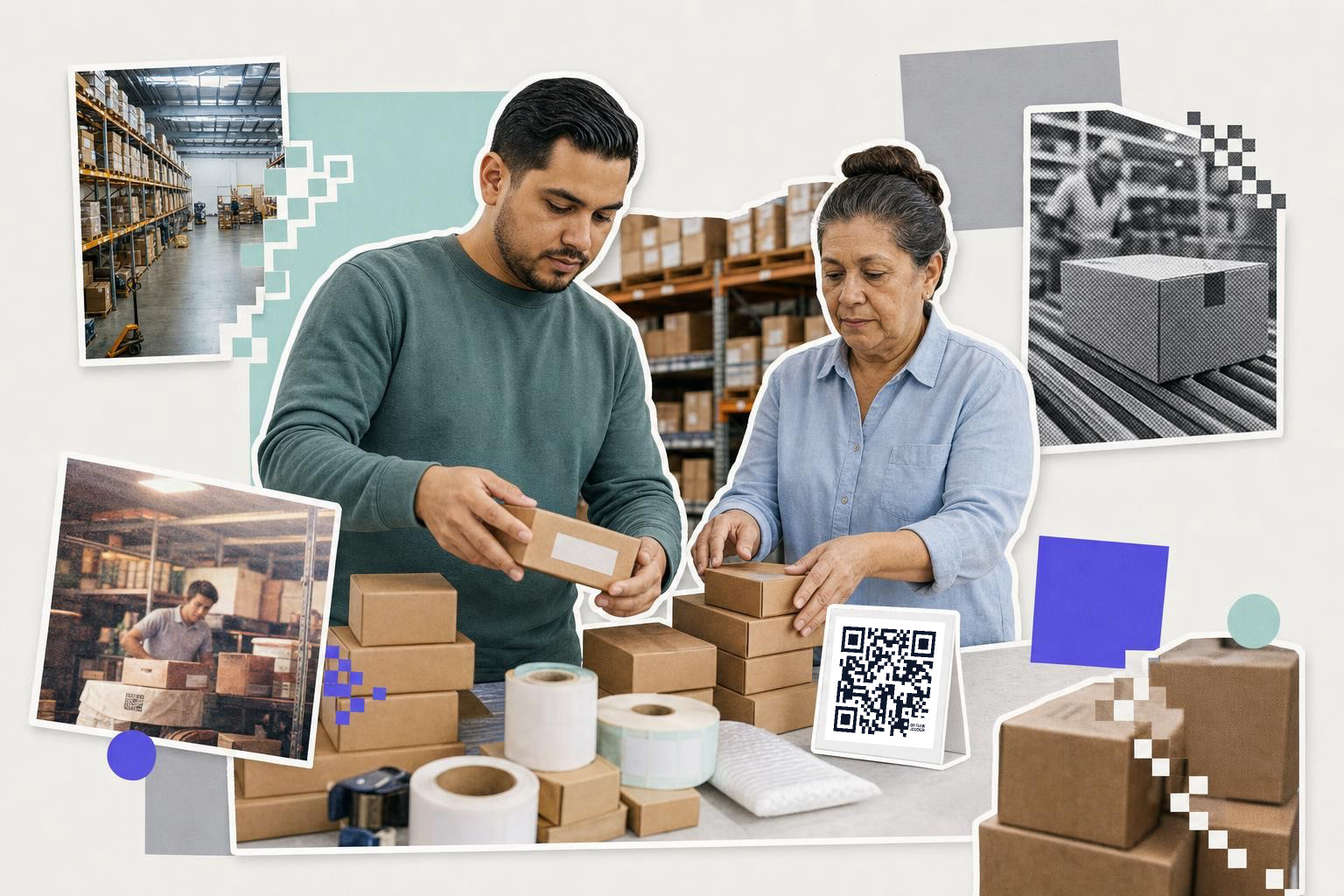
Shelf labels and checkout lanes usually need a barcode, not a QR code. A barcode is built for fast scanning at close range, one item at a time, with retail hardware that already expects it.
If you run a shop, stockroom, or counter, the code on the product normally needs to identify that item inside your system. That is what a barcode does well. It stores a short identifier, then your POS or inventory software looks up the product name, price, and stock level.
A QR code can store an identifier too, but it is often the wrong fit at the register. Many checkout scanners are tuned for the standard barcode formats already on products. If your staff scans hundreds of items a day, the plain old barcode is usually the smoother choice.
One practical detail people miss is label shape. A barcode fits well on a narrow shelf tag or a slim product sticker where a square code would waste space. If your label area is long and short, the barcode wins on layout alone.
Another sticking point is duplicate labels. If two products accidentally share one barcode number in your system, the scanner will still read perfectly, but the wrong item comes up at checkout. That usually means the real problem is in your product database, not the printed code.
A real example is a small retail shelf with dozens of similar items, like snacks, cosmetics, or hardware parts. Staff need to move fast and scan without aiming for a landing page. In that setting, a barcode keeps the whole flow simpler.
How do product packaging barcodes and QR codes communicate?#
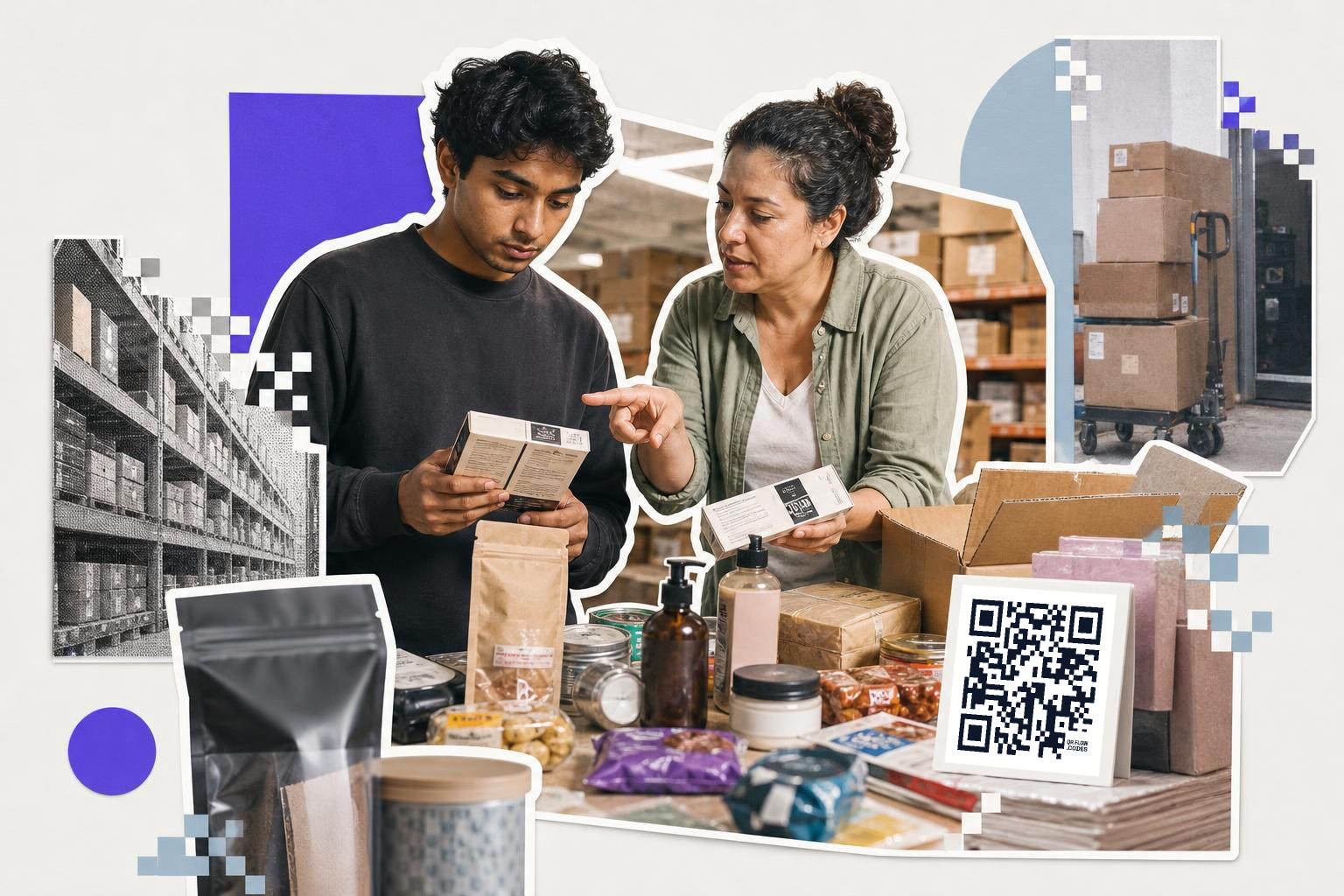
Product packaging often needs both a barcode and a QR code. Use the barcode for the store's system, and the QR code for the person holding the package.
This is the cleanest split in the real world. The barcode helps with receiving, stocking, and checkout. The QR code can send buyers to setup instructions, ingredients, care info, a warranty page, or a video.
That matters most when the person scanning is not your staff. A shopper cannot do much with a barcode unless they have a special app, and even then the result is often thin. A QR code opens with the phone camera on most modern phones, which is the whole point.
If the page behind the package might change, make that shopper-facing code dynamic. That way you can keep the printed box and change the destination later. Your first dynamic code is free in QRFLOW.codes, which is handy for a test batch or one product line.
One practical detail here is placement. Keep the barcode where warehouse and checkout staff expect it, often on the side or back panel. Put the QR code where a buyer will notice it after purchase, near instructions, product story, or support.
Another detail is what the QR code should open first. Do not send the buyer to your homepage and hope they figure it out. Send them straight to the exact page for that product, because setup help buried behind three menu taps gets ignored.
This is also where teams get stuck on ownership. The packaging file may sit with a designer, while the help page sits with marketing or support. If nobody owns the destination page, the QR code can outlive the page it points to. That is one of the strongest cases for a dynamic code, because you can repair the destination without scrapping boxes.
If packaging is your main use, the QR code on packaging page shows the shopper-facing side in more detail.
How do menus and posters use barcodes and QR codes?#

Menus, posters, handouts, and front-door signs are QR code territory. A barcode does not work well here because the whole job is to open something on a phone.
Think about a cafe table, a gym poster, a church bulletin, or a real estate flyer. You want one scan to open a menu, booking page, map, RSVP, or video. A barcode cannot do that in a natural way for most people. A QR code can.
This is also where size starts to matter. A sign people scan while standing should usually print the code at least 1 inch (2.5 cm) wide. A window sign or wall poster scanned from farther away often needs 2.5 inches (6 cm) or more.
One practical detail beginners miss is link stability. If the restaurant changes menus every season, or the event page moves, a static code turns into a reprint job. A dynamic code lets you keep the same printed square and change where it goes later. If you want a deeper version of that choice, see /help/static-vs-dynamic.
The other thing people get wrong is sending one sign to too many places. A front-door poster that asks one code to handle menus, loyalty, hiring, and Instagram usually helps none of them. Give each sign one job. If the poster is for walk-in guests, send it to the menu. If the flyer is for an event, send it to the RSVP page.
A small wording tweak helps too. Put a short label under the code, like "See menu" or "Book a spot." People scan more when they know exactly what happens next.
If your next step is making one, the free QR code generator gets you a working sign code fast.
Payment counters and tip jars#
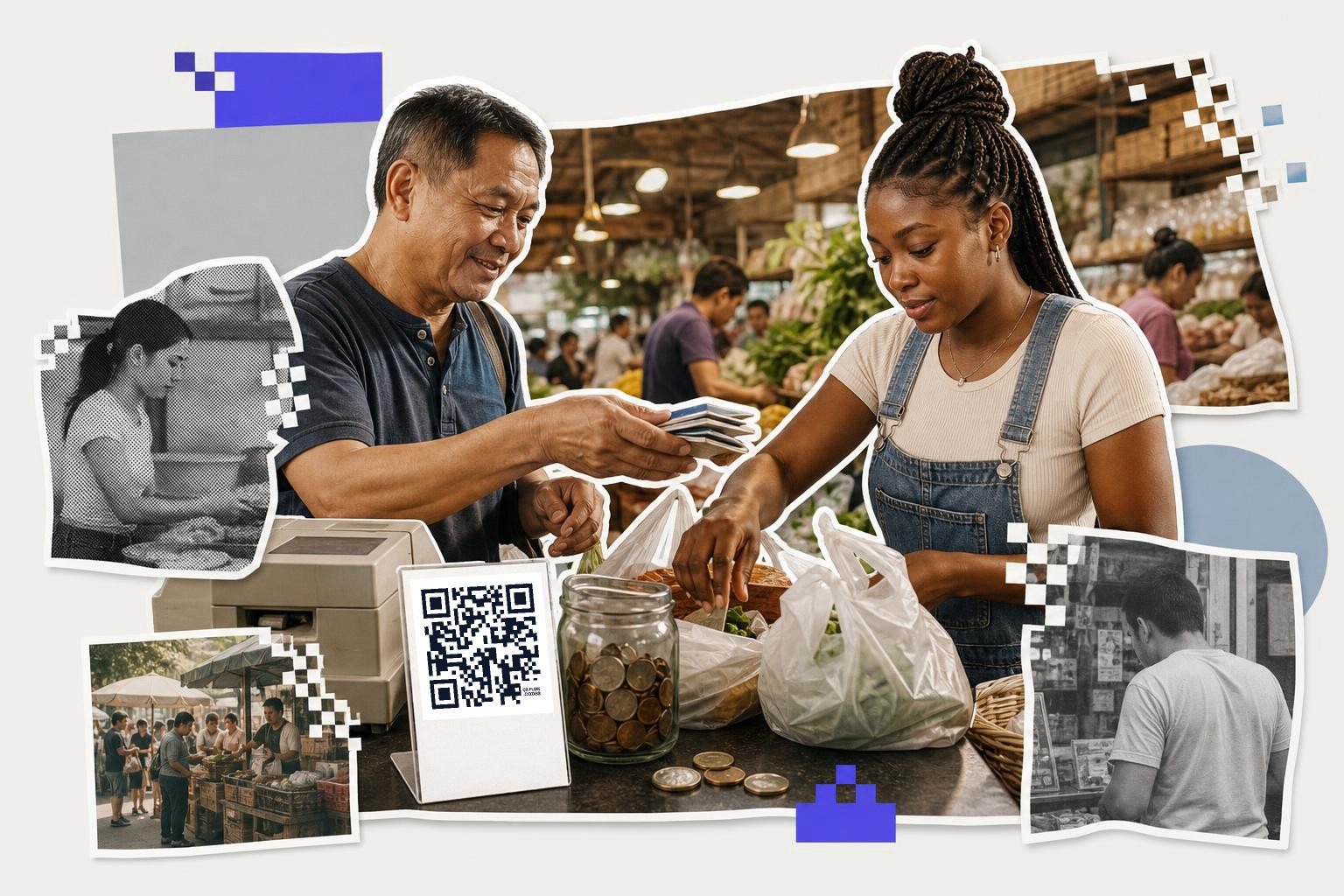
Payment counters and tip jars usually call for a QR code when the customer pays with a phone. A barcode can identify a product, but it does not naturally launch a payment flow for most customers.
At a market stall, coffee counter, or fundraiser table, the code needs to do one simple thing. It should take the customer straight to the payment app, amount screen, or donation page. That is a QR code job.
This is different from the barcode on the packaged snack beside the register. That barcode tells the system what the item is. The QR code tells the person's phone what to open next.
One practical detail here is clarity of action. Put a few plain words next to the code, like "Pay here" or "Tip the staff." A payment code with no label can be ignored, because people do not know whether it opens a menu, Wi,Fi, or a checkout page.
Another common snag is printing the wrong payment step. Some sellers print a code that only works when they are logged into a personal app session, or they print a temporary checkout link that later changes. Before you put it on a counter, scan it from a different phone and make sure it opens a public payment flow.
This is also one place where the destination matters more than the code style. If the page asks the customer to search for your account again, the scan did not really save them time. A good payment QR code lands as close to the final action as the payment service allows.
If you are setting up phone payments, a payment QR code page is the right starting point.
Inventory bins, asset tags, and back-room tracking#
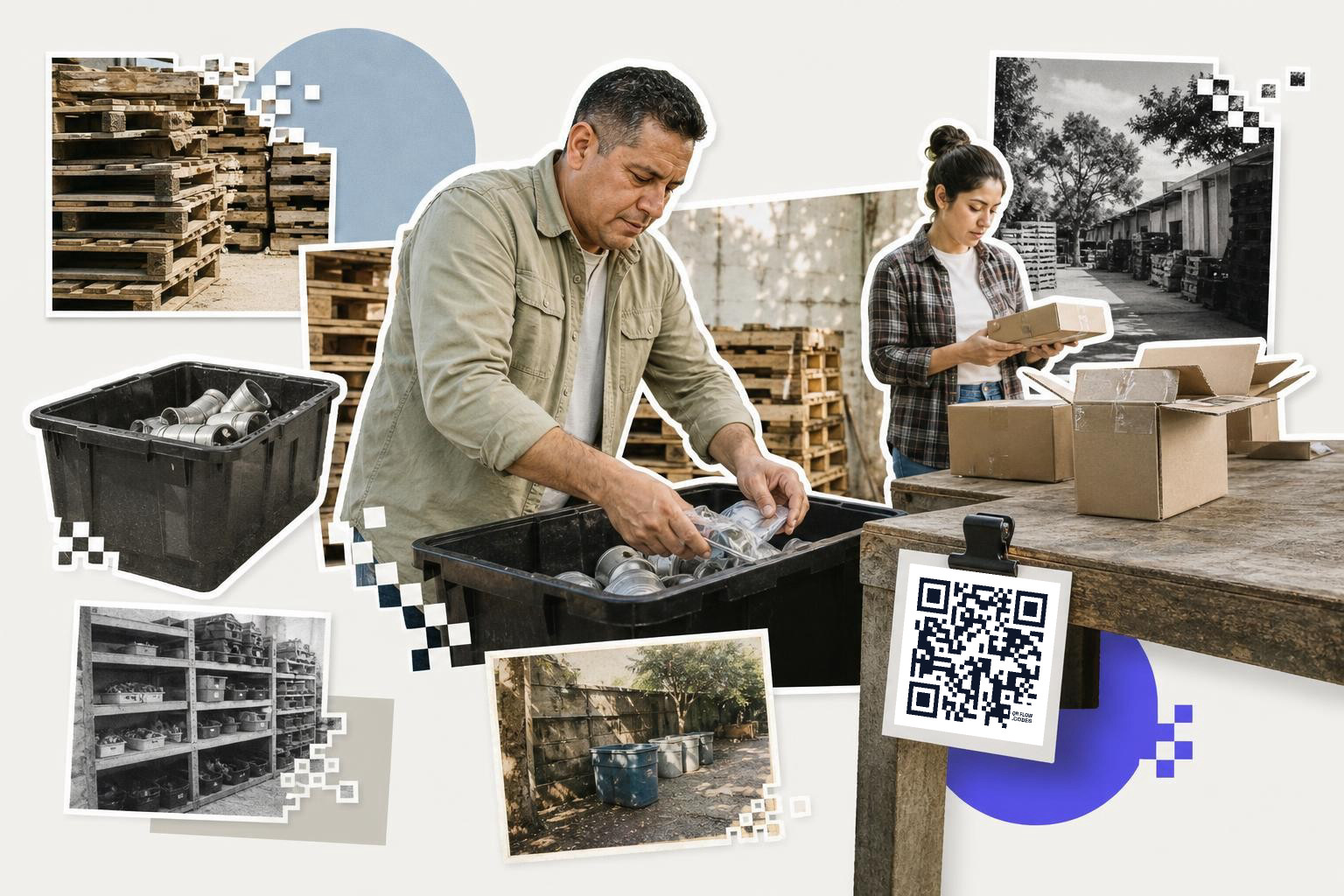
Inventory bins, asset tags, and back-room tracking can use either code. Pick the one that matches the scanner, the space you have, and what each scan needs to return.
A barcode is often enough when each bin or item only needs a short ID that your internal system understands. That keeps labels small and scanning quick. Warehouses and service teams use this setup every day.
A QR code makes more sense when the scan should open a web page, service record, photo guide, checklist, or form. A maintenance team, school IT closet, or construction site often needs more than an item number. They need context.
One practical detail people miss is data amount versus label size. QR codes can hold more information in the code itself, but packing in more data also makes the pattern denser. If you are printing tiny asset stickers, a short ID may still be smarter than stuffing everything into the square.
Another real-world issue is who is holding the scanner. If a warehouse gun reads linear barcodes all day but your field staff only have phones, you may end up needing two systems or one code type for each team. That sounds messy, but it is common. The right answer is the one that matches the tool already in each person's hand.
A good example is a maintenance room with labeled bins for cables, tools, and spare parts. A barcode can say "bin 042" and let your software handle the rest. A QR code can open a restock form, a parts photo, or a repair note from the last visit. Same shelf, different job.
For jobs with lots of bins or parts, QRFLOW.codes can bulk-create codes from a CSV or Google Sheets on paid plans, which saves a lot of repeat work when you are labeling a full room instead of five items.
Difference between barcodes and QR codes: which to choose?#
If a scanner in your business system needs to identify an item fast, start with a barcode. If a person with a phone needs to open something useful, start with a QR code.
There are plenty of cases where both belong on the same product, label, or package. One serves the system. The other serves the human.
If you are still unsure, write down the exact moment of scanning. Where is the code, who scans it, what device do they use, and what should happen one second later? That four-part test clears up most borderline cases fast.
That is the real difference between barcodes and QR codes. It is less about which code is newer, and more about what the scan is supposed to do.
If you want to make a phone-friendly code for a sign, package, menu, or handout, try QRFLOW.codes. If you need editable links, analytics, or bulk tools for a larger rollout, the plans are on /pricing.
When the sign, card or label is ready to print, make the code on the generator and download it as SVG or PNG at the size the piece needs.