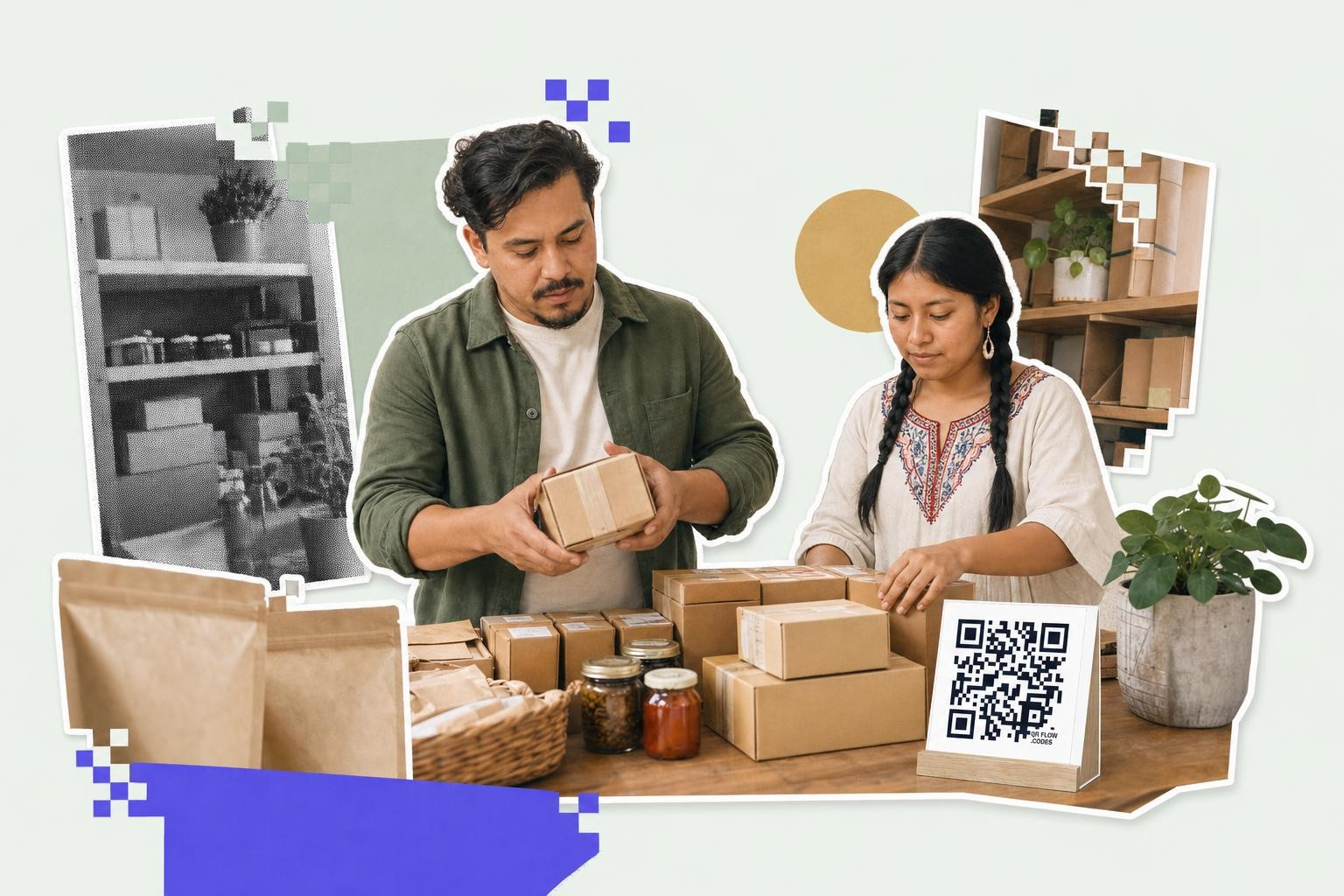
A QR code on food packaging works best when it sends shoppers to one clear page, prints at least 0.8 inches (2 cm) wide, and stays away from folds, seams, and shiny glare.
Food packaging QR codes are not interesting just because they look modern. They matter when a shopper is standing in a store, holding your product, and wants one extra fact before buying.
That fact might be where the coffee came from. It might be allergen details, storage tips, recipes, or batch traceability. The package stays small, but the code gives you room to explain.
This is where the trend is real. Brands are using codes to answer the questions that do not fit on a label, and shoppers are getting used to scanning when the payoff is obvious.
Start with the one question your buyer actually has#
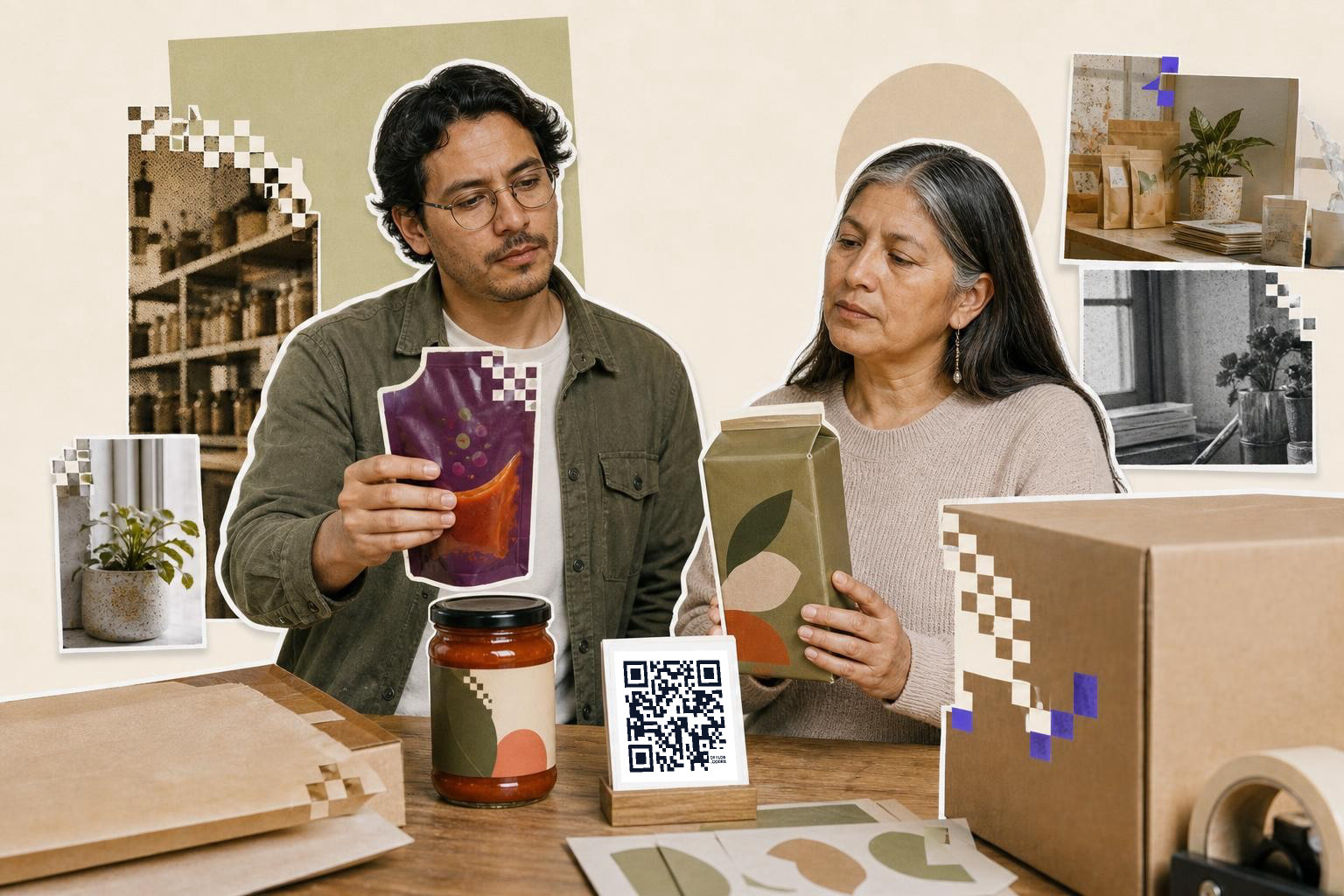
A food packaging QR code should answer one main question first. If the first page tries to do everything, most people will bounce in a few seconds.
Pick the job before you make the code. On a bag of coffee, that job might be origin and roast notes. On baby food, it might be ingredients and allergen detail. On frozen meals, it might be heating instructions with clearer photos than the box can fit.
A good rule is this: the page behind the code should make sense in under 5 seconds. If a shopper scans and sees a messy menu with six buttons, the code feels like work.
Food brands usually do better with a simple mobile page than a full homepage. Put the product name at the top, then the answer they came for, then the extras below.
If you need a quick way to test ideas, QRFLOW.codes lets you make a code and download it without a signup wall. That makes it easy to print samples and see which package spot gets real scans.
How can a QR code on food packaging build trust?#
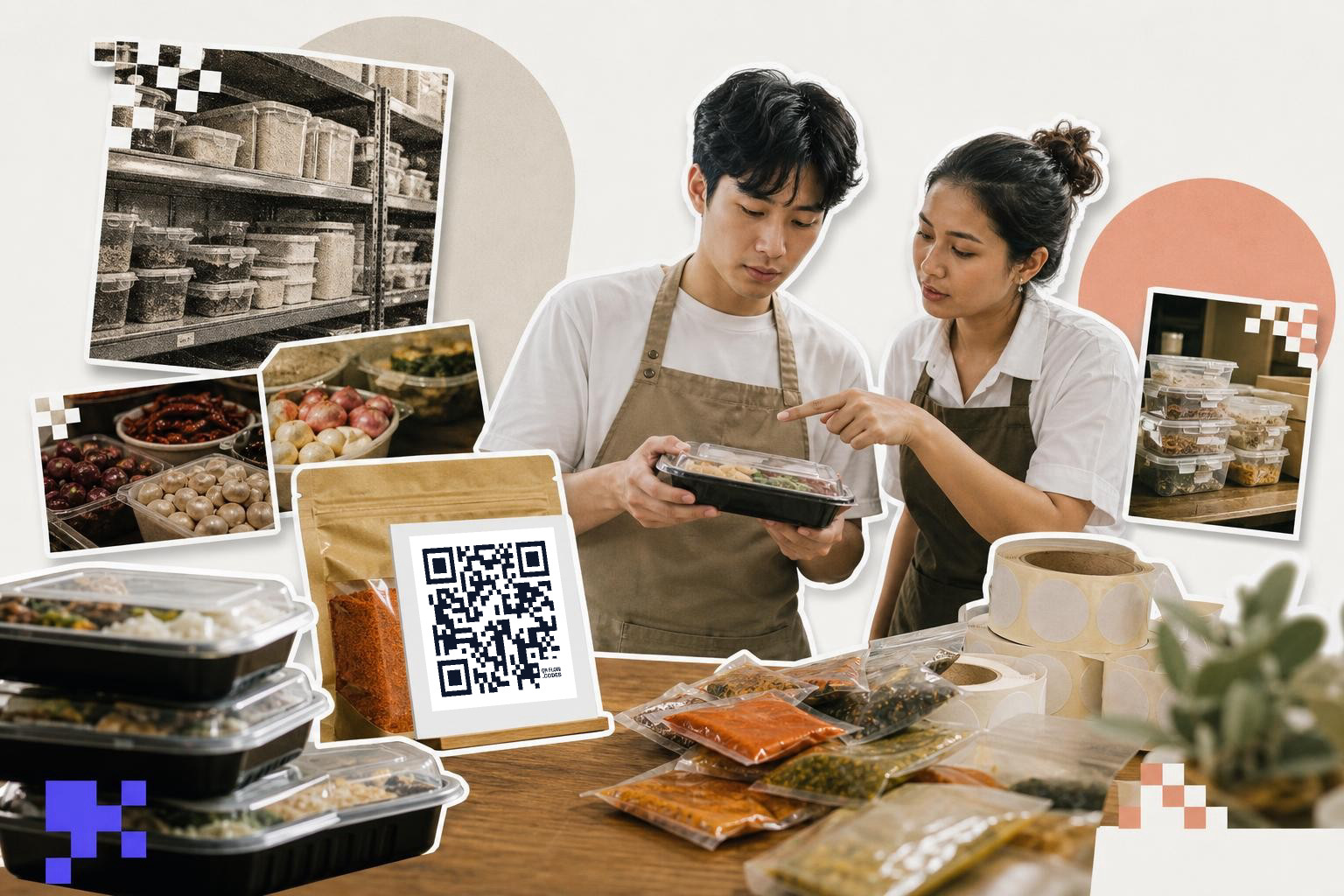
A QR code on food packaging builds trust when it shows details the label cannot fit, like sourcing, batch info, allergen notes, or storage guidance. Trust comes from useful facts, not from flashy design.
This matters most on products where buyers pause before buying. Think seafood, baby food, supplements, fresh meal kits, imported snacks, or anything with a longer ingredient list. If someone is already asking, "Where was this made?" or "What is in this?" the code can answer right there.
One strong use is product traceability QR codes. A code can open a page with lot number context, ingredient origin, production date, or a plain explanation of the supply chain. You do not need to overwhelm people with internal data. Just show the pieces a normal shopper can understand.
QR codes for food safety can help too. A package can link to handling steps, refrigeration advice, preparation instructions, or recall updates if that ever becomes necessary. If the linked information might change after a package is printed, that is the moment to use a dynamic code. This lets you edit the destination after printing. That is a lot better than living with a bad link on an entire packaging run.
Tell the product story without turning it into an ad#
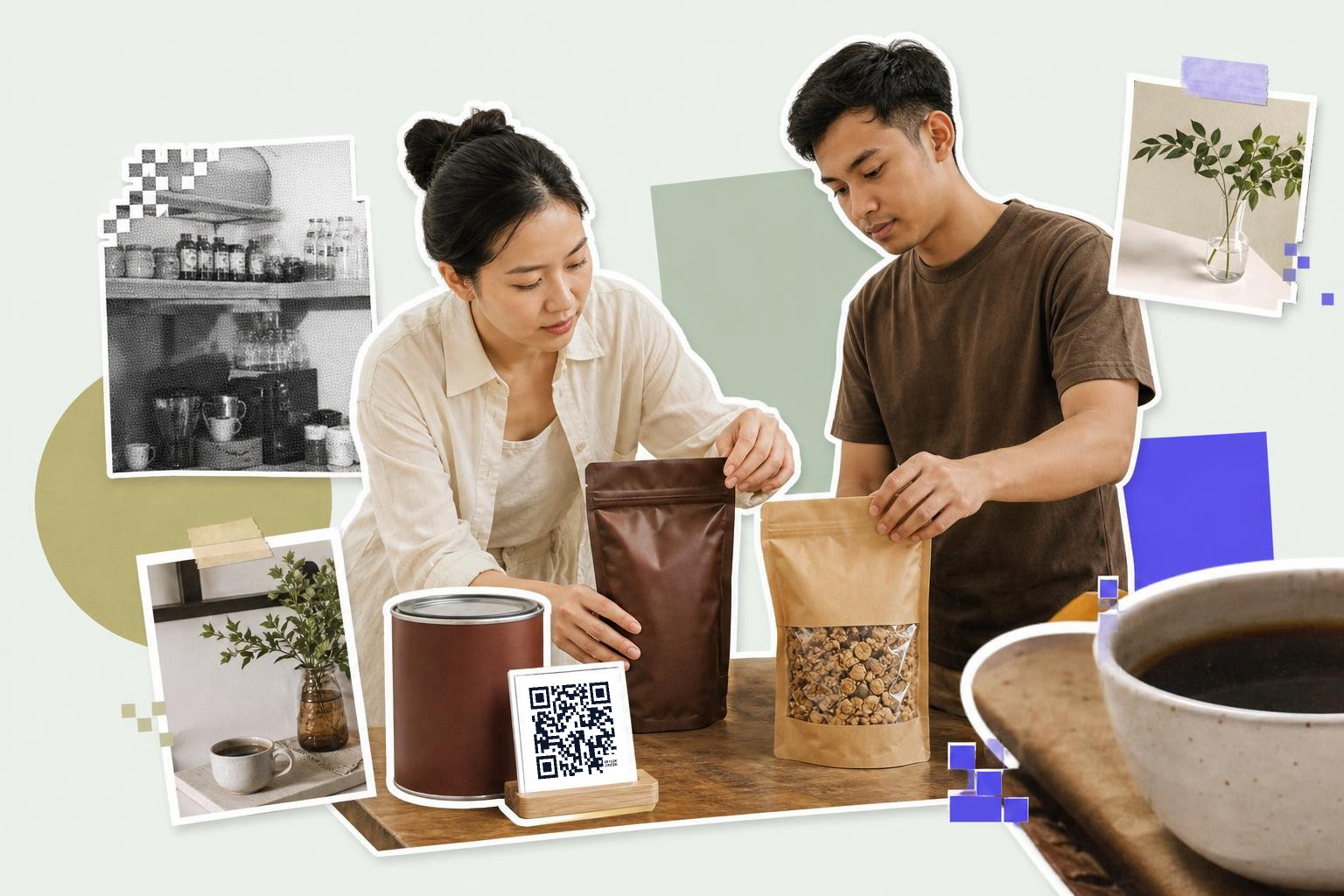
Story pages work on food packaging when they stay short and specific. A shopper will read a farm note, a founder note, or a sourcing page, but not a long brand essay.
This section is where food packaging QR codes often drift into fluff. A bag of granola does not need a cinematic brand manifesto. It needs one or two honest details, like where the oats are grown, why the bag is resealable, or how to keep the product fresh after opening.
Good story pages often include:
- a short origin note
- one photo of the ingredient or maker
- a recipe or serving idea
- storage guidance
- a plain contact path for questions
Keep the scan reward close to the product in hand. If the code is on a honey jar, the story should still be about that honey jar, not your entire catalog.
A code can also point to a PDF guide if the product needs a full prep sheet or detailed care card, but mobile pages are easier for quick in-store scanning.
Where should you place food packaging QR codes?#
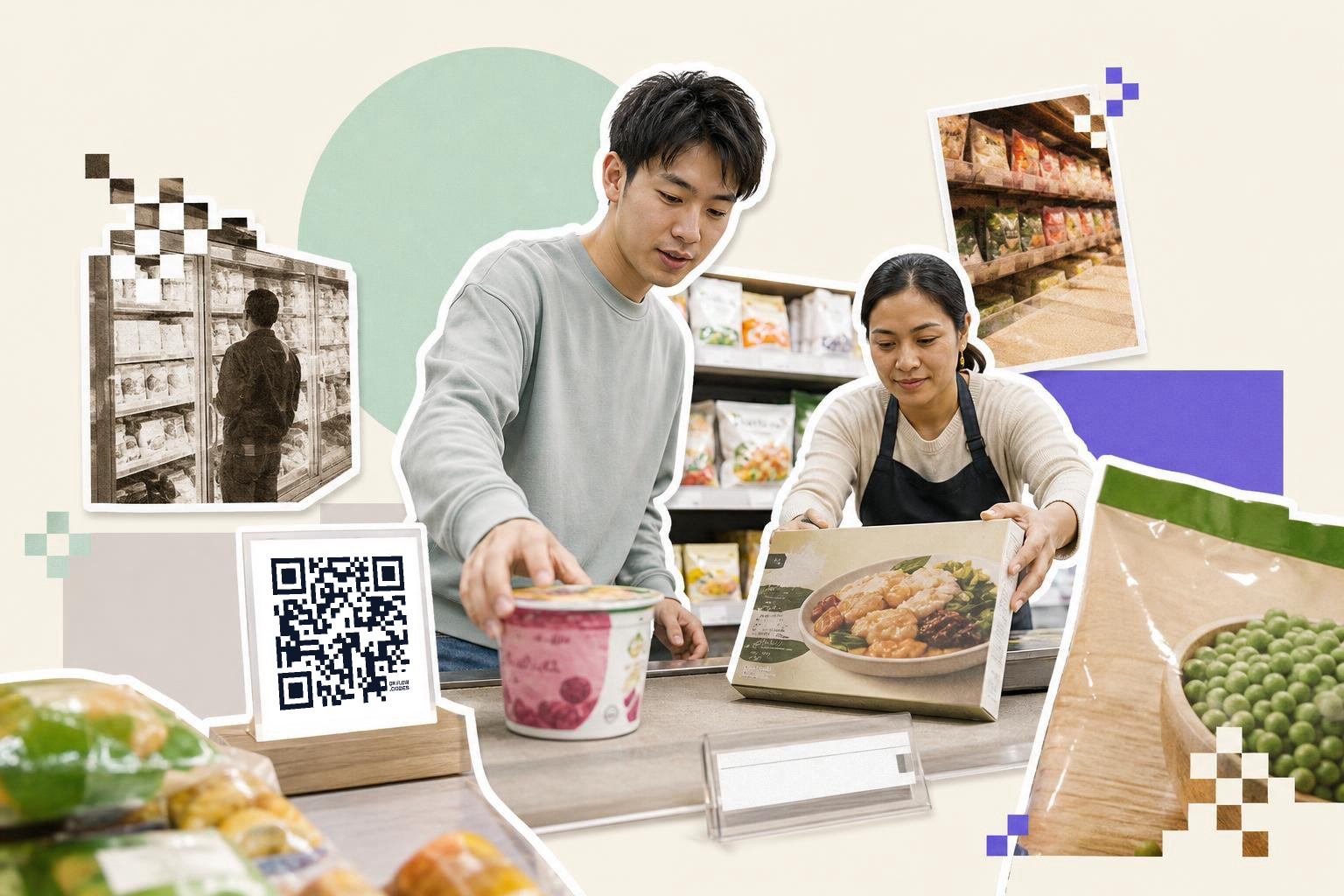
Food packaging QR codes scan best on a flat, visible panel with enough blank space around them. Side panels, back panels, and the lower half of the front usually work better than curved corners or crimped seals.
Placement changes by package type. A stand-up pouch often has room on the back near the nutrition panel. A box usually has a clean side panel. A bottle label needs extra care because curves and gloss can distort the code.
A few print rules save a lot of pain:
- Print the code at least 0.8 inches (2 cm) wide for close-hand scanning.
- Use 1 inch (2.5 cm) or more if the package is likely to sit behind glass or under bright store lights.
- Leave a quiet area around the code, at least 0.16 inches (4 mm) if you can.
- Do not place it over a seam, tear notch, fold, or transparent window.
- Avoid low contrast colors like light gray on beige.
Shiny film is a common problem. If your pouch catches glare, move the code to a matte label area or add a white patch under it.
If your pack also needs a retail barcode, keep the roles separate. The store barcode handles checkout. The QR code handles information, stories, support, and post-purchase help. If you need the difference spelled out, QR code vs barcode: which is better? covers where each one belongs.
What should the code link to after the package leaves the store?#
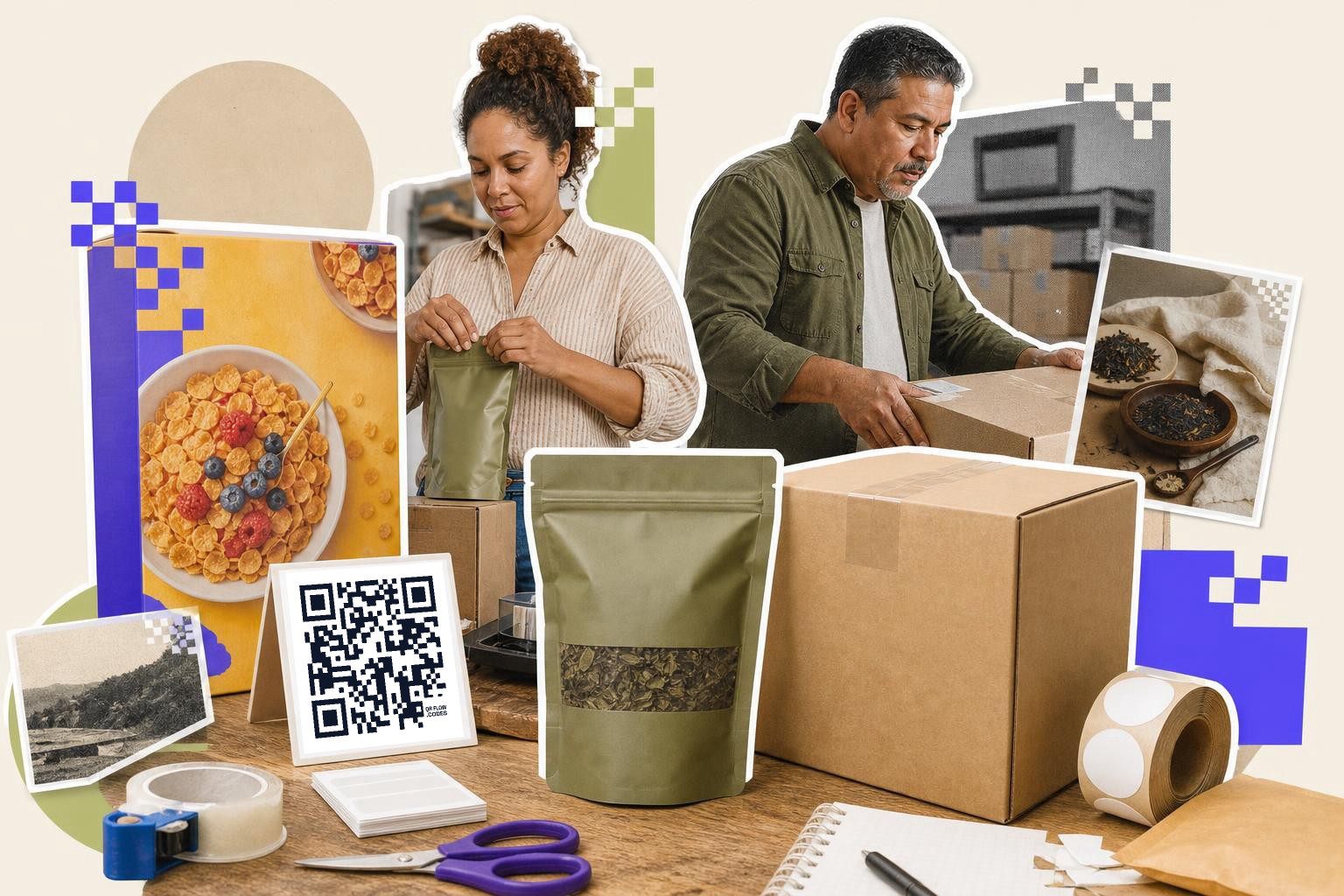
Post-purchase QR links work best when they help someone use, store, or enjoy the product. Recipe ideas, refill tips, prep videos, and support pages get more love than a generic homepage.
This is the part many brands skip. They think only about the first scan in the aisle. But a second scan at home can be even more useful. This is especially true on meal kits, frozen foods, sauces, baking mixes, and specialty ingredients.
A few strong destinations:
- recipe pages for the exact item
- how-to prep videos
- allergen and ingredient details
- recycling or disposal instructions
- reorder or store locator pages
- review requests after use
If you want people to leave a rating, ask after the product experience, not before. A code on an inner flap, bottle neck tag, or secondary pack insert can be a better place for that than the main front panel. For ideas that fit small handout-style formats too, business cards with QR code, what to link and where has useful examples.
Do you need a static or dynamic code for packaging?#
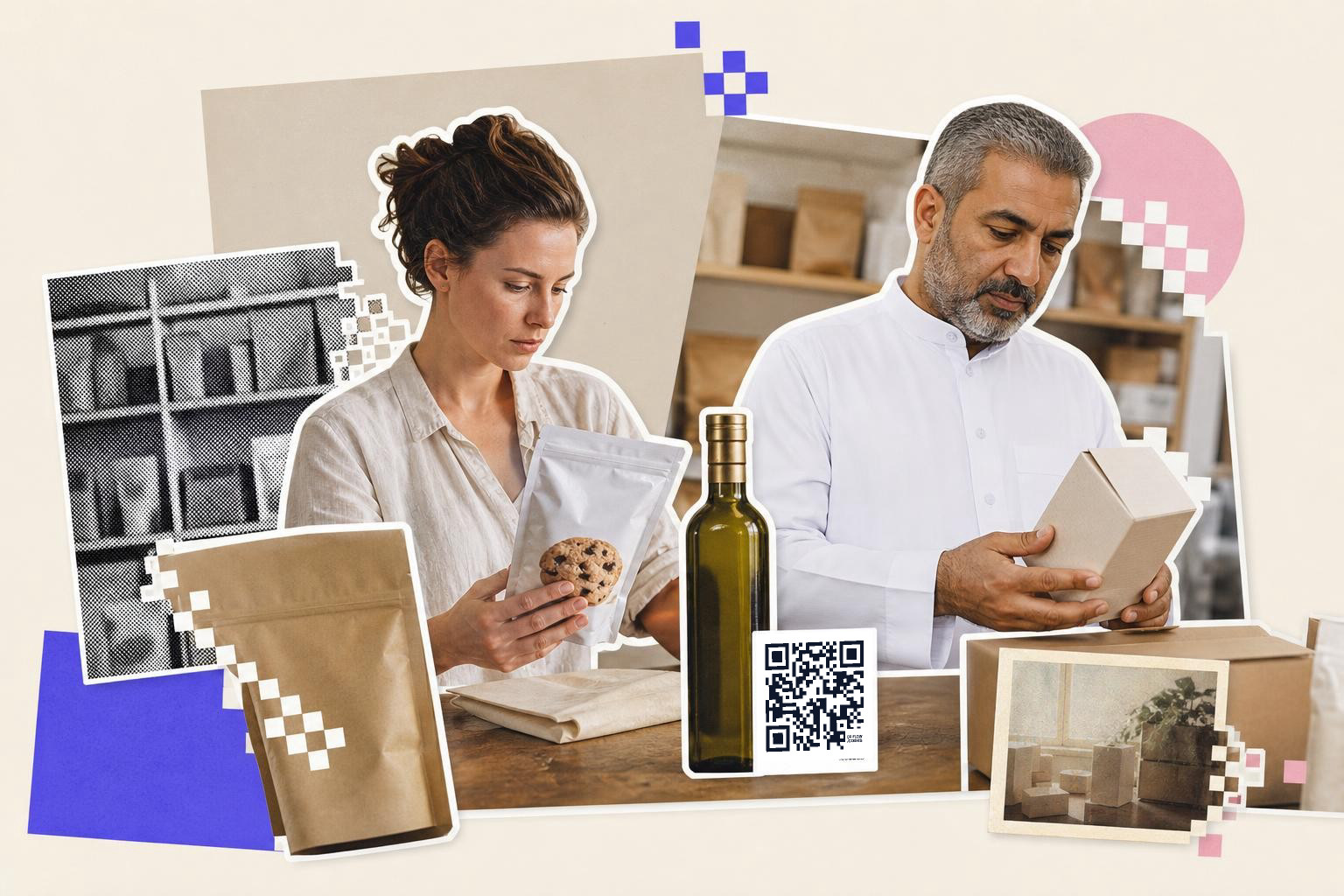
Packaging should use a static code only when the destination will stay the same for the life of the product. If the page, campaign, or product details may change, use a dynamic code before the print run starts.
This matters more on packaging than on a flyer. A flyer might last a week. A shelf-stable food product might sit in storage, shipping, retail, and a pantry for months.
Static codes are fine for permanent pages, like a simple product information page that will never move. Dynamic codes are safer for seasonal pages, recipe campaigns, traceability lookups, or anything managed by more than one team. With QRFLOW.codes, Premium makes every code dynamic. You can also see scan analytics to spot whether people scan more in stores or after purchase.
If you are still deciding, static vs dynamic QR code shows the tradeoff in plain English.
Test the actual pack, not just the file on your screen#
A packaging QR code is ready only after testing the printed sample under real light, on the real material, from the real distance. Screen tests catch link errors, but they do not catch glare, warping, or bad placement.
Run a small test like this before a full print run:
- Print the code on the actual package material.
- Scan it with both iPhone and Android if you can.
- Test under bright store-style light and at home kitchen light.
- Check page load on mobile data, not just office Wi-Fi.
- Make sure the destination still makes sense if someone scans it three months later.
Curved jars, foil pouches, and tiny labels are the usual trouble spots. If the first scan takes effort, most shoppers will not try twice.
Questions about food packaging QR codes
Can a food package have more than one QR code?#
Yes, but one visible code is usually better. If you print two codes on the same panel, people may not know which one to scan. Use one main code for the shopper, then place any internal production code somewhere separate and clearly out of the customer path.
Do shoppers really scan codes on packaging?#
Yes, shoppers scan codes on packaging when the benefit is clear, such as seeing ingredients or allergen details. The code should save time, answer questions, or offer something useful immediately. Ensure the code is printed clearly with enough space around it, especially on small packages.
Should the code go to a homepage or a product page?#
A product page wins almost every time. Homepages force people to search again after scanning, which feels clunky on a phone. The package in their hand should open the page for that exact product or batch.
Can I put a QR code on very small packaging?#
Yes, if the code still prints clearly and has enough empty space around it. Very small packs may need 0.8 inches (2 cm) just for the code area, which can be hard to spare. In that case, move the code to a carton, sleeve, or multipack instead.
A good packaging code makes the product easier to trust and easier to use. If you want to try one on a real label, make a test code with QRFLOW.codes, and if you need editable links for packaging runs, see pricing.