For business cards with QR code, link to one clear next step, keep the code at least 0.8 inches wide, and leave a quiet margin around it so phones can scan fast.
8 inches wide, and leave a quiet margin around it so phones can scan fast. A QR code has to earn that space. The good news is that it can, if you give it one clear job and print it in a place people can actually scan.
People usually scan a card right after meeting you, or later when they are clearing their pocket, bag, or desk. That moment is short. If your code opens a cluttered page, you lose it. If it opens the exact thing they need, your card feels useful, not gimmicky.
This guide is about that exact choice. Not whether QR codes on business cards look cool, but what to put behind it, where to place it, and when an interactive business card actually helps.
What should a business card QR code link to?#
A business card QR code should link to a single, clear destination like a portfolio, booking page, or contact card. This focused approach ensures that the QR code effectively serves its purpose without overwhelming the user with options.
A business card QR code should focus on one main function. A photographer might direct you to a portfolio, a consultant to a booking page, or a recruiter to a contact card.
If your QR code tries to do five jobs, it usually does none of them. A business card is too small for a menu of options unless you really need one. Most people will scan once and decide in a few seconds whether to keep going.
A good rule is this: if you can finish the sentence "Scan this to..." in under eight words, you probably have the right destination. "Scan this to save my contact." "Scan this to see my work." "Scan this to book a call."
That also makes your card easier to design. You can print a short label near the code so nobody has to guess. "Portfolio," "Save contact," and "Book a call" all work.
When is a vCard best for business cards?#
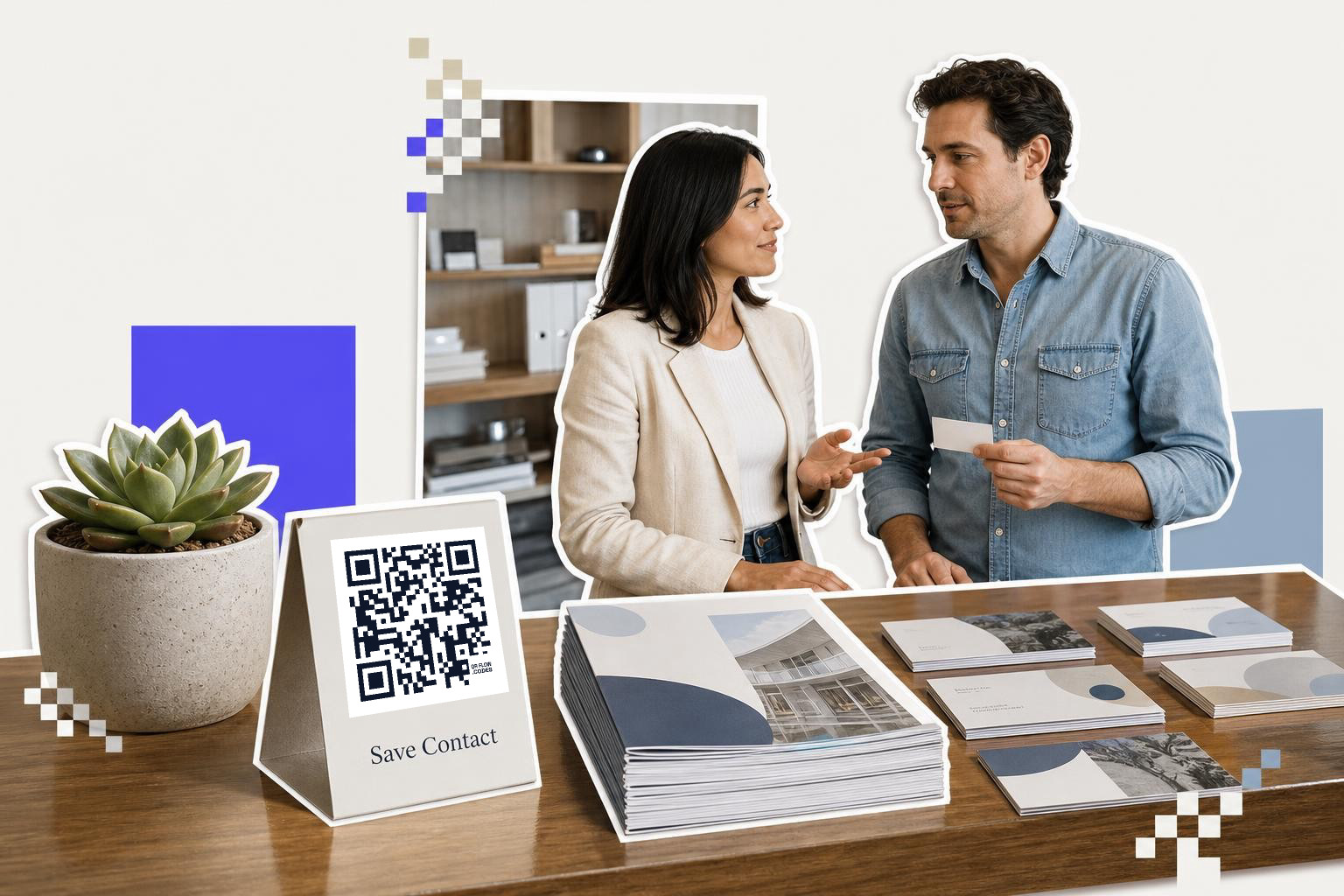
If you meet people at conferences, mixers, or sales meetings, a saved contact page is hard to beat. One scan should show your name, title, phone, email, company, and website, with a simple add contact button.
This works best when the next step is staying in touch, not browsing. For coaches, agents, consultants, founders, and account reps, that is often the whole point of the card.
A vCard style destination also ages better than plain typed phone numbers. If you change roles, phone numbers, or sites, a dynamic code lets you update the destination after the cards are printed. That is a Premium feature at QRFLOW.codes, and it matters here more than in most card setups because contact details change all the time.
Keep the landing page light. A contact save page should open fast on mobile data and show the add contact action near the top. If people need to pinch, scroll, or hunt, you made the scan harder than typing your name.
How can portfolios benefit from QR codes?#

Creative work is the easiest win for QR codes on business cards. If you are a photographer, designer, videographer, tattoo artist, stylist, architect, or maker, the code can show your work in seconds.
But send people to a trimmed page, not your full messy website. A business card scan happens on the go. Your portfolio page should load well on a phone, put your best 3 to 6 pieces first, and make your name obvious.
If you work in different styles, link to the style that matches the room you are in. A wedding shooter and a product shooter should not hand out the same destination to everyone. This is one case where printing two card versions can make sense.
Here is the simple test. Can someone answer "Would I hire this person?" in 15 seconds on their phone? If not, tighten the page.
If you need a static code, generating and downloading one is free, with no sign-up. If you want to swap the portfolio link later without reprinting, use a dynamic code instead.
Need the QR itself first? Our guide on how to create a QR code for a link fast walks through the setup.
A small practical note, put the code on the back if your front is carrying your logo and main contact line. Cramming everything onto one side usually makes the card feel cheaper.
QRFLOW.codes is handy here because you can make a simple code fast, test it on your phone, and download the print file without a signup wall.
How do QR codes help with booking pages?#

Some cards should not send people to a website at all. If you sell appointments, classes, consultations, fittings, demos, or studio time, send the scan to your booking page.
This is especially strong after short in person chats. The person already knows who you are. They do not need your whole story again. They need one open slot and one clear button.
Print a cue beside the code so the value is obvious. "Scan to book a 15 min intro" is much better than just dropping a square on the card and hoping people figure it out.
For booking links, dynamic matters if your scheduler changes, your calendar tool changes, or you run seasonal offers. If your code points to a redirect you control, you can keep the same printed cards longer.
Try to avoid landing people on a page with a lot of extra navigation. Every extra tap lowers the chance that a real appointment gets booked.
Where should a QR code be on a business card?#
Placement matters more than most people expect. A code tucked into a busy corner or printed over a dark photo may still look fine to you, but scan badly in a dim bar, hotel lobby, or trade show hall.
For most business cards, keep the QR code at least 0.8 inches wide. If the card has a coated finish, 0.9 to 1 inch is safer because glare makes scanning harder. Leave a quiet margin around the code, about 4 modules wide if your generator calls it that, or just a clear border with no text touching it.
Back of card is often the easiest spot. It gives the code room to breathe and keeps the front focused on your name and role. If you put it on the front, keep it away from the trimmed edges and away from thin script text.
Black on white is still the safest choice. Brand colors can work, but low contrast is a common reason cards fail in real life. Pale gray on cream looks nice on screen and scans worse under warm indoor lights.
Skip tiny captions under the code if they make the whole block feel cramped. One short line is enough. Your goal is a fast scan, not a tiny ad.
Which business card QR code setups work best?#
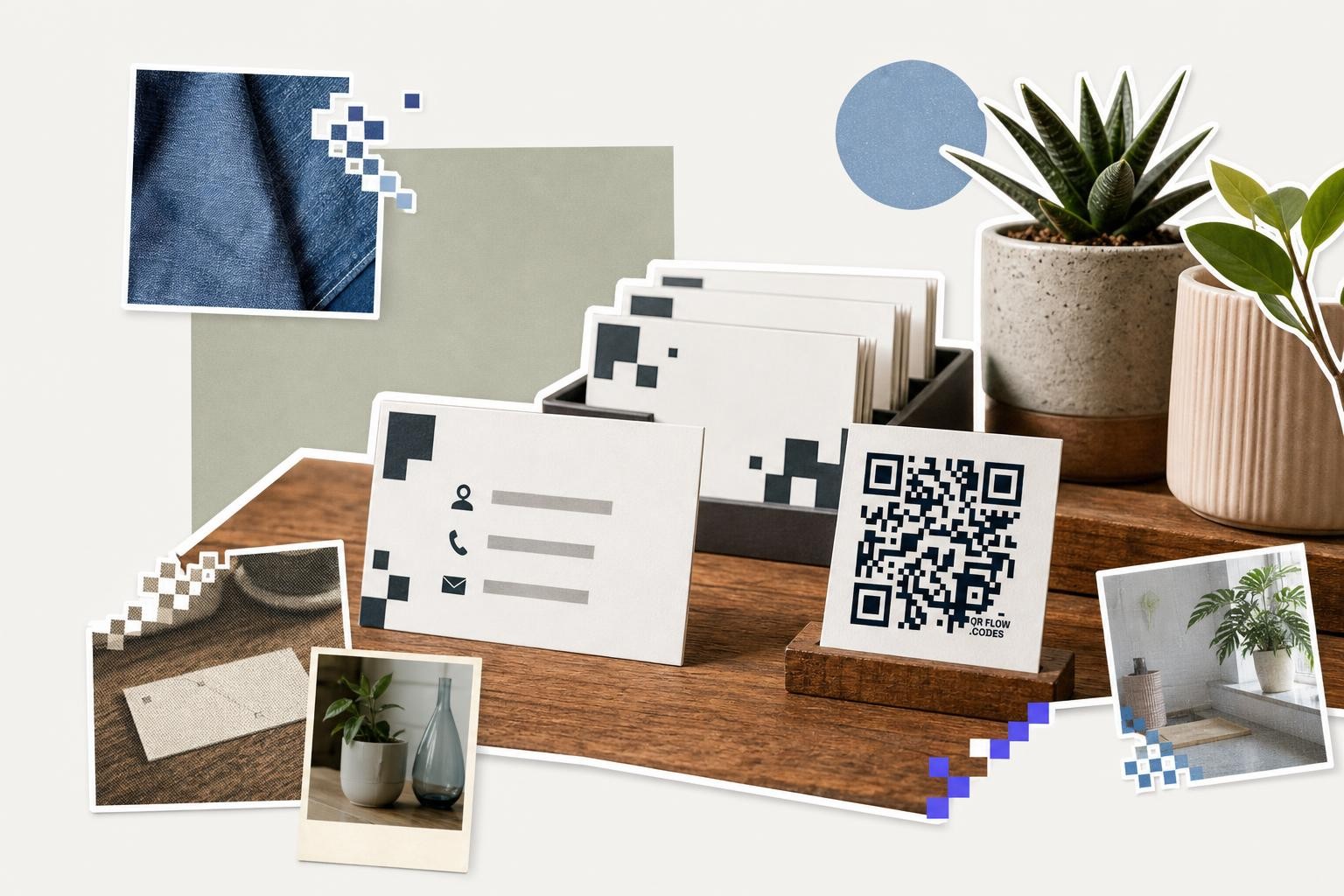
A consultant card, front has name, role, phone, email. Back has a QR code labeled "Save contact." This is the most practical setup for networking events.
A designer card, front stays minimal, maybe just name and site. Back sends you to a mobile portfolio with 4 strong projects. This is one of the safest business card QR code ideas because the value is obvious.
A speaker card, front has name and topic. Back opens a speaker reel or media kit. If event links change often, point the QR to a dynamic page you can edit later.
A real estate or service pro card, front holds trust details, like phone and area served. Back opens a booking page or listing hub. Keep the first screen simple, because many scans happen while standing up and half distracted.
A shop owner or maker card, front shows brand and contact info. Back opens a small page with shop, Instagram, and location. If you need several links, make the page short, thumb friendly, and obvious.
If you like physical spaces that use QR codes well, our piece on QR codes for museums shows the same principle in a different setting, one scan, one useful next step.
How do you test a business card QR code?#
To test a business card QR code, print a sample card and scan it with both an iPhone and an Android phone from 8 to 12 inches away in normal room light. Also, ensure the destination page loads quickly and without issues.
Gloss reflects light. Tiny codes soften at the edges. Dark stock lowers contrast. That is why your final check should always be the printed card in normal room light.
Print one sample before ordering a big batch. Scan it with an iPhone and an Android phone if you can. Test it from hand distance, roughly 8 to 12 inches away, because that is how most people hold a card.
Also test the destination itself. QR codes on business cards are only as good as the page they open. If the page loads slowly, has a pop-up, or asks for too much, the card loses the moment.
For teams, or if you need many cards with different staff details, bulk CSV generation can save time, but that is a Premium feature. Most solo professionals only need one code, so keep it simple.
Still changing the card design? Our guide to QR codes for events covers how sizing and scan distance change when people are moving fast in real spaces, which is useful context for cards too.
Questions people ask about business cards with QR code#
Should the QR code go on the front or the back?#
Back is usually better because the code gets more space and less visual clutter. Put it on the front only if your layout stays clean and the code can be at least 0.8 inches wide with a clear margin.
What should the code open?#
Link to the next thing you want most people to do. For many professionals, that is a contact save page, a booking page, or a small portfolio. One clear destination usually works better than a page packed with choices.
Do static QR codes expire?#
No. A static QR code does not expire if the destination still exists. If the page is removed or the URL changes, the code stops being useful, which is why dynamic codes help when details may change.
Can I make an interactive business card without a big website?#
Yes. You do not need a full site. A simple mobile page with your contact info, one booking link, or a short portfolio is enough for many interactive business cards.
Is a free QR code good enough?#
Often, yes. If your link will stay the same, a static code is fine, and generating and downloading one is free with no sign-up. Pay only if you need to edit the destination later or want a logo on the code.
Your business card does not need to do everything. It just needs to make the next step easy. If you want to make business cards with QR codes that scan cleanly and point somewhere useful, try the free QR code generator, and if you need editable links after printing, see Premium pricing.
When the sign, card or label is ready to print, make the code on the generator and download it as SVG or PNG at the size the piece needs.