
A digital business card with QR code works best when it opens one clear contact action, usually a vCard or short profile page, and the printed code should be at least 0.8 inches (2 cm) wide on cards or badges.
A lot of people make this harder than it needs to be. The square is not the point. The choice behind it is.
If someone scans your code while balancing coffee, a tote bag, and a half-remembered name, they need one fast next step. Save your contact. Book a call. See your work. Not all three at once unless the setting really calls for it.
Where to place a digital business card with QR code at events?#

A badge code should usually open a contact card, not your homepage. Event scans happen fast, often from 1 to 3 feet (0.3 to 1 m) away, and people want to save you before the next session starts.
If you can, make the code open a vCard. That lets the scanner add your name, phone, email, company, and title straight to contacts. A LinkedIn page can work too, but it adds friction. People have to tap, load the app or browser, then decide what to do next.
Put the code on the lower half of the badge, not right under your chin. A code about 1 inch (2.5 cm) wide is a good floor for a badge, and 1.25 inches (3.2 cm) is safer if the room is dim or busy. Keep the text above it short, something like “Save my contact.”
If your job title, number, or booking link changes a lot, this is one place where a dynamic code helps. Your first dynamic code is free on QRFLOW.codes, so you can update the destination after the event without reprinting the badge insert.
For event setups beyond personal networking, the QR code for events page is worth a look too.
At a coffee meeting, what should the code open?#

A coffee meeting code should open the one thing you want the other person to do next. For most freelancers, consultants, and sales reps, that is either a vCard or a short landing page with contact buttons.
Use a vCard if the meeting is the relationship. That works well for recruiters, founders, real estate agents, and anyone building a long contact list. Use a mini page if the meeting is a step toward a booking, portfolio review, or proposal.
A mini page should be short. Name, photo, role, one line on what you do, and 2 to 4 buttons is enough. Good buttons are email, calendar, website, and LinkedIn. Seven buttons is too many. Nobody wants a tiny choose your own adventure after a handshake.
Showing the code on your phone is fine here. So is printing it on the back of a card. If you want the contact saving route, a business card QR code setup gives people a familiar scan and a clean save.
Need the paper layout side of this? We already covered how to add QR code to business card.
A booth table needs a different digital business card with QR code#
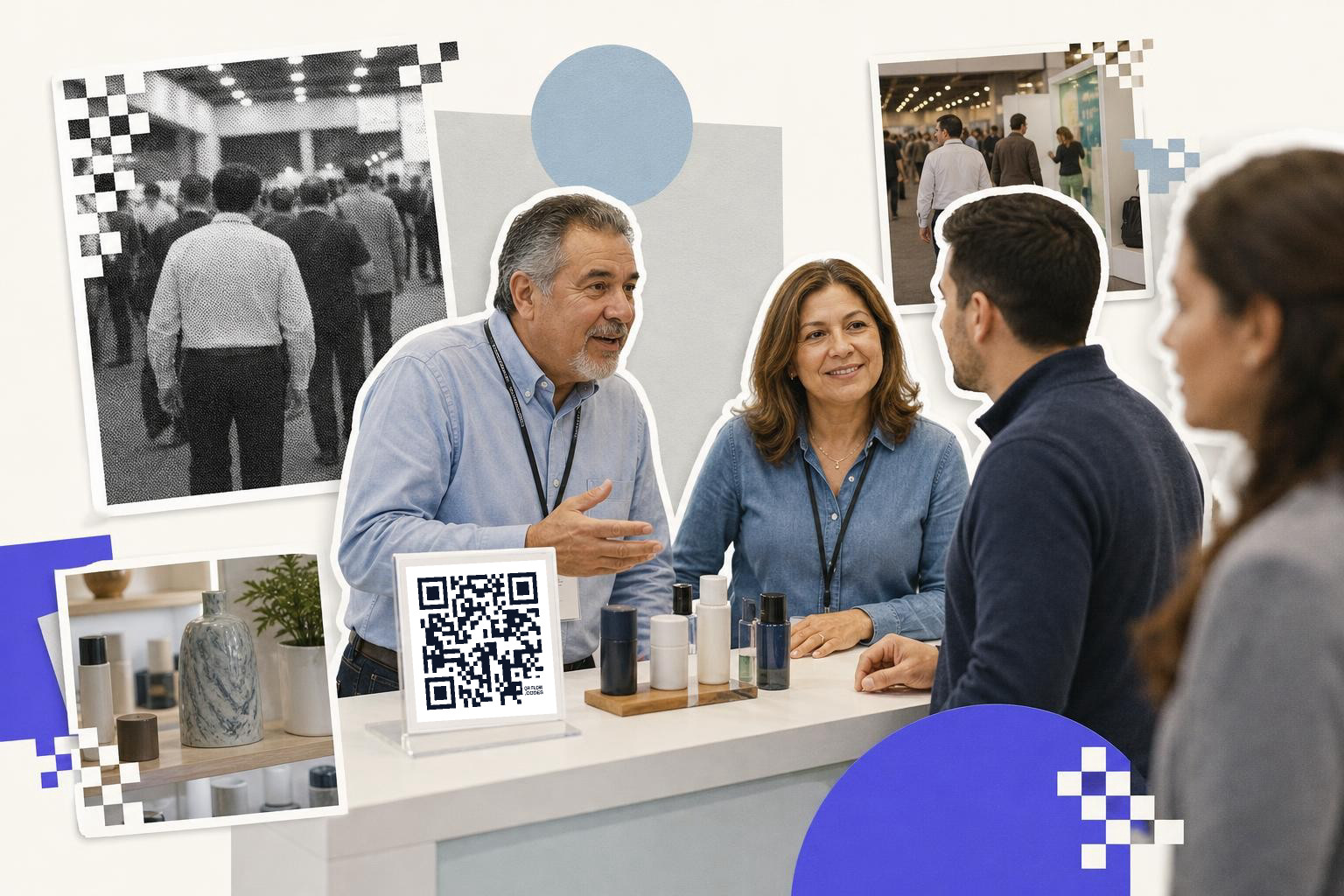
A booth code should send people to the follow-up page that matches the conversation. If you sell one clear offer, link to that. If you meet buyers, press, and partners in the same afternoon, use different codes in different spots.
This is where one generic contact card often falls short. A code on the front counter might open your main product page. A smaller code near the team intro can open a contact card for the rep on duty. A code on a demo station can open a booking page or a spec sheet.
Print the main booth code at least 2 inches (5 cm) wide if people will scan while standing. If the code sits behind samples, raise it up on a small tabletop sign instead of laying it flat. Flat signs get glare from overhead lights, and people end up hovering awkwardly over your table.
A dynamic code is genuinely useful here because booth links change after the show. You might swap a launch page for a quote form, or point the code to a recap deck once the event is over. If you want to track which placement got scans, QRFLOW.codes can show scan timing and referrers on paid plans, which helps when you run more than one booth code.
If you are making handouts too, our guide on how to add a QR code to a flyer covers the print side.
Use a free QR code generator when you are ready to make the booth version and the personal version side by side.
How do reception desks use digital business cards with QR codes?#
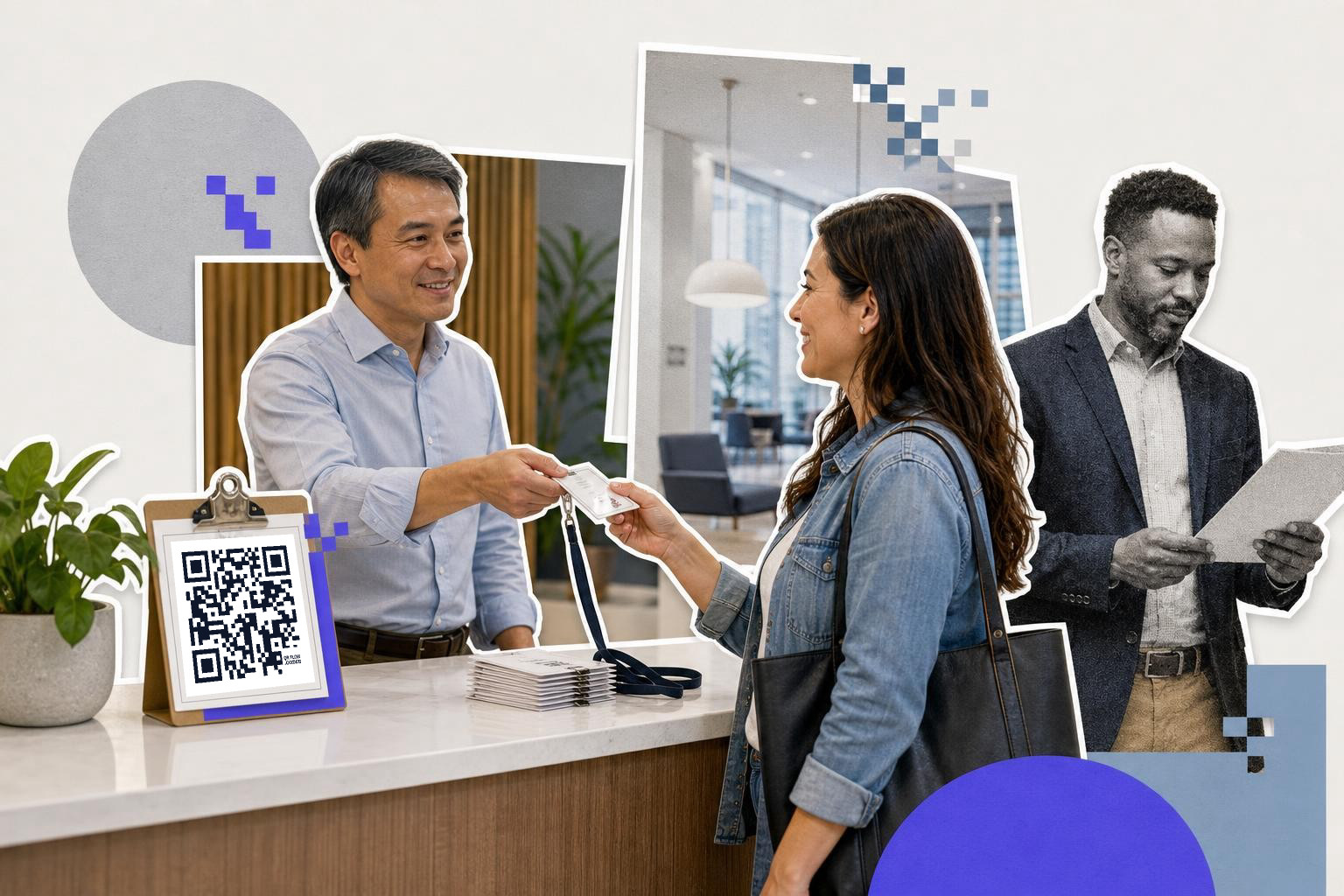
A front desk contact code should help a visitor reach the right person after they leave. That usually means a contact card for one person, or a short page with the host's details and directions for the next step.
This setup works well for studios, agencies, clinics, showrooms, and shared offices. A visitor checks in, meets three people, then forgets who handles what. A simple code at the desk can sort that out.
Keep the destination narrow. “Meet our team” sounds nice, but it usually dumps visitors onto a page they will not use. “Text the project lead,” “Email the leasing team,” or “Save our front desk details” works better because the next action is obvious.
Put the code where a standing guest can scan it without leaning over the desk. A tabletop sign with a code at least 1.5 inches (3.8 cm) wide is plenty at arm's length. If the desk handles different visitor types, make separate signs rather than one code that tries to cover everyone.
Package inserts and thank you cards#
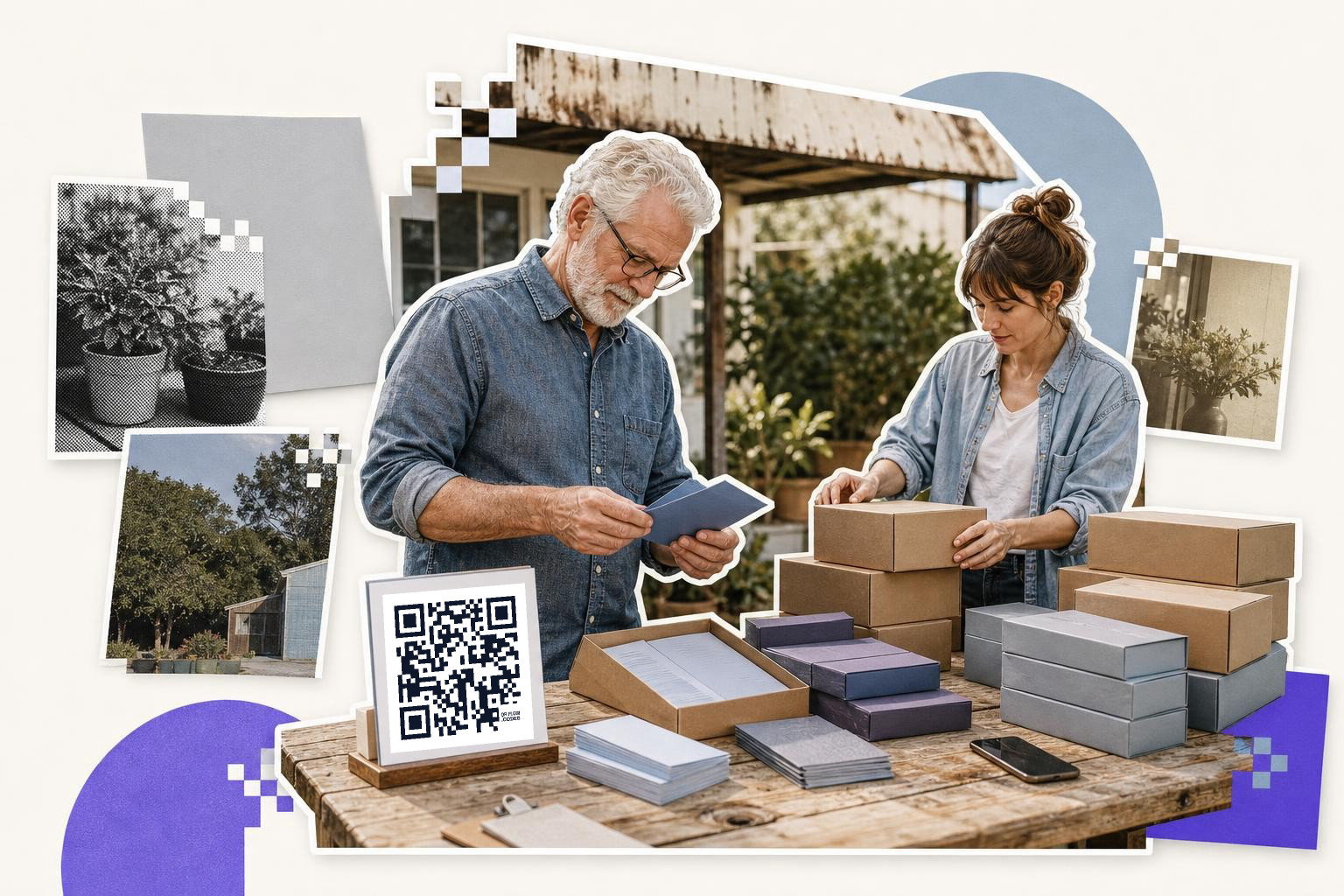
A package insert code should turn one sale into a direct contact, not just another website visit. For makers, wholesalers, and service businesses with physical orders, this is a quiet but strong place for a digital card.
Think about what the buyer might need after opening the box. A retailer may want wholesale contact details. A customer may want support, refill reminders, or a reorder link. An interior designer may want your trade line sheet, not your Instagram bio.
This is why the same business can need two versions. One insert for retail customers, one for trade samples, and one for press kits. The code can still look the same size and style, but the destination should match the person opening the package.
A thank you card has room for a code around 0.9 inches (2.3 cm) to 1.2 inches (3 cm) wide. Put one short line above it, like “Save our contact” or “Wholesale info.” More copy usually lowers scans because the card starts to feel like homework.
When should you print one, and when is phone only enough?#
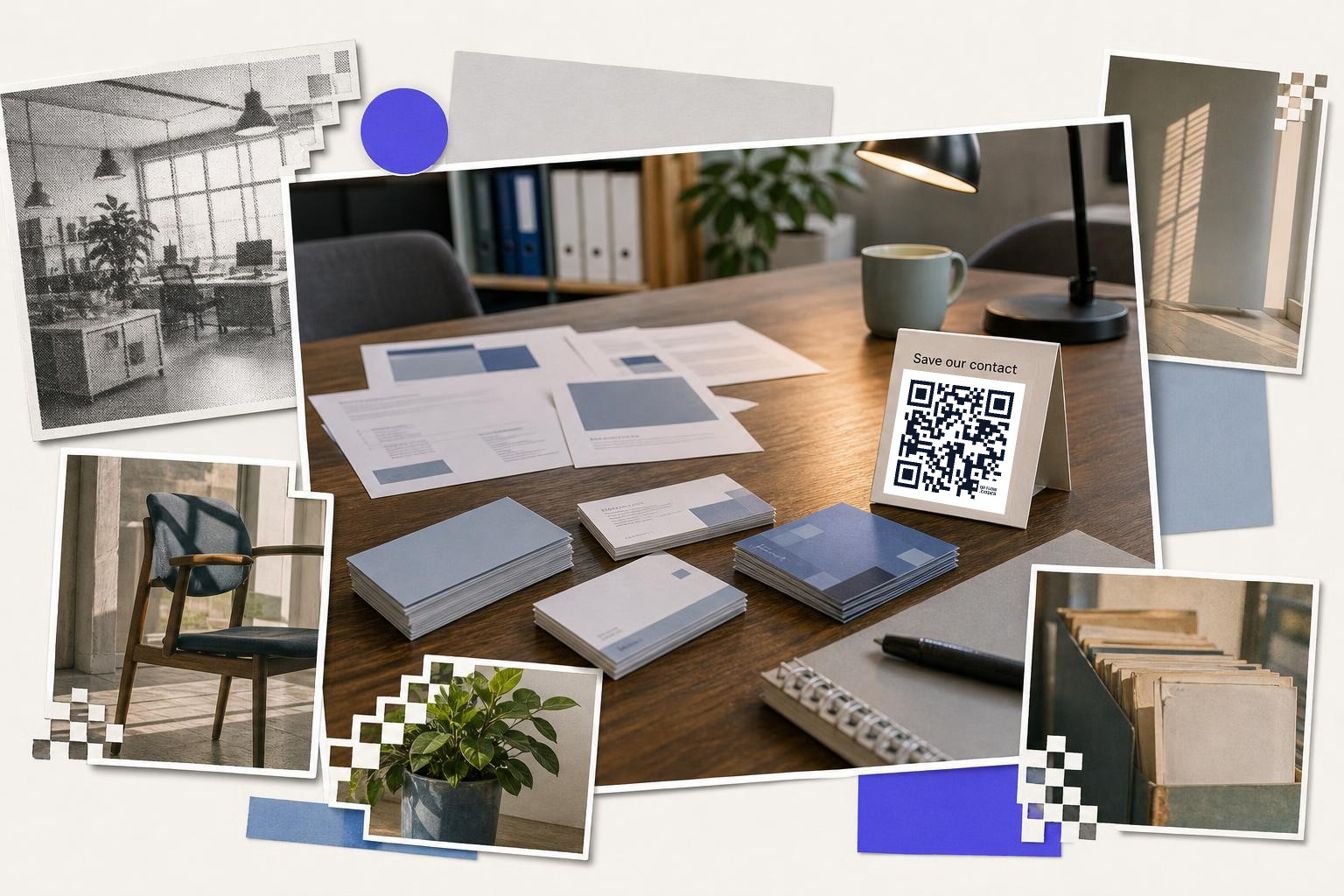
Phone only is enough when you mostly share details one to one. Print the code when people need to scan it without asking you to unlock your screen or hand over your phone.
That means printed versions make sense for conferences, shop counters, open studios, reception desks, and boxes. Phone only is fine for coffee chats, interviews, and casual intros. A small paper backup still helps, though, because low battery is undefeated.
If the destination may change, print an editable code. If the destination is fixed, like a permanent vCard page you control, a static code is fine. The code itself does not expire, but the link behind it still has to stay live. If you want a fuller plain English version, see our guide to static vs dynamic QR code.
A simple way to decide is this. If reprinting 100 cards would annoy you, make the code dynamic first. If you are printing 10 cards for a weekend event and the details are final, static is completely reasonable.
Questions people ask about digital business cards#
LinkedIn or vCard for QR code?#
A vCard is better when you want people to save your details fast. LinkedIn is better when your profile does the selling and you care more about follows than contact saves. For most in person networking, the vCard wins because it cuts out extra taps.
Use same QR code on phone and card?#
Yes, as long as the destination makes sense in both places. A vCard, short profile page, or booking page usually works on screen and on paper. Just avoid pages that rely on a desktop layout or ask the scanner to hunt for the contact button.
How much information should a digital card include?#
Keep it short. Name, role, company, email, phone, and one next step is enough for most people. If you add a profile page, limit it to a few buttons and one line on what you do so the page stays scannable in a hurry.
Do I need a dynamic code for a digital business card?#
No, but it helps if your phone number, calendar link, or landing page may change. A static code is fine for stable details. A dynamic code is worth it when you print badges, cards, inserts, or signs you do not want to redo later.
A digital business card is just a shortcut to the right next step. Pick that step first, then make the code around it.
You can build one on QRFLOW.codes, test it on your phone, and print it once you know the destination feels right. If you want editable links, analytics, or your own short domain later, the plan details are on /pricing.