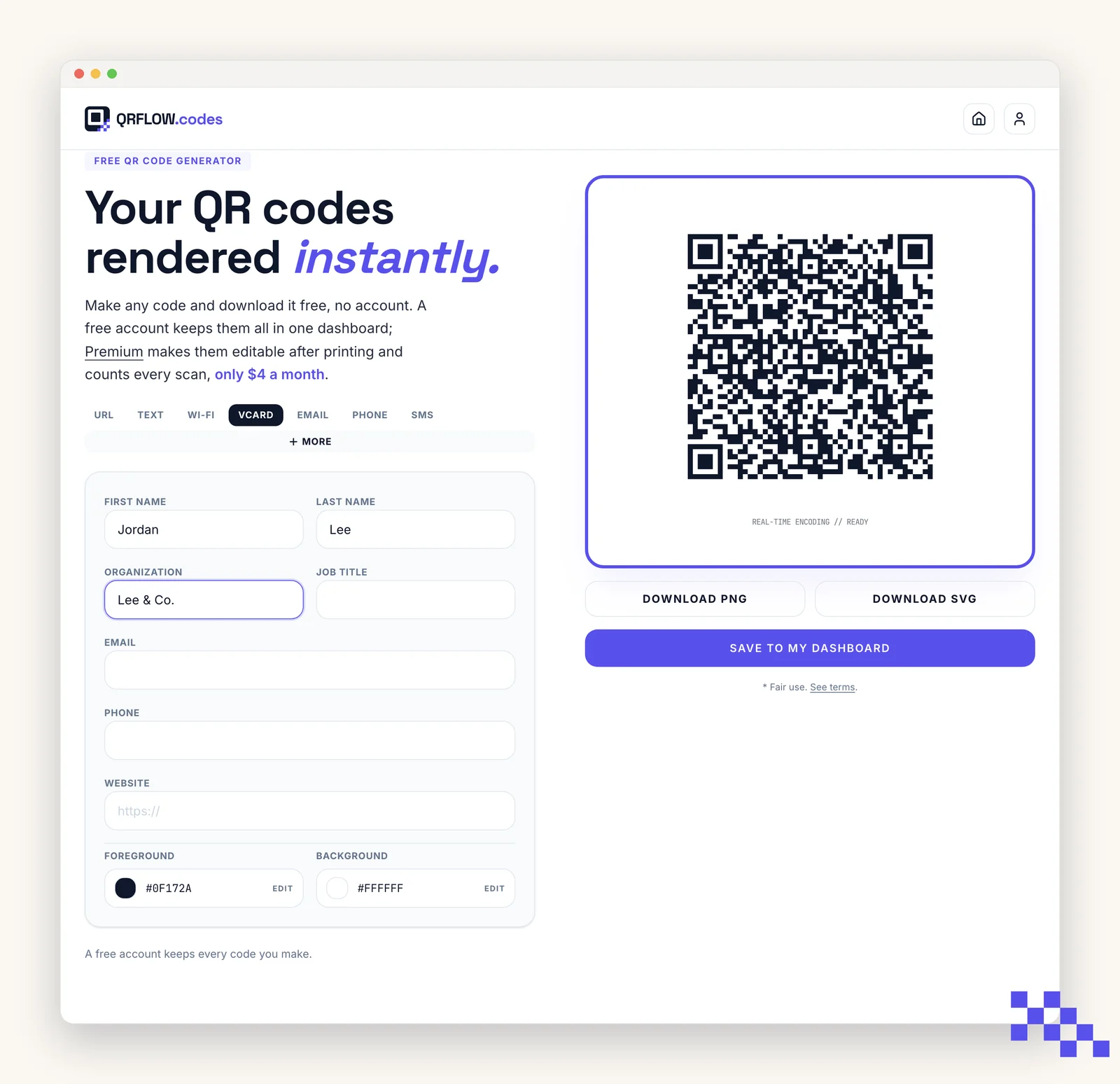
A vCard code holds a contact record: name, company, title, phone, email and website. When someone scans it, the phone offers to create a new contact with every field filled in.
Fields the code carries
- First name and last name
- Company and job title
- Phone (one number; use the one you want people to call)
- Website
Every field is optional except a name. The more you fill in, the denser the code, so a card with five long fields needs to print larger than a plain URL code. See the print sizes guide.
iPhone vs Android
- iPhone: the camera shows a Contacts banner. Tap it to see the fields and Create New Contact.
- Android: the camera or Google Lens shows Add contact. Some older phones show the raw text first; tap it to import.
- Both phones keep the contact on the device only. Nothing is sent to us; the code itself is the data.
A vCard code is static by nature: the contact data is inside the picture. If your phone number changes, print new cards. If you want a code you can update, use a URL code that points at your contact page or LinkedIn.
Business card tips
- Print at least 0.8 in (2 cm) wide. vCards are dense.
- Dark on white. Skip the logo on very small cards.
- Put a one-line label under it: Scan to save my contact.
Ready to make your own QR code?
Free QR codes rendered as you type, no signup to try. Premium makes them dynamic for $4 a month.
Still stuck? Search the help center, or contact support and a person will answer.