A Wi-Fi code carries the network name, the password and the security type. iPhone and Android read it with the built-in camera and offer to join. Nobody types a 16-character password off a chalkboard again.
Watch it
Make one
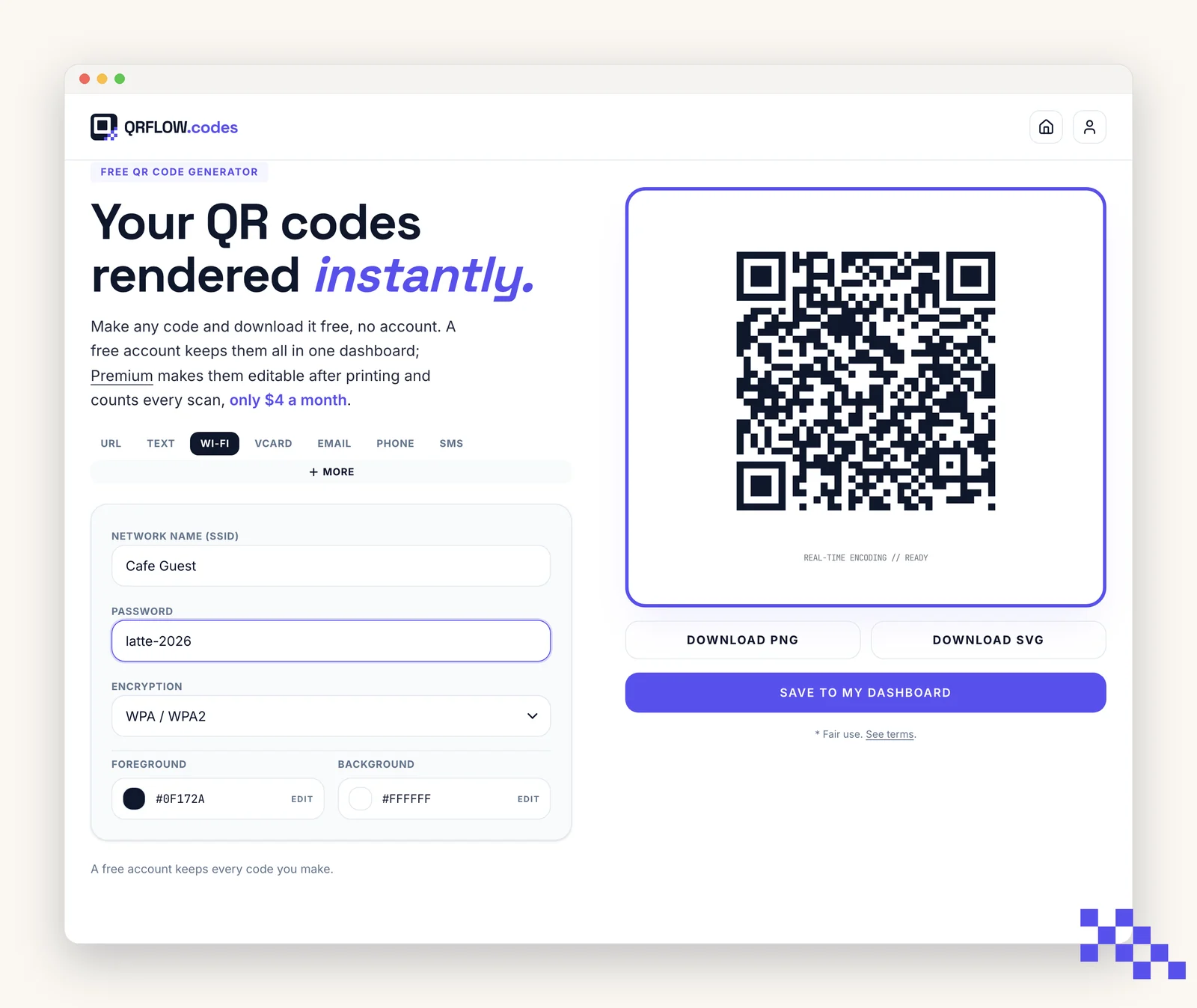
- 1Pick Wi-Fi
Click the Wi-Fi tab at the top of the generator.
- 2Type the network name exactly
Capital letters, spaces and punctuation must match the router. Copy it from the router label or from a phone that is already connected.
- 3Type the password
Also exact. The code stores it as typed.
- 4Pick the security type
WPA covers WPA, WPA2 and WPA3, which is nearly every modern router. WEP is for very old routers. None is for open networks with no password.
- 5Download and test
Scan it with a phone that is not on the network yet. Forget the network on your own phone first if you want to test with it.
It scans but will not connect
- Name or password has a typo. One wrong character is enough. Re-check both against the router.
- Wrong security type. A WPA network with WEP selected fails silently on some phones.
- The phone is already on a network with the same name and a saved wrong password. Forget the network, then scan again.
- Captive portal (a hotel or cafe sign-in page). The code joins the network; the portal still appears. That is normal.
Tip. Print the network name under the code as plain text. When the code is scratched or the phone is old, the text still works.
Should a Wi-Fi code be dynamic?
Usually not. A static Wi-Fi code works offline and joins the network directly. A dynamic one opens a web page first, which needs internet the guest does not have yet. Keep Wi-Fi codes static; if you change the password, print a new card.
Ready to make your own QR code?
Free QR codes rendered as you type, no signup to try. Premium makes them dynamic for $4 a month.
Still stuck? Search the help center, or contact support and a person will answer.