GS1 Digital Link puts the product's GTIN into a web address, so one QR code works for the consumer (opens a page) and for the supply chain (identifies the product). Retailers are moving to it under GS1's Sunrise 2027 program. On Business you can make these here.
Make one
- 1Open the picker
Click More in the generator and choose GS1 / GTIN.
- 2Enter the GTIN
8, 12, 13 or 14 digits. We validate the check digit and reject a GTIN with a typo, so copy it from your GS1 record.
- 3Optional: batch, serial, dates
Batch or lot (up to 20 characters), serial (up to 20), expiration and best-before as YYMMDD. Leave them empty for a code that is the same on every unit.
- 4Optional: resolver and link type
By default the code points at id.gs1.org, the public resolver, which forwards to the page registered for your GTIN. Enter your own https origin if you run a resolver. Link type narrows the request (product info, instructions, and so on).
- 5Save and download SVG
Packaging artwork wants vector. Send the SVG to your designer with the quiet-zone note from the print guide.
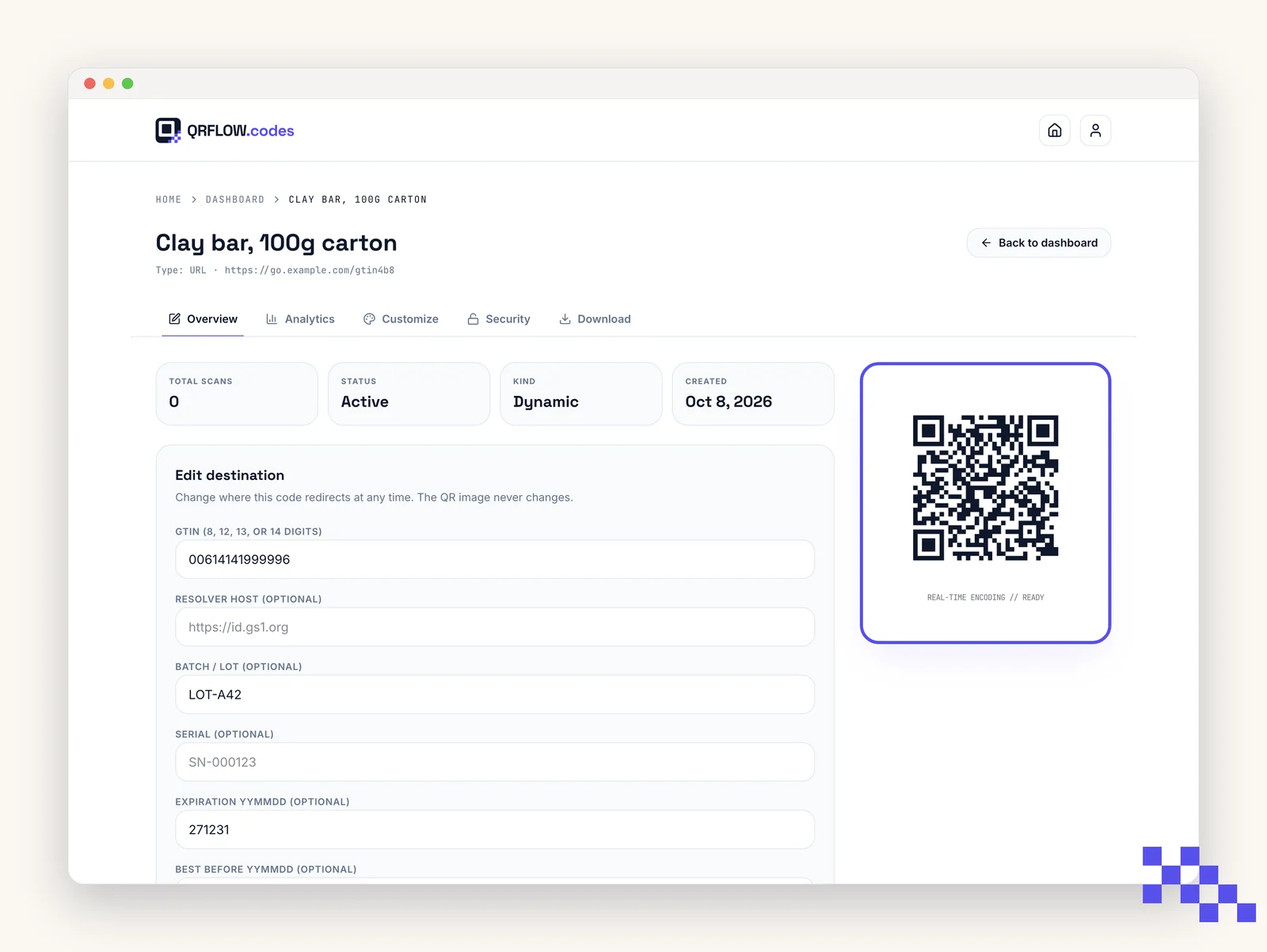
What the code contains
A URL in GS1 Digital Link syntax, for example https://id.gs1.org/01/09506000134352/10/LOT-A42. The 01 segment is the GTIN; 10 is the batch; 21 would be a serial. Any GS1-aware scanner reads the GTIN out of it; any phone camera opens the URL.
Register the GTIN's landing page with GS1 (or your resolver) so the public resolver has somewhere to send people. We encode the identifier; we do not host the product page.
Printing on packaging
- Keep it black on white or a very dark color on a light background; register scanners are less forgiving than phones.
- Minimum 0.8 in (2 cm), with the full quiet zone; bigger if the print is on curved or textured material.
- Do not add a center logo to a GS1 code. Scanner tolerance is tighter.
Ready to make your own QR code?
Free QR codes rendered as you type, no signup to try. Premium makes them dynamic for $4 a month.
Still stuck? Search the help center, or contact support and a person will answer.