
What the box should open
Pick the one thing the buyer needs in the first ten minutes with the product, and make the code open that. For anything with setup, it is the quick-start guide or a 60-second video. For consumables, it is reorder. For appliances, warranty registration with the model pre-filled. Reviews belong later, in the follow-up email, not on the box.
If several are needed, one code can open a short landing page with three buttons: Set up, Register, Reorder. Keep it to three. QR codes on food packaging looks at what brands are putting behind theirs.
- Setup guide or video: the code goes on the inside flap, the first thing they see when they open it.
- Warranty registration: link with the model number in the URL so the form is already half done.
- Reorder or refill: the code on the bottle or the last sheet in the pack.
- Ingredients, allergens, safety data: required in some categories; a code satisfies "more information" requirements when the print has no room.
Printing on packaging
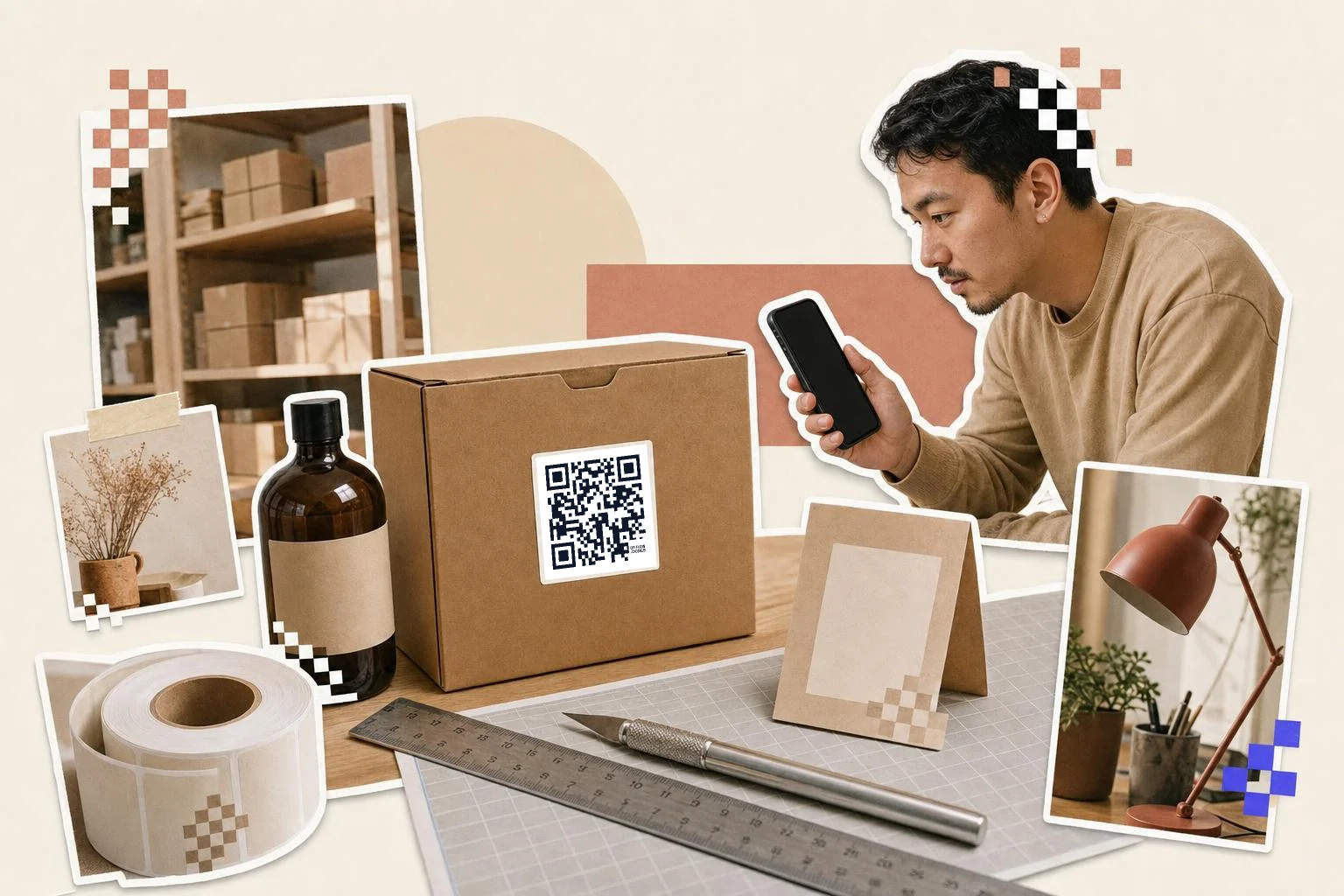
Packaging is scanned in hand, so 0.8 in (2 cm) is the floor and 1 in (2.5 cm) is comfortable. Give the code a flat area: a code wrapped around a bottle's curve fails, a code across a box seam fails, and a code on shrink-wrap distorts. Print it where the substrate is flat and light; on kraft or dark boxes, put the code inside a white rectangle with a generous margin rather than printing light-on-dark.
Ask the printer for the SVG; it stays sharp at any size and on any press. Check a physical proof with a phone before the run, not the PDF.
GS1 Digital Link for retail
Retailers are moving from the linear barcode to "2D at point of sale": one QR code that both scans at the till and opens a web page. That code has to follow the GS1 Digital Link format, with your product's GTIN in the URL. The Business plan generates these from the GTIN, optional batch, serial and expiry, and keeps them dynamic, so the page behind the GTIN can change while the code on the shelf does not.
How big to print it
Rule of thumb: the code should be at least one tenth of the distance it is scanned from. These are the sizes that work in practice for this job.
| Where | Scan distance | Minimum width |
|---|---|---|
| Small label or bottle | 6-10 in (15-25 cm) | 0.8 in (2 cm) |
| Box side or inside flap | 10-16 in (25-40 cm) | 1 in (2.5 cm) |
| Shelf talker | 20-32 in (50-80 cm) | 2 in (5 cm) |
| Shipping carton | 3 ft (1 m) | 3 in (8 cm) |
Why make it dynamic
Nothing is printed in bigger numbers or lives longer than packaging. A box printed this year is still in someone's garage in five. Bake a URL into a static code and you are committed to keeping that exact page alive forever; version two of the manual, a new support site, a discontinued product, and the code on ten thousand boxes points at a 404. A dynamic code moves with the product: same print, new destination, and a scan count that tells you which product line people actually open the manual for.
Dynamic codes are part of Premium, $4 a month. Static vs dynamic, explained.
Step by step
- 1
Paste the page the buyer needs first
Setup guide, registration form, or reorder page. Add the model number to the URL if the form can read it.
- 2
Caption it on the box
"Scan for setup" or "Scan to reorder" next to the code; the Product label frame is built for this.
- 3
Export SVG for the printer
Vector stays sharp on any press; ask for a proof and scan the proof.
- 4
Keep it editable
Save it on Premium so a revised manual or a new site never strands the boxes already printed.
Questions people ask
- What should a QR code on packaging link to?
- The one thing the buyer needs first: a quick-start guide, warranty registration, or reorder page. If you need more than one, a short landing page with up to three buttons works; the homepage does not.
- Can I change where a packaging QR code goes after printing?
- Yes, if it is a dynamic code: the box points to a short link you control, and you change the destination in the dashboard. This matters more for packaging than anything else because of run sizes and shelf life.
- How small can a QR code be on a label?
- About 0.8 inch (2 cm) is the practical floor for a code with a short link; below that, scanning gets unreliable on older phones. A short dynamic link keeps the pattern simple, which helps at small sizes.
- What is a GS1 Digital Link QR code?
- A QR code whose URL carries your product's GTIN in the GS1 standard format, so it scans at retail checkout and also opens a web page. QRFLOW.codes makes them on the Business plan from the GTIN, batch, serial and expiry.
- Can the code print in my brand color on a dark box?
- Print the code dark on a white or light panel with a clear margin. Light codes on dark backgrounds and codes over artwork fail on many phones; put the brand in the frame around it instead.
- Should I use a different code for each product?
- Yes. One code per SKU means each can point to the right manual and you can see per product which ones get scanned. Bulk generation makes this quick from a spreadsheet.
Make the code now, change the link later
Free to make and print. Premium ($4/mo) keeps it editable and counts every scan.