
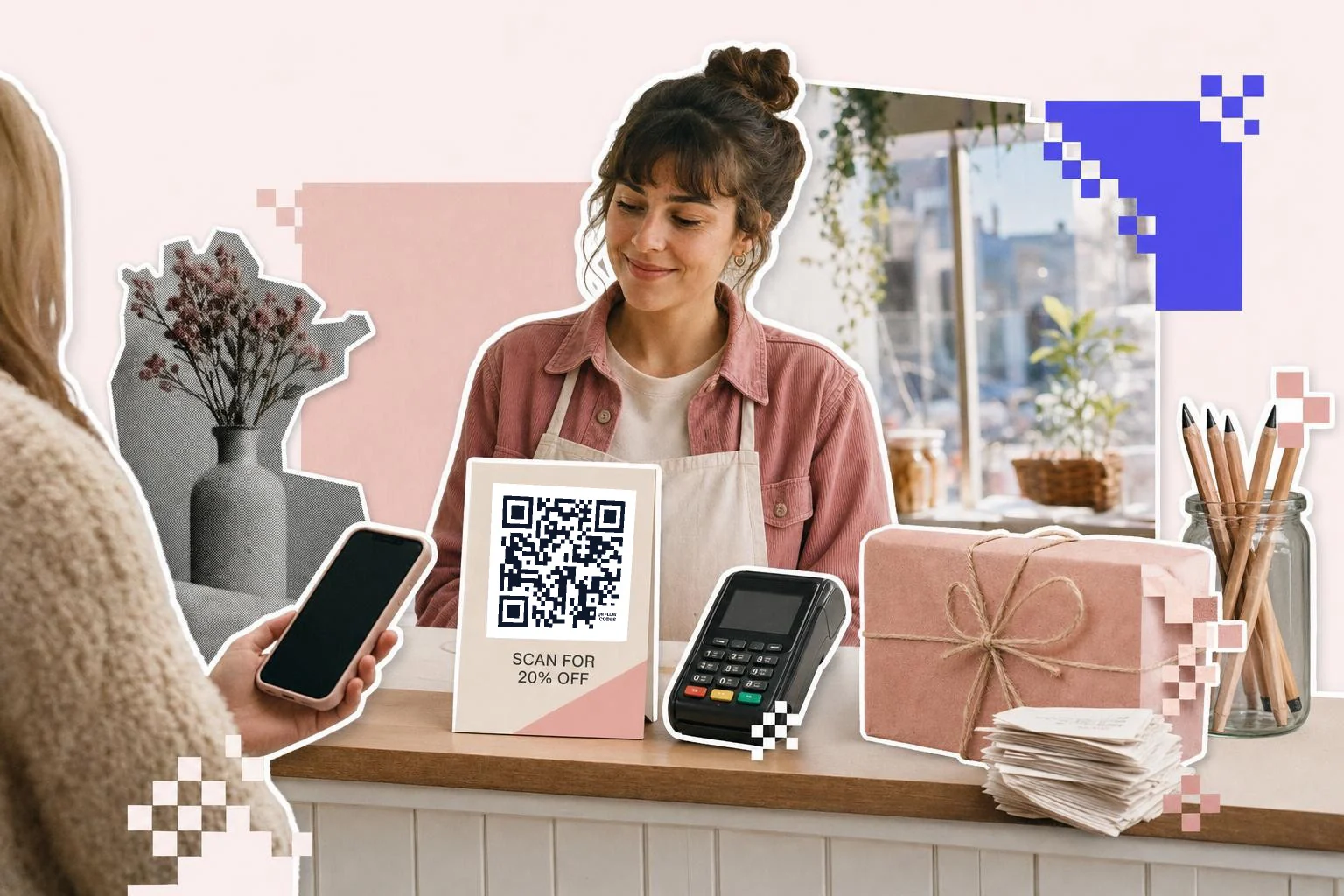
Payments by QR code
Payment codes are links to a payment page: PayPal.me, Venmo, Cash App, a Stripe or Square payment link, or your own checkout. The generator has types for the popular ones and takes an optional amount and note, so a code on the counter can already say "$12, market stall". For a payment processor's own QR (the one their app shows), use theirs; ours is for the link.
Two things keep payment codes safe: print them where a customer can see you and the code together (a sticker slapped over yours by someone else is the known scam), and check the code with your own phone every morning. A dynamic code helps here too, because a tampered destination can be corrected without touching the print.
- Counter or stall: the payment link, with the amount if it's fixed.
- Invoice or bill: a payment link with the invoice number in the note.
- Delivery driver's card: pay-on-delivery link for cash-free drops.
Promotions, loyalty and the receipt
The window code should open the current offer with the promo code applied, not the shop's homepage. The Coupon type takes the landing page and the code, and the frame can carry the offer as its headline. When the offer ends, repoint the code or pause it so nobody lands on an expired page.
Loyalty sign-up goes on the counter card, where the customer has a minute while paying. Reviews go on the receipt, where the good part just happened, with a short line saying it takes thirty seconds. Never offer a discount for a review; Google removes those.
Shelf and product codes
A code on the shelf talker can open the product's page, a size guide, a how-to video or reviews. Keep them at 2 in (5 cm) because shoppers scan from standing height, and name each one by aisle and product so the scan counts tell you which displays pull. QR codes for inventory tracking covers the back-of-house version of the same idea.
How big to print it
Rule of thumb: the code should be at least one tenth of the distance it is scanned from. These are the sizes that work in practice for this job.
| Where | Scan distance | Minimum width |
|---|---|---|
| Receipt footer | 8-12 in (20-30 cm) | 0.8 in (2 cm) |
| Counter card or stall sign | 20-28 in (50-70 cm) | 1.5 in (4 cm) |
| Shelf talker | 20-32 in (50-80 cm) | 2 in (5 cm) |
| Window decal | 3-7 ft (1-2 m) | 3 in (8 cm) |
Why make it dynamic
Shop promotions change every few weeks; window decals and shelf talkers do not want to. A dynamic code on the window points at this month's offer, then next month's, then the holiday hours, all on the same decal. Payment links change too, when you switch processors or open a second till. And a counted code tells you the one thing foot traffic never does: how many people looked at the window and did something about it.
Dynamic codes are part of Premium, $4 a month. Static vs dynamic, explained.
Step by step
- 1
Paste the promo page and code
The landing page URL and the discount code; the generator builds the link.
- 2
Make one per surface
Window, counter, receipt, shelf: separate codes, separate counts.
- 3
Caption and print
"Scan for 20% off", "Pay here", "Leave a review": the frame says what happens.
- 4
Rotate without reprinting
On Premium, repoint the window code to each new offer and pause it between promotions.
Questions people ask
- How do I make a QR code for payments?
- Choose the payment type in the generator (PayPal.me, Venmo, Cash App, or a plain link for Stripe and Square payment links), enter your handle and optionally an amount, and print the code where customers can see you and the code together.
- Is it safe to take payments by QR code?
- The link itself is as safe as the payment page it opens. The real risk is a sticker placed over your code by someone else; keep codes where staff can see them, check them daily, and use a dynamic code so a wrong destination can be fixed instantly.
- Can a QR code apply a discount automatically?
- Yes, if your store supports a promo code in the URL. The Coupon type takes the landing page and the code and builds that link; the frame can show the offer as a headline.
- Can I change the window code when the promotion ends?
- With a dynamic code, yes: repoint it to the next offer or pause it. Static codes would need a new decal.
- Which surface gets the most scans?
- In most shops the receipt and the counter card, because the customer already has the phone out. The window is worth it for evening foot traffic. Separate codes per surface will tell you for your shop.
- Can I put my logo in the code?
- Yes, on Premium. A logo up to about a fifth of the code's width scans reliably because QR codes carry error correction.
Make the code now, change the link later
Free to make and print. Premium ($4/mo) keeps it editable and counts every scan.