
A QR code for inventory tracking works best when each label does one job, points to one item or one bin, and prints at least 1 inch (2.5 cm) wide on shelves.
Inventory QR systems go wrong when the code is vague. One code opens a giant spreadsheet. Another opens the wrong form. A third sends staff to a homepage. None of that helps during a busy count.
A better setup is boring in the best way. You scan a label, the right record opens, and the person holding the box knows what to do next.
This guide is for small warehouses, retail back rooms, makers, and service teams. The examples are simple on purpose, because you can copy them tomorrow.
Start with shelf labels, not every single item#

Shelf labels are the fastest way to start an inventory QR code system. Put one code on each shelf, bin, or tote, then make that scan open the record for everything stored there.
This works well in a boutique stockroom, a supply closet, or a small warehouse with repeat locations. Staff scan the bin first, then count what is inside. You avoid printing hundreds of tiny labels before you know your system makes sense.
For shelf labels, print the code at least 1 inch (2.5 cm) wide. If staff scan from a step back, go closer to 1.5 inches (3.8 cm). Put the label on the front face of the shelf, not the top, so the camera sees it without awkward angles.
What should the code open? For most teams, one of these three:
- a product record in your inventory app
- a Google Form for quick stock counts
- a simple web page with SKU, location, par level, and reorder notes
A small shop often starts with a QR code for a Google Form because it is cheap and easy to edit. A warehouse with an existing system usually links each code to an item or location page inside that system.
How should a QR code for inventory tracking be organized?#

A QR code for inventory tracking should be organized by location first, then by item second. Location labels are easier to scan during counts, and item labels make sense later for high-value or fast-moving stock.
Think in layers. Aisle A, Shelf 3, Bin 2 is one layer. The actual product inside that bin is the next layer. If you start by labeling every screwdriver, jar, or T-shirt, you create more work than most small teams can keep up with.
A simple naming pattern helps a lot. Try something like A3-B2 for the location, then keep the SKU in the record the code opens. Staff can say the location out loud, write it on a pick sheet, and find it again fast.
Bin level codes are also easier to replace. If a sticker gets scraped off by a tote, you reprint one label, not fifty. If you want help sizing those labels, the Google Form QR code size guide is useful.
If you want to make a batch of location codes without much setup, QRFLOW.codes lets you create and download as many static codes as you need. For a first pass, that is often enough.
Service vans need restock codes, not warehouse codes#
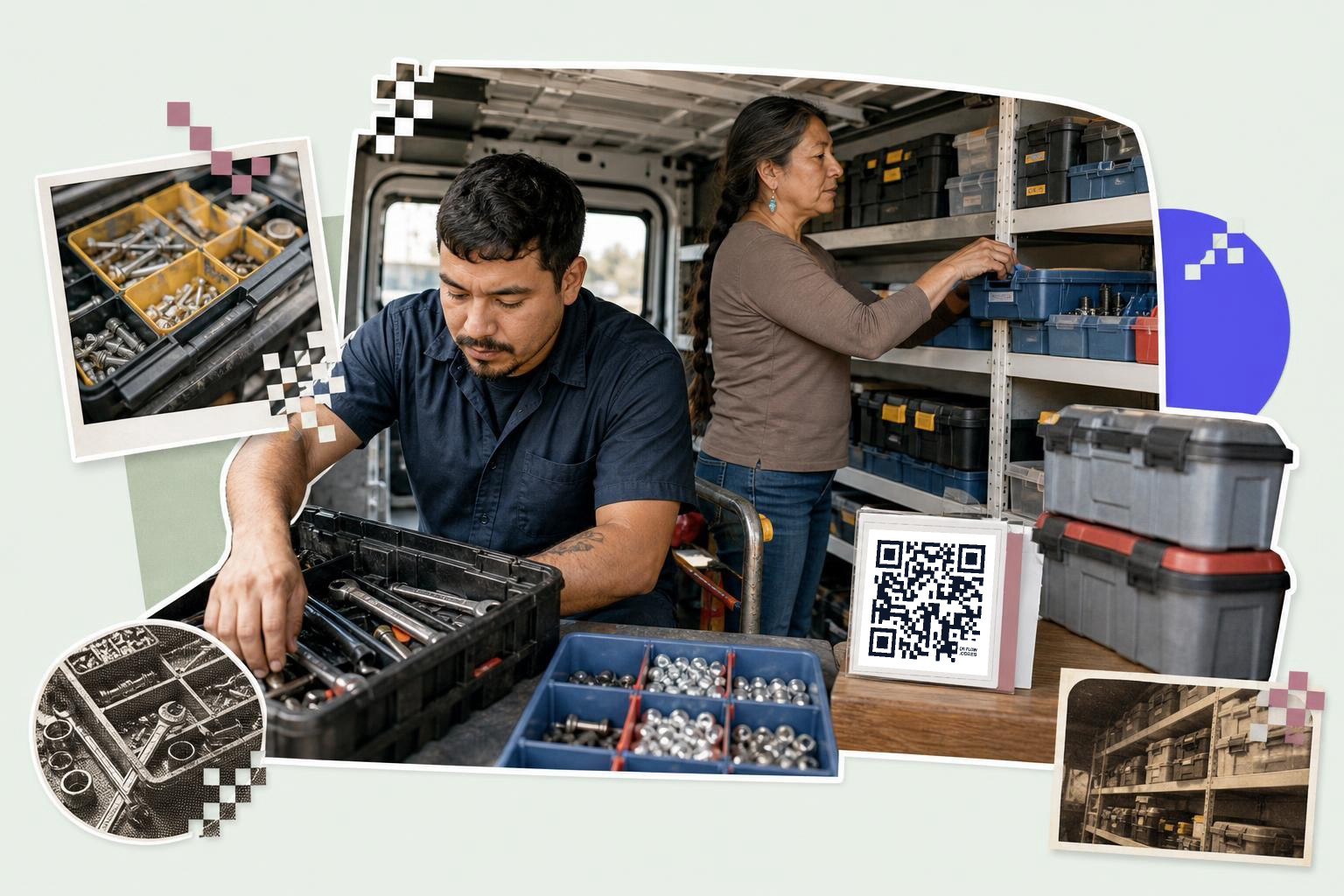
Service van inventory works best when each case, drawer, or parts bin has its own code. The scan should open a short restock form or item list that a tech can use with one hand.
A van is not a warehouse aisle. Light is uneven. Things move around. People are in a hurry and standing in a parking lot. That changes what you print.
Use bigger labels here, at least 1.5 inches (3.8 cm) wide. Put them on flat, clean surfaces near the handle or latch. Avoid curved lids and dusty spots. If a code lives inside a dark van cabinet, use matte labels so glare from a flashlight does not wash it out.
The page behind the scan should answer three questions fast: what belongs here, how many should be here, and how do I report what is missing? A simple form with quantity fields beats a long spreadsheet on a phone.
This is one place where static versus dynamic matters. If your form link, app route, or item list might change after labels are on ten vans, use a dynamic code. You can edit the destination later without reprinting. That is a paid feature on the pricing page, and it saves a lot of relabeling once vehicles are already out in the field.
Batch tracking on a packing bench#
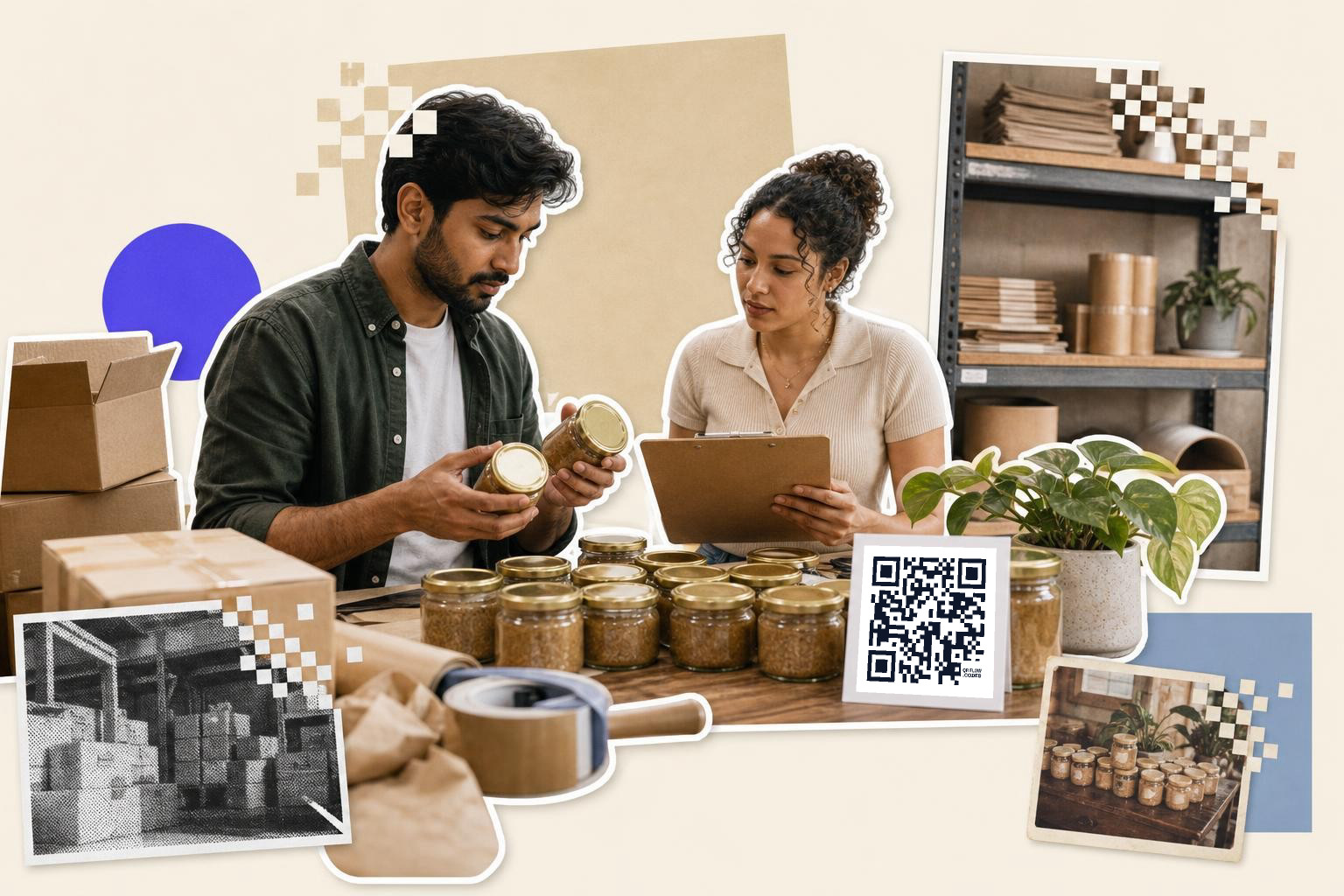
Batch tracking works best when one code follows one run of product, not the whole product line. The scan should open the lot record, ingredient notes, or packing checklist for that batch.
This setup fits candle makers, coffee roasters, soap shops, and any small production team that makes goods in runs. One batch comes off the bench, gets packed, and needs to stay tied to a date or lot number.
Print bench labels at 1.2 inches (3 cm) or larger if they stay at arm's length. If the code goes on a storage tote across the table, move up to 2 inches (5 cm). Keep at least a small white border around the code, because busy label designs make phone cameras work harder.
The useful part is not the code itself. The useful part is what opens after the scan. A lot page can show ingredients used, who packed it, how many units were made, and where leftovers are stored.
If your team still tracks runs on paper, start with a shared batch page per run. You can get fancier later.
What should an inventory QR code link to?#

An inventory QR code should link to the next action, not just the item name. Good targets are a stock count form, a product record, a restock page, or a pick instruction page.
This is the mistake beginners make most. They build a clean label, then point every code to the same spreadsheet homepage. Staff scan, zoom, scroll, and guess. That is slower than paper.
Match the link to the place:
- Shelf or bin code, location record or count form
- Product label, item record with SKU and current stock
- Van drawer code, restock form
- Packed batch code, lot or run record
- Returns bin code, return check form with condition notes
Returns deserve its own mention. A returns table gets messy fast. One code that opens the exact intake form can cut mixups between damaged stock, unopened stock, and items waiting for inspection.
If you need to test a few setups before printing a full roll, make them and run a pretend count with your team. Ten minutes of testing beats relabeling shelves all weekend.
How big should a QR label be for stock management?#

A QR label for stock management should usually be 1 to 1.5 inches (2.5 to 3.8 cm) wide indoors, and 2 inches (5 cm) wide if staff scan from farther away or in poor light.**
Size depends on distance, dirt, and speed. A code on a clean shelf that someone scans from 12 inches (30 cm) away can be small. A code on a high rack, van drawer, or dusty tote needs more room.
A simple rule helps. For close scans, start at 1 inch (2.5 cm). For arm's length or quick scans, use 1.5 inches (3.8 cm). For racks, carts, or darker spaces, use 2 inches (5 cm). Then test with two phones, one older and one newer.
Label material matters, too. Glossy stickers look sharp on a desk but can fail under warehouse lights. Matte labels are usually easier to scan. Black on white is still the safe choice.
Before a big print run, use the checks in Google Form QR code size, and the link that keeps working. That one habit catches most bad labels early.
Roll it out one aisle at a time#
A good QR code for stock management starts with one pilot area, one naming pattern, and one simple scan action. Pick a single aisle, backroom wall, or van shelf, then label only that section for one full count cycle.
Watch where people hesitate. If they ask, "Which code do I scan?" your labels are too dense. If they scan and then ask, "What do I do now?" your destination page is too vague.
Software choice matters less than clean structure. A spreadsheet, form, or inventory app can all work if each code opens the right place and the labels are big enough to scan fast.
If you need a place to make, test, and reprint labels, start with QRFLOW.codes. If your links may change after labels are out in the world, compare the editable options on /pricing.