
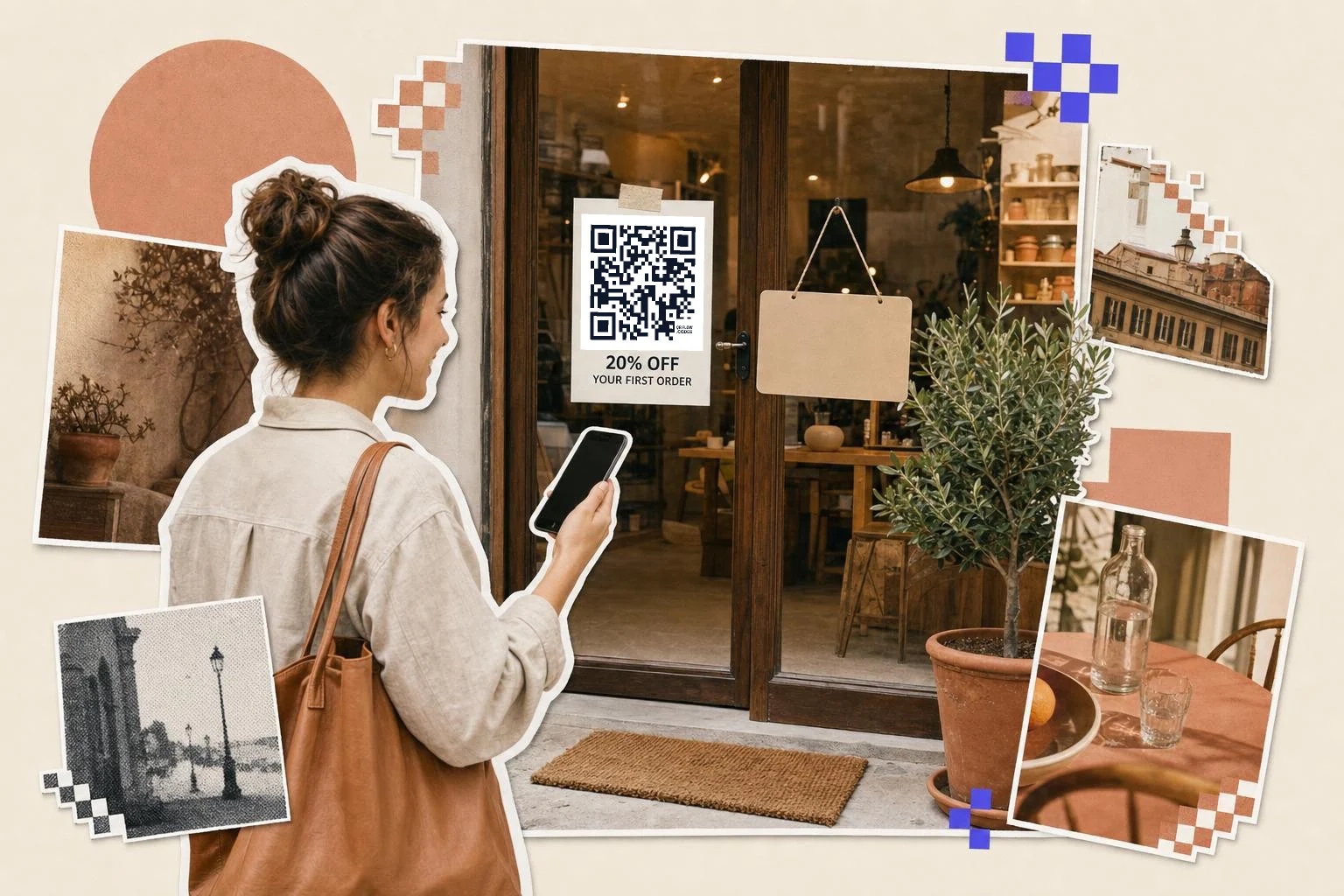
What the code carries, and what your shop does
The code holds a link to your offer page with the promo code attached as a parameter. If your shop supports it, and most do, the discount is applied when the page opens; in Shopify that is a discount link, in WooCommerce a coupon-code parameter, and most email and commerce platforms have their own version. Check yours applies the code automatically before printing, by opening the link in a private window and watching the cart.
If your system cannot take a code in a link, point the code at the offer page and print the promo code in large type next to the square. That is still better than a bare code, because the customer can read what they are getting before they scan.
Counting redemptions honestly
Scans and redemptions are different numbers and it is worth keeping them apart. The code tells you how many people scanned, by day and by placement. Your shop tells you how many actually checked out with the code. The gap between the two is the interesting part: a high scan count with few redemptions usually means the landing page or the offer is the problem, not the print.
One code per placement is what makes this work. Same offer, same promo code, several codes, each with its own name in the dashboard: door hanger, window, insert, till receipt. If you need per-customer redemption limits rather than per-placement counts, that is your shop's job, with unique codes it generates; a printed QR code is a doorway, not a voucher. QR code promotions covers the offer itself.
- Flyers and door hangers: 1 in (2.5 cm), the offer in words above the code.
- Window and A-boards: 3 in (8 cm) or more, with an end date.
- Till receipts: 0.8 in (2 cm), for the next visit.
- Packaging inserts: 1 in (2.5 cm), a thank-you and a repeat-purchase code.
- Magazine and newspaper ads: 1 in (2.5 cm), and one code per publication.
Write the offer, not the word coupon
The print sells the deal; the code only opens it. "20% off your first order, until March 31" with a small code under it beats a big square captioned "Scan for a coupon". Put the end date on the print: it creates the deadline and it saves you the argument when somebody arrives in June with a flyer from February.
Terms belong on the landing page, not squeezed around the code in four-point type. One clear sentence in print, the detail behind the scan.
How big to print it
Rule of thumb: the code should be at least one tenth of the distance it is scanned from. These are the sizes that work in practice for this job.
| Where | Scan distance | Minimum width |
|---|---|---|
| Receipt or small insert | 8-12 in (20-30 cm) | 0.8 in (2 cm) |
| Flyer, door hanger, ad | 12-16 in (30-40 cm) | 1 in (2.5 cm) |
| Window or A-board | 3-7 ft (1-2 m) | 3 in (8 cm) |
| In-store shelf talker | 16-24 in (40-60 cm) | 1.5 in (4 cm) |
Why make it dynamic
Offers end, and printed coupons do not come back. A static code keeps sending people to an expired deal, which is a small argument at a counter every time it happens. A dynamic code is repointed the day the offer closes: send it to the next promotion, the shop, or a page that says the offer has finished and offers something else. It also counts scans per placement, so the flyer drop, the door hanger and the magazine insert stop being one number, and you can see the redemption rate against real scans instead of guessing.
Dynamic codes are part of Premium, $4 a month. Static vs dynamic, explained.
Step by step
- 1
Paste the offer page and the code
The landing page where the discount is redeemed, plus the promo code to carry along.
- 2
Test the discount applies
Open the link in a private window and check the cart shows the discount, not just the page.
- 3
Name one code per placement
Door hanger, window, insert: same offer, separate codes, separate scan counts.
- 4
Repoint it when the offer ends
On Premium, send the printed code to the next offer or a polite page instead of a dead deal.
Questions people ask
- How do I make a QR code for a coupon?
- Choose Coupon in the generator, paste the page where the offer is redeemed and the promo code, and download the code. The code is carried in the link, so the discount can be applied as soon as the page opens.
- Does the discount apply automatically?
- That depends on your shop, not on the code. Most commerce platforms accept a discount or coupon parameter in a link; test yours in a private window before printing. If it cannot, point the code at the offer page and print the promo code next to it in readable type.
- Can I limit it to one use per person?
- Not with the printed code itself, which anyone can scan. Per-customer limits come from your shop's coupon settings, or from unique codes it generates, one per customer; bulk generation on Premium can turn a CSV of those unique links into a batch of codes.
- How do I know how many people used it?
- Two numbers: the scan count on each saved code, which is the print side, and the redemptions your shop reports, which is the money side. Keeping a separate code per placement is what makes the first number useful.
- What happens when the offer ends?
- A static code keeps opening an expired offer. A dynamic code can be repointed the same day to the next promotion or a page that explains the offer has ended, so nothing printed becomes a dead end.
- Is a coupon QR code free to make?
- Yes, and a free account keeps the download unmarked. Premium ($4 a month) counts scans per placement and lets you repoint the code when the offer closes.
Make the code now, change the link later
Free to make and print. Premium ($4/mo) keeps it editable and counts every scan.