
One code per piece, tagged per piece
Make a separate code for every placement: the flyer, the poster, the mailer, the magazine ad, the bus shelter. Same landing page, different code, different UTM source. The dashboard then shows scans per placement, and Google Analytics shows sessions and conversions per placement. That is the difference between "print works" and "the mailer to the 89101 zip code brought 212 visits and 9 sign-ups".
Use utm_source for the placement (flyer, mailer, poster), utm_medium=print, and utm_campaign for the campaign name. Keep them lowercase and consistent; analytics tools treat Flyer and flyer as two sources. Our piece on QR code promotions covers what to put behind each one.
The landing page is half the code
A scan is a phone. Send it to a page built for a phone, with the offer in the first screen and one button. Do not send print scans to the homepage; the person holding the flyer already knows who you are and wants the thing the flyer promised.
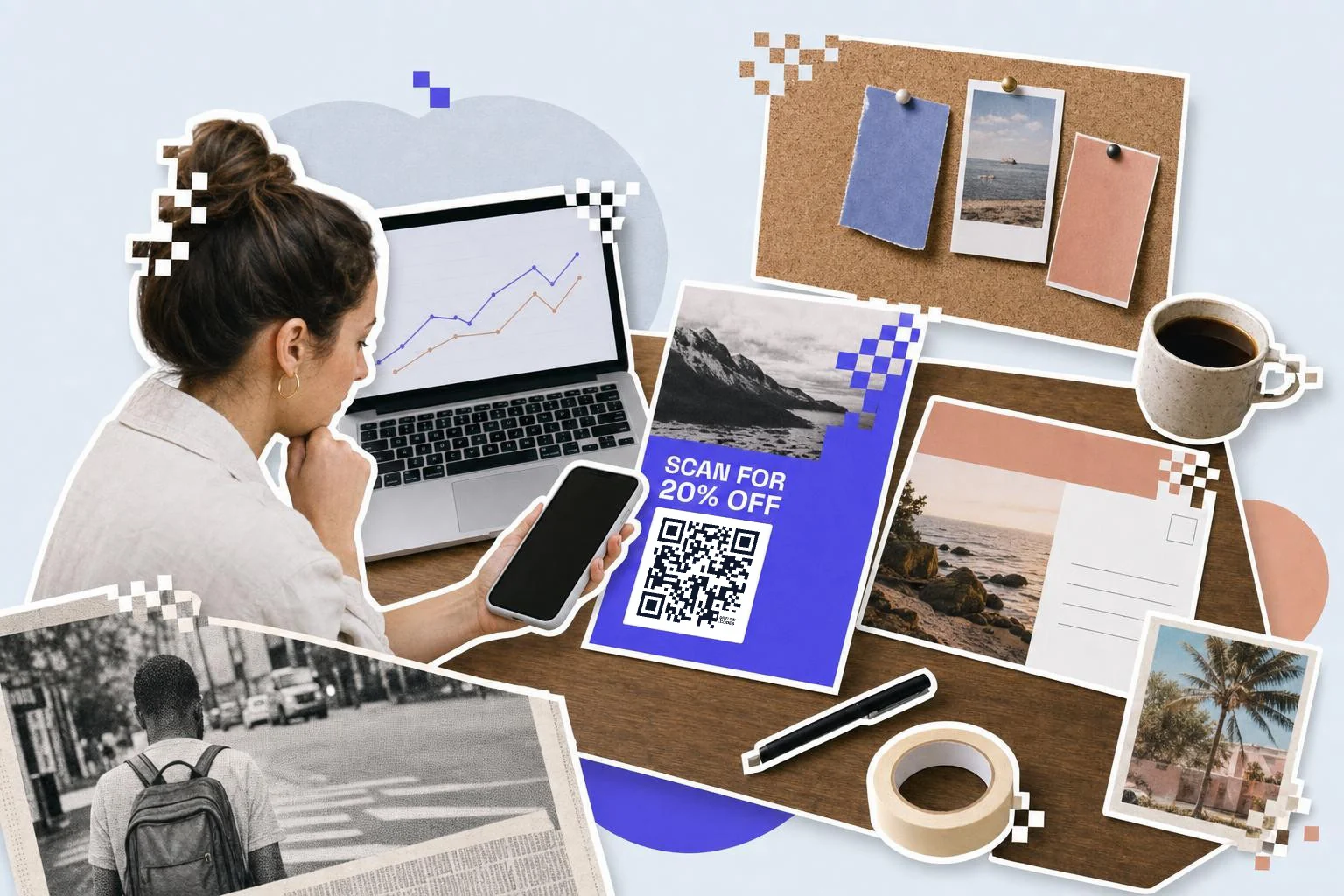
Say what happens on the print itself: "Scan for 20% off" beats a bare square. A short URL under the code catches the people who won't scan.
- Flyers and door hangers: the offer page with the promo code pre-filled.
- Direct mail: a personal-feeling page; a Business account can generate a unique code per household from a CSV.
- Magazine and out-of-home ads: a page that loads fast on mobile data, no video autoplay.
- Packaging inserts: reorder, review, or how-to, depending on what the customer needs next.
Design rules that keep it scannable
Dark code on a light ground, always; inverted codes fail on many phones. Keep the quiet zone (blank margin) around the code at least four modules wide, and never let a photo or gradient run behind it. If the brand color has to be in the code, use it for the frame or the caption, not the pattern, or keep the contrast ratio above 3:1.
Logos in the middle are fine at up to a fifth of the code's width. Test every print proof with two phones, one iPhone and one Android, under the light it will actually be seen in.
How big to print it
Rule of thumb: the code should be at least one tenth of the distance it is scanned from. These are the sizes that work in practice for this job.
| Where | Scan distance | Minimum width |
|---|---|---|
| Flyer or door hanger | 12-16 in (30-40 cm) | 1 in (2.5 cm) |
| Direct mail postcard | 12 in (30 cm) | 1 in (2.5 cm) |
| Magazine ad | 12-16 in (30-40 cm) | 1 in (2.5 cm) |
| Poster or bus shelter | 3-10 ft (1-3 m) | 4 in (10 cm) |
| Billboard | 33 ft (10 m)+ | 3 ft (1 m) (3 ft) or more |
Why make it dynamic
Print has a long tail: the mailer sits on a fridge, the flyer stays in the coffee shop rack, the ad runs in the back of a magazine for months. A dynamic code lets the campaign move without the print moving: swap the landing page when the offer changes, send the spring flyer to the summer sale, or pause a code the day a promotion ends so nobody lands on an expired page. And because every scan is counted per code, the flyer and the mailer stop being a guess.
Dynamic codes are part of Premium, $4 a month. Static vs dynamic, explained.
Step by step
- 1
Paste the landing page and tag it
The UTM fields are already open: source is the placement, campaign is the campaign name.
- 2
Make one per placement
Duplicate with a different utm_source for the flyer, the mailer, the ad.
- 3
Caption and download
A frame with the offer as the headline; SVG for print, PNG for digital ads.
- 4
Read the numbers, then repoint
On Premium: scans per code in the dashboard, sessions per source in your analytics; change the destination when the offer changes.
Questions people ask
- How do I track which flyer or ad a QR scan came from?
- Make one code per placement and give each a different utm_source (flyer, mailer, poster). The dashboard counts scans per code; Google Analytics attributes the sessions to the source. Same landing page, separate numbers.
- Do QR codes work with Google Analytics?
- Yes, through UTM parameters. The generator's Website + UTM type adds utm_source, utm_medium and utm_campaign to the link, and GA4 reports them under Traffic acquisition.
- Can I change the landing page after the flyers are printed?
- With a dynamic code, yes: edit the destination in your dashboard and every printed code follows. Static codes cannot be changed after printing.
- Should the QR code use my brand colors?
- Keep the code itself dark on light for reliable scanning and put the brand in the frame, caption and logo. If you must color the pattern, keep it dark enough for a 3:1 contrast ratio.
- How big does a QR code need to be on a billboard?
- About one tenth of the viewing distance: a billboard seen from 10 meters needs a code around a meter wide. Most billboard scans don't happen; put a short memorable URL there too.
- Can I generate unique codes for a direct-mail list?
- Yes, on Premium and Business: upload a CSV with one row per recipient and the Bulk page returns a code for each, up to 500 a month on Premium and 10,000 on Business.
Make the code now, change the link later
Free to make and print. Premium ($4/mo) keeps it editable and counts every scan.