
Where to get the two links
App Store: open your app's page on the App Store (or in App Store Connect) and copy the apps.apple.com address. Google Play: open the listing in the Play Console or the store and copy the play.google.com/store/apps/details?id=… address. Paste both above. The fallback is for laptops, tablets that are neither, and anyone whose phone is not recognized; a page on your own site that explains the app and offers both badges is the right destination, and your homepage is the lazy one.
If your app is on one store only, fill in that field and leave the other empty; everyone lands in the store that exists. Nothing breaks, and you can add the second link later without reprinting if the code is dynamic. An App Store QR code that also works on Android walks through both links and testing on both platforms.
Why the obvious shortcuts disappoint
Two codes side by side, one per store, is the honest static answer, and it works: label them clearly with the platform, not with a logo alone. It costs you twice the space and some people still scan the wrong one.
A code that points at your website's download page adds a tap, which is where a good share of people leave. A code pointing at a third-party smart-link service works, but you have handed the most important link in your print run to a company that can change its pricing or shut the service down, and there have been some famous examples of exactly that. The redirect here does the same job as part of the code you already own.
- Both store links in one dynamic code: one square, right store, scan counts per placement.
- One store only: fill the field you have; the other is optional.
- Two static codes: fine on a big surface with room for two labels.
- A landing page: only when you genuinely need to explain the app first.
Where app codes belong
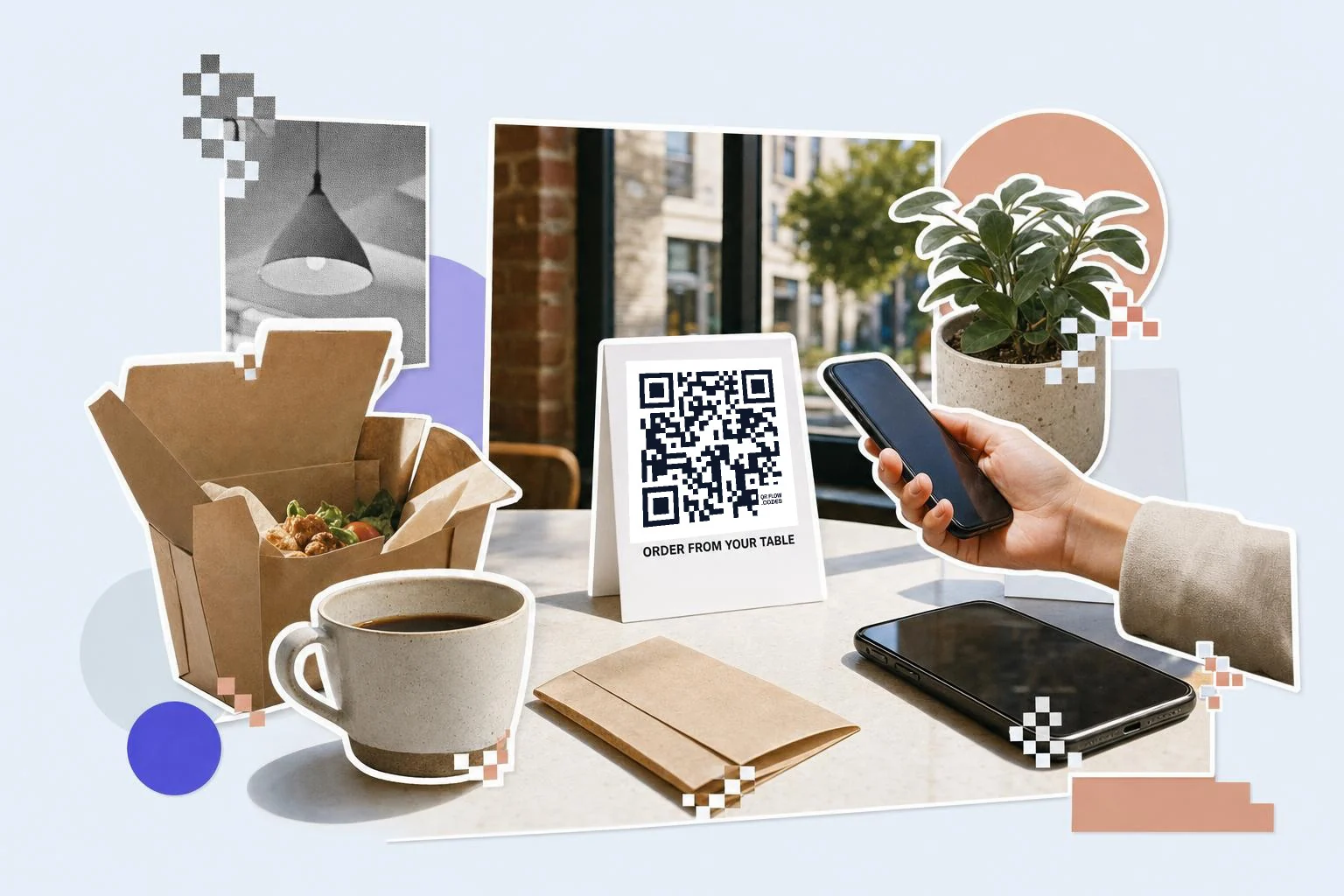
Wherever someone would have to type your app's name into a store and hope they get the right result: the packaging insert, the table tent in a restaurant that takes orders in-app, the parking sign, the gym wall, the conference stand, the back of a loyalty card. The best placements are the ones where the app solves the problem the person has in that exact spot.
Say what the app does, not that it is an app. "Order from your table" or "Pay for parking" beats "Download our app", and it sets an expectation the store page will meet.
- Packaging and inserts: 1 in (2.5 cm), with one line about what the app is for.
- Table tents and counter cards: 1-1.5 in (2.5-4 cm).
- Parking, gym and building signage: 3-6 in (8-15 cm), read from a few feet away.
- Event stands and posters: 3 in (8 cm) or more.
- Slides at the end of a talk: a quarter of the screen height.
How big to print it
Rule of thumb: the code should be at least one tenth of the distance it is scanned from. These are the sizes that work in practice for this job.
| Where | Scan distance | Minimum width |
|---|---|---|
| Packaging insert or card | 8-12 in (20-30 cm) | 1 in (2.5 cm) |
| Table tent or counter card | 12-20 in (30-50 cm) | 1.2 in (3 cm) |
| Wall or parking sign | 3-7 ft (1-2 m) | 3 in (8 cm) |
| Banner or building signage | 7-16 ft (2-5 m) | 6-12 in (15-30 cm) |
Why make it dynamic
This is the one job where dynamic is not a nicety, it is the whole feature. A QR code is a picture of a single address, so a static app code has to choose a store and be wrong for half the people who scan it. A dynamic code points at a short link we redirect, and the redirect looks at the device: iPhone and iPad go to the App Store, Android goes to Google Play, and anything else goes to the fallback you set. It also means a store link can change, a Windows or web version can be added, and the poster stays the same.
Dynamic codes are part of Premium, $4 a month. Static vs dynamic, explained.
Step by step
- 1
Paste both store links
apps.apple.com for iOS, play.google.com for Android, and a fallback page for desktops.
- 2
Save it as a dynamic code
The device check happens on our redirect, so the code has to be saved on Premium to do its trick.
- 3
Test on both phones
Scan with an iPhone and an Android phone before printing; each should land in its own store.
- 4
Caption it with the job
"Order from your table", not "Download our app". SVG for signage, PNG for inserts.
Questions people ask
- Can one QR code work for both the App Store and Google Play?
- Yes, if it is dynamic. The printed code holds a short link, and our redirect sends iPhones to the App Store, Android phones to Google Play and everything else to your fallback page. A static code holds one address for everyone, so it cannot choose.
- What happens when someone scans it on a laptop?
- They get the fallback URL you set, which should be a page describing the app with both store badges. If you leave it empty the App Store link is used, which is a poor experience on a desktop.
- My app is only on Android. Is this still worth it?
- Yes. Fill in the Play link, leave the App Store field empty, and everyone goes to Play. If an iOS version ships later, add the link to the same code and the printed material starts working for iPhones without a reprint.
- Does the code install the app by itself?
- No, and nothing can. It opens your listing in the store, where the person taps Get or Install. A code that claimed to install something without asking would be a security hole, not a feature.
- Can I tell how many installs came from the poster?
- You can tell how many scans each code got, per day and per placement, which is the print side of the question. Attributing installs themselves is the store's job: add campaign parameters to your Play link, or use App Store Connect's campaign links, and the code will carry them.
- Is an app download QR code free?
- Making a static code, pointing at one store, is free and a free account keeps the downloads unmarked. The two-stores-one-code redirect needs a saved dynamic code, and your first one is free; Premium at $4 a month makes every code dynamic and counts scans.
Make the code now, change the link later
Free to make and print. Premium ($4/mo) keeps it editable and counts every scan.