
Sizes that work
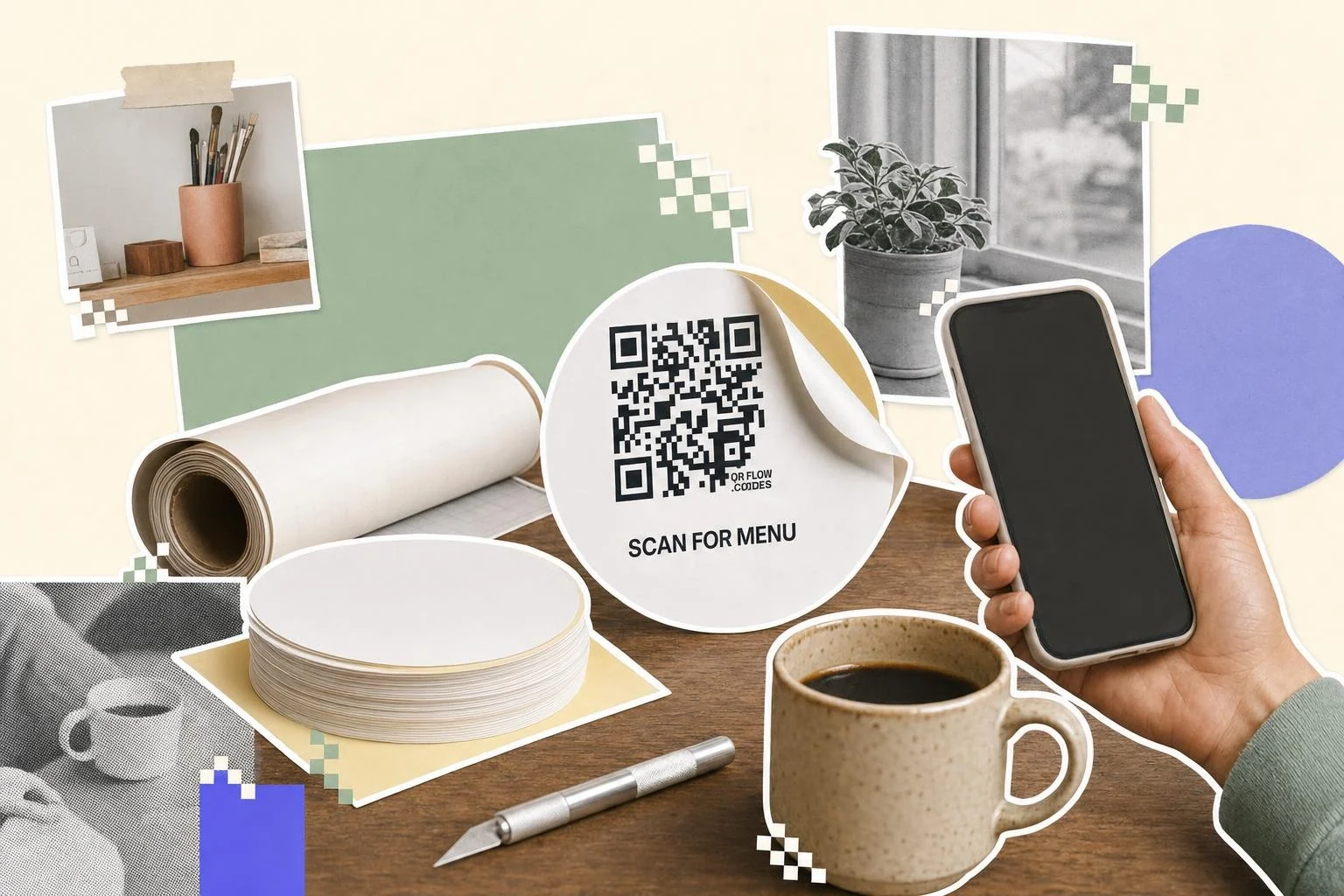
Small round stickers on tables and products: 1.2 in (3 cm) diameter with the code at 1 in (2.5 cm) inside a white circle. Square table stickers: 1.5 in (4 cm). Window and door decals: 3 to 4 in (8 to 10 cm). Laptop and merch stickers: 1.5 to 2 in (4 to 5 cm), with the caption around the code. The quiet zone matters more on stickers than anywhere, because the sticker edge or a die-cut shape can crowd the pattern: keep a white margin of four modules on every side.
Materials that don't fail
Matte vinyl scans under any light; gloss vinyl mirrors overhead lights and fails when the phone is at the wrong angle. Clear stickers put the code over whatever is behind them, which is a coin toss, so print a white backing. Paper labels are fine indoors; outdoors they fade in a season. For tables, choose laminated vinyl that survives cleaning spray.
Ask the printer for a proof, stick it where it will live, and scan it with two phones under that light before ordering five hundred.
- Tables and counters: 1.2-1.5 in (3-4 cm) laminated matte vinyl.
- Windows and doors: 3-4 in (8-10 cm) matte vinyl, inside-facing if glare is a problem.
- Packaging and products: 1-1.2 in (2.5-3 cm) paper or vinyl labels, one code per SKU.
- Equipment and machines: 1.5 in (4 cm) vinyl to the manual, with the model number printed.
- Laptops and merch: 1.5-2 in (4-5 cm) die-cut with the code on a white shape.
Printing a sheet at home
Download the PNG at 1024 px, place it on an Avery-style label template at the size you need, and print on the matte label sheet. Check that the printer isn't scaling the page to fit; the code should measure what you set. For anything more than one sheet, a print service with vinyl is cheaper per sticker and lasts longer. QR codes with a transparent background covers printing one without the white box around it.
How big to print it
Rule of thumb: the code should be at least one tenth of the distance it is scanned from. These are the sizes that work in practice for this job.
| Where | Scan distance | Minimum width |
|---|---|---|
| Product or packaging label | 6-12 in (15-30 cm) | 1 in (2.5 cm) |
| Table or counter sticker | 12-20 in (30-50 cm) | 1.2 in (3 cm) |
| Laptop or merch sticker | 12-24 in (30-60 cm) | 1.5 in (4 cm) |
| Window or door decal | 3-7 ft (1-2 m) | 3 in (8 cm) |
Why make it dynamic
Stickers are printed by the hundred and stuck where you can't easily peel them off: tables, windows, equipment, boxes. A dynamic code lets the batch outlive whatever it first pointed at. The sticker on the table goes from the menu to the specials to the reservation page; the sticker on the machine goes from the manual to the updated manual. And you find out which stickers get scanned, which tells you where the next batch should go.
Dynamic codes are part of Premium, $4 a month. Static vs dynamic, explained.
Step by step
- 1
Make the code
Paste the link; keep the code dark on white so the sticker scans.
- 2
Frame it for the shape
The Sticker and Circle frames leave the white margin in; add a caption like "Scan for menu".
- 3
Download SVG
Vector prints sharp at any size on any sticker press; PNG is fine for a home label sheet.
- 4
Proof, then order
Stick one proof where it will live and scan it with two phones. Then order the batch.
Questions people ask
- How do I print QR code stickers?
- Make the code here, download the SVG, and upload it to a sticker printing service (or place the PNG on a label template and print at home). Matte vinyl, at least 1 in (2.5 cm), dark on white.
- What size should a QR code sticker be?
- 1 in (2.5 cm) for products, 1.2-1.5 in (3-4 cm) for tables, 3-4 in (8-10 cm) for windows. The code should be about a tenth of the distance it's scanned from.
- Do clear stickers work?
- Only with a white backing behind the code. A code printed straight onto clear vinyl takes on whatever is behind it and often fails.
- Can I use the same code on all the stickers?
- Yes, and with a dynamic code you can change where the whole batch points later. Use different codes per location if you want to know which stickers get scanned.
- Will the sticker scan after it's been cleaned a hundred times?
- Laminated matte vinyl does. Paper labels and unlaminated prints fade or smear; use them indoors and short-term only.
- Do I need Premium for stickers?
- No; the code is free in both formats, and the SVG is the one most sticker printers want for a crisp result. Frames and removing the small mark are part of Premium.
Make the code now, change the link later
Free to make and print. Premium ($4/mo) keeps it editable and counts every scan.