
Colors: what you can change safely
The dark squares can be any dark color; the background can be any light one. What matters is the contrast between them: aim for a ratio of 3:1 or more, and the generator warns you when you drop below it. Navy on cream, forest green on white, brand purple on pale grey all scan. Yellow on white, light blue on white and anything inverted (light squares on a dark ground) fail on a large share of phones.
Put strong brand color where it doesn't affect scanning: the frame, the caption, the accent behind the code.
Logos in the middle
The widely repeated rule is that a logo may cover 30 percent of a code. That number is the error correction level's recovery capacity read as an area budget, and our own measurement never reached it: across 24,480 decodes the most a logo ever covered while every code still read was 22 percent, and for a short link it was 14. Keep the logo under a fifth of the code's width, which is about 4 percent of its area, centered, with a small white margin and the three big corner squares untouched. That leaves the error correction free to absorb ink spread and glare instead of spending it on the logo. The customizer places it for you and the preview is what prints. Simple marks work best; a wordmark at that size is unreadable anyway. The full measurement is written up in QR code logo size.
Frames and captions
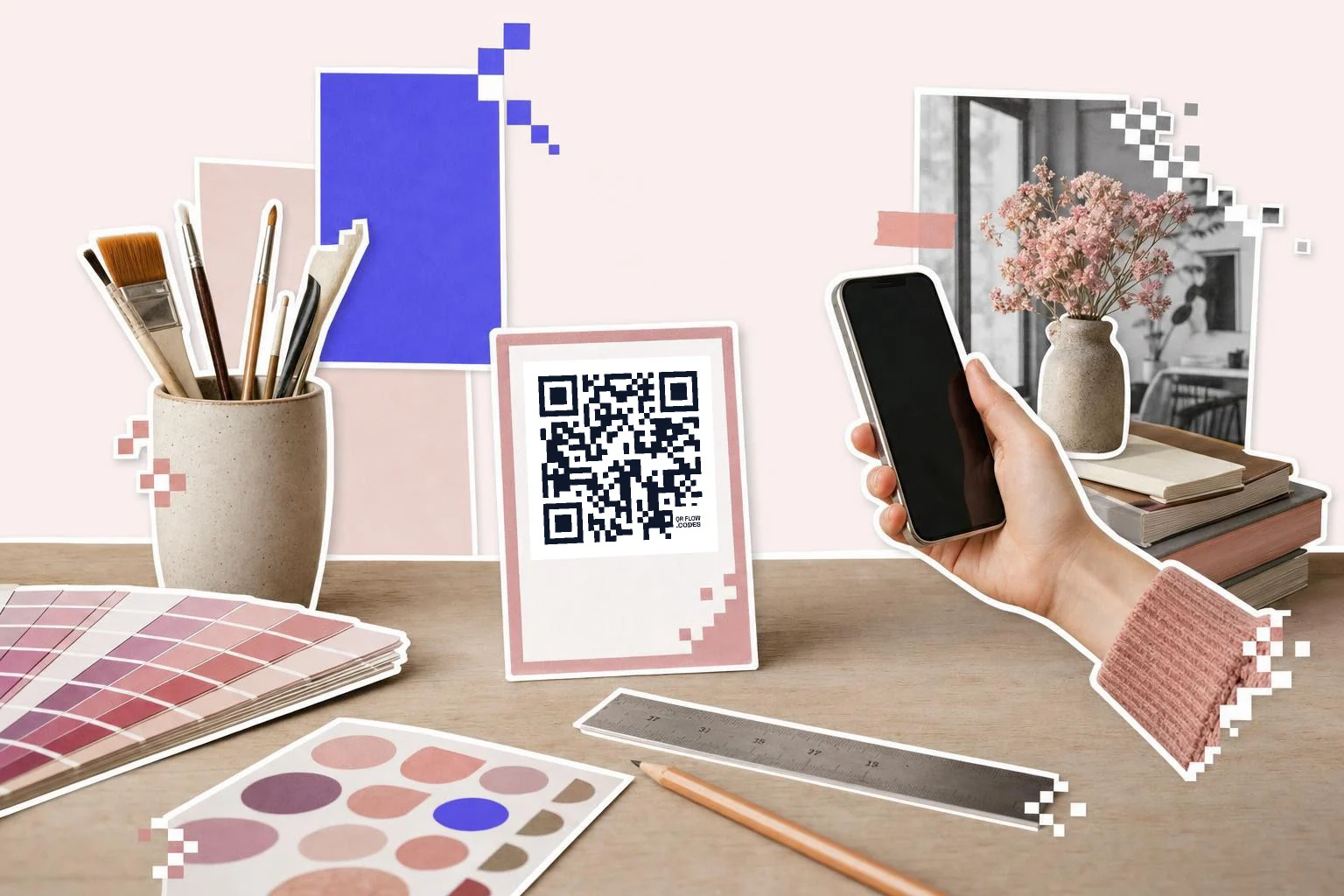
The frame is where the design happens: 60 layouts, from a plain caption to table tents, posters, phone mock-ups, stickers, stamps and a wedding serif. Every frame carries a caption you write ("Scan for menu", "Follow us", the table number) and its own accent color. Once a combination looks right, save it as a favorite and apply it to every new code so the whole business prints the same way.
- Simple: caption above or below, for anything.
- Layout: table tent, poster, product label, sticker.
- Device: phone, tablet and browser mock-ups for screens and ads.
- Use case: Wi-Fi, menu, review, app store, coupon, with the right icon.
- Tone: wedding, handwritten, stamp, receipt, polaroid.
Why make it dynamic
Custom means printed on things you care about: menus, packaging, signage, the back of the card. Those are exactly the things you don't want to reprint. A dynamic code keeps the design fixed while the link behind it changes, and lets you save the look as a favorite so every code in the business matches without redoing the settings.
Dynamic codes are part of Premium, $4 a month. Static vs dynamic, explained.
Step by step
- 1
Paste the link
Any destination; the design work is the same for all types.
- 2
Set colors
Dark on light; watch the contrast warning. Brand color goes in the frame.
- 3
Add the logo and frame
In Customize (Premium): logo centered under a fifth of the width, a frame with your caption.
- 4
Test and save the look
Scan the preview with two phones, then Save to favorites so every code matches.
Questions people ask
- Can a QR code be any color?
- The squares can be any dark color and the background any light one, as long as the contrast ratio stays above about 3:1. Inverted codes (light on dark) fail on many phones.
- How big can the logo be?
- Up to about a fifth of the code's width, centered, without touching the three corner squares. That stays well within the error correction budget.
- Will a custom code still scan?
- Yes, if the contrast and logo rules are respected; the customizer enforces them and shows the exact output. Always test a printed proof with two phones.
- Are logos and frames free?
- Colors and both download formats are free. Logos and frames are part of Premium ($4 a month). A free account keeps the download unmarked.
- Can I round the corners or change the dot shape?
- Not today; we keep the module shape standard because rounded and dotted patterns lower the scan rate on older phones. Frames give you the personality without that trade.
- Can I reuse the same design on every code?
- Yes. Save the look as a favorite (frame, captions, all colors) and apply it to any code with one click.
Make the code now, change the link later
Free to make and print. Premium ($4/mo) keeps it editable and counts every scan.