
Turn the background off in the generator and your PNG or SVG downloads with nothing behind the QR code, so it drops straight onto a menu, a label or a photo with no white box to erase.
If you're placing a code on packaging, a menu, a flyer, or a social graphic, the background matters. A transparent QR code lets the design breathe, but only if you export it the right way and keep enough contrast for scanning.
How do you make a QR code with transparent background?#

-
Open the free QR code generator and choose the code type you need, like a link, PDF, Wi-Fi, or contact card.
-
Paste in your destination and generate the code first, because transparency is an export setting, not a different code type.
-
Set the QR pattern to a dark color, usually black or very dark navy, since light gray often disappears on print.
-
Open the Background color and press Make the background transparent. The preview switches to a checkerboard, which is how design tools show that nothing is there.
-
Export as PNG if you need a transparent file for Canva, Figma, Slides, or most social tools.
-
Export as SVG if you need the code to stay crisp at any size, especially for packaging or large print layouts. SVG is usually the better pick for design work.
-
Place the file on top of your artwork and keep the area behind the code visually calm, even if the file itself has no background.
-
Scan the placed version inside your actual layout before you send it out, because a code that worked alone can fail on a busy pattern.
If the link might change after printing, make that code dynamic. Your first dynamic code is free on QRFLOW.codes, which means you can update the destination later without a reprint.
Where do transparent QR codes work?#

Transparent QR codes work best when the design under them is simple and high contrast. Solid color blocks, soft textures, and clean photo areas are usually fine. Tight patterns, thin stripes, and busy product photos are where scans start to break.
A transparent file does not mean the code can sit on any background. The scanner still needs clear dark modules against a lighter area behind them. If the background is dark, add a light shape behind the code on purpose.
For most layouts, give the code a quiet zone around the edges of at least 0.16 inches (0.4 cm). That blank border matters more than most people think. If your design runs right into the outer squares, phones can miss the code completely.
This is the part people get wrong in QR code design integration. They remove the white box from the file, then place the code over a gradient, photo, or texture with the same contrast level as the QR squares. It looks clean on screen, but the camera sees a mess.
If you're styling the code more heavily, our guide to custom QR code design helps with colors, shape choices, and branding details that still scan.
If you just need to make one and drop it into your layout, the free QR code generator lets you create the code first and download the format that fits your design file.
PNG or SVG for a transparent QR code?#

PNG is the easy choice for drag and drop design work. SVG is the safer choice for scaling, print sharpness, and clean edges in pro layout tools.
Use PNG when you're adding the code to Instagram graphics, simple flyers, slide decks, or website images. Use SVG when you're sending work to print, resizing the code often, or placing it in Illustrator, Figma, or InDesign.
A good rule is simple. If the code will stay about the same size, PNG is fine. If you might enlarge it later, start with SVG and avoid fuzzy edges.
If you're printing, keep the code at least 1 inch (2.5 cm) wide for close scans on cards or labels. For a poster or window sign, go larger based on how far away people will stand. If you want a fuller size chart, use how big should a QR code be when printed?.
Some people try to remove a white background with a screenshot tool or background eraser. Skip that. It often leaves soft edges or tiny white halos, which can look sloppy on dark artwork.
If you also need an unmarked file in your dashboard, see what the account options include on plans and prices.
What happens after you place it in your design?#
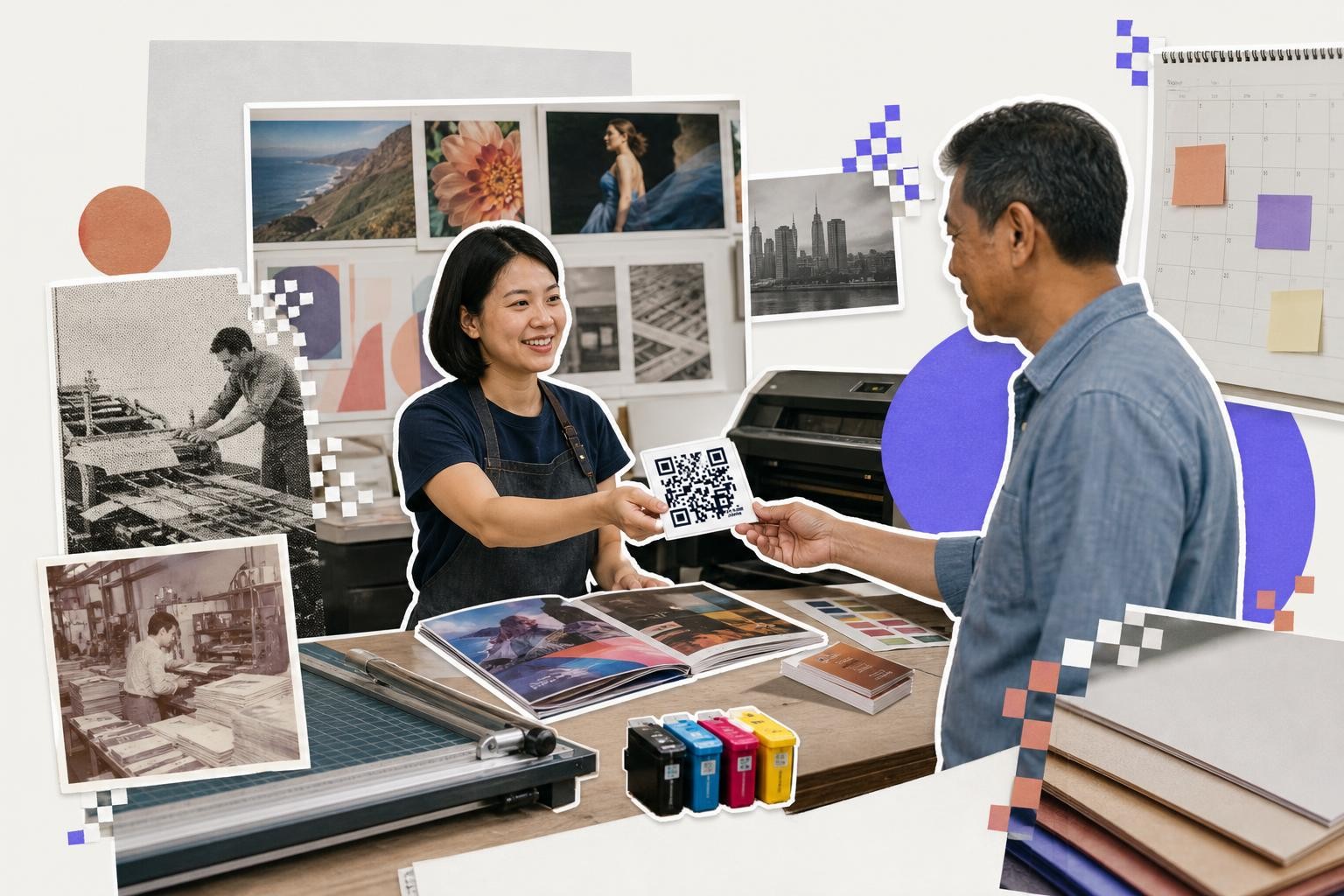
A placed transparent QR code should be checked in the exact file you plan to publish or print. Test the PDF proof, the final PNG, or the packaging mockup, not just the raw code export.
Different tools can change the result. Canva may compress an image export. A social app may resize it. A print workflow may convert colors in a way that lowers contrast. One scan from 1 to 2 feet (0.3 to 0.6 m) away usually tells you if the final file is safe.
If the destination may change, use a dynamic code from the start. That matters for menus, campaign pages, event schedules, and product links that might move later. Our short guide on static vs dynamic QR codes explains the tradeoff.
If a placed code stops scanning, the problem is usually contrast, cropping, or a missing quiet zone, not the transparent background itself. The fix is almost always in the layout.
Place it, then prove it scans#
Put the code where its dark squares sit on a light, plain part of the design, not across a photo or a gradient, and leave a clear margin all the way around it. Keep it off the trim edge too, because a guillotine that wanders by a sixteenth of an inch can clip the corner the scanner needs.
Then test the printed thing rather than the screen. Print one copy, stand where your reader will actually stand, and scan it in the light that room actually has, with an old phone as well as a new one. If you have dropped a logo into the middle, we measured how much you can cover before scans start failing in QR code logo size.
A clean, transparent QR code looks better because it belongs in the design, not pasted on top of it. Make yours in QRFLOW.codes, export the right file, and place it with confidence.
Questions people ask about transparent QR codes#
Can I make a QR code with a transparent background for free?#
Yes, many online QR code generators offer the option to create a QR code with a transparent background for free. Look for a generator that allows you to export the code as a PNG or SVG with transparency settings.
What is the best format for a transparent QR code?#
The best format depends on your needs. PNG is great for digital use and simple designs, while SVG is better for print and scalability. SVG maintains sharpness at any size, making it ideal for professional layouts.
How do I ensure my transparent QR code scans correctly?#
Ensure the QR code has enough contrast with the background. Use dark colors for the QR pattern and test the code in your final layout. Avoid busy backgrounds and maintain a quiet zone around the code.
Why is my transparent QR code not scanning?#
If your transparent QR code isn't scanning, check the contrast between the code and the background. Ensure there's a quiet zone around the code and that it's not placed over a busy or similar-colored background.
When you are ready to try it, make a free QR code and see how it looks before you print anything.