
A custom QR code generator should let you keep the code simple enough to scan, print most signs at least 1 inch (2.5 cm) wide, and make changing links easy if the destination might move.
Most people looking for a branded code are not asking for art. You're usually trying to match a menu, package, flyer, or counter sign without making the square fail in front of a customer.
That means the real choice is not just color. It's where the code will live, what it should open, and how much freedom the design can handle before scans get worse. Here are the situations where a custom look helps, and the places where plain beats pretty.
A restaurant menu that feels like your place#
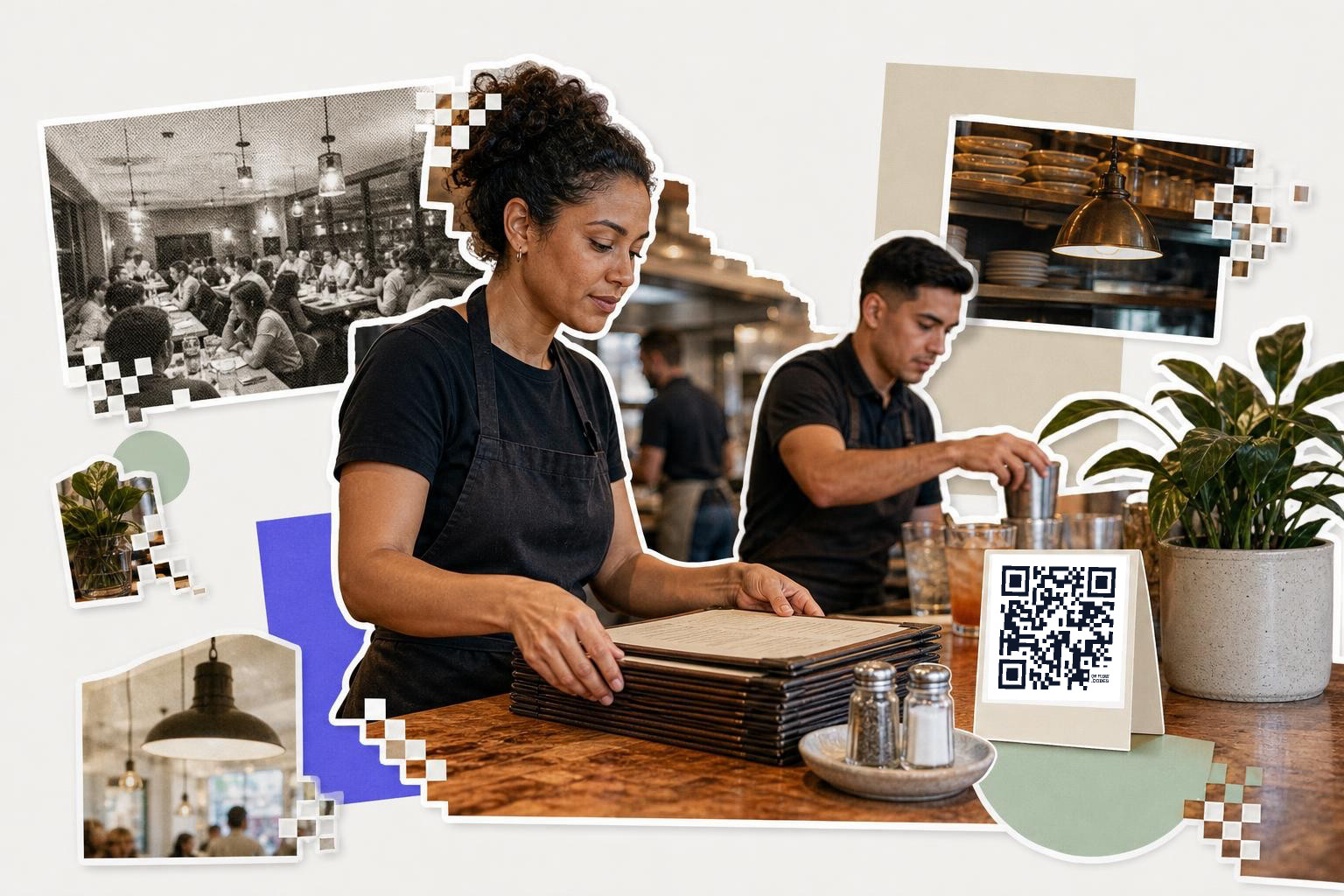
Restaurant menu QR codes work best with light branding and one clear job. A table code should open your menu fast, not your homepage, not your Instagram, and not a page with five buttons.
For menus, customization usually means three safe changes. Use your brand colors with strong contrast, round the corners only if the generator keeps the core pattern intact, and add a simple frame that says what to do. If your dining room is dim, keep the code dark on a light background. Black on cream beats pale beige on tan.
Print table codes at least 1.2 inches (3 cm) wide on table tents. For a wall sign near the host stand, 2.5 inches (6 cm) is a better starting point. Restaurant scans occur at arm's length, often with glare from lights and a shaky hand.
This is also one of the few places where dynamic matters right away. If your menu link, ordering page, or seasonal PDF may change after printing, use an editable code. Your first dynamic code is free on QRFLOW.codes, which is handy for a single menu sign you may need to update later.
If you're setting up a menu from scratch, the QR code menu page covers the format that works best on tables and counters.
How do you design a QR code for packaging?#

Packaging codes need less decoration than poster codes. A box, bottle, or pouch gives you less room, so the safe custom move is color and a short frame, not a busy logo treatment.
A small package code might link to instructions, ingredients, care steps, or a reorder page. Pick one. If you send one product code to a mixed landing page with videos, social links, support, and coupons, people bail fast because they scanned for one answer.
Size matters more on packaging because the print area is tight. Start at 0.8 inches (2 cm) wide for a box someone holds in their hand. Go larger if the surface curves, the finish is glossy, or the material is textured. Matte labels are easier to scan than shiny wraps under store lighting.
Custom domains matter here more than many people expect. A short branded link under the hood looks cleaner on a package and is easier to trust than a random string. That needs a paid plan, so if packaging is a real channel for you, check the details on /pricing before you print a whole run.
For products that need traceability or richer product links, the QR code on packaging page is the better next stop.
A quick rule worth keeping: if the package itself is dark, put the code inside a solid light box. If you're styling a dark label, our guide to QR code with transparent background, and no white box shows the safe version.
What is the importance of uniform QR codes for events?#
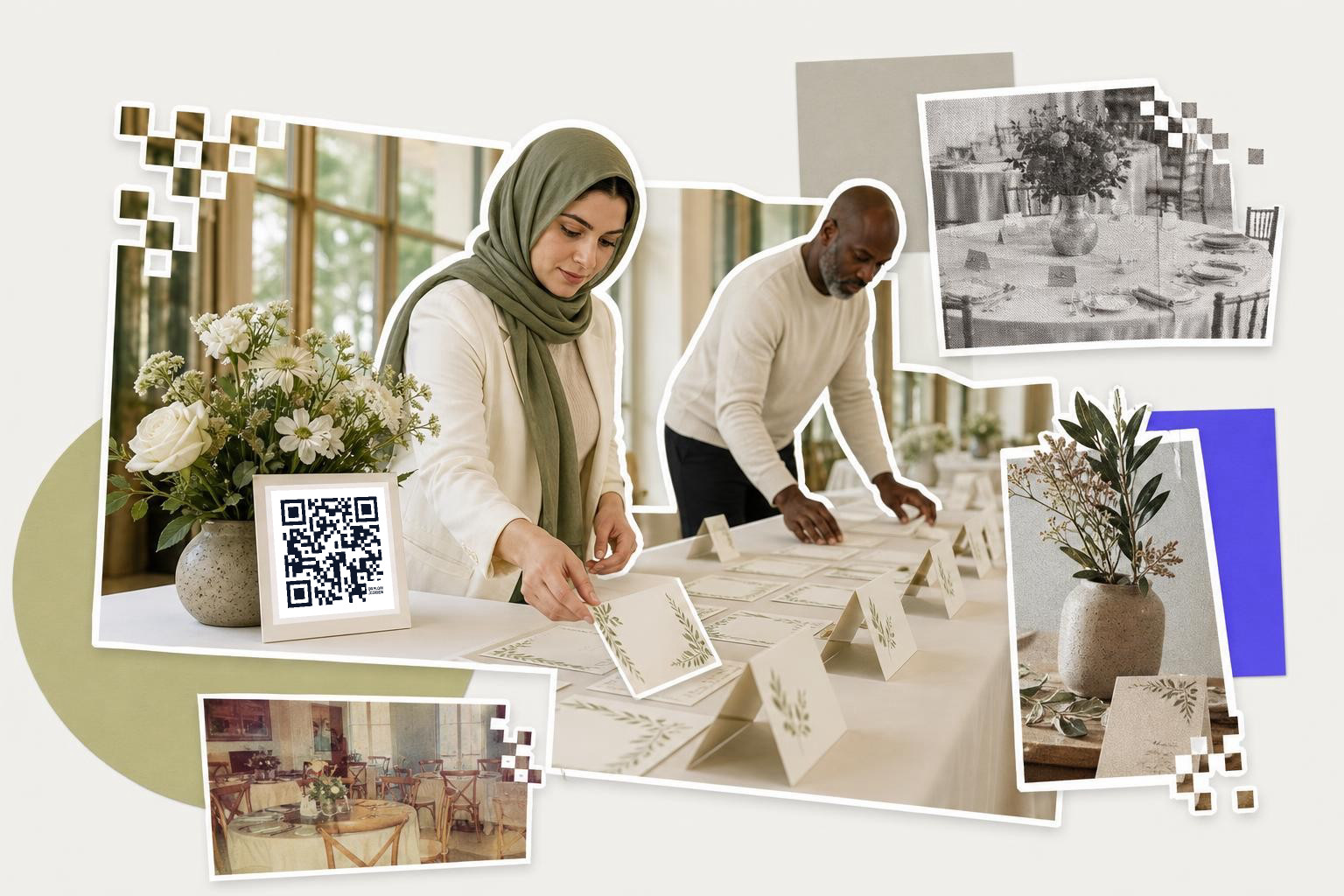
Events are where custom styling saves the most visual mess. One good code style can carry across invites, welcome signs, table cards, badges, and follow-up cards without looking like five different people made them.
The trap is giving every event item the same destination. Your welcome sign can go to the schedule, your table card can go to photos, and your exit sign can go to feedback. Same visual style, different jobs.
For a welcome board, print the code at least 3 inches (7.6 cm) wide. For a table card, 1.2 inches (3 cm) is usually enough. Put a plain action line above it, like "See today's schedule" or "Upload your photos." A frame helps because guests should not have to guess what the scan does.
If you need a batch of matching codes for tables or booths, QRFLOW.codes can generate them from a CSV on paid plans. That's useful when every table, sponsor, or session needs its own destination but you still want one visual style.
Need to make one right now and see the design on paper? Use the free QR code generator to test a simple style before you commit the whole event suite.
Where should QR codes be placed on property flyers?#
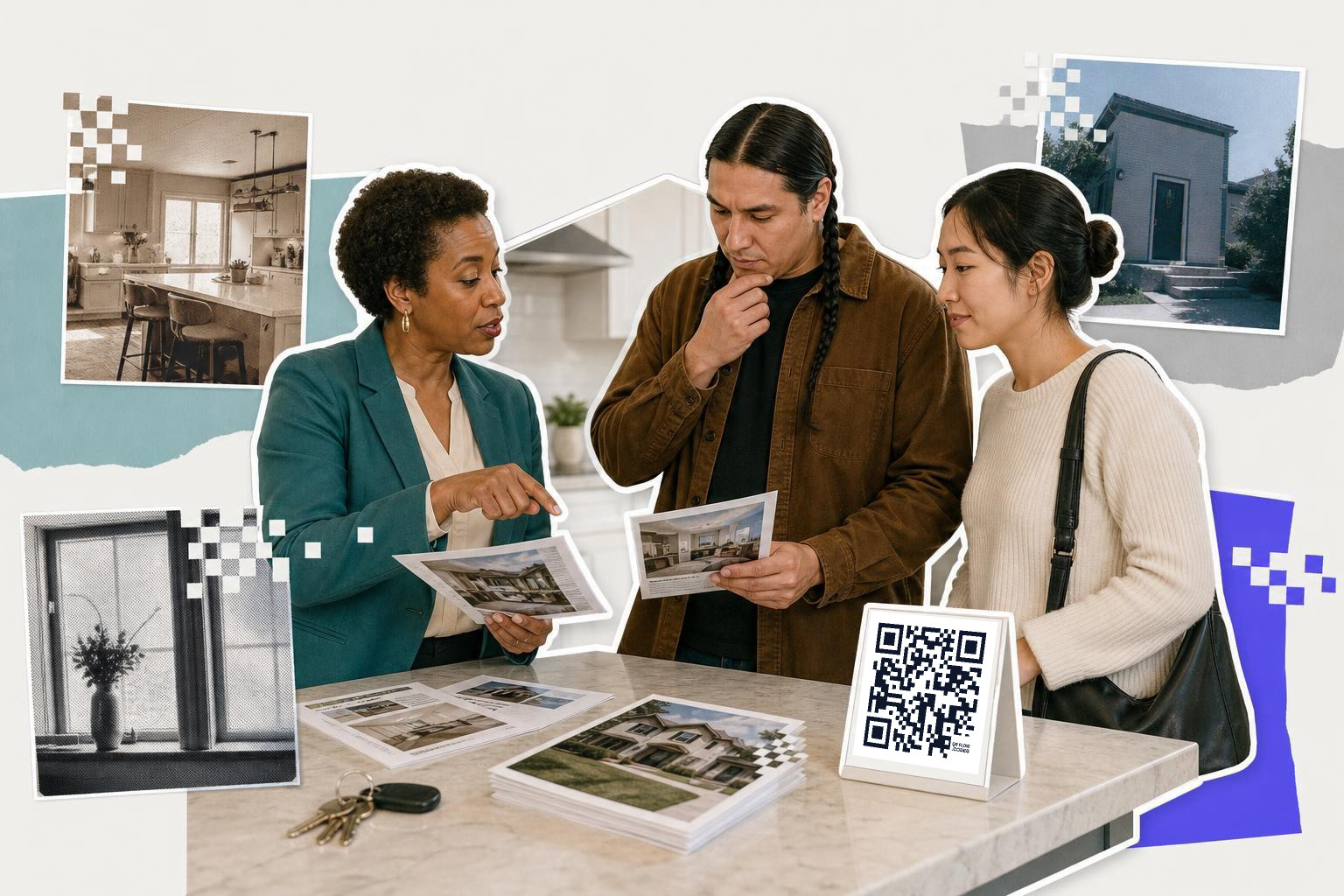
Real estate codes should match the listing materials, but clarity matters more than polish. A flyer code usually opens the listing page, while a window sign often works better for a contact form, showing requests, or saved brochure.
A custom code helps here because property prints tends to be heavily branded already. Matching accent color, adding a frame, and using your logo can make the code feel like part of the flyer instead of a random square pasted in late. Just keep the logo small. The more center area you cover, the less room the scanner gets.
For flyer handouts, 1 inch (2.5 cm) is the minimum. For a sign in a window, start around 2 inches (5 cm), because people may scan from the sidewalk. Glass glare is the real enemy here, not lack of color.
Use a dynamic code if the listing page may change, the home goes under contract, or you want the sign to point to a different property next week. If you don't need changes later, a static link is fine and simpler.
If your code leads to a form instead of a listing, the how to make a QR code for a google form page helps with the right destination choice.
Can QR codes improve booking systems in gyms?#
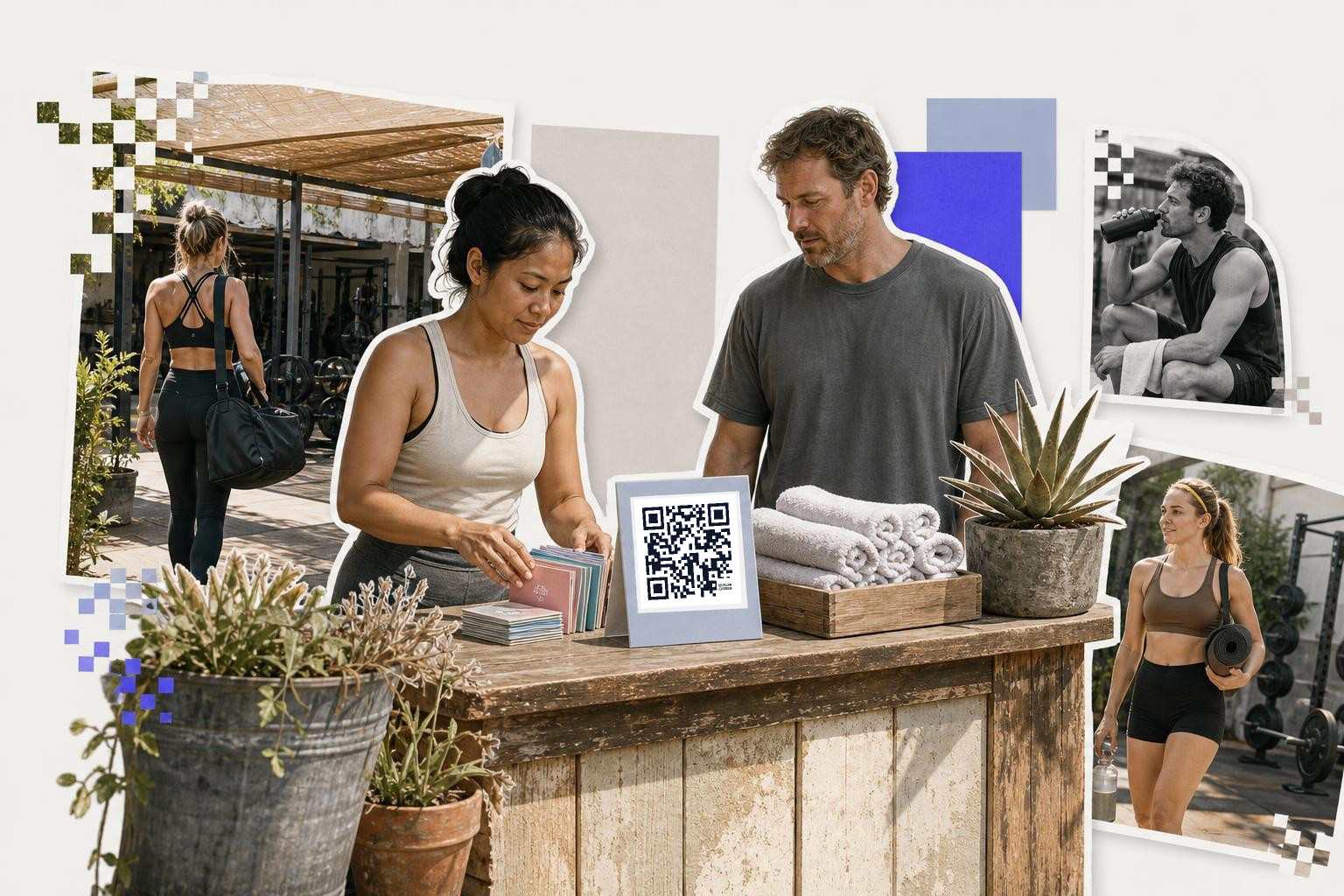
Booking codes need to look trustworthy before they look fancy. In a salon mirror station or gym front desk, people scan fast if the code clearly says "Book your next visit" and sits near the action.
This is a good place for a custom frame and brand color because the code often lives beside price lists, service menus, or class boards. Keep the center clear unless you really need a logo. A frame and accent color do more for recognition than over-styling the square itself.
Print desk signs at 2 inches (5 cm) wide or larger. Mirror decals should go bigger because reflections make scanning harder. If the booking page changes providers later, a dynamic code saves you from replacing every station card.
Studios, salons, and front desks often need several versions, one for booking, one for Wi-Fi, one for reviews. A custom QR code setup works best when each code keeps the same visual system but points to one simple action.
Stickers, cups, and takeaway packaging#
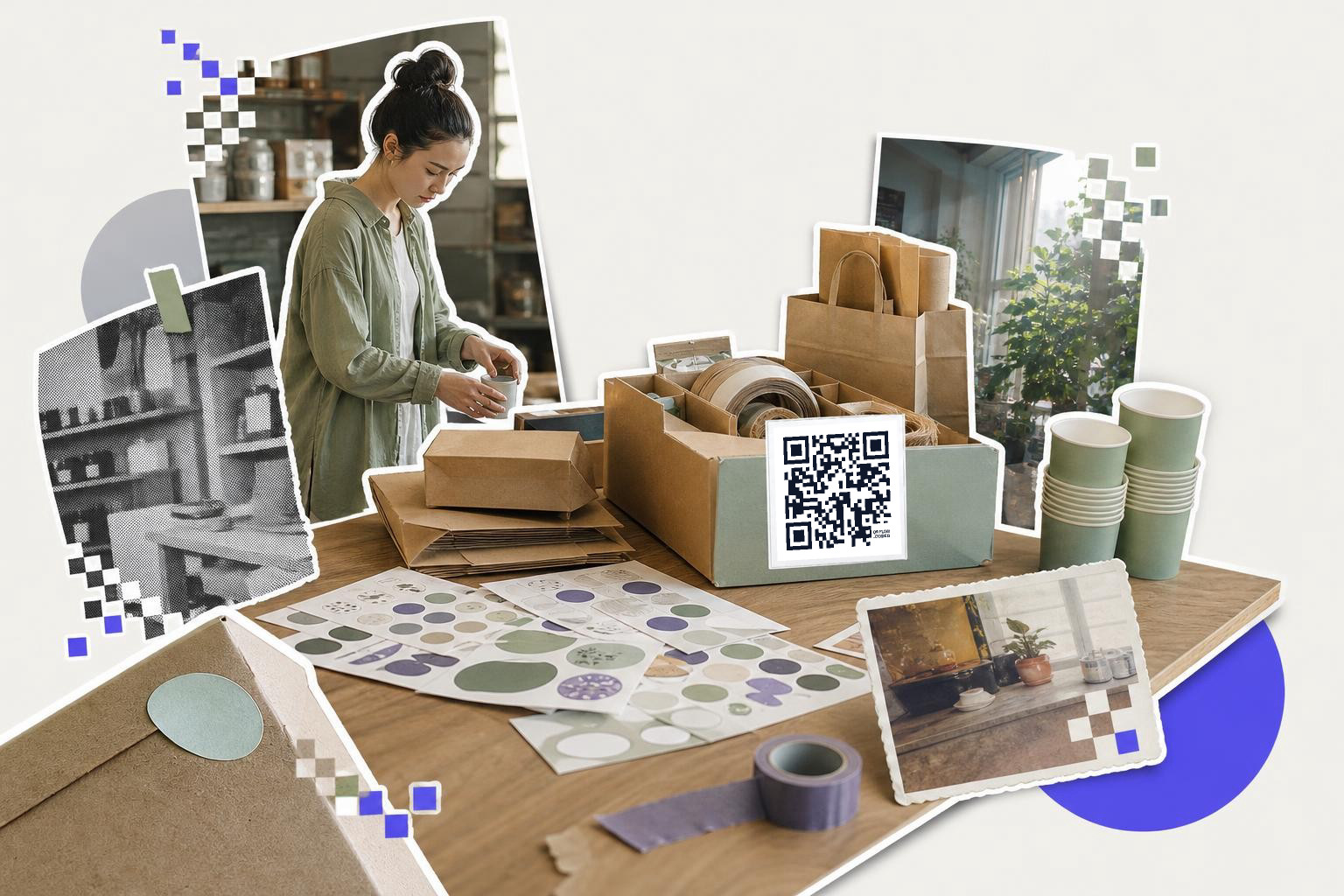
Small-format custom codes need restraint. The less space you have, the less styling you should try to force into it.
For stickers on jars, cups, or mailers, skip the tiny logo and use just one dark brand color on white. Fancy gradients, thin outlines, and low-contrast pastels look great on a mockup and fail on real packaging. Curved surfaces make that worse.
A takeaway cup sticker should usually be at least 0.8 inches (2 cm) wide. A mailer insert can go 1 inch (2.5 cm) or larger, which gives you more room for a frame like "Reorder here" or "See care tips." The words around the code often matter more than the code style itself.
If the destination is just one link, use a plain QR code for a link. If you want branded colors and print files without a QRFLOW mark, you'll need an account, even on the free plan.
Questions people ask about a custom QR code generator#
Can I add my logo to any QR code?#
Logo QR codes can work, but only if the logo stays small and the contrast stays strong. Large center logos, pale colors, and busy backgrounds cut into scan reliability fast, especially on small prints.
What customization matters most?#
Color contrast matters most, then size, then the framed text around the code. Rounded corners and logos are optional extras. If you can only change three things, pick a dark foreground, a light background, and a clear call to action.
Should a custom code be static or dynamic?#
Custom styling and code type are separate choices. Use static if the destination will never change. Use dynamic if the page, file, booking link, or menu may change after printing.
Do I need an account to make one?#
You can generate and download without signing in, but that download includes a small QRFLOW mark in the corner. An account is needed for a file with no QRFLOW mark, saved dashboard codes, and your first dynamic code.
A custom code should still feel boring in one way: it should scan on the first try. If the design helps people trust it, matches the printed piece, and keeps the destination clear, you've done enough.
Make your first one in the free QR code generator, print a sample, and if you need editable links, logo options, or scan data later, compare the plans on QRFLOW.codes.