
A QR code with logo in middle can scan well if the logo stays small, the code stays dark on a light background, and you test the printed piece at the exact size people will scan. A centered logo makes a code look like it belongs to your brand, not a random square dropped into the layout at the last minute. That part is good. The catch is simple. The middle of the code is still working space. If your logo covers too much of it, or the contrast gets weak, scans slow down or fail. This guide is for the real jobs people print tomorrow, packaging, table cards, mailers, busines cards, and signs. You do not need a fancy design team. You just need a few rules you can stick to.
Start with the logo box, not the logo file#

Logo placement is the first thing to decide, because the empty space you reserve in the center changes everything else. A safe starting point is to keep the logo area around 15 to 20 percent of the code width, then test the printed result before you approve the run.
That means if your code prints at 2 inches (5 cm) wide, the logo block should usually stay around 0.3 to 0.4 inches (0.8 to 1 cm) wide. Some codes can handle a bit more, but that depends on error correction, line thickness, and how clean the print is.
Simple logos do better than busy ones. A one-color icon, initials, or a plain mark usually scans more reliably than a detailed badge with tiny text.
If your logo has a white or light padding shape around it, keep that shape clean and even. It gives the code room to breathe. If the logo art touches the pattern directly, the center gets messy fast.
For a deeper look at how much center coverage is too much, see our data on QR code logo size.
How much contrast does a branded QR code need?#
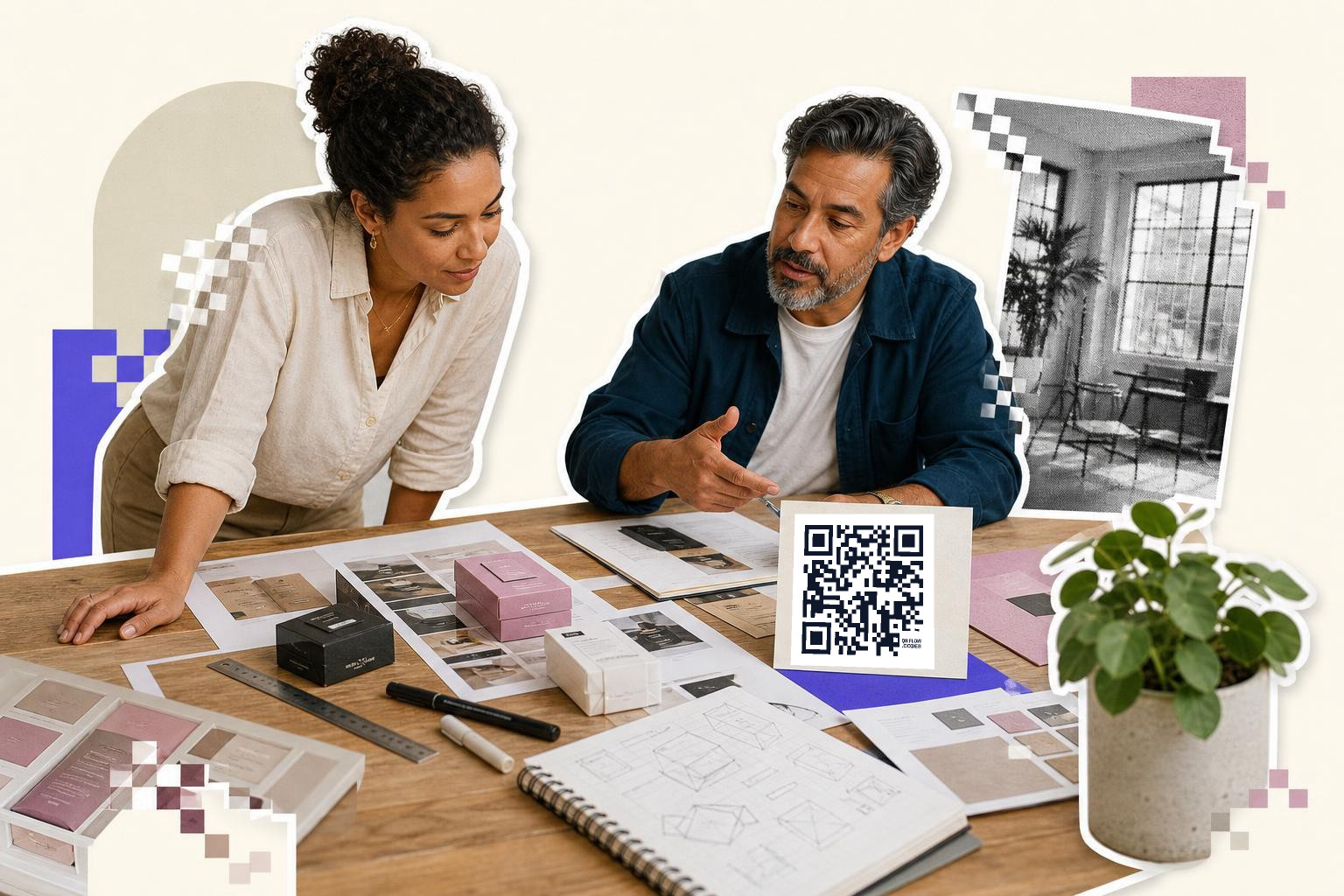
A branded QR code needs strong contrast more than it needs fancy color. Dark code, light background, no exceptions if scan speed matters.
Black on white is still the easiest combo to read. Dark navy, deep green, or rich purple can also work if the background stays very light. Pale gray on beige looks tasteful in a mockup and annoying in real life.
The logo in the middle should also respect contrast. If you drop a dark logo onto a dark code, the shape disappears. If you use a light logo without a clear light patch behind it, the phone sees noise.
Glossy prints add another problem. Overhead lights can bounce off laminated packaging or coated flyers and wash out parts of the pattern. If the piece will sit under bright retail lights, test one copy there, not just at your desk.
Rounded corners and custom colors are fine if the structure stays clear. If you want to style the code without pushing too far, a custom QR code setup gives you room to tune color and the center mark together.
A quick practical rule helps here. If a person can spot the logo from 3 to 6 feet (1 to 2 m) away, but the code still looks obviously dark and square, you are probably in a good range.
Use the free QR code generator to make two or three versions with different logo sizes, then print them side by side. The fastest real scan usually wins over the prettiest mockup.
How big should a QR code with logo in middle be?#
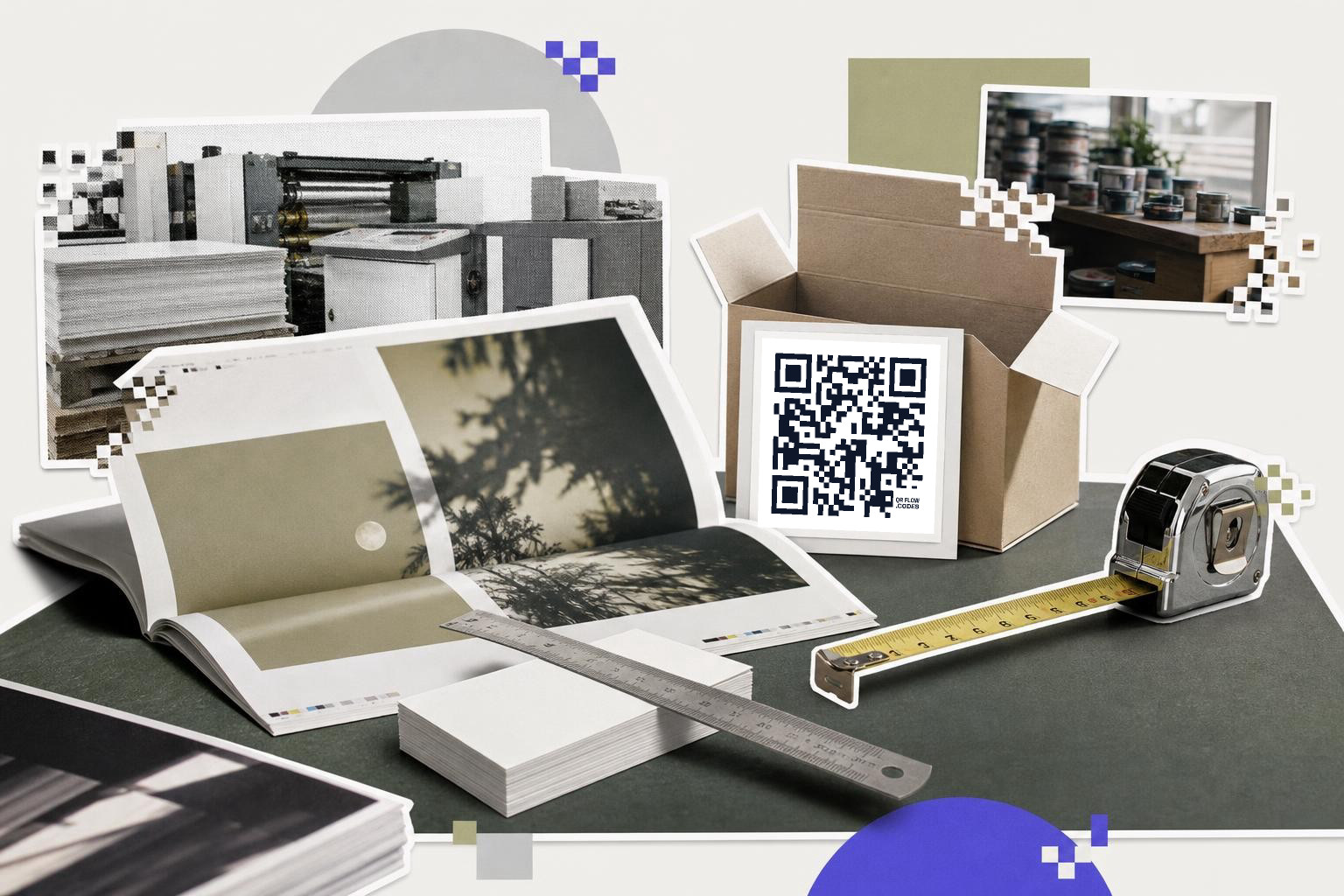
A QR code with logo in middle should usually print larger than a plain QR code. Start at 1.2 inches (3 cm) wide for handouts, 1.5 inches (3.8 cm) for packaging, and 2 inches (5 cm) or more for posters and signs.
A center logo removes some readable area, so the code needs a little more space to remain comfortable to scan. Tiny branded codes on business cards can work, but they need a short destination and a crisp print.
Here is a simple field guide by format.
- Business card, 0.8 to 1 inch (2 to 2.5 cm) if the link is short and the logo is small.
- Product label, 1.2 to 1.5 inches (3 to 3.8 cm).
- Brochure or mailer, 1.5 inches (3.8 cm) or larger.
- Counter sign or poster, 2 to 3 inches (5 to 7.6 cm).
- Window sign scanned from farther back, 3 inches (7.6 cm) or larger.
Distance matters as much as width. A code people scan while holding the item can be smaller than one on a wall. If people stand 3 to 6 feet (1 to 2 m) away, size up.
Print one sample on the real material before ordering 500. Card stock, corrugated board, textured labels, and fabric tags all behave a little differently.
Put the branded code where the camera gets a fair shot#

Placement changes scan success as much as design does. Put the code on a flat, well-lit spot with some blank space around it, not near folds, corners, bottle curves, or shiny seams.
This is where a lot of good custom QR code design goes wrong. The code itself is fine, but it ends up wrapped around a jar, split by a box edge, or tucked beside too much text.
For packaging, the best spot is usually one panel by itself, with at least 0.125 inches (0.3 cm) of clear space around the code. For flyers and menus, keep it away from busy photos and dark color blocks. For table cards, stand the code upright so the phone sees it straight on.
If the code goes on a business card, do not crowd it into the corner. Give it a clean patch of the back side if you can. We cover that layout in business cards with QR codes.
One code should also do one job. A package code can open setup instructions. A mailer code can open the offer page. A table tent code can open the menu or booking page. Mixing three goals into one destination usually hurts scans after people arrive.
Should the code be static or dynamic if branding changes later?#

Use a static code if the destination will stay the same for the life of the printed piece. Use a dynamic code if the campaign page, product page, or seasonal offer might change after the design is printed.
This matters more with branded materials because they often stay in use longer. A product insert, counter sign, or box sleeve may sit around for months. If the URL changes, a static code means a reprint.
With QRFLOW.codes, editable codes are an option to pick when your printed piece might outlive the first landing page. If you need every code to stay editable, that is a paid feature on pricing. If your link is settled and simple, a static code is fine.
A good example is seasonal packaging. Print the same branded code on the insert, then change where it points when the promotion changes. That saves waste and keeps old stock useful.
Test the print like a customer would#
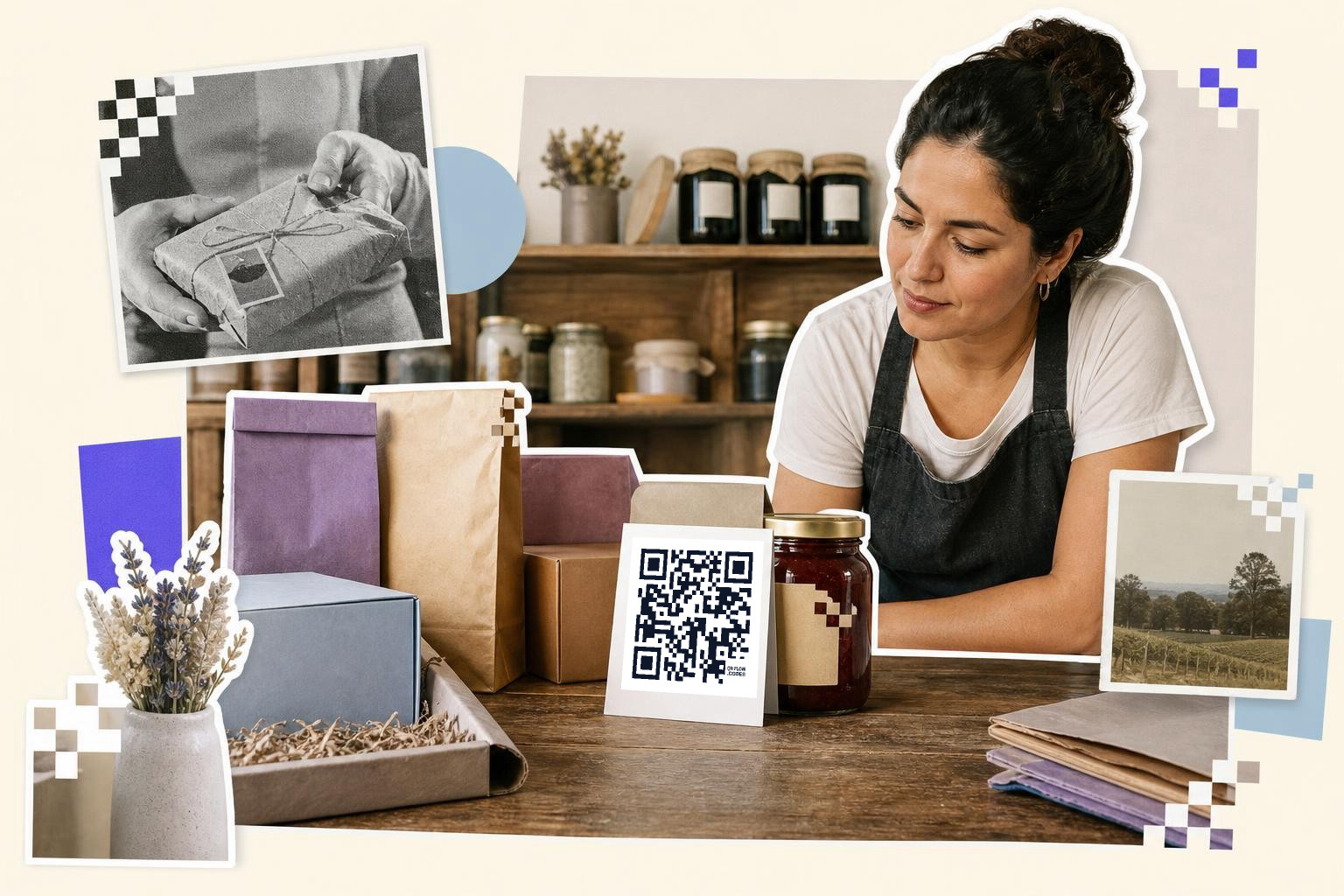
Testing should happen on the real printed piece, in the real place, with more than one phone. Scan from the distance at a customer will stand, under the lighting where the piece will actually live in.
Do not stop after one successful scan at your desk. Try an older phone, a newer phone, and have one person who was not part of the design process. If they hesitate, tilt the item, or move closer than expected, then the code needs work.
Check these five things during the test:
- The phone opens the right page on the first or second try.
- The logo is visible, but not taking over the center.
- The code still scans under glare or retail lighting.
- The destination page loads fast on mobile.
- The print is sharp, with no fuzzy edges or ink spread.
A short URL helps. So does SVG when your printer wants vector artwork. If a code refuses to behave after you add branding, compare it to a plain black version at the same size. That tells you fast whether the issue is styling or print quality.
If your code stops working after design edits, our scan troubleshooting guide and test before you print 500 checklist are the two pages to keep open.
Questions people ask about logo QR codes#
Can I put any logo in the middle of a QR code?#
You can put most logos in the middle if they are simple and kept small. A clean icon or initials work better than a detailed seal with tiny words. If the logo needs fine print to make sense, it is probably too detailed for the center.
Does adding a logo make scans slower?#
Adding a logo can make scans slower if it covers too much of the code or lowers contrast. A well-sized center mark often still scans quickly, but the only honest test is the printed piece in real conditions.
Is a branded QR code better for marketing materials?#
A branded code can look more trustworthy and more intentional on packaging, mailers, and signs. It helps people connect the scan with your brand, but only if the design still reads instantly as a QR code.
Should I use SVG or PNG for a QR code with branding?#
SVG is usually safer for print because it stays sharp at different sizes. PNG is fine for many jobs, especially smaller prints, but fuzzy exports and resizing can soften edges and hurt scan reliability.
A logo in the middle can look great. The trick is giving the brand mark enough presence to feel intentional, without taking space the code needs to work.
Make a few versions, print them at real-size, and keep the fastest one. If you want to build and test your own branded code, try QRFLOW.codes.