
QR code vs barcode comes down to the job: use barcodes for product ID and checkout, and use QR codes when one scan needs to open a link, form, menu, file, or payment page on a phone.
That is the short version, and for most people it is enough to decide. A barcode is better for ringing up cereal boxes, tracking cartons, or matching one item to one record in a system. A QR code is better when a person points a phone camera at a sign, package, flyer, table tent, or badge, such as event check-in QR codes.
The real winner is not one code replacing the other. It is picking the code that matches the moment. A stock shelf, a poster, and a coffee cup lid all ask for different things.
| Question | Barcode | QR code |
|---|---|---|
| Main job | Identify an item | Open content or store more data |
| Typical scanner | Laser or retail scanner | Phone camera or 2D scanner |
| Data capacity | Low, usually an ID number | Much higher, can hold links and more |
| Scan angle | Usually one direction | Scans from many angles |
| Damage tolerance | Lower | Higher, thanks to error correction |
| Best for | Checkout, inventory, shipping | Menus, forms, tickets, payments, packaging |
| Good on tiny labels | Often yes | Sometimes, but needs enough size and contrast |
What job are you asking the code to do?#
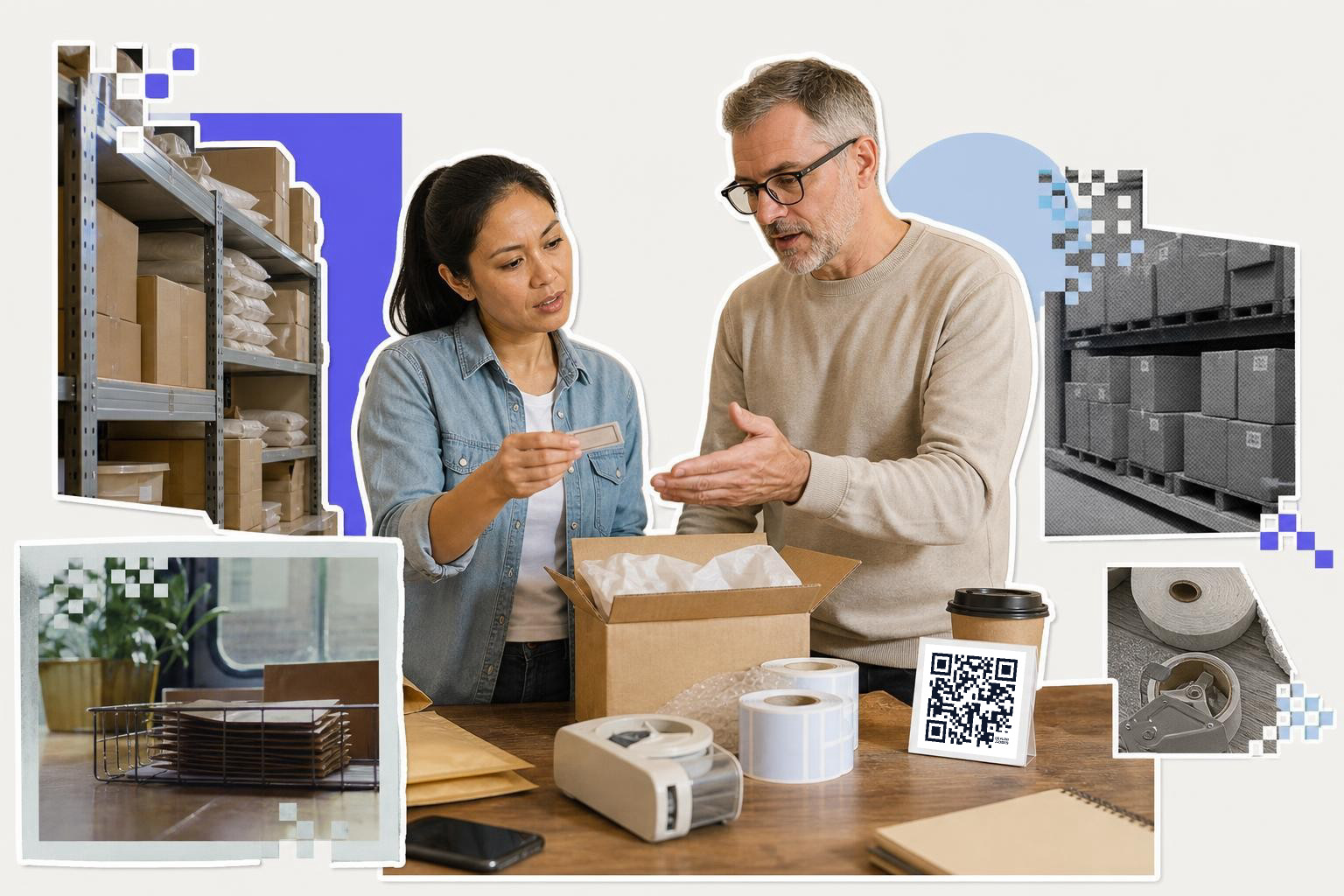
Job fit is the biggest part of QR code vs barcode. Barcodes are made to identify things fast inside a system, while QR codes are made to share more information and let a person open something with a scan.
If your scanner only needs to tell one box from another, a barcode is usually the cleaner choice. The code points to a product number, stock record, or shipment record in your software. That is why stores, warehouses, and shipping lines still rely on them every day.
If your scan should open a menu, RSVP form, review page, map, PDF, or payment screen, a QR code wins. A phone camera can read it without special hardware, which matters if the scanner is your customer, guest, patient, or visitor.
That difference sounds small, but it changes everything. A cashier with a retail scanner and a diner with an iPhone are not doing the same task.
Which holds more data?#
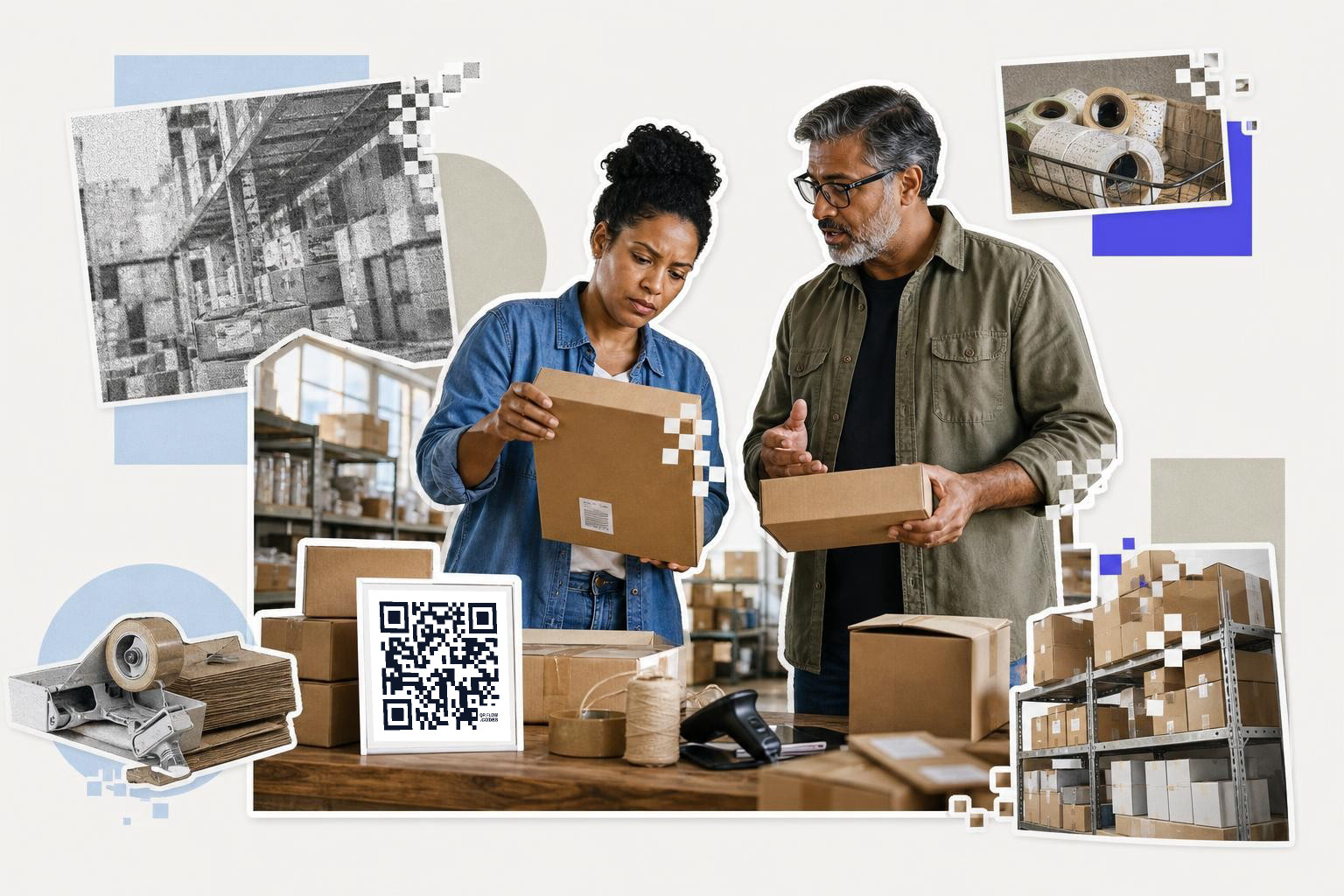
QR codes hold much more data than standard barcodes. A traditional barcode usually stores a short identifier, while a QR code can store a full URL, contact card, Wi-Fi details, or other structured data.
That is the big reason QR codes spread beyond retail. A barcode often acts like a license plate. It gives your system a short number, then your database does the rest. A QR code can do that too, but it can also carry enough data to work on its own.
That extra room is useful when you need one printed code to do more than name an item. Product packaging can send a buyer to care instructions, ingredients, setup videos, or warranty pages. Event badges can open check-in pages or schedules. A business card can save contact info instead of just showing a member ID.
Still, more capacity does not automatically mean better. If all you need is a 12 digit product number, a QR code is extra baggage.
A simple way to think about it: barcodes are great for lookups, QR codes are great for actions.
If you need a code that opens a destination on a phone, a free QR code generator gets you there faster than forcing a barcode into a job it was never built for.
Which scans better in real life?#

Barcodes often win at checkout lanes and warehouse workflows. QR codes often win in public-facing print because phone cameras can read them from different angles and still open the right page.
A barcode usually needs the scanner to see one clean horizontal line pattern. That is perfect when you have a handheld scanner or a fixed retail scanner built for that exact format. It is fast, familiar, and reliable.
A QR code is more forgiving about orientation. You can rotate it, put it on a jar, add it to a table card, or print it on the corner of a flyer. As long as the code has enough white space around it and decent contrast, a phone can usually read it quickly.
Damage matters too. QR codes include error correction, so they can still work if part of the symbol is scratched or smudged. That helps on takeout packaging, shipping inserts, and outdoor signs. A barcode with a damaged scan line is more likely to fail.
Size matters for both. A QR code on a handout should usually be at least 0.8 inches (2 cm) wide, and signs people scan from a few feet away should often be 2 inches (5 cm) or larger. If you need help with sizing, our guide on how big a printed code should be covers the common cases.
Where does each one make the most sense?#
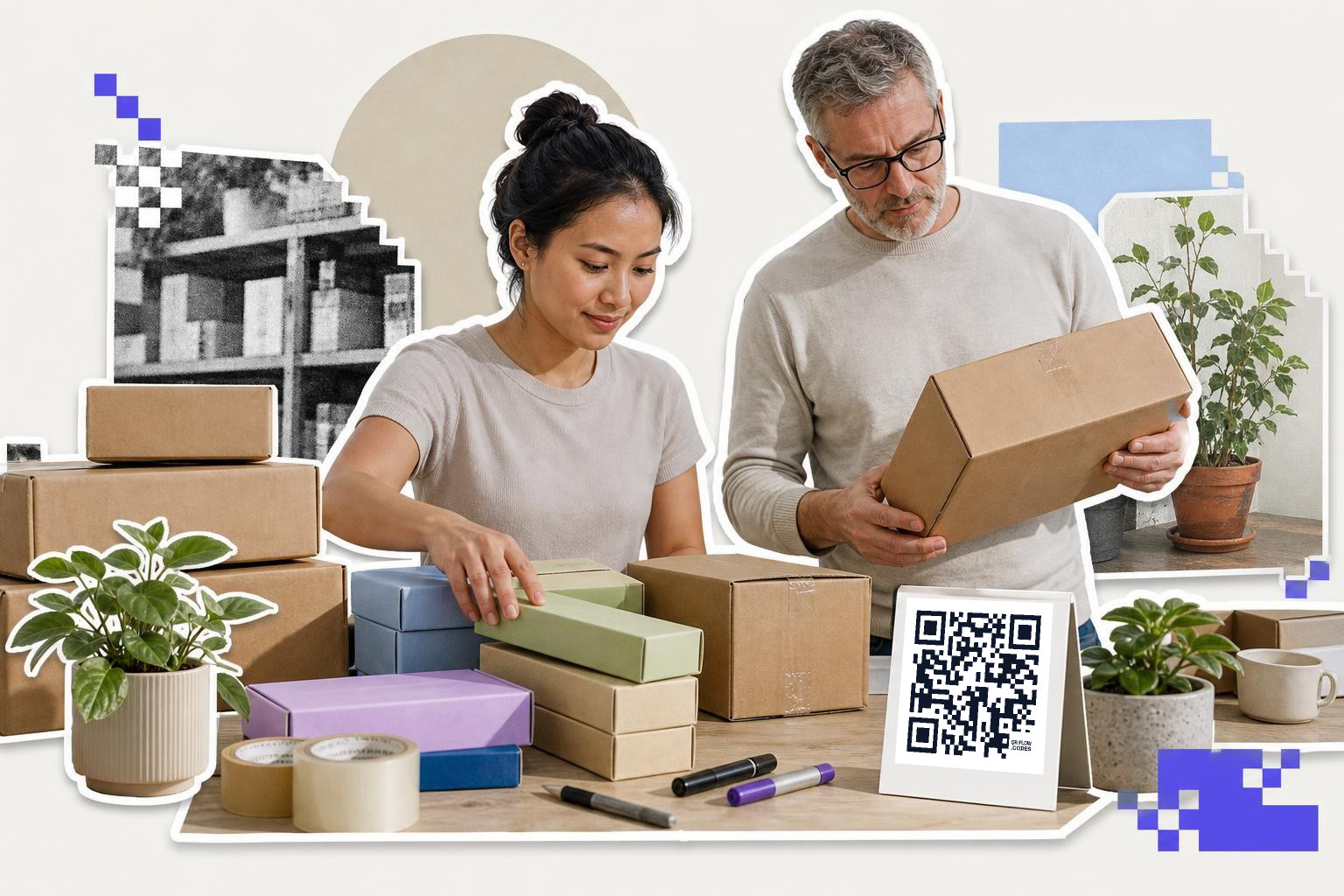
Barcodes make sense in closed systems. QR codes make sense when the scan crosses from the physical world to a phone, browser, app, or file.
Use a barcode for shelf labels, warehouse bins, asset tags, and retail products that need to be recognized by POS or inventory software. Those workflows are built around short IDs, quick scans, and dedicated scanners.
Use a QR code on restaurant tables, instruction cards, trade show signs, classroom handouts, appointment cards, and packaging inserts. Those are all moments where a person scans once and expects something useful to open.
That is why the barcode comparison often ends in a tie. The two formats overlap a little, but they are aimed at different kinds of work.
For packaging, the split is easy to picture. A small product might keep a barcode for checkout and add a QR code for setup help, loyalty signup, or product details after purchase. One helps the store. The other helps the buyer.
If the destination might change after printing, that is another point for QR codes. With a dynamic code, you can change where it goes later instead of reprinting the box, card, or sign. QRFLOW.codes includes one editable dynamic code on the free plan, and paid plans let you make every code dynamic if you need that flexibility. For more on that choice, see static vs dynamic QR code.
When to choose barcode or QR code?#

Pick a barcode when speed, tiny labels, and system lookup matter most. Pick a QR code when a human needs to scan with a phone and do something right away.
Choose a barcode if you are labeling products for retail sale, tracking bins in a stockroom, tagging tools, or feeding an existing POS or warehouse system. Those systems usually expect UPC, EAN, or Code 128 style data, not a web link.
Choose a QR code if you want a scan to open a website, menu, payment page, Google Form, map, ticket, PDF, or contact card. That is where QR code benefits are obvious. One square can turn paper into an action.
Pick both if your product lives in both worlds. A store item can carry a barcode for checkout and a QR code for support or marketing. That is normal, and often smarter than trying to make one symbol do everything.
If you are making lots of public-facing codes, you can also ask an assistant to do the setup for you. QRFLOW works with Claude, ChatGPT, and Claude Code, so you can say what you need in plain words and have the code land in your dashboard.
Questions people ask about QR code vs barcode#
Can a QR code replace a barcode?#
A QR code can replace a barcode in some workflows, but not in every retail or warehouse system. If your software, scanners, or trading partners expect UPC or EAN data, you still need the barcode format they support.
Are QR codes better for packaging?#
QR codes are better for packaging when the buyer should open instructions, view ingredients videos, or support pages. Barcodes are still the better fit for checkout and stock systems, so many packages need both.
Do phones scan barcodes too?#
Phones can scan many barcodes, but phone support is much more natural with QR codes. Most people already know that pointing a camera at a QR code should open something, which removes friction on signs, menus, and handouts.
Which is cheaper to print?#
Printing cost is usually the same if both fit in the label size you already use. The real cost difference shows up when a QR code needs a larger print area, or when a static printed link changes and forces a reprint.
A barcode is not old tech that has lost. It is still the right answer for lots of product and inventory work. But if your goal is to connect paper, packaging, or signage to something on a phone, the QR code usually wins.
Make one, test it, and print with confidence at QRFLOW.codes. If you need editable links, analytics, or your own short domain, the details are on the pricing page.