
Which type for which app
Venmo: your username, optional amount and note; the code opens the Venmo pay screen with them filled. PayPal: your PayPal.me name and optional amount. Cash App: your $cashtag. For Stripe payment links, Square checkout links, Zelle (through your bank's link) or your own checkout, use the plain link type and paste the URL. Each app also has its own QR inside the app, which works from any camera too; ours is the link version that lets you set the amount and the note, print as SVG, and repoint the code if you change apps. How Venmo's own code behaves, and when to use which, is in Venmo QR code, how it works and how to share it.
Fixed price? Put the amount in. Variable? Leave it blank and the customer types it. Put what the payment is for in the note, so your ledger reads "Market stall" instead of a blank.
Keeping counter codes safe
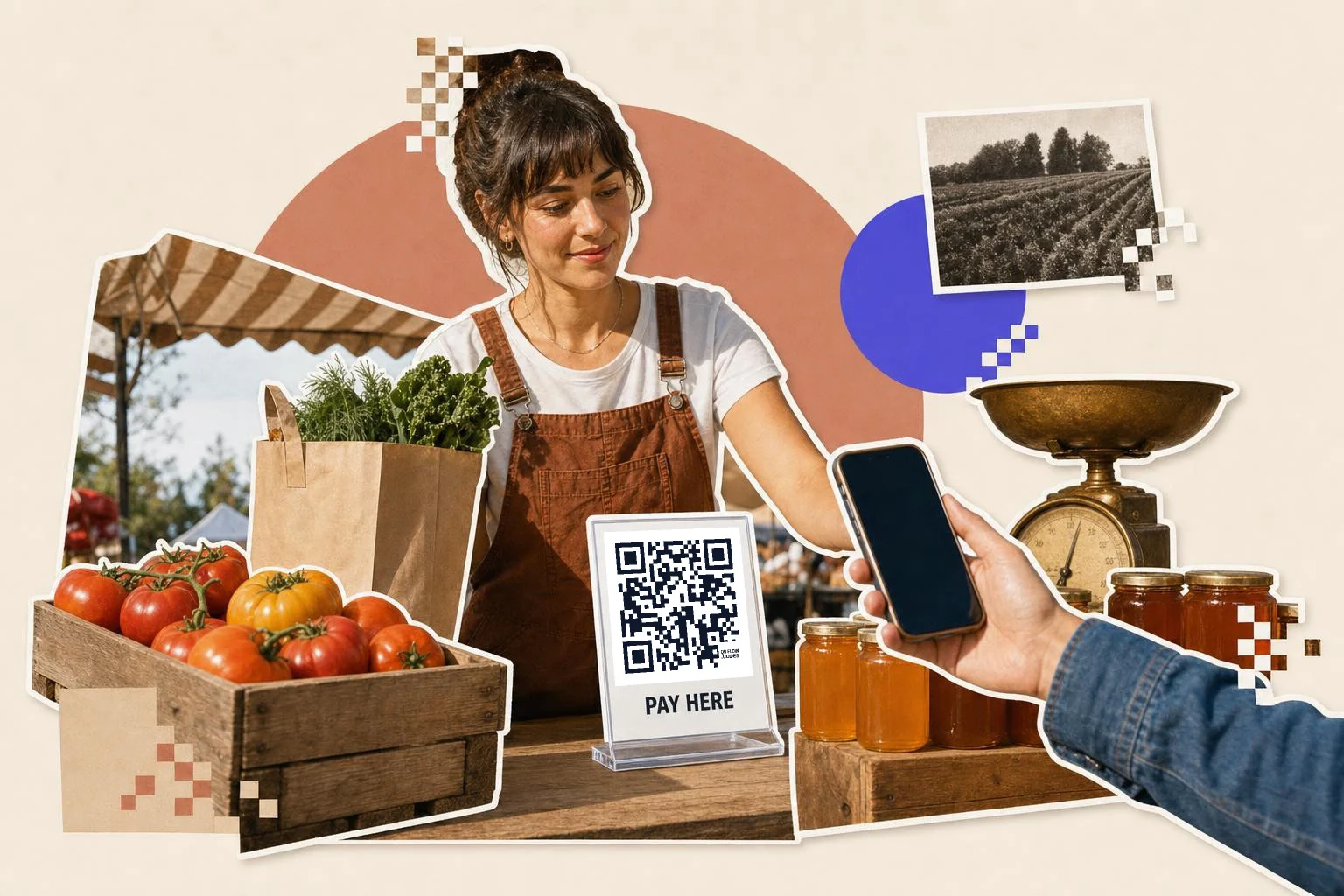
Print the code where the customer can see you and the code at once, at the register, not on the street side of the window. Laminate it in a frame or under acrylic so a sticker can't be placed over it without being obvious, and scan your own code every morning. Print your business name under the code so a mismatch on the payment screen is easy to spot. If you ever find a tampered code, a dynamic code lets you verify and fix the destination immediately.
- Counter or stall: 1.5 in (4 cm) under acrylic, business name printed under it.
- Invoices: 1 in (2.5 cm) with the amount and invoice number in the note.
- Delivery drivers: a card with the link for pay-on-delivery.
- Tip jars and buskers: 2 in (5 cm) on a stand, amount blank.
- Donation boxes: see the nonprofits page; same idea.
What this isn't
This is not a point-of-sale QR that a bank or processor issues for merchant payments, and it doesn't take card details. It's a printed link to the payment page you already use. That keeps it simple and free, and it means the fees, refunds and records all live in the app you chose.
Why make it dynamic
Payment codes on a counter are a target: the known scam is a sticker with someone else's code placed over yours. A dynamic code doesn't stop the sticker, but it makes recovery instant if your destination is ever changed, and it lets you switch processors or add a second till without new signs. It also counts scans, so the Saturday market and the shop counter each get a number.
Dynamic codes are part of Premium, $4 a month. Static vs dynamic, explained.
Step by step
- 1
Pick the app and enter your handle
Venmo, PayPal.me, Cash App, or a plain link for Stripe, Square and Zelle.
- 2
Set the amount and note
Fixed price in the amount field; "Market stall" or the invoice number in the note.
- 3
Frame with your business name
The Caption frame with "Pay here" and your name under the code.
- 4
Protect it and check it
Under acrylic at the register; scan it yourself each morning; a dynamic code fixes a wrong destination instantly.
Questions people ask
- How do I make a QR code for Venmo or PayPal?
- Choose Venmo or PayPal.me in the generator, enter your username and an optional amount and note, and download the code. Scanning opens the pay screen with those filled in.
- Can the amount be set in the code?
- Yes, for Venmo, PayPal.me and Cash App links. Leave it blank if the amount varies.
- Does QRFLOW.codes charge a fee on payments?
- No. The code is a link to your payment page; the payment happens in the app, with that app's fees only.
- How do I stop someone putting their sticker over my code?
- Keep the code at the register under acrylic, print your business name under it, and scan it yourself daily. Tell staff to check the name on the payment screen matches.
- Can I use a Stripe or Square payment link?
- Yes. Paste the payment link as a plain link code. It works the same way from any camera.
- Can I change the payment app later?
- With a dynamic code, yes: repoint it to the new link and every printed code follows.
Make the code now, change the link later
Free to make and print. Premium ($4/mo) keeps it editable and counts every scan.