
Where the code changes the moment
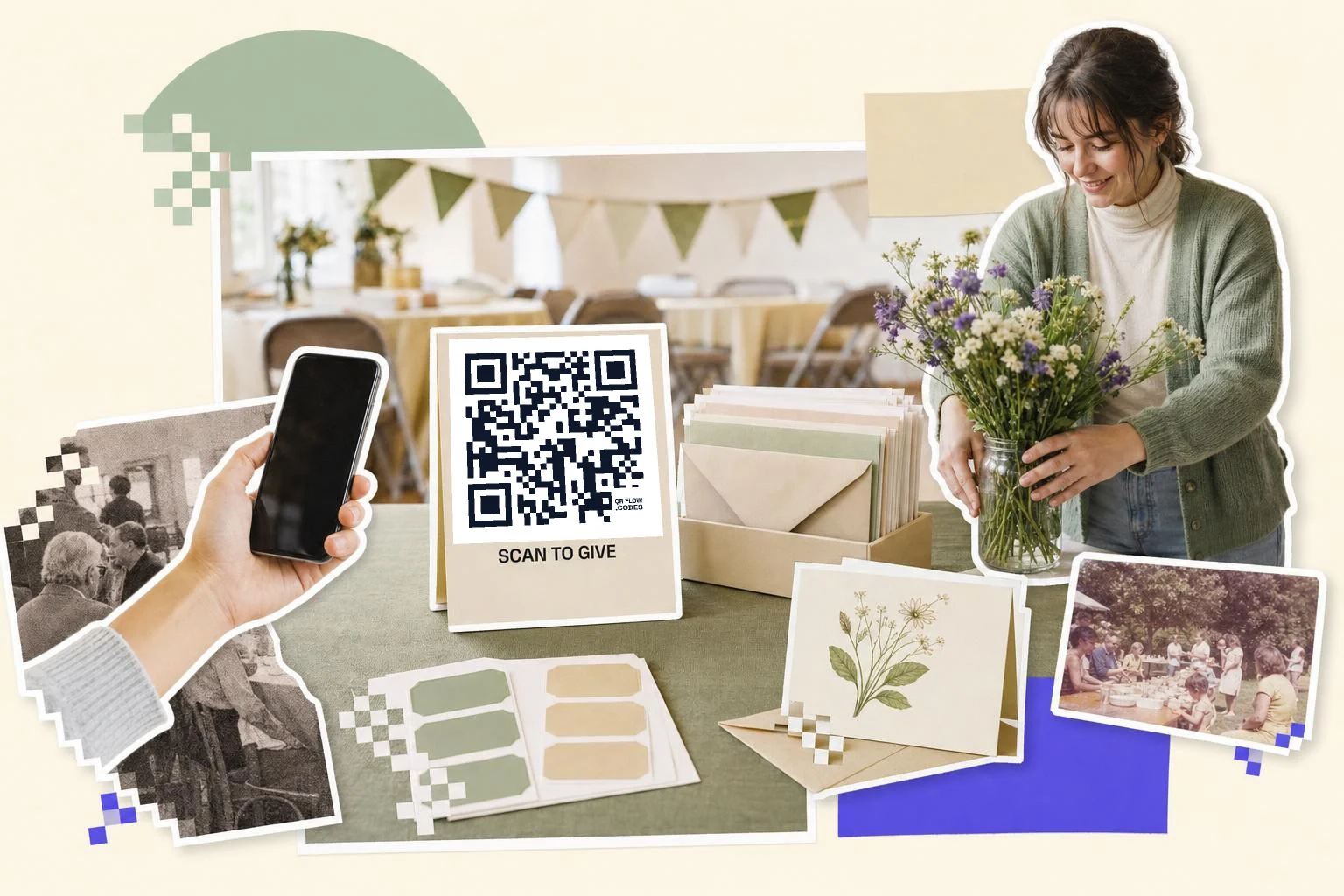
Giving is an impulse that fades in about a minute. The code shortens the gap between feeling it and doing it. On a printed appeal, the code replaces "visit our website and find the donate button" with one scan and a form that already knows the campaign. At an event, a code on the table card lets people give during the ask, not after they get home.
Send the code to the donation form for that campaign with the suggested amounts visible, not to the homepage. If your platform accepts a campaign or source in the URL, use it so the gift is attributed automatically. QR codes for fundraising has more on the appeal itself.
- Appeal letters and postcards: the campaign's donation page.
- Gala and event materials: the paddle-raise or ticket page; a second code for the silent auction.
- Volunteer flyers and posters: the sign-up form with shifts.
- Thank-you cards and annual reports: the impact story or a short video, not another ask.
- Sponsor signage: the sponsor's page, as promised in the package.
Printing on a budget
The code is free and prints in black; it doesn't need color. On letters and cards, 1 in (2.5 cm) is enough. On posters and event signs, 3 in (8 cm) or more. Add a caption in plain words, "Scan to give" or "Scan to volunteer", and the short URL underneath for people who would rather type.
One editable code on every piece means you can print larger runs and use them across campaigns, which is where the real saving is.
Knowing which appeal worked
Make a separate code for the letter, the postcard, the table card and the poster. Each counts its own scans, and if your donation platform reads UTM parameters, the gifts are attributed too. That gives the board a number per channel instead of a feeling.
How big to print it
Rule of thumb: the code should be at least one tenth of the distance it is scanned from. These are the sizes that work in practice for this job.
| Where | Scan distance | Minimum width |
|---|---|---|
| Appeal letter or postcard | 12 in (30 cm) | 1 in (2.5 cm) |
| Event table card | 16-24 in (40-60 cm) | 1.2 in (3 cm) |
| Poster or easel sign | 3-7 ft (1-2 m) | 3 in (8 cm) |
| Stage screen | 16-49 ft (5-15 m) | 25% of screen height |
Why make it dynamic
Nonprofits print in seasons: the year-end appeal, the spring gala, the summer volunteer drive. A dynamic code lets one printed piece serve all of them: point the code at the year-end page in December and the gala tickets in April. When a campaign closes, send the code to the thank-you page instead of a dead form. And the scan counts do something a stack of return envelopes cannot: show which letter, table or sign moved people to act.
Dynamic codes are part of Premium, $4 a month. Static vs dynamic, explained.
Step by step
- 1
Paste the donation or sign-up page
The campaign's form, with suggested amounts showing; add a source parameter if your platform supports it.
- 2
Caption it in plain words
"Scan to give" or "Scan to volunteer" in the frame, and the short URL underneath.
- 3
One code per piece
Letter, card, poster, table sign: separate codes so you know which one worked.
- 4
Move it with the season
On Premium, repoint the same code to each campaign and to the thank-you page when it closes.
Questions people ask
- How do I make a QR code for donations?
- Paste your donation page link into the generator on this page, add a caption like "Scan to give", and download the code. It is free; if you want to change the page later or count scans, save it on Premium.
- Is there a fee on donations made through the QR code?
- No. The code is just a link to your donation page; QRFLOW.codes never touches the payment. Your donation platform's fees are the only ones involved.
- Can the same code work for different campaigns?
- Yes, with a dynamic code. Repoint it to each campaign's page from your dashboard; the printed pieces don't change.
- Can I tell which mailing or event the gifts came from?
- Use one code per piece; each counts its own scans. If your platform reads UTM parameters, add them so gifts are attributed by source too.
- Do donors need an app?
- No. The phone's camera reads the code and opens your donation page in the browser.
- Is there a nonprofit discount?
- Making and printing static codes is free, and a free account keeps the downloads unmarked. Premium is $4 a month for the whole account, which covers up to 1,000 saved dynamic codes under fair use. Write to hello@qrflow.codes if that is still a barrier for your organization.
Make the code now, change the link later
Free to make and print. Premium ($4/mo) keeps it editable and counts every scan.