
A Venmo QR code is the quickest way to get paid in-person, and if you print one, make it at least 1.2 inches wide for easy scanning at arm’s length.
Most people use a Venmo payment code right inside the app. You show your code, the other person scans it, and your profile opens so they can pay the right account.
Where can I find my Venmo QR code?#
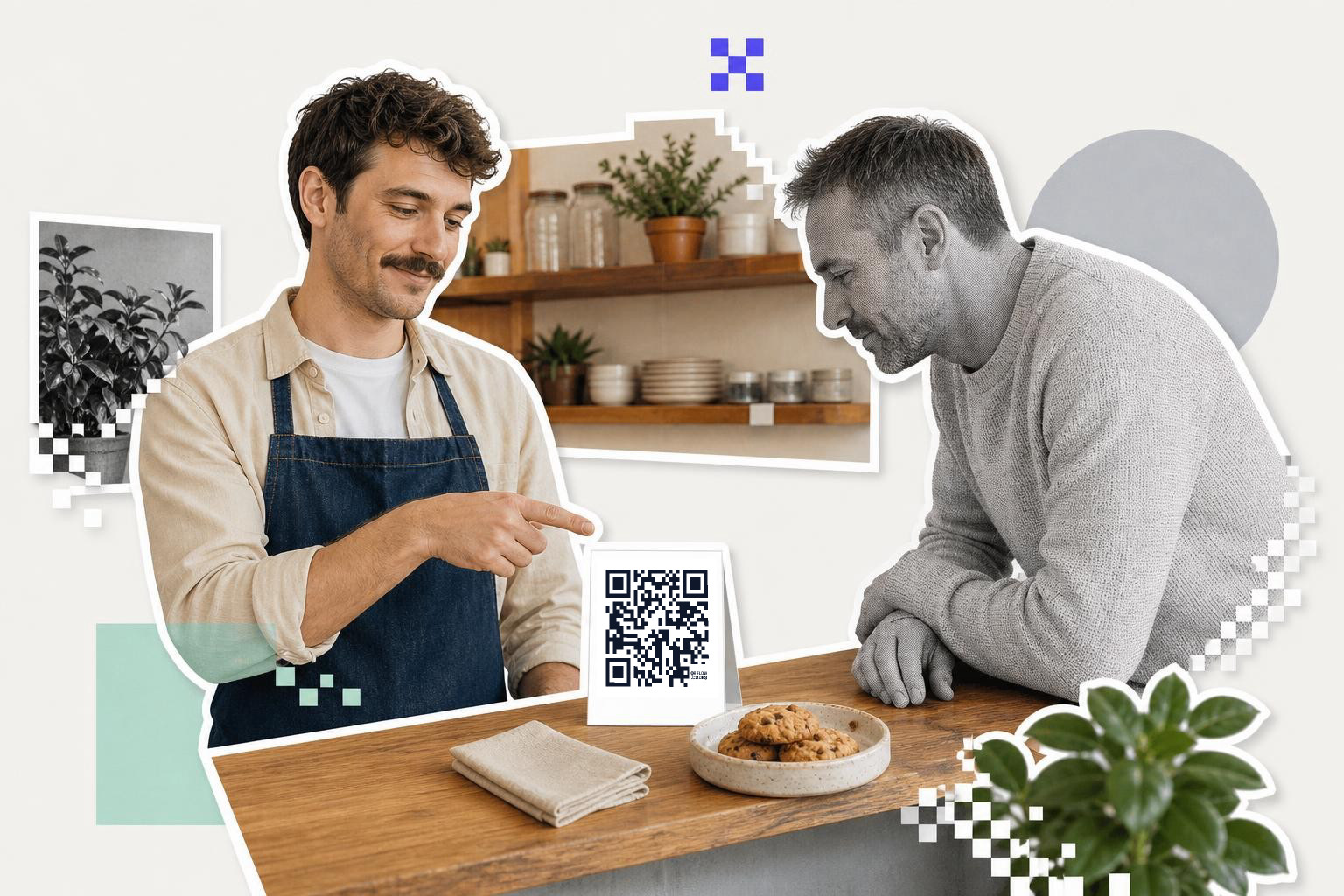
Your Venmo QR setup is simple. Open Venmo, go to your profile or payment tab, and look for your personal code. Venmo shows a code tied to your account, not a random payment page.
When someone uses their phone to scan a Venmo QR code, it usually opens your Venmo profile in the app. That helps avoid mistyped usernames, which is the whole point. One scan, right person, done.
This is different from making a general QR code for a link. A regular QR code can send people to a website, a form, or a payment page you choose. If you need that kind of setup for something else, a free QR code generator does that without a signup wall.
How to share a Venmo QR code#

To share a Venmo QR code, use a phone screen for one-on-one transactions or print it for multiple people. For printed codes, start with a size of 1.2 to 1.5 inches wide for tabletop use, and 2.5 inches or more for wall or booth signs.
Print makes more sense when several people may need to pay you in a row. Think market stalls, bake sales, donation jars, or a club check-in desk. A small tabletop sign is easier than passing your phone around.
- For printed Venmo QR codes, start around 1.2 to 1.5 inches wide on a counter card. If people will scan from farther back, go bigger. A code on a wall or booth sign should usually be closer to 2.5 inches wide or more.
If you want a code you can style for a display, not just use inside Venmo, you can make one with QRFLOW.codes. Static QR codes are free to create and download as PNG with no sign up. If you need editable links after printing or scan analytics, those are on the Premium plan.
Why is scanning better than typing usernames?#

Typing a username sounds easy until a line forms and people are squinting at your handle. A code removes that friction. The payer scans, your profile opens, and they can confirm your name before sending money.
That extra confirmation matters because Venmo usernames can look similar at a glance. A QR code does not guarantee a payment is correct, but it cuts down on the most common mistake, sending money to the wrong person.
For in person selling, that speed adds up. A payment QR code keeps the line moving and gives buyers a familiar way to pay.
Is the code tied to one account?#

Your Venmo payment QR code points to your Venmo account. It does not let you preset every detail the way a custom checkout flow might. In many cases, the payer still enters the amount and checks your profile before sending.
That means you should still say the amount out loud and ask the sender to confirm your name. A scan lowers mistakes, but it does not replace basic attention.
It also means printed copies need a quick sanity check now and then. Scan your own sign once in a while and make sure it still opens the right profile. If a code gets blurry, scratched, or badly reprinted, replace it.
A useful rule, if the destination must stay your Venmo profile, the in-app code is fine. If the destination might change later, like a fundraiser page or event link, use a dynamic QR code instead so you can edit it after printing.
When is a regular QR code better than a Venmo code?#
A Venmo code is best when the goal is simple, open my Venmo profile and let this person pay me. That is perfect for tips, small sales, shared expenses, and casual events.
But sometimes you need more than a profile link. Maybe you want one sign that sends people to an order form, a donation page, or an event page that changes later. 2. In those cases, a standard QR code is more flexible than Venmo QR codes.
If that sounds close to your setup, it helps to compare options like static vs dynamic QR codes before you print a stack of signs.
How to print your Venmo code#
The short version is, big enough for the distance people will scan from. On a counter sign, around 1.2 to 1.5 inches wide is a good starting point. On a poster, wall, or booth sign, go larger so people do not have to step right up to it.
Contrast matters as much as size. Keep the code sharp, dark enough against the background, and free of busy graphics around the edges. If you are making your own sign, test it with more than one phone before the event.
If you are printing for a market or lobby table, ideas from how to make QR codes easier to scan can save you a lot of awkward rescans.
Does a scan prove the payment went through?#
Venmo makes paying easier. It does not make a stranger trustworthy. Only accept payments you expect, and double-check the payment is actually received in your account before handing over goods.
That matters most at pop-ups and casual sales. A person showing you a payment screen is not the same as money landing in your account. Look for the payment inside Venmo, not just on their phone.
If you are sharing your code online, keep the context clear. Say what the payment is for, like class dues, art prints, or lunch money. People are more likely to trust a payment request when the reason is obvious and specific.
Questions people ask about Venmo codes#
Can you print a Venmo QR code?#
Yes, and that is one of the easiest ways to use it. A printed code works well for tip jars, counters, booths, and club desks. Just make sure the print is clear, large enough for the distance, and tested on a real phone before people need it.
Does a Venmo QR code set the payment amount automatically?#
Usually, no. In many cases the code opens your profile, then the payer enters the amount. That is why it still helps to say the total clearly and have them confirm your name before they send anything.
Can someone pay you without the Venmo app?#
Often, the smoothest experience is inside the Venmo app because that is where the profile opens. If someone cannot scan or does not have the app ready, you may need to fall back to your username or another payment method.
Is a Venmo QR code the same as any other QR code?#
Not really. A Venmo code is tied to your Venmo account and meant to open that destination. A general QR code can point to many kinds of links, which is why it is better when you need more control over where people land.
A setup you can use tomorrow#
If you just need to get paid by friends or customers, use your in-app Venmo QR setup first. It is already tied to your account, and it removes username mistakes fast.
If you need a cleaner printed sign for a table, counter, or booth, make one and test it from the distance at which people will actually scan. You can build that with QRFLOW.codes, then download a static code free and print it the same day.
If your payment flow needs to change later, see the editable options on Premium. Or start with the free tools at QRFLOW.codes and make a code that fits the way people really pay.