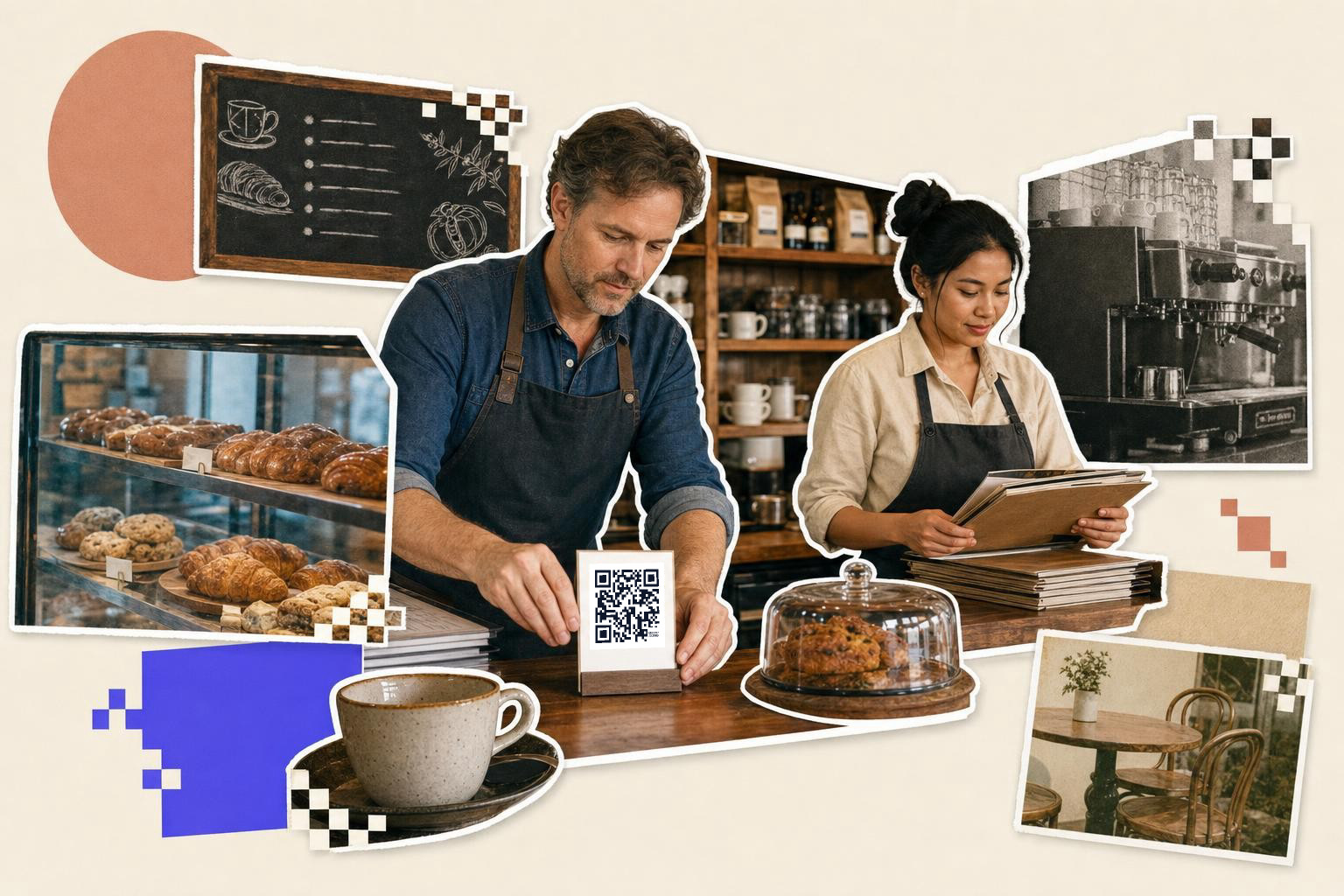
To create a QR code for a restaurant menu, link it to your live menu page or PDF, print table codes at least 1 inch (2.5 cm) wide, and make it dynamic if the menu might change after printing.
You can set this up in a few minutes. The only part that really matters is choosing the right thing to open when someone scans.
How to create a QR code for a restaurant menu#
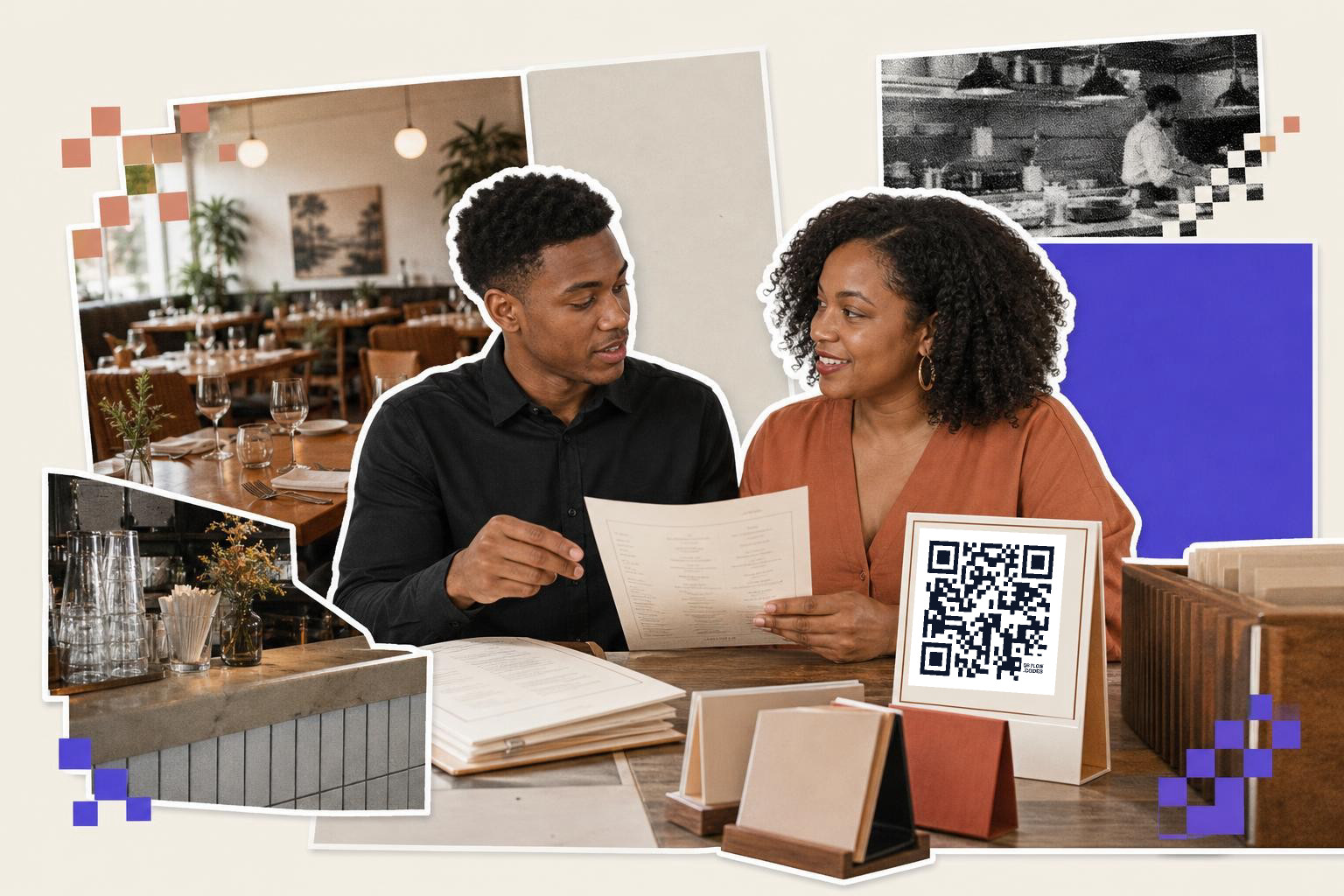
To create a QR code for a restaurant menu, use a free QR code generator and select URL for a website menu or PDF for a file. Copy the exact menu link, paste it, and generate the code. Download and test it before printing.
- Open the free QR code generator and choose URL if your menu lives on a website, or PDF if you want the code to open a file directly. A menu page usually loads faster and is easier to update than a PDF.
- Copy the exact menu link you want guests to see, not your homepage and not an edit link from your site builder. If guests need two taps to find food, many of them will stop there.
- Paste the link or upload the PDF, then generate the code. If you use separate lunch, dinner, and drinks menus, make a separate code for each one.
- Name the code by location, like Patio menu or Front window menu, before you download it. That makes later edits much less messy if you print more than one version.
- Keep the design simple, with a dark code on a light background and a clear quiet zone around it. Black on white still wins for busy dining rooms and sunny windows.
- Download PNG for quick printing or SVG if your designer needs a file that stays sharp at any size. With an account, you can download a file with no QRFLOW mark and save the code to your dashboard.
- Print one sample and scan it with both iPhone and Android before you order a batch. Test it from the distance guests will actually stand or sit.
- Make the code dynamic if your menu link, PDF, or ordering page might change later. Your first dynamic code is free, and that can save a reprint when prices, hours, or seasonal items change.
A restaurant menu QR code should do one job only, open food and drink choices fast. If you also want reviews, Wi, Fi, or loyalty signups, give those their own codes.
A short mid-step note here matters. If your menu changes often, a dynamic code is safer than a static one because you can change the destination after the cards, stickers, or window decals are already printed. If you want more than your first dynamic code, see plans and prices.
What should your restaurant menu QR code open?#
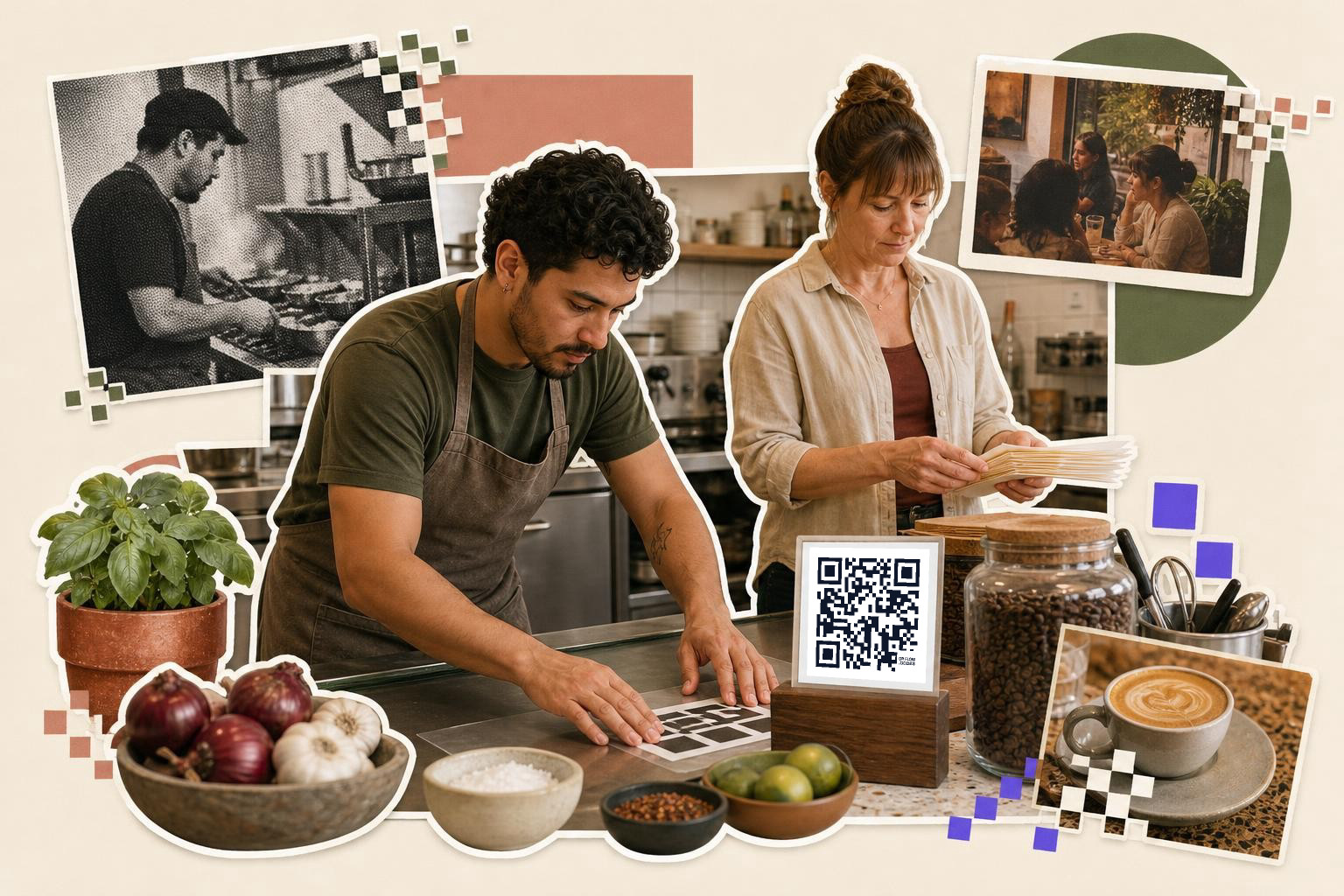
A restaurant menu QR code should usually open a mobile friendly menu page, not a homepage, not Instagram, and not a giant PDF. The best destination is the page a guest expects to see within one tap.
For most places, you have three solid options.
A menu page on your website is the safest pick. It is easier to read on a phone, easier to update, and better for search than a file download. If you have separate pages for brunch, drinks, or takeout, print separate codes so guests land in the right place.
A PDF works when your menu design matters and you already have a polished file. Just keep the file size reasonable, because a slow 12 MB PDF feels broken on weak guest Wi, Fi. If you go that route, our guide on how to make a QR code for a PDF covers the file setup.
An ordering page works if the real goal is pickup or table ordering. In that case, skip the full website path and link straight to the order screen.
Avoid linking the code to a social profile. Guests scanning at a table want prices, dishes, and maybe allergens, not a feed.
If your menu changes by time of day, you can either print more than one code or use an editable link in QRFLOW.codes and swap the destination later. That is especially handy for seasonal menus, happy hour, and pop up events.
For examples by placement, Best QR code menu for restaurants: where to place them goes deeper on tables, windows, takeout bags, and host stands.
How big should a restaurant menu QR code be?#
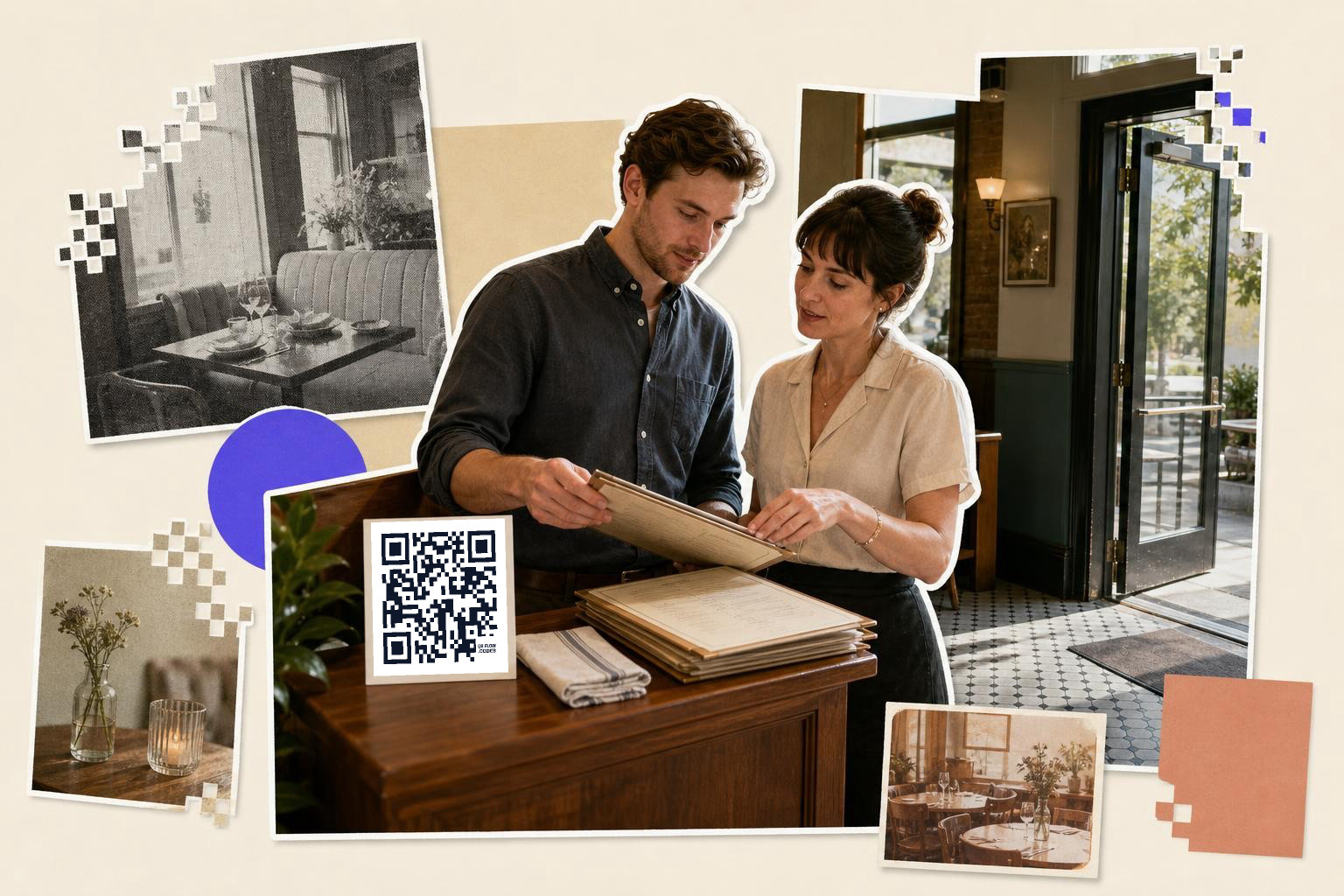
A restaurant menu QR code should be at least 1 inch (2.5 cm) wide on table tents and check presenters, and 2.5 inches (6 cm) wide on doors or windows. The farther away people scan, the bigger the code needs to be.
Use these sizes as a practical starting point:
- Table tents, countertop stands, receipt holders: 1 to 1.25 inches (2.5 to 3.2 cm)
- Check presenters and takeout bag stickers: 1 inch (2.5 cm)
- Wall signs by the register: 1.5 to 2 inches (3.8 to 5 cm)
- Front door or window for people scanning while walking up: 2.5 to 3 inches (6 to 7.6 cm)
Keep a plain margin around the code. That empty border helps the phone separate the code from wood grain, tile, photos, and busy menu art.
Placement changes behavior. Table codes get scanned from about 1 to 2 feet (0.3 to 0.6 m), but a window code might be scanned from 3 to 6 feet (1 to 2 m). If you are unsure, go bigger.
If you need exact print rules for stickers, acrylic stands, or posters, see how big should a QR code be when printed?.
A QR code menu page for restaurants can also help if you are deciding between one code at the door and separate codes at each table.
What to check before you print 50 table cards#
A restaurant menu QR code is ready to print when the exact printed sample scans fast, opens the right page on mobile data, and still works in the lighting your guests will have. Screen tests are not enough.
Run this short test before you place the order:
- Scan the printed sample on iPhone and Android.
- Scan in bright window light and dim evening light.
- Test on mobile data, not only your own Wi, Fi.
- Confirm the page shows hours, prices, and item names without pinching to zoom.
- Make sure the link opens without a login, cookie wall, or file permission error.
If the menu opens slowly, the problem is often the destination, not the code. Heavy PDFs, page builders, and popups cause more failed scans than the square itself.
If the code points to a PDF and that file might change, swap to a dynamic link before the print run. If you later need to change the destination, change where a QR code points walks through it.
For table service, one more detail helps: add two or three words near the code, like View menu or Scan for menu. People scan more when the job is obvious.
If you want to make the code now, save it, and come back later to tweak colors or destinations, QRFLOW.codes keeps that simple without making you rebuild from scratch.
If your menu lives on a website already, start with the QR code for a link flow. If you are building invite cards or table inserts for events, how to create a QR code for wedding RSVP is a useful example of the same print-first thinking.
Choosing the right QR code type#
When deciding on the type of QR code for your restaurant menu, consider your needs for flexibility and updates. Static QR codes are fixed, meaning the link or file they open cannot be changed after printing. These are suitable if your menu is stable and unlikely to change. However, if you anticipate frequent updates, a dynamic QR code is a better choice. Dynamic codes allow you to change the destination URL without reprinting the code itself. Dynamic codes also offer analytics, helping you track how often your menu is accessed and from which locations. This data can be valuable for understanding customer behavior and optimizing your menu offerings.
Design tips for effective QR codes#
The design of your QR code can impact its usability and effectiveness. Keep the code simple, with high contrast between the code and its background. A dark code on a light background is the most reliable choice. Ensure there is a quiet zone, or empty space, around the code to help scanners read it accurately. Avoid adding too many design elements or colors that might interfere with the code's readability. If you want to incorporate branding, consider adding a small logo in the center of the code. However, test thoroughly to ensure it does not affect scan reliability. Remember, functionality should always come before aesthetics.
QR codes in restaurant branding#
If you want the code to match your space, keep the branding light. A small logo, your accent color, or a frame that says Scan for menu can make it feel like part of the table setup without hurting scans. The safe rule is simple: keep strong contrast, leave the quiet zone alone, and test the printed version in the same lighting your guests will have.
Branding also works best around the code, not inside it. A clean table tent, window decal, or check presenter with a short label usually does more for trust than an overdesigned square. Guests should know exactly what they will get before they scan.
How to create a restaurant menu QR code?#
Use a dynamic QR code for a restaurant menu to allow updates without reprinting. This is helpful for frequent menu changes or price updates.
Can I update a QR code after printing?#
Yes, if you use a dynamic QR code. This allows you to change the destination link without reprinting the code. It's useful if your menu changes frequently or if you need to update prices or items.
What is the difference between static and dynamic QR codes?#
A static QR code has a fixed link that cannot be changed once printed. A dynamic QR code allows you to update the link or destination even after printing, making it more flexible for changing menus.
How do I test a QR code before printing?#
Print a sample and scan it with both iPhone and Android devices. Test it in different lighting conditions and on mobile data to ensure it opens the correct page quickly and without errors.
What should I include near the QR code on a menu?#
Include a short instruction like 'Scan for menu' or 'View menu' near the QR code. This makes it clear to customers what the code is for and encourages them to scan it.
Questions people ask about how to create a QR code for a restaurant menu#
Can I use a QR code for multiple menus?#
Yes, you can create separate QR codes for different menus like lunch, dinner, and drinks. This ensures guests access the specific menu they need without extra navigation steps.
How do I update a QR code menu after printing?#
If you used a dynamic QR code, you can update the destination link without reprinting. Log into the QR code generator account, change the link, and save the update. The printed code will now open the new link.
What is the best format for a QR code menu?#
A mobile-friendly menu page on your website is ideal. It loads quickly and is easy to update. If you choose a PDF, ensure it is small in size to avoid slow loading times on guest devices.
Do QR codes work in low light?#
Yes, QR codes can work in low light if they have a high contrast design, like black on white. Test the printed code in different lighting conditions to ensure it scans easily for guests.
When you're ready, make the code in QRFLOW.codes, print one sample, and test it where guests will stand. A good menu code feels invisible, it gets people to the food in one scan.