The best QR code menu for restaurants gives each spot one clear job, table codes for the full menu, counter codes for ordering, and any menu that changes often should use a dynamic link.
A restaurant menu QR code is not one decision. It is five or six small ones.
The code on a table has a different job from the one in your window. The patio needs a page that loads fast in bright light. The takeout counter needs ordering, not a PDF that makes people zoom with greasy fingers.
If you are printing tomorrow, think in placements first. Then make the code for that moment.
Table tents and menus at the seat#
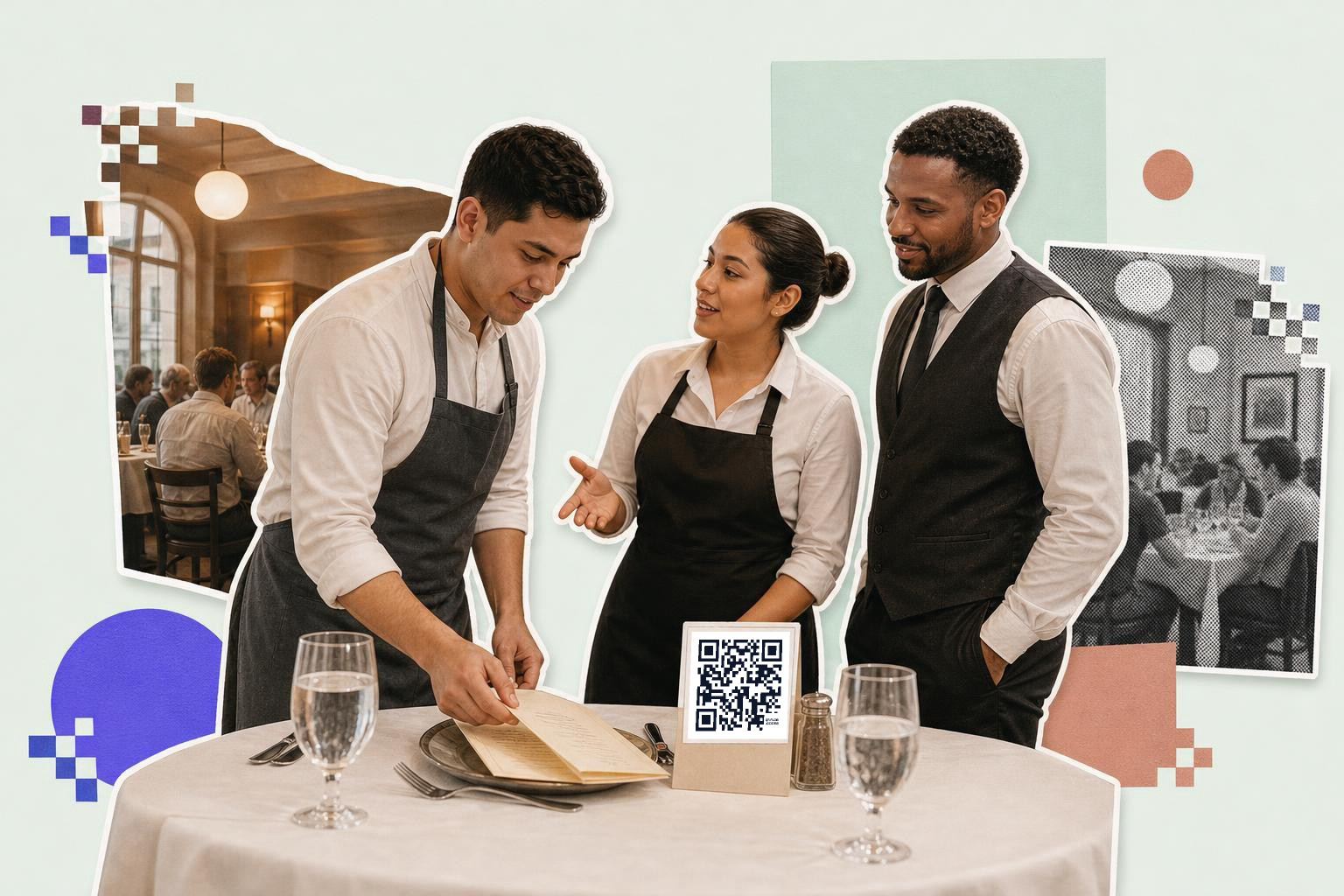
Table QR codes should open your full dine-in menu, with drinks, modifiers, and prices in one clean mobile page. Guests are already seated, so they can handle a longer page than someone standing at the door.
A table code usually belongs on a tent card, a check presenter, or the printed menu itself. Print the code at least 1 inch (2.5 cm) wide if it is right in front of the guest. If the code sits in the middle of a crowded table design, leave a plain white border around it so plates, shadows, and wood grain do not fight the scan.
The big miss here is linking to your homepage. A homepage makes people hunt. A menu code should open the menu, full stop.
If you still hand out printed menus, adding a code to the back cover works well for seasonal drinks, dessert photos, or allergy details. That keeps the paper menu short without hiding useful details.
For restaurants that update items every week, this is one place where dynamic matters. If brunch changes on Saturday or a dish sells out early, an editable code saves a reprint. QRFLOW.codes gives you your first dynamic code free, which is handy if you want to test one table menu before changing the whole room.
What should a counter QR code open?#
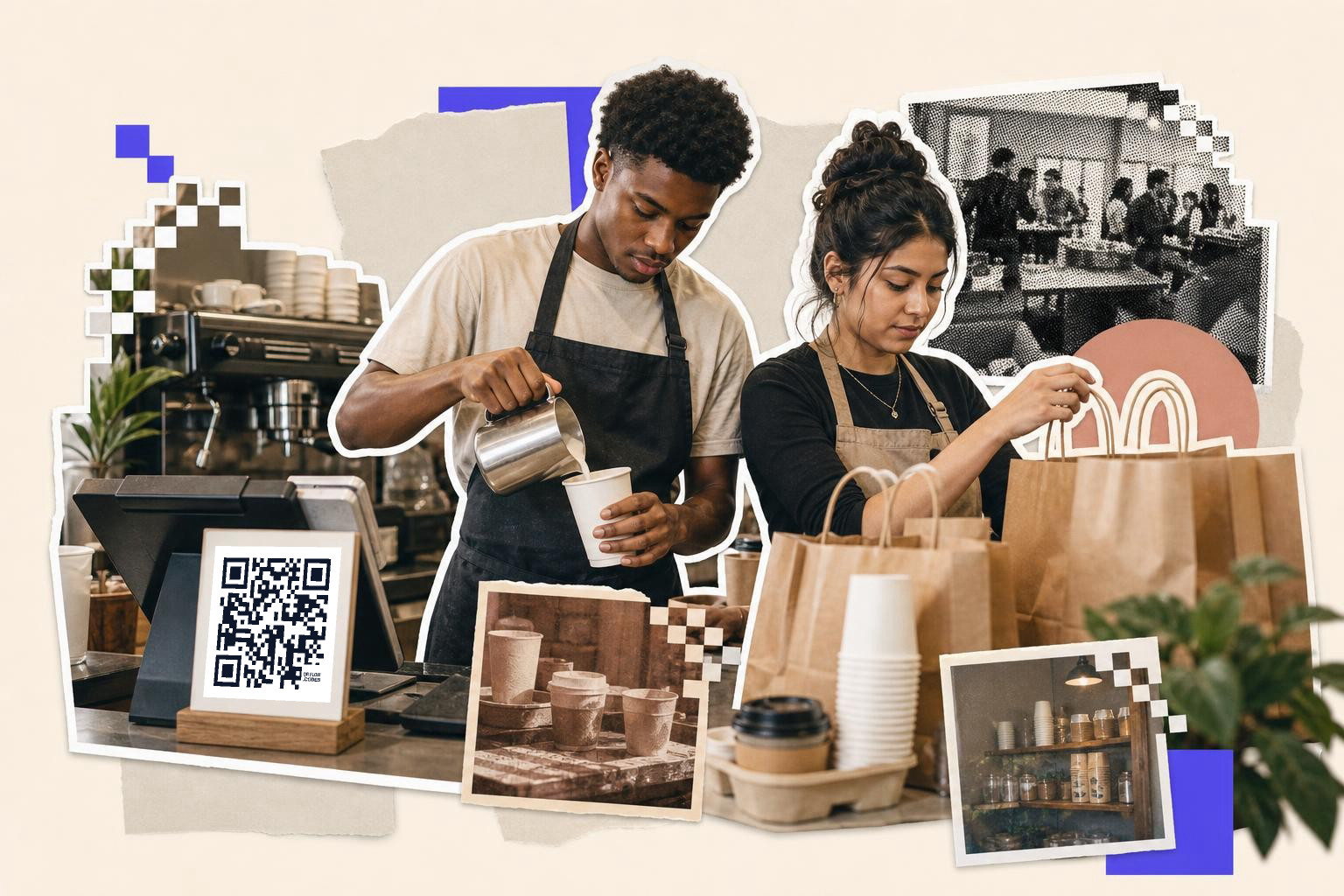
A counter QR code should open the fastest next step, usually online ordering, a pickup menu, or a short menu with big buttons. Counter guests are standing, deciding fast, and often holding a wallet or phone in one hand.
This is where many restaurants overstuff the experience. A long PDF menu is rough at a register. So is a link page with six choices. If the line is moving, one scan should get people to order, not browse your entire brand story.
For a coffee shop or lunch spot, the counter code often works best on a small acrylic sign by the register and a second copy near the pickup shelf. A code at 1.25 inches (3.2 cm) to 1.5 inches (3.8 cm) wide is usually a safer bet here because people scan from a half step back.
Counter menus also change more than table menus. Breakfast ends, lunch starts, pastries sell out. That makes an editable link the better fit. If you want to compare tools before you commit, our guide to the best QR code generator for business covers the features that matter once you are printing in more than one spot.
A simple version is often the best one. Name the page "Order ahead," "Pickup menu," or "Scan for today's menu." Guests should know what happens before they even open their camera.
Need a code for a table tent, sticker, or countertop sign tonight? You can make one in the free QR code generator and download it right away.
Front window menus for walk-ups and passersby#
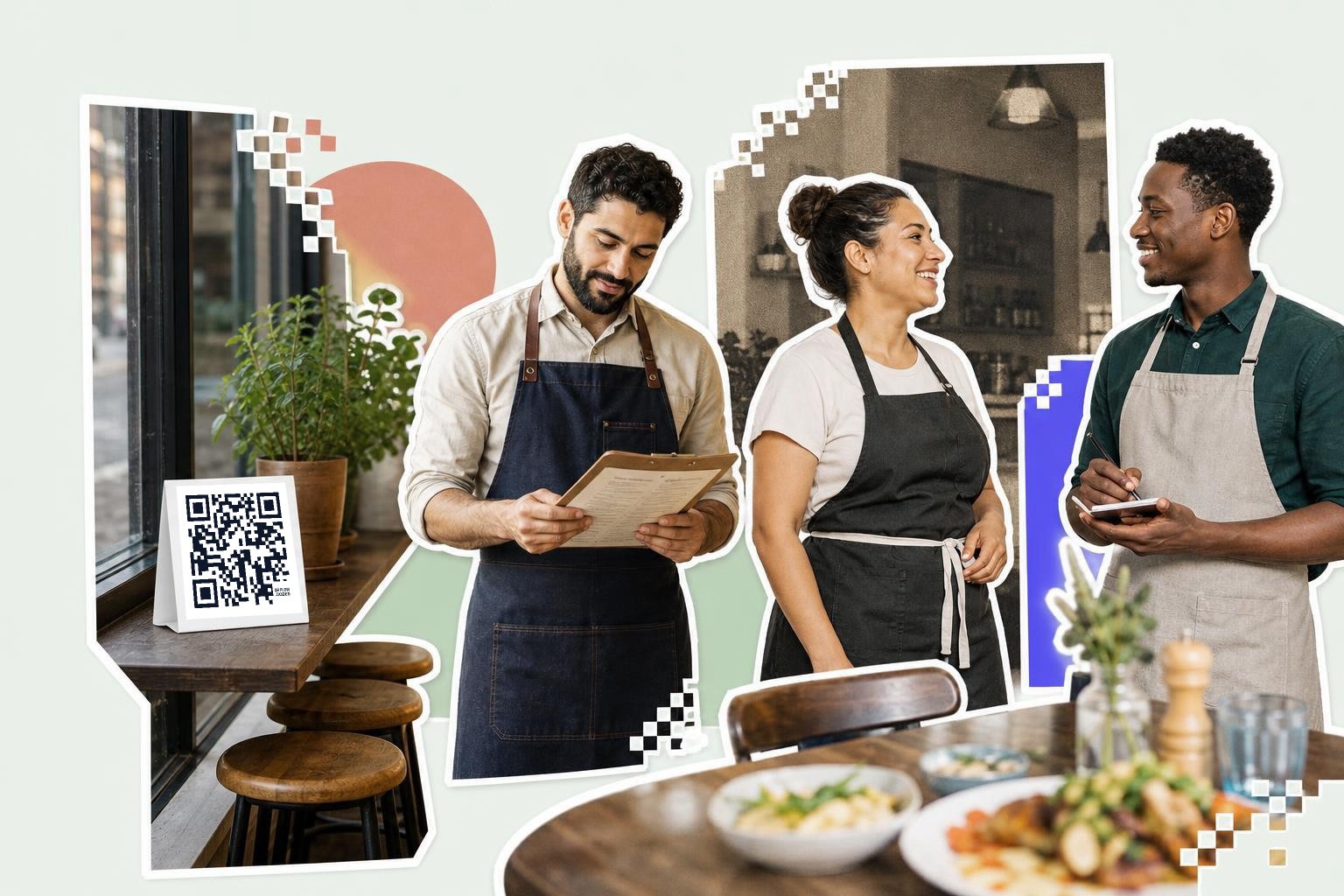
A front window QR code should answer one question fast, what can I eat here, and how much does it cost? People outside are deciding whether to come in, not planning a ten-minute read.
Window-menu codes do best when they open a short, skimmable page. Think top categories, price range, house favorites, hours, and maybe one photo. Save the full allergy notes, wine list, and private event details for another page inside.
Size matters more on glass because people often scan from the sidewalk. Start around 2.5 inches (6.4 cm) wide for a window code at eye level. If the glass faces bright sun, test at the actual time of day the light hits it, because reflections can matter more than the code itself.
Window placements also need a backup. Put a plain line of text under the code, like your short menu URL, in case glare beats the camera. If you are on a premium plan, a custom domain can make that backup line cleaner and easier to trust. You can see those options on the pricing page.
For a restaurant with separate lunch and dinner service, a dynamic code is useful here too. The sticker on the glass stays the same, while the page behind it changes by daypart.
Patio tables, sidewalk stands, and outdoor queues#
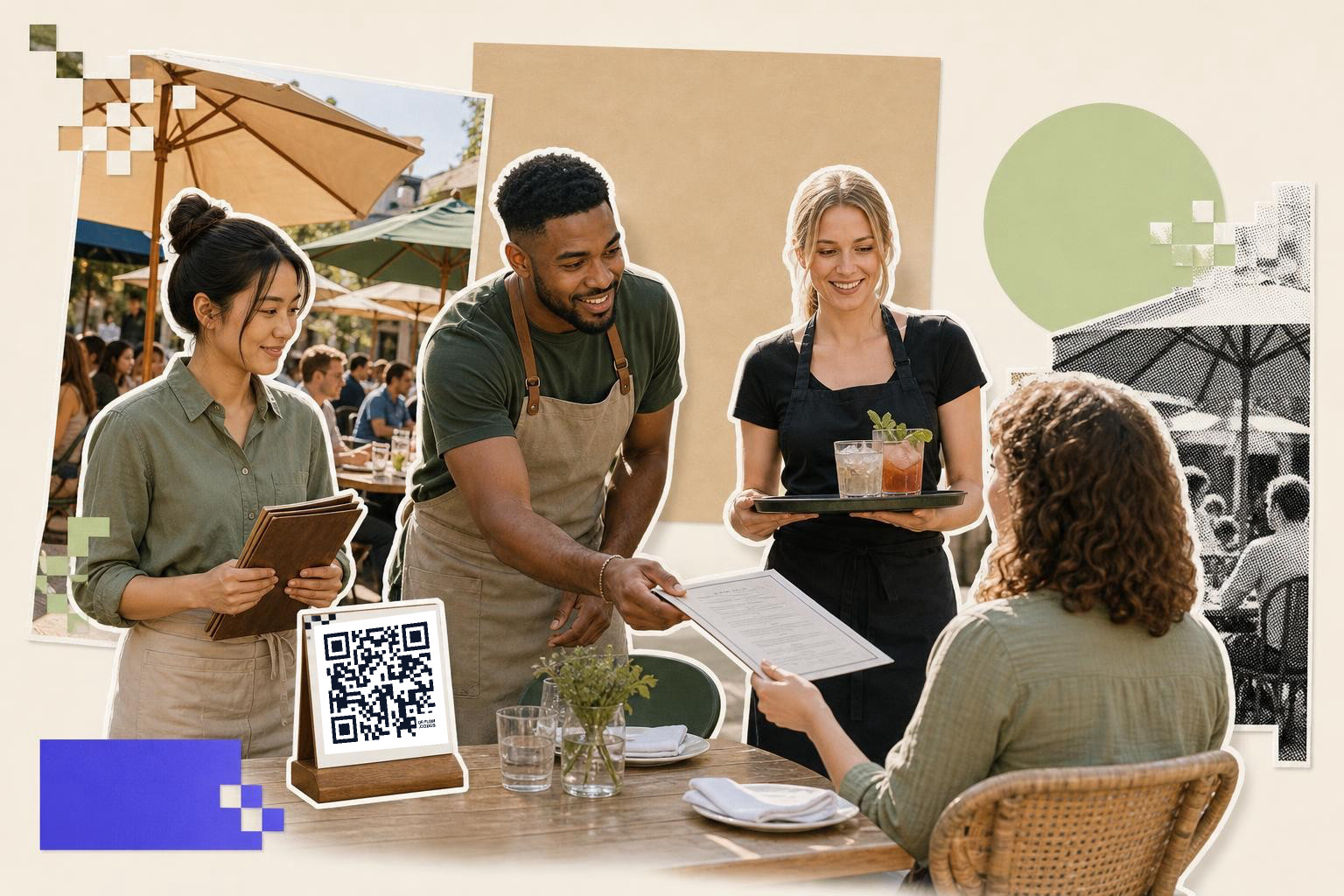
Outdoor menu QR codes should open a page that loads quickly, uses large text, and does not rely on tiny PDF type. Sun glare, shaky hands, and patchy signal make outdoor scanning less forgiving.
A patio table code can mirror your dine-in menu, but a sidewalk stand should be shorter. Someone in line outside wants the essentials, mains, drinks, prices, and maybe a quick order button. They do not want ten pages of wine notes.
Weather changes what survives here. Paper table cards can curl, plastic can scratch, and matte surfaces often read better than glossy ones in hard sun. If you are choosing stock for outdoor use, the guide to the best materials for printing QR codes is worth a look before you order a batch.
Placement matters too. Keep the code off the very edge of a round patio table where plates and elbows cover it. For host stands or sidewalk easels, 2 inches (5.1 cm) to 3 inches (7.6 cm) wide is a practical range because guests scan from 3 to 6 feet (1 to 2 m) away.
If your restaurant takes patio reservations, adding a second code for booking can work, but only if the two actions are clearly labeled. One code for menu, one code for book a table. Never make people guess.
Restaurants that want a ready-made menu setup can also start from the restaurant QR code menu page, which is built for this exact job.
How do daily specials and changing menus work with QR codes?#
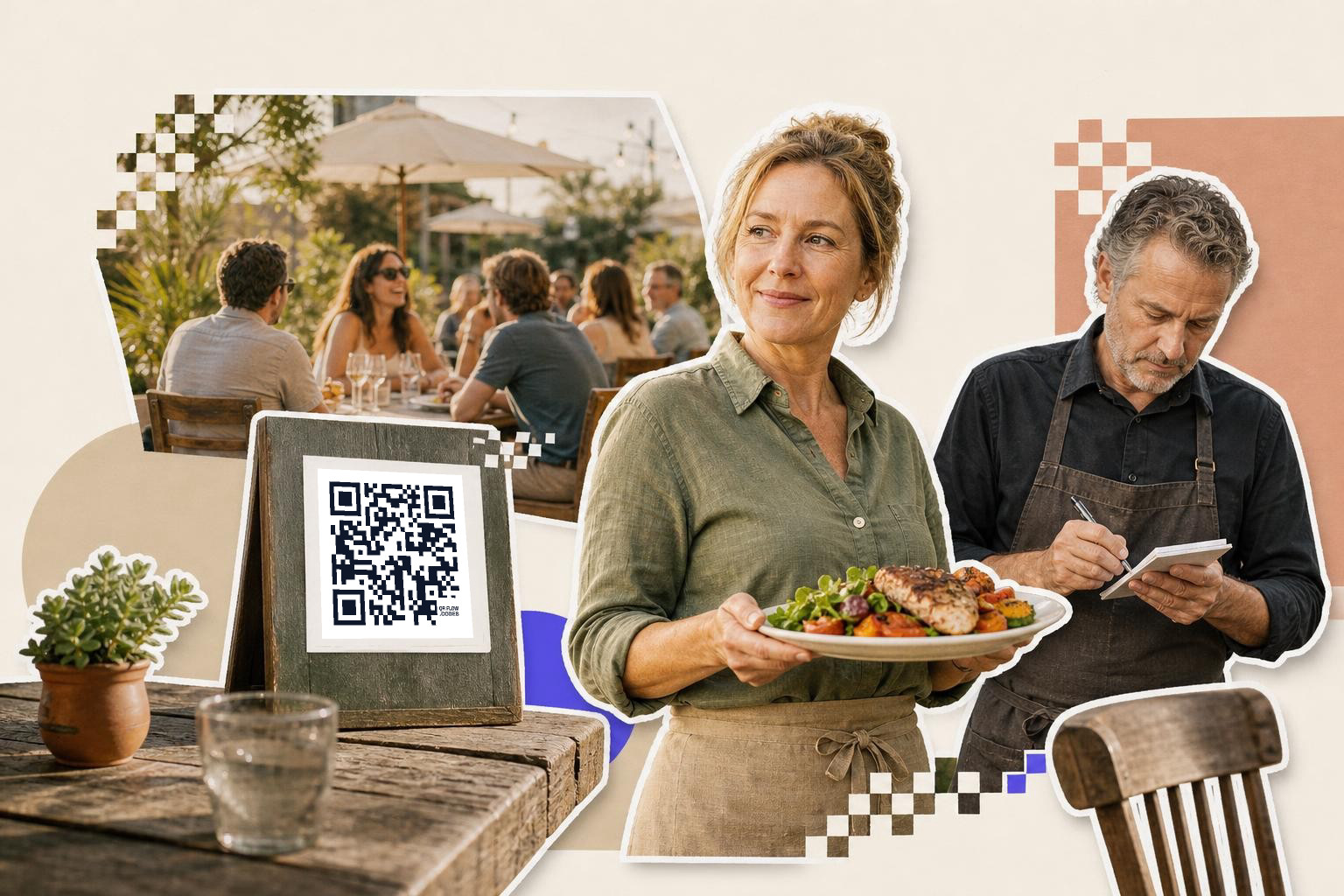
A specials QR code should be dynamic almost every time. Specials are the part of your menu most likely to change after the sign is already printed.
This code belongs on the bar, the host stand, the sidewalk board, or a small insert at the table. It should open one short page with today's dishes, limited pours, or happy hour items. If a guest scans a specials code and lands on your full regular menu, the code is wasting its space.
This is also the best place to track interest. If you use a dynamic code with analytics, you can see whether people scan the bar sign more at 5 p.m. than the table insert at 7 p.m. That helps you keep the right signs and drop the dead ones.
The page behind a specials code should be dead simple to update. Swap sold out items fast. Change lunch soup at 11 a.m. Change late night snacks at 9 p.m. A printed sign should not lock you into yesterday's menu.
If you want to read more about changing links after print, the guide on static vs dynamic QR codes explains the tradeoff in plain English.
One menu code per use beats one code for the whole restaurant#
The best setup is usually three to five menu codes, not one code everywhere. A table code, a counter code, a window code, and a specials code each serve a different moment.
That sounds like more work than it is. Most restaurants already have different printed pieces in those places. You are just matching the code to what the guest wants right there.
If you are making several at once, keep the destinations organized before you print. Name them by spot, like Table menu, Window menu, Patio order, and Happy hour. That small step saves real confusion when you replace signs later.
If you manage several locations or a lot of table numbers, bulk creation can help. Our comparison of the best QR code generator with bulk creation tools for print runs shows what starts to matter once you are making many codes instead of one.
Questions restaurant owners ask before they print#
QR code: PDF or web page?#
A web page is usually better for restaurant menus. It loads faster on phones, resizes to the screen, and is easier to update. A PDF can work for a wine list or fixed menu, but it is clunky for everyday ordering.
How many menu QR codes should a restaurant have?#
Most restaurants need at least three. Use one for tables, one for the counter or pickup area, and one for the front window or outdoor sign. Add a fourth for specials if those change often.
How big should a restaurant menu QR code be?#
A table code should usually be at least 1 inch (2.5 cm) wide. A window or sidewalk code often needs 2 inches (5.1 cm) to 2.5 inches (6.4 cm) or more because people scan from farther away.
Do I need a dynamic code for a restaurant menu?#
A static code is fine for a menu page that will not move. A dynamic code is the safer choice for specials, ordering links, seasonal menus, or anything you may need to change after printing.
Your menu QR code works best when each scan has one clear purpose. Make the table code for browsing, the counter code for ordering, and the window code for deciding.
If you want to set one up today, QRFLOW.codes lets you make a restaurant menu code, download it, and print it where guests will actually use it.