
The best QR code generator for business use is the one that gives you dynamic links, clear scan analytics, brand control, and exports you can print without fixing them by hand.
If you're choosing a platform for a real business, the free homepage demo is not enough. You need to know which tool fits menus, packaging, review cards, events, and forms, and which features are worth paying for before 500 flyers come back from the printer.
1. Best QR code generator for business starts with the job#
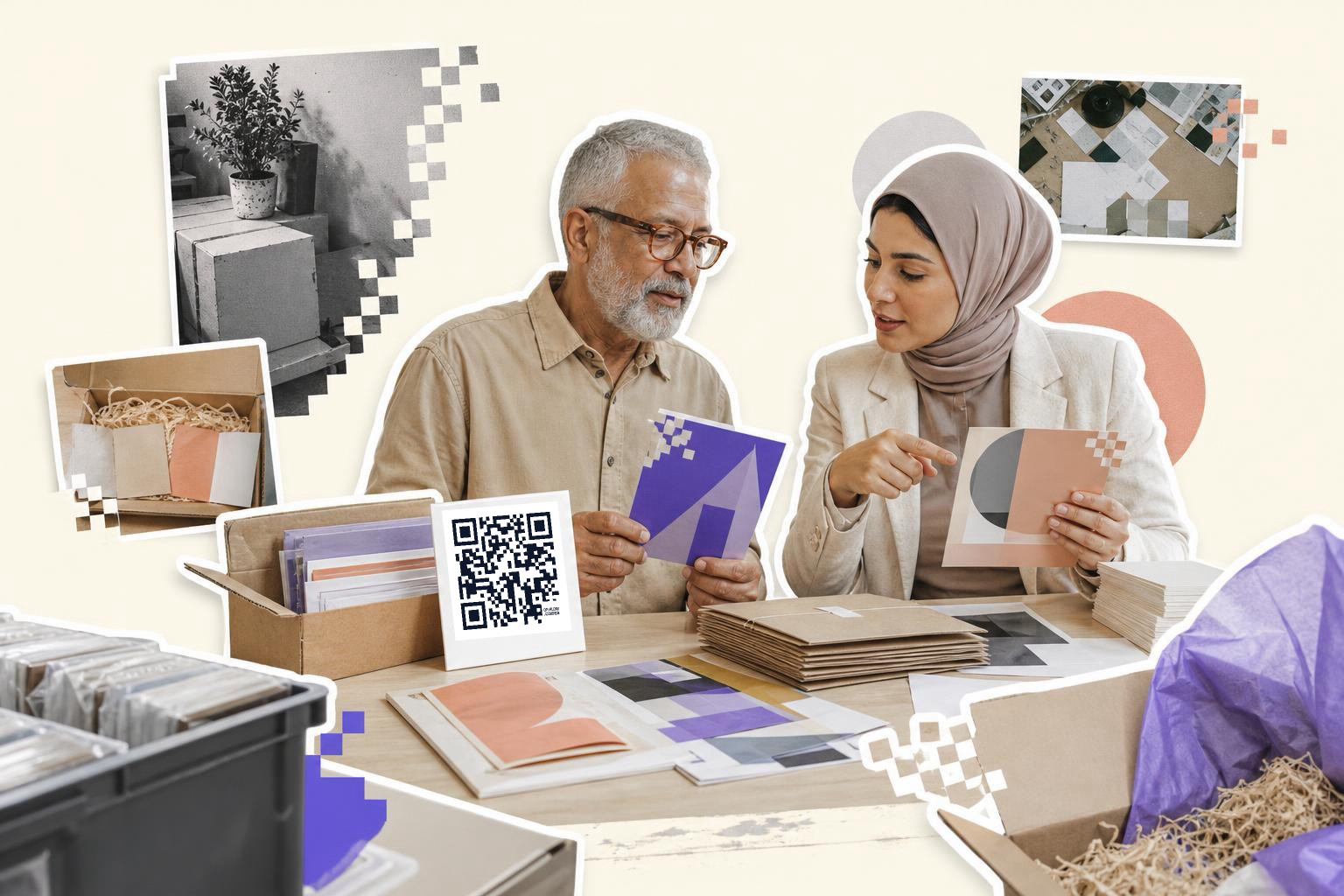
Business QR code tools look similar until you ask one simple question: what will this code do tomorrow? A restaurant menu, a product insert, and a review card do not need the same setup.
A coffee shop might need one menu code that changes with the season. A real estate team might need a different code on every flyer. A retailer might need scan data by store. Those are three different buying decisions.
Tip: make a short list of your actual jobs first, then compare platforms against that list. If a tool looks pretty but fails one core job, it is out.
2. QRFLOW.codes for small teams that need the full set#

QRFLOW.codes is a strong fit when you want business features without a big software bill. Your first dynamic code is free, and Premium is $4 a month, which is enough for many small campaigns.
The business case is simple. You can generate unlimited codes, save static ones to a dashboard, download PNG or SVG, and switch a dynamic code's destination after printing. On Premium, every code can be dynamic, you get full scan analytics, your own logo in the middle, frames, custom colors, password protection, expiration, and print exports up to 4K. Business adds API access, webhooks, team seats for up to 5 people, up to 5 link domains, and GS1 Digital Link for packaging.
A restaurant group is a good example. One team member can manage menu links, another can check scan patterns by hour, and printed table cards do not need a reprint when prices or items change.
Tip: if your link might change after anything is printed, make that code dynamic from day one. For a deeper design look, see custom QR code generator.
Need to make a campaign code right away? Use the free QR code generator and test the flow before you choose a paid plan.
3. Canva if the code lives inside a design file#

Canva works when your designer already lives there and only needs a simple static code dropped into a poster, flyer, or menu mockup. It is handy for layout, not for long-term code management.
The catch is what happens after print. If the destination changes, a static Canva code usually means replacing the design and exporting again. That is fine for a one-off handout, less-fine for 2,000 package inserts or table tents across three locations.
A local gym making a one-time class schedule poster can get away with this. A business running rolling offers probably cannot.
Tip: use Canva for layout, then bring in a code from a dedicated platform if you need editability or scan tracking. We compare that tradeoff in QR code maker: choose the best one for your needs.
4. Uniqode for larger, analytics-heavy programs#
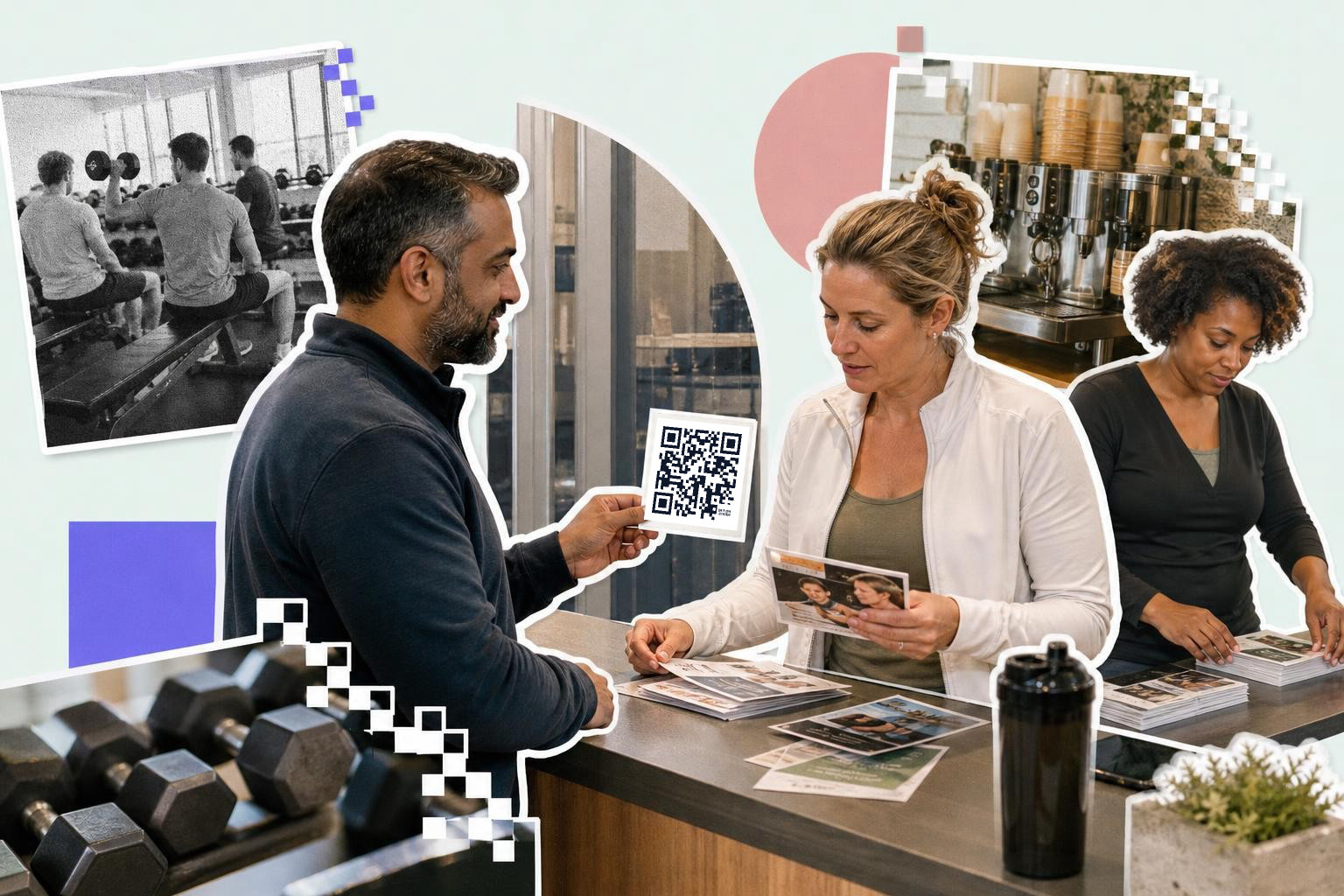
Uniqode is often picked by companies that care a lot about admin controls, campaign reporting, and bigger rollouts. If your team runs many active codes across departments, it can make sense.
Think of a franchise brand with codes on counter cards, window decals, receipts, and direct mail. That team may want account structure, stronger reporting, and more governance than a simple creator offers. The tradeoff is usually price and complexity.
Tip: ask for the exact analytics you need before you buy. Device type, geography, referrer, and hour-of-day are useful. Ten extra charts you never open are not.
5. QR TIGER for branded marketing campaigns#

QR TIGER is usually considered when branding comes first. Marketers often like the visual controls, campaign feel, and the way it presents custom code options.
That matters for coupon cards, product packaging, or in-store displays where the code has to feel like part of the brand system. But branding should come after scan reliability. A logo-heavy code that fails under store lighting is not helping anyone.
A cosmetics brand, for example, might want colored codes on box sleeves and shelf talkers. That can work, but the safe move is still dark code on a light background, with enough quiet space around it.
Tip: print one sample at actual size before you approve a styled code for a full run. If you care most about brand design, this is also where a best paid QR code generator comparison helps.
6. Beaconstac if your company already thinks in systems.#

Beaconstac tends to suit companies that want QR codes tied into broader marketing ops. If your campaigns already involve handoffs between forms, CRM steps, and reporting, a more system-minded platform can fit.
A B2B team at a trade show is a good example. One code on a booth card might open a lead form, another might open a product sheet, and a follow-up system might need to know which one got scanned. That is a different world from a bakery printing a Wi-Fi sign.
Tip: map the whole scan path before comparing plans. The code is only one step. The page, form, tracking, and owner of that workflow matter just as much.
7. How much analytics do you actually need?#
A business QR code platform should show data you can act on. For most teams, the useful basics are scans by day, location, device, referrer, and time.
A review card campaign is a good example. If one store gets scans but few review submissions, the problem might be the landing page copy. If scans spike between 12 p.m. and 2 p.m., that tells you when people notice the card. Full scan analytics in QRFLOW.codes cover device, geography, referrer, hour-of-day, and CSV export, which is enough for most small and mid-size teams.
Tip: do not pay extra for analytics if you only plan to ask one question, like “Did people scan this?” But if you are comparing locations, placements, or offers, tracking quickly pays for itself.
8. Which QR code platform for business fits your use case?#
The right platform depends on where the code lives and who needs to touch it. A menu code, a packaging code, and an event check-in code are different tools, even if the square looks the same.
For restaurants, editable menu links and table-by-table consistency matter most. For packaging, long-lived redirects and GS1 support can matter. For events, bulk creation and team access matter more. For review cards, speed and simple analytics usually win.
Tip: choose by use case, not by the longest homepage feature list. If you already know the job, start with pages built for QR code marketing or QR code for events.
9. Can an AI assistant make the code for you?#
Yes, if the platform supports assistant connections. Today, QRFLOW works with ChatGPT, Claude, and Claude Code through its MCP server, so you can ask in plain words for a menu code, review card code, or event code and have it show up in your dashboard.
That is genuinely useful for teams already working in those tools. A marketer can say, “make a dynamic QR code for our spring coupon landing page,” instead of opening another tab and filling fields manually.
Tip: assistant-made codes are most helpful when your team already uses an assistant every day. If not, a normal dashboard may still be the faster path.
10. What should you pay for, and what can stay free?#
A free plan is enough when you need a static code for a fixed link, like a permanent homepage or a one-time PDF. Paid features start making sense the moment a wrong link, stale page, or missing data would cost you a reprint or lost lead.
A small shop can stay free for simple signs. A restaurant changing menu links should pay for dynamic codes. A multi-location brand comparing scans by store should pay for analytics. A team with editors, API needs, or custom domains should look closely at the Business plan on pricing.
Tip: price the reprint, not just the subscription. One bad batch of inserts can cost more than a year of the right plan.
A good QR platform saves you from reprints, broken links, and guesswork after launch. If you want one place to make codes, change destinations later, and track what happened, start with the generator.