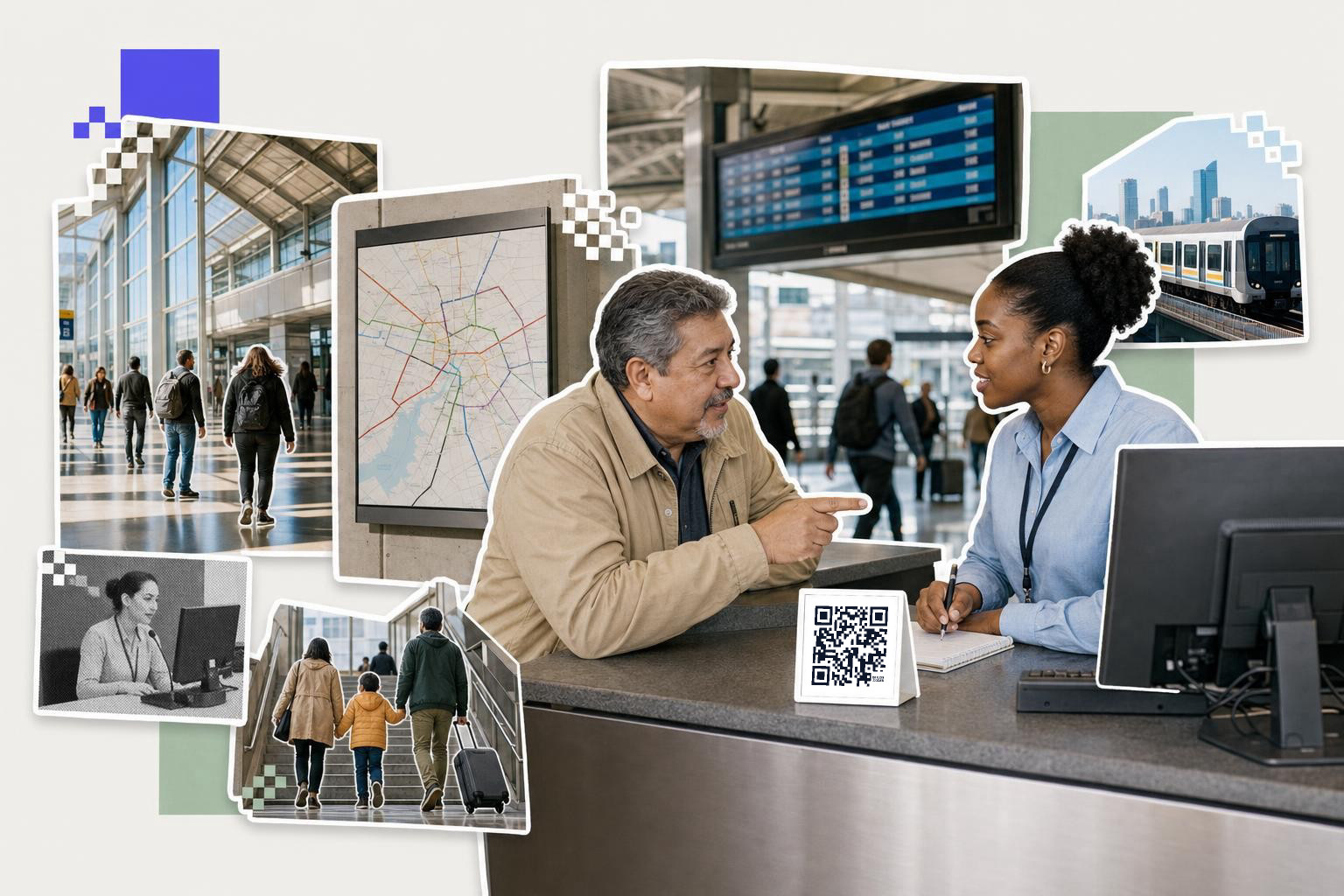
QR code placement in transit systems works best when each code has one job, sits where riders naturally pause, and is printed at least 2.5 inches (6 cm) wide on signs people scan from a few feet away.
Transit riders do not scan out of curiosity. They scan when they need the next train, the right exit, a ticket, or clear instructions right now.
That makes placement the whole game. A public transport QR code in the wrong spot becomes visual clutter. The same code in the right spot can cut confusion, shorten lines, and help staff answer fewer repeat questions.
Start at the station entrance, not deep inside#
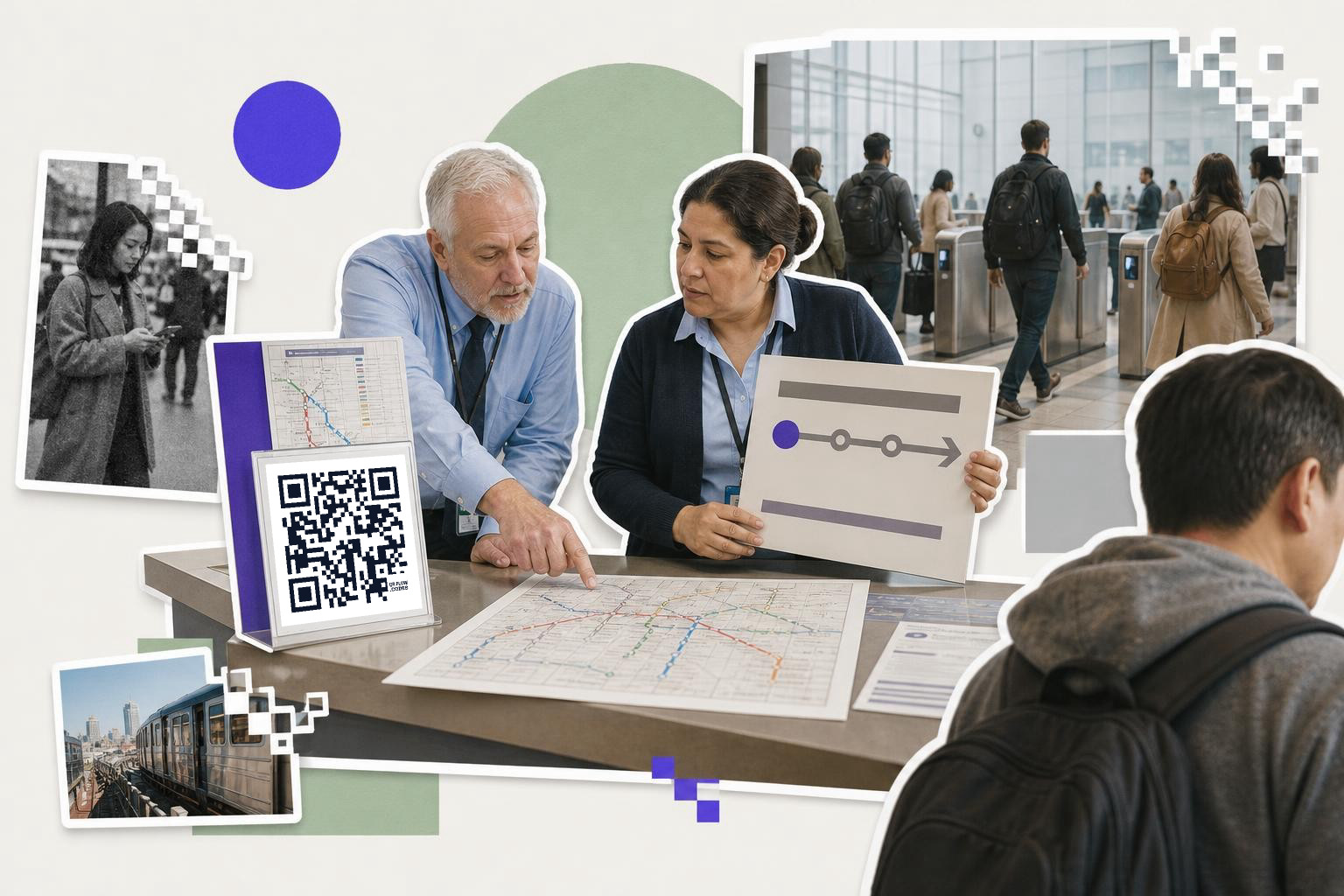
Station entrance QR signage should help riders choose before they commit to a staircase, platform, or fare gate. Put the code where people slow down to orient themselves, usually beside the main network map, platform split, or service change notice.
An entrance code is a good place for live passenger information. Link it to a mobile page with current delays, elevator outages, platform changes, and the simplest route choice from that station. If a line swap or construction detour is likely, make that code dynamic so you can change the destination after the sign is printed.
A beginner mistake is putting one big code in the middle of a complex board. Riders do better with one code next to one decision. If the left corridor serves lines A and C, the code should sit with that corridor, not 8 feet (2.4 m) away on a general wall map.
For indoor concourses, 2.5 inches to 3 inches (6 to 7.5 cm) is a safe starting size when riders scan from 3 to 6 feet (1 to 2 m). If the sign hangs higher than eye level, go larger instead of denser.
What should a bus stop QR code link to?#
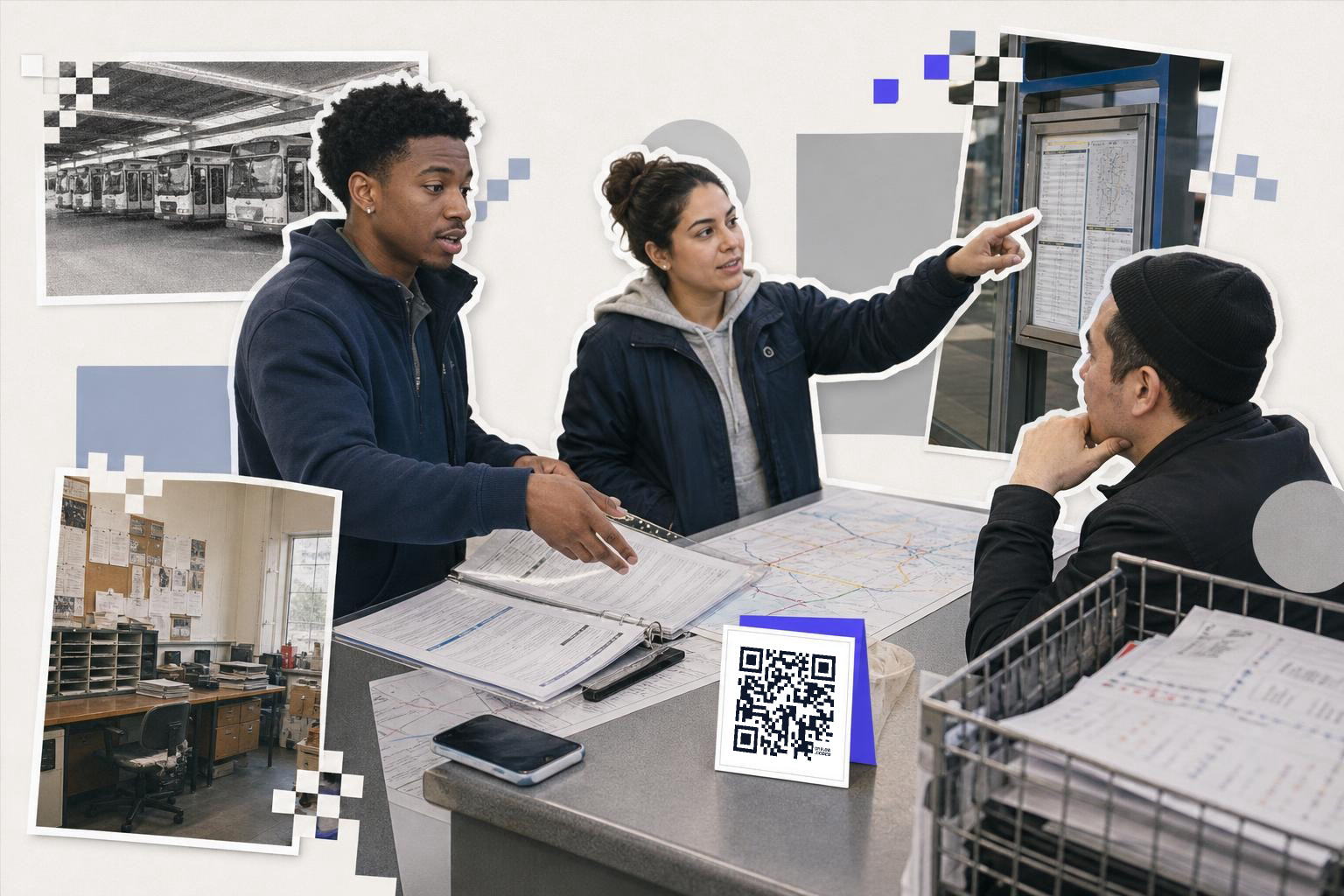
A bus stop QR code should usually link to real-time arrivals for that exact stop, not the whole transit homepage. Riders at the curb want the next vehicle, not a menu of twelve choices.
This is where station QR signage and street stop signage diverge. At a stop, the rider is already in the right place. The only urgent questions are when the vehicle is coming, whether it is delayed, and if a temporary relocation is in effect.
If the stop serves several routes, the landing page should open to that stop's live board first. Add route buttons below it. If service changes often, a dynamic code is worth it here because shelter panels and pole decals are annoying to replace.
Place the code at hand height on the stop pole or shelter side panel, not near the roofline. A rider holding bags or watching traffic will skip a code they have to crane their necks to see. Keep it near the printed stop number if your system uses one, because that is already a rider anchor.
Transit teams also miss lighting here. A glossy sticker under shelter glare can be harder to scan than a matte one. If your stop gets direct afternoon sun, test the exact finish at that hour, not just in the office.
A lot of teams end up making these one by one. If you are labeling a full corridor or network, bulk creation helps. QRFLOW.codes can generate many saved static codes, and paid plans add larger CSV batches if you are rolling codes across hundreds of stops.
How do you place QR codes inside trains and buses?#
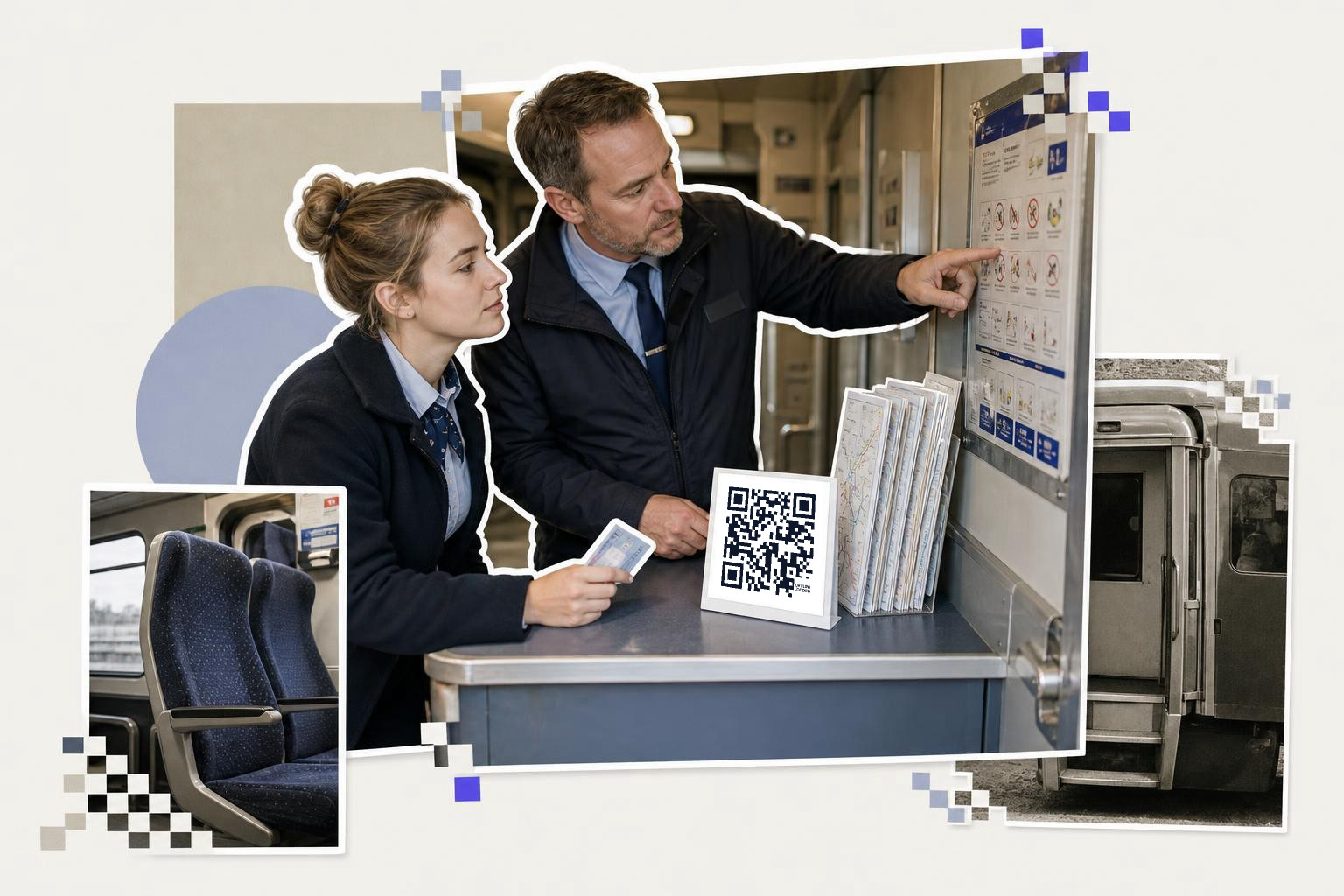
QR codes inside vehicles should sit where riders have dwell time, near doors, priority seating, and carriage connection points. Interior codes work best for route progress, transfer help, lost-and-found, and onboard feedback.
Inside a moving vehicle, scanning time is short. That means the code needs a very clear promise beside it, such as "Next stops and transfers" or "Report a cleaning issue." Without that label, riders assume it is an ad.
Doors are the strongest placement because people gather there before exit. Put one code near each doorway cluster, then another near wheelchair or priority spaces if it leads to accessibility help, elevator status, or assisted travel info. A small code above every seat is usually overkill.
For interior decals scanned from 1 to 3 feet (30 to 90 cm), 1 inch to 1.5 inches (2.5 to 4 cm) can work if contrast is strong and the code is not stylized too heavily. On older vehicles with scratched surfaces or curved panels, go bigger.
This is also a good place for QR codes for transit apps, but only if the app solves a real onboard task. A code for app download makes sense near the door if the app shows live arrivals, ticket wallets, or service alerts. It makes less sense if the app is mostly marketing copy.
If you need a refresher on code types before you map the fleet, How to generate QR code, and which type to pick is the plain-English version.
Ticket halls and queues are where digital tickets win#
Ticket hall QR codes should help people act while they wait. Good queue placements point to mobile ticket purchase, fare help, app download, or a service alert page for the specific line they are about to use.
This is one of the few places where digital tickets and passenger communication can share the same zone, but not the same code. One code should mean one outcome. If one square sometimes opens ticketing and sometimes opens service alert pages, riders stop trusting it.
Place ticketing codes before the point of frustration. That usually means queue rails, entry bollards, and approach walls, not the machine screen itself. Once a rider reaches the machine, their attention is already committed.
For event surges or temporary closures, dynamic navigation is genuinely useful. With your first dynamic code free on QRFLOW.codes, a transit team can print one reusable hall sign and re-point it from weekend rail replacement info to mobile ticketing or overflow gate instructions as needed.
A simple rule helps here: if the rider has more than 20 seconds to wait, a QR code can earn its space. If people are rushing through a choke point, overhead signs and staff direction matter more than scan prompts.
Teams also forget multilingual flow. A queue code can open a landing page with language choices more cleanly than trying to fit five languages onto one printed board.
For systems already using mobile forms for incident reports or service requests, a Google Form QR code size guide helps when those pages need to go on walls or counters.
Where should emergency and accessibility codes go?#
Emergency instructions QR codes should sit next to the physical feature they explain, such as a help point, alarm location, elevator, or accessible boarding area. Riders do not hunt for safety information across the station when something feels urgent.
This is not the place for a giant all-purpose code. Emergency instructions, elevator outage details, and accessible pathfinding each deserve their own landing page and their own nearby marker.
At elevators, the code can point to live outage status, the nearest step-free path, and a map to the alternate route. At help points, the code can offer text-first assistance for riders who cannot or do not want to make a voice call. At platform emergency equipment, it can open plain instructions with diagrams.
The practical detail many teams miss is reach. If a rider using a wheelchair needs the code, do not place it 5 feet (1.5 m) high on a side panel. Put the center of the sign in a zone many adults can scan comfortably while seated or standing, and keep the surrounding area uncluttered.
If your accessible route changes during construction, this is another case for editable links. You can keep the printed marker in place and change only the destination page. That matters a lot in long projects.
For stations with metal fixtures, gates, or lift surrounds, QR codes on metal surfaces: design essentials covers the glare and finish problems that often trip up safety signage.
Are advertising QR codes worth placing in transit?#
Advertising QR codes in transit are worth it when the rider has time to wait and a clear reason to scan. Platforms, shelters, and concourse dwell-zones beat stairwells, fare gates, and moving escalators.
Transit ad codes fail for a simple reason: they ask too much. If the ad says scan for a discount, event ticket, store map, or video, the value has to be obvious in one glance. A vague brand campaign will get ignored.
For transit authorities, this same rule applies to rider campaigns. A code for off-peak fare promos, tourism maps, service newsletters, or local retail tie-ins belongs in waiting areas with benches or queue rails. It does not belong where riders are trying not to miss a train.
Print ad-codes large enough for the real distance. A poster viewed from 6 to 10 feet (2 to 3 m) often needs a code closer to 3 inches to 4 inches (7.5 to 10 cm) wide, depending on how much else is happening on the layout. If the code sits low on a shelter panel, leave quiet space around it so grime and nearby graphics do not crowd the edges.
Custom domains can also help trust on public signs. On pricing, higher plans include your own link domain, which can look more official on system signage and campaign posters.
Questions people ask about QR code placement in transit systems#
How many QR codes should one station sign have?#
One station sign should usually have one QR code per rider decision. If a board helps riders choose between two platforms, two nearby codes can work. Five codes on one sign is usually too many.
Should transit QR codes be static or dynamic?#
Transit QR codes should be dynamic when the destination may change, such as alerts, detours, elevator status, or ticketing campaigns. Static works fine for permanent pages like fare rules or a long-term app page.
Do riders scan codes better on poles, walls, or glass?#
Riders usually scan codes more reliably on matte wall panels or poles than on glossy glass. Reflections, fingerprints, and changing light make glass harder, especially outdoors.
What should the code say next to it?#
The label next to the code should name the exact result in plain words, like "Live arrivals," "Buy mobile ticket," or "Step-free route." Short labels beat generic prompts like "Scan me."
Transit QR codes are most useful when they remove one friction point at one physical moment. If you want to map a stop, station, shelter, or vehicle before printing, build the codes in free QR code generator and test each placement against one rider task, not a whole wishlist.