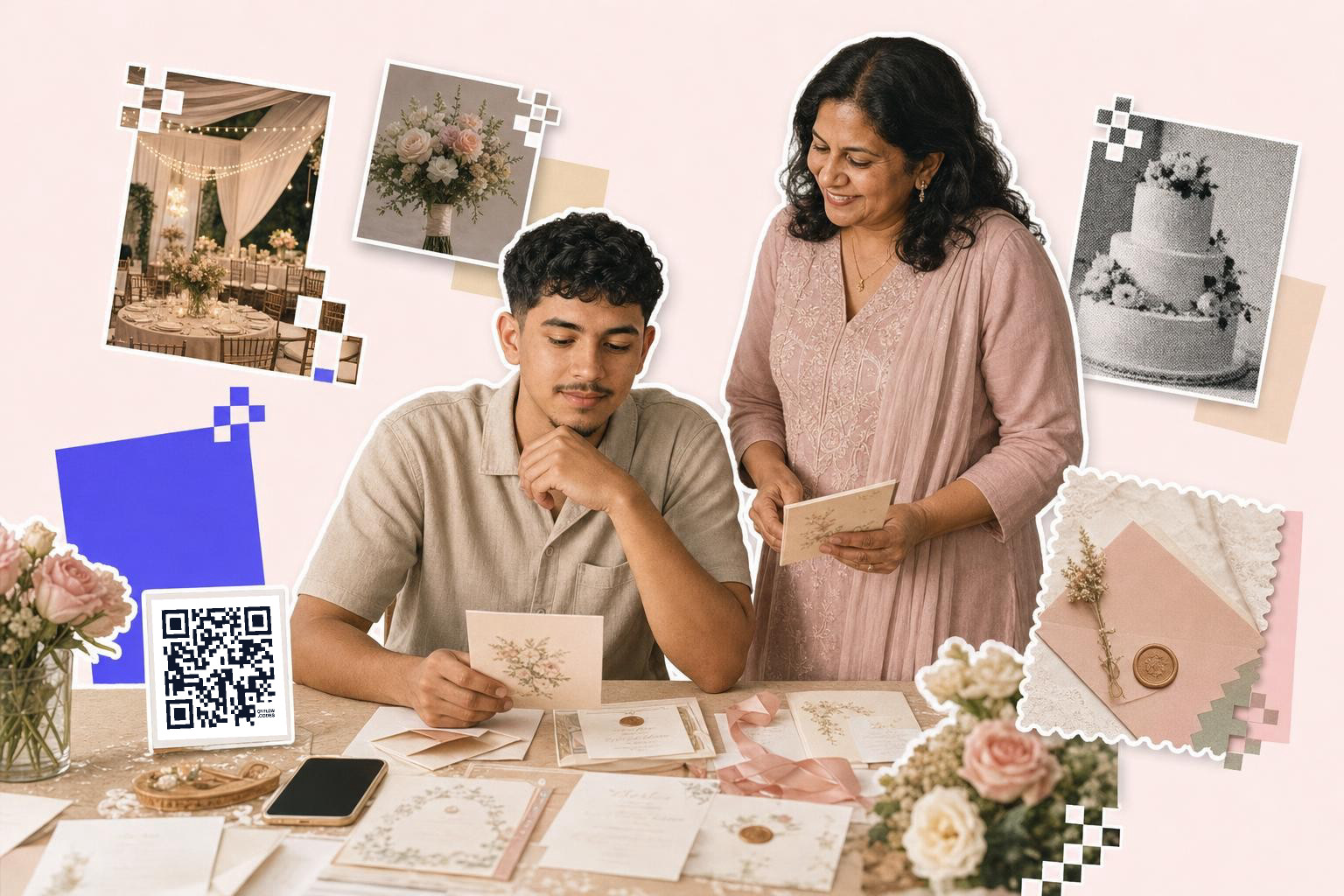
For a wedding RSVP QR code, link guests to a simple RSVP form, print the code at least 0.8 inches (2 cm) wide on the invitation insert, and keep a short written backup link for anyone who will not scan.
You can set this up in about 10 minutes. The main job is not making the square, it is choosing an RSVP page that is easy for guests to use on a phone.
How to create a QR code for wedding RSVP#

-
Choose where the RSVP will happen, before you make the code. A wedding website, Google Form, or RSVP page all work, as long as guests can answer on a phone in under 2 minutes.
-
Build the RSVP page with the fields you actually need. Ask for names, attendance, meal choice, and plus-one only if you need each of those answers.
-
Open the free QR code generator and pick a link or URL code. Paste the exact RSVP page link, not your website homepage unless the RSVP button is obvious.
-
Decide whether the code should be static or dynamic. If your RSVP link might change after printing, make it dynamic so you can swap the destination later without reprinting.
-
Keep the design simple. Black on white is the safest choice, and if you use color, keep the code dark and the background light.
-
Download the file that fits your print job. PNG is fine for most invites, while SVG is better if your stationer might resize it.
-
Add the code to your invitation suite or details card with a short instruction line. “Scan to RSVP by May 12” is clearer than leaving the square unexplained.
-
Test the printed version on two phones, not just the file on your laptop. Check that the form opens, loads on mobile, and is still readable without pinching.
The link matters more than the code style. A beautiful invite will not save a clunky RSVP page.
A lot of couples print the code on a separate details card instead of the main invitation. That gives you more room and keeps the formal card clean. If your invite is already crowded, that is usually the better move.
If you want a code you can make now and still edit after the print order is placed, QRFLOW.codes gives you your first dynamic code free. That is handy when the RSVP page, deadline, or wedding site path is still moving around.
Where should a wedding RSVP QR code send guests?#

A wedding RSVP QR code should send guests straight to the RSVP form, not to a homepage where they have to hunt for the button. One scan should land them on the exact page where they can respond.
Three options usually make sense.
A wedding website works well if you already have one with a clean RSVP page. It also lets guests find travel details, registry links, and timing in the same place.
A Google Form is quick and easy if you mostly need a yes or no, headcount, and meal choice. If you go this route, use the live form link, not the edit link. If you need help with that setup, see how to make a QR code for a Google Form.
A dedicated RSVP page from your wedding platform can be the easiest for guests if it already matches your guest list. That is often the smoothest option for collecting named responses.
Paper RSVP cards still help some families. If you know a few guests will not scan, keep a mail back card or a short typed web address for them. Grandparents should not have to borrow a nephew just to say yes.
How big should a wedding RSVP QR code be on an invitation?#

A wedding RSVP QR code should be at least 0.8 inches (2 cm) wide on an insert card, and 1 inch (2.5 cm) is safer if your invitation uses textured paper or small type. Tiny codes look neat right up until they do not scan.
For most invitation suites, these sizes work well:
- Insert card, 0.8 to 1 inch (2 to 2.5 cm)
- Main invitation, 1 inch (2.5 cm)
- Larger details card, 1.2 inches (3 cm)
Leave some quiet space around the code. That means a blank margin with no flowers, script, or border pressing into the edges.
Placement matters too. Put the code where guests naturally pause, usually the lower half of a details card or the back of the invitation. Avoid folding over it, cutting too close to it, or placing it on dark photo backgrounds. If you are unsure about final sizing, wedding invitations with QR code: one card, every detail shows where codes fit best in a suite.
If your printer asks what file to use, send SVG when possible. It stays crisp if they nudge the size up or down.
What if the RSVP link changes after you print?#
A static code cannot be changed after printing. A dynamic code can point somewhere new while the printed square stays the same.
That matters more for weddings than people expect. Maybe you switch from a Google Form to a wedding website, fix a typo in the URL, or move late replies to a simpler page. With a dynamic code from QRFLOW.codes, you can change the destination after invitations are already in the mail. If you want the full difference, read how to create a QR code that doesn't expire.
If your RSVP page is final and you control the link, a static code is fine. If you are still deciding between tools, expect edits, or have a stationer asking for files before the site is locked, dynamic is the safer pick.
Premium is the point where every code can be dynamic, and you also get extras like scan analytics and no-limit edits. If you are comparing that for a wedding weekend with several printed pieces, the details are on the pricing page.
Choosing the right RSVP platform#
Consider how tech-savvy your guests are and what information you need to collect. A wedding website is ideal if you want to share extra details like travel info and registry links alongside the reply form.
Google Forms is a straightforward option for basic responses like attendance and meal choices. If you are using a wedding planning platform, its built-in RSVP page may be easiest, especially if it already connects to your guest list.
Whatever you choose, open the page on your own phone and complete the form once before you make the code. If any step feels confusing or slow to you, it will feel worse to a guest who is trying to reply between errands.
Testing your QR code before printing#
Before you finalize your invitations, test your code thoroughly. Print a sample on the same type of paper you will use for your invitations.
Use different smartphones to scan the code and make sure it opens the correct RSVP page. Check that the page loads quickly, the form fits the screen, and the submit button is easy to find.
If possible, ask a friend or family member to test it without instructions. Watching where they hesitate is the fastest way to catch problems with size, wording, or the page itself.
Design tips for integrating QR codes#
Integrating a code into your wedding invitation design takes a balance between style and function. Keep the code simple, with strong contrast between the code and the background.
Black on white is the safest choice. If you add color, keep the code dark and the background light so phone cameras can still read it easily.
Avoid placing it over busy patterns or images. Position it where guests will naturally look, such as the lower half of a details card, and include a brief instruction line like “Scan to RSVP” so nobody has to guess.
Questions people ask about wedding RSVP codes#
Can I put the RSVP QR code on the main invitation?#
Yes, if the design has room and the code is at least 1 inch (2.5 cm) wide. Many couples still prefer a separate details card so the invitation feels less crowded and the instruction line has space.
Should I use a QR code instead of reply cards?#
A QR code can replace reply cards if your guest list is comfortable with phones. If several guests are older or less tech-friendly, a mixed setup works better: a scannable code plus a short web address or a few paper reply cards.
What should the text next to the code say?#
Use one clear line with the action and deadline. “Scan to RSVP by May 12” or “Please scan to reply” works better than decorative wording that makes guests guess what the square does.
Can one QR code collect meal choices and plus ones too?#
Yes, if the form asks for them. The QR code only opens the page, so the real setup happens inside your RSVP form fields and guest flow.
Do I need a wedding website to make this work?#
No. A Google Form, an RSVP page, or any mobile-friendly form can work. A website is useful when you also want to share hotel info, registry links, maps, or the weekend schedule.
If you are ready to make the code, start with QRFLOW.codes. You can paste your RSVP link, download the file, and have it ready for your invitation proof in a few minutes.