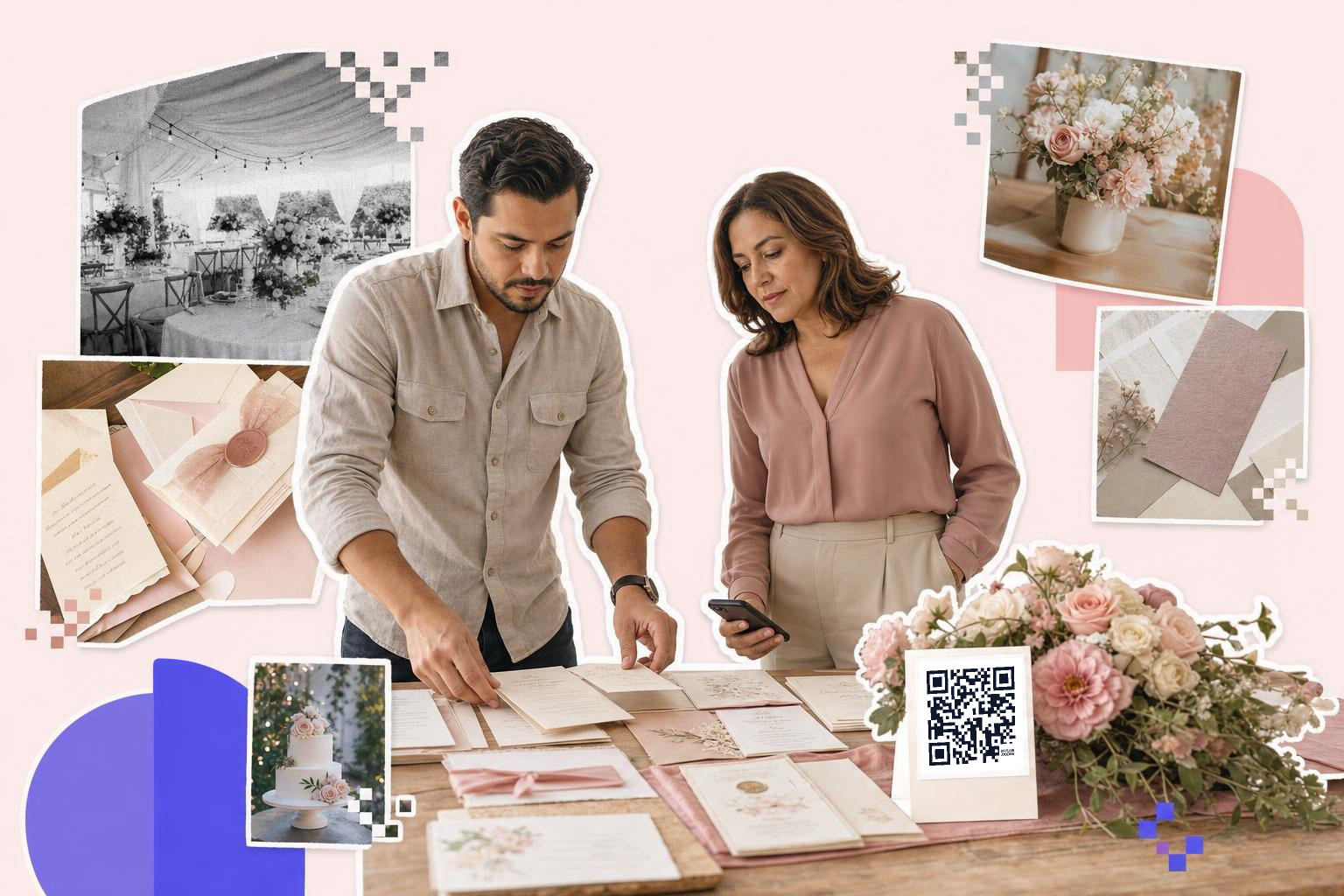
Wedding invitations with QR code work best when the code has one job, usually RSVP or weekend details, and the printed square should be at least 0.8 inches (2 cm) wide on the card.
A QR code on a wedding invite can be helpful, or it can feel like one more thing glued onto pretty paper. The difference is simple. The code should open the one thing guests need next.
For most weddings, that means one of five jobs, RSVP, directions and parking, registry, weekend schedule, or a wedding website that gathers it all. If you try to make one tiny code do everything without a clear landing page, guests get lost fast.
Should wedding invitations with QR code go to your RSVP page?#

Yes, if you want replies faster and you do not need a traditional mailed card back. An RSVP page is the cleanest use for a wedding invite QR code because it asks guests to do one specific thing right away.
This setup works best when your invite already says a clear prompt near the code, like “Reply here by May 10.” Put the code on the details card or the bottom back of the main invite, not floating alone with no context. Guests scan more when the purpose is obvious.
A Google Form can work for a smaller wedding. A wedding website RSVP page is better if you need meal choices, plus-ones, or separate events. If you print the deadline, make sure the page shows the same date.
If your RSVP link might change, use a dynamic code so you can swap the destination after the invites are printed. QRFLOW.codes gives you your first dynamic code free, which is genuinely handy for weddings because dates, forms, and pages move around more than couples expect.
One detail people miss: older guests often still want a paper option. If that matters for your crowd, keep a small reply card in the envelope for them and let everyone else scan.
A separate RSVP QR code page is useful if you want the setup steps.
Put the code on the details card, not the front#

Wedding invitation QR codes usually look better on the details card, the back of the invite, or a small enclosure card. The front of the invitation is for the names, date, and place, not a square competing with the design.
The details card is the sweet spot because guests already expect extra information there. That makes the code feel practical, not random. It also gives you room for a short label, which matters more than most people think.
Size it the way you would on a business card: at least 0.8 in (2 cm) across, with a clear margin about four squares wide around the pattern. Print one card and scan it from 12 in (30 cm), which is roughly how far away a guest holds an invitation, before the whole run goes to the printer. A box of 150 invitations is an expensive place to learn that the code was a little too small.
Good things to link from a details card include:
- ceremony and reception address
- parking instructions
- hotel block info
- shuttle times
- dress code
- a simple wedding website home page
If you need guests to open directions fast, link straight to the location page instead of your homepage. A QR code for location is often more helpful than making guests tap through three menus while standing in dress shoes in a parking lot.
One practical detail: if the card is small, keep the code at least 0.8 inches (2 cm) wide, and leave blank space around it. A tiny elegant code is still just a tiny code.
Mid-planning and ready to make a test version? You can build one in the free QR code generator, print it on plain paper, and see how it feels in your actual invitation layout before you order the full set.
Should a wedding invite QR code go to your registry?#

Yes, but only on an insert, a shower piece, or your wedding website page. A registry QR code on the main invitation can feel pushy, especially if it is the only thing the code does.
Most couples handle this best in one of two ways. Either the invitation code goes to the wedding website, where the registry is just one tab, or a separate enclosure card points to gifts more softly. That keeps the main invite centered on the event.
If you are inviting guests who do not love typing web addresses, a code can help a lot here. It is especially useful for shower invites, where the registry is a more direct next step.
One detail beginners miss: check that the link opens a mobile page, not a desktop page that hides store buttons or forces a sign-in wall. Your guests are scanning from a phone, usually while multitasking.
If gifts are the main action, a payment QR code is not the same thing as a registry. Use a payment code only if you truly want cash gifts sent directly, and say that plainly.
How do you handle directions, parking, and hotel info?#
Directions, parking, and hotel info belong on a wedding details page, not squeezed into the main invitation. A QR code is great here because logistics change, and guests usually need that information while they are already on the move.
This is where dynamic matters most. A shuttle pickup spot changes. A hotel block sells out. A rain plan moves the entrance. With an editable code, you can keep the printed card and update the destination page later. If that flexibility matters, compare plans on the pricing page.
The cleanest setup is one simple page with headings for venue address, parking, hotel, and schedule. Do not send guests to a giant site menu if all they need is where to turn and where to park.
A code for directions also helps on day-of items beyond the invite. You can reuse the same destination on welcome bags, hotel inserts, or a small sign at the rehearsal dinner.
One detail to get right: if you link to a map app, test it from both iPhone and Android. A plain address page is often safer than a fragile copied directions link.
Couples planning a bigger weekend can also browse QR codes for wedding pictures ideas for signs and table cards after the invites are done.
A wedding website works if it stays simple#
A wedding website is the best destination if your guests need more than one thing, but it only works if the homepage is simple on a phone. One code can point there, then guests can choose RSVP, registry, schedule, and travel.
This setup is best for destination weddings, multi-day weekends, or bigger guest lists. It is also the safest choice when you have scattered information that would clutter the paper suite.
The homepage should show the couple’s names, event date, and the three or four most-used buttons right away. If guests have to hunt for RSVP or venue details, the code did not save anyone time.
You do not need every life story on the landing page. Keep the longer notes, photo gallery, and extras lower down. A phone screen is small, and wedding guests are impatient in very normal ways.
One specific detail: if you have multiple events, label them clearly as welcome party, ceremony, reception, and brunch. “Events” alone is vague, and guests will guess wrong.
Use the code for a story, not just logistics#
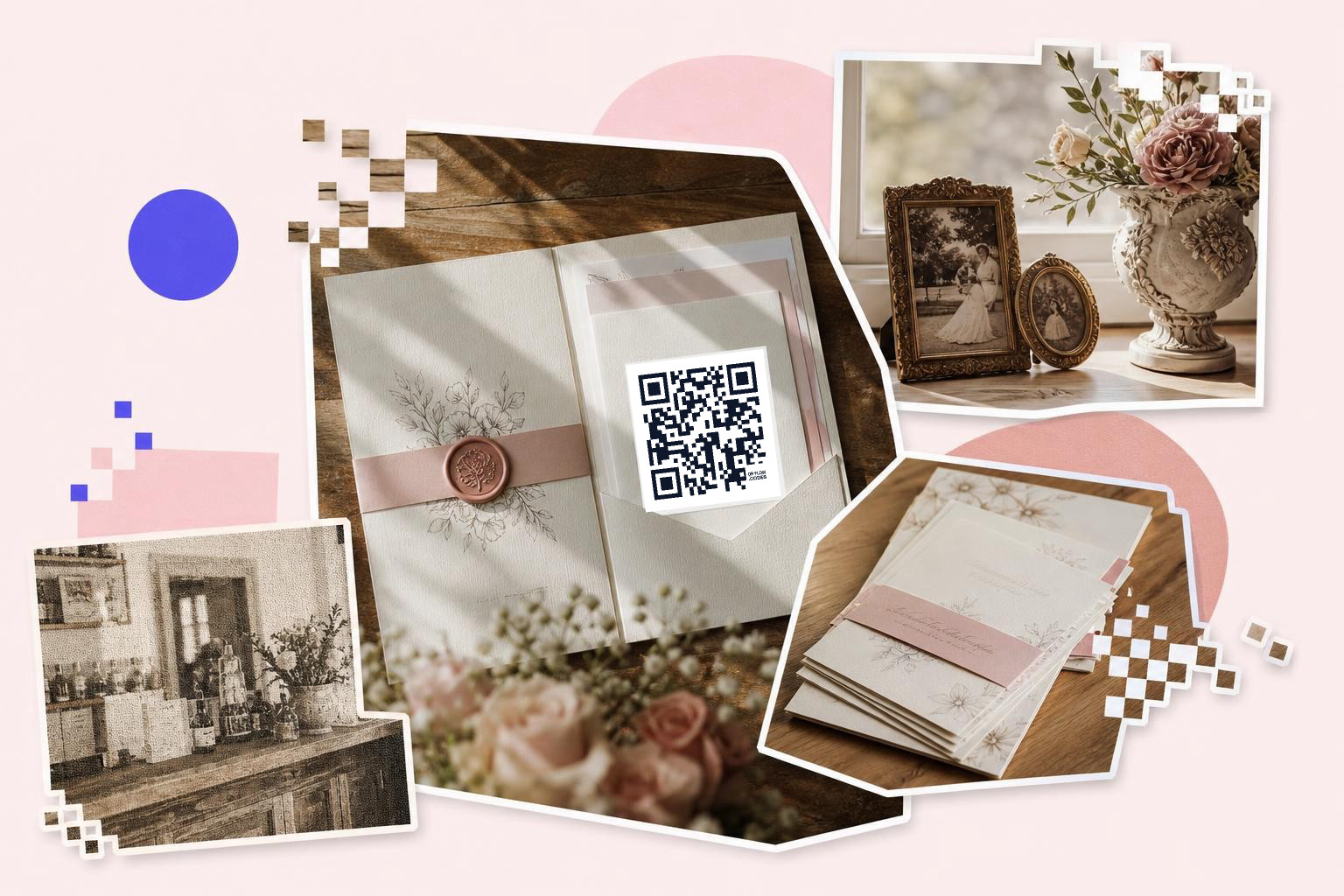
A wedding invitation QR code can also open something emotional, like your story, a short welcome video, or family photos, but that works best as a second card or a wedding website section. The main invite still needs to handle the practical stuff first.
This is a lovely option for smaller weddings, cultural ceremonies with customs guests may not know, or couples who want to explain a meaningful venue or tradition. A short page can add warmth without turning the printed suite into a wall of text.
Good uses include a note about the ceremony traditions, a page about why the location matters, or a private photo album for close guests. Keep it brief. Two or three short sections beat a giant scroll.
One detail people miss: if the page has music or video, make sure it does not autoplay. Guests scan in quiet offices, kitchens, and waiting rooms too.
Still stuck?#
Yes, many guests still get stuck, especially with RSVPs and directions. Use one clear QR code with a short label like 'RSVP here' or 'Directions and parking' to help them.
Do guests actually scan QR codes on wedding invitations?#
Yes, many do, especially for RSVPs and directions. Guests are far more likely to scan when the code has one clear purpose and a short label next to it.
Can you put more than one QR code on a wedding invitation?#
You can, but one is usually better. Two codes on one small card can feel cluttered, and guests may not know which one to use first.
What should the text next to the code say?#
Tell guests exactly what happens after the scan. Short lines like “RSVP here,” “Weekend details,” or “Directions and parking” work better than “Scan me.”
Skip website for form?#
Yes, for a simple wedding. A direct RSVP form is often the fastest option if you do not need travel info, registry links, or multiple event pages.
Should the code be on the invitation or a separate insert?#
A separate insert is usually cleaner. The main invitation can stay elegant, and the details card can carry the practical scan.
Your invite does not need a fancy tech layer. It just needs one clear next step for your guests. If you want to test a code before you send anything to print, make one in the free QR code generator and see how it feels in your actual suite.