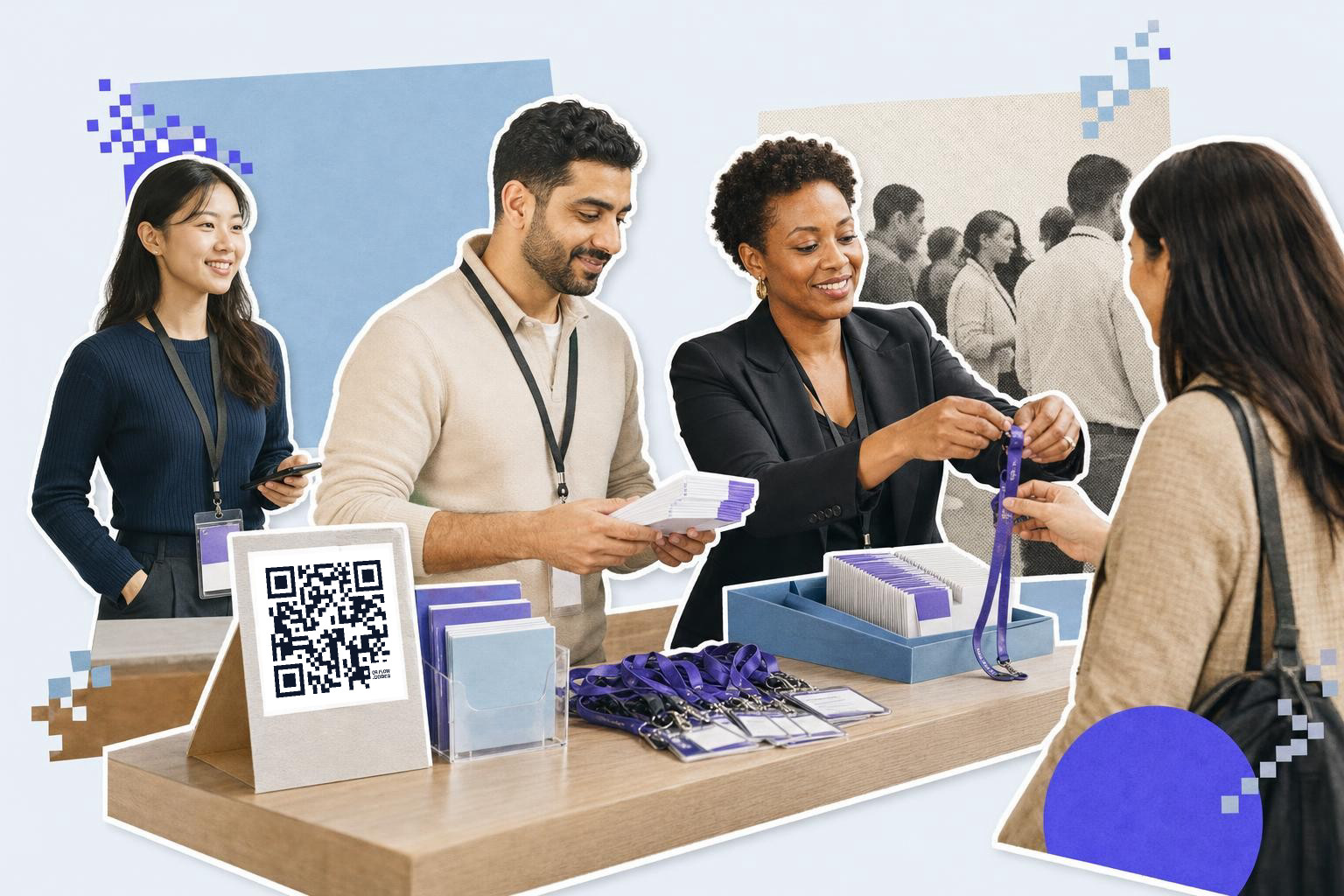
A QR code for Eventbrite works best when you link it to one clear page, open the generator first, and print signs at least 2.5 inches (6 cm) wide for easy scans.
You can make this in a few minutes. The main choice is not the code itself, it's what you want people to see after they scan.
If you are promoting the event, link to the Eventbrite event page. If people have already registered, a different code might make more sense, like directions, the schedule, or a check-in page your staff uses.
How to make a QR code for Eventbrite#
To make a QR code for Eventbrite, copy the exact public event URL, paste it into a free QR code generator, and create the code. Use a dynamic code if the destination might change. Download the code as a PNG or SVG file for use.
-
Decide the code's one job before you make anything. A promo poster should open your Eventbrite listing, while a front-desk sign might open directions or day-of details instead.
-
Copy the exact Eventbrite link you want people to land on, then open the free QR code generator. Use the clean public event URL, not a long browser link with extra tracking junk.
-
Paste the link into the generator and create the code. If the event page or destination might change after printing, make it dynamic so you can swap the link later without reprinting.
-
Name the file by placement, not just by event name. "Spring gala poster" is easier to manage later than "final-v3".
-
Download PNG for quick use or SVG for sharp print. SVG is the safer pick for flyers, badges, and larger signs.
-
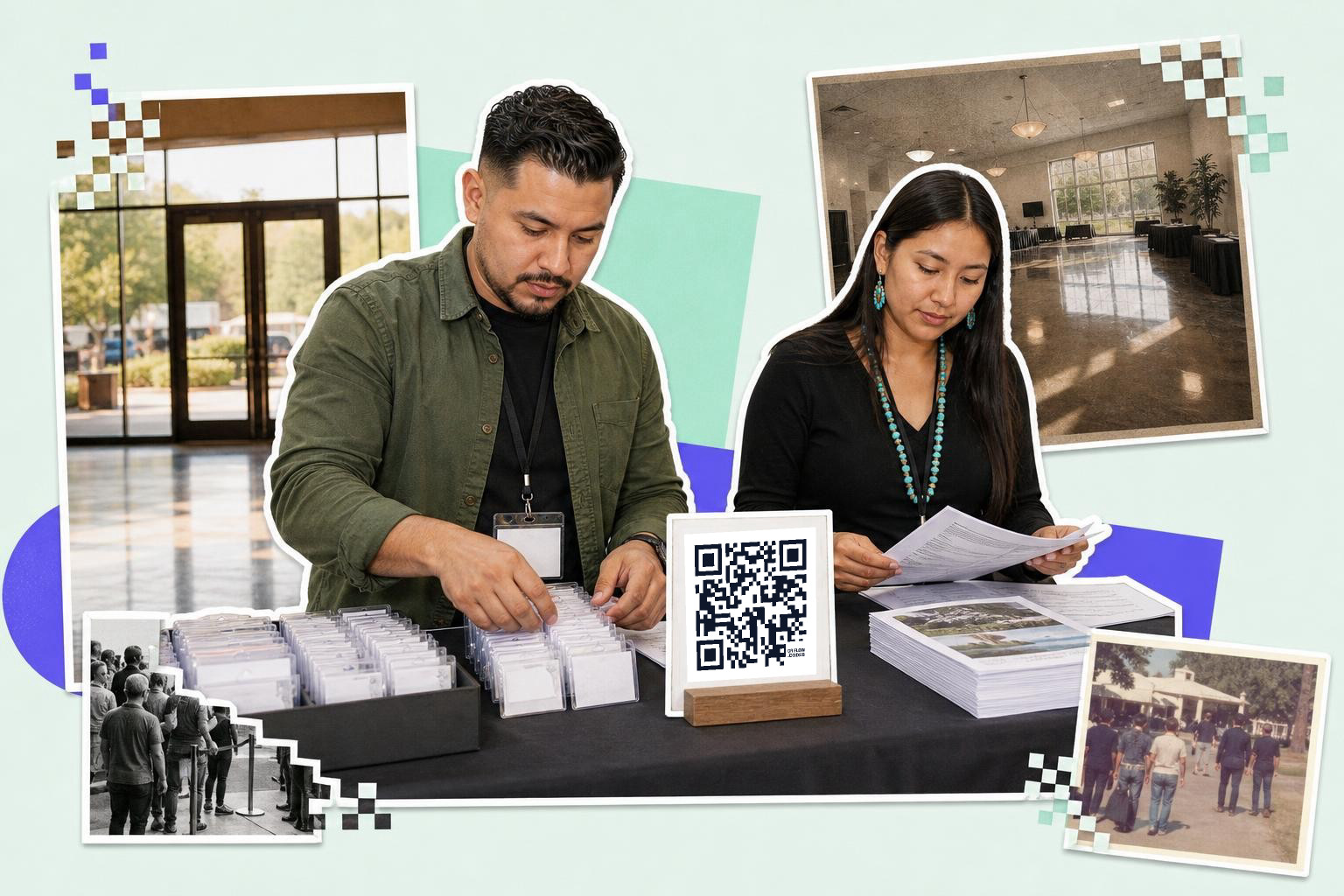
Put the code where the scan happens, not where it merely fits. A poster code belongs near the event headline and date, while a check-in code belongs right on the welcome table.
-
Add a short line above or below the code that says what happens after the scan. "Register on Eventbrite" beats a floating square with no context.
-
Scan it with at least two phones before you send files to print. Test one iPhone and one Android if you can, because camera behavior and browser handoff can differ a bit.
A dynamic code matters most when the link may change after posters are out. QRFLOW.codes includes your first dynamic code free, which is handy for one active event page.
If you want the destination to do more than open a ticket page, browse the QR code for events page for other event setups that fit check-in, maps, schedules, and follow-up.
Which Eventbrite link should you use?#

Eventbrite QR code setup starts with the destination, not the design. Use the public event page for promotion, and use a different code for guest actions after registration.
Most organizers only need one of these three links:
- The public Eventbrite event page, for posters, social graphics, handouts, and partner venues.
- A location link, for signs inside the venue or reminder cards at check-in.
- A schedule, form, or update page, for changes you expect after people already have tickets.
An Eventbrite ticket QR code already exists on each attendee's ticket for scanning admission. That ticket code is not the same thing as your marketing or info code, and you usually should not reuse it on posters.
This is the part people get wrong. They print one code for everything, then wonder why guests land on the wrong page. A promo code should help people register. A day-of code should help people attend.
If you need a code for a venue pin instead of the event listing, use a QR code for location. If you want a code for RSVP details outside Eventbrite, a dedicated rsvp QR code may fit better.
Use a dynamic code when the destination may change, for example if the room, lineup, or landing page is still moving. With an editable link, you can keep the printed code and change the destination later. If you want more than one editable code at a time, that is where the paid plans start, and the details are on /pricing.
How big should a QR code for Eventbrite be?#

A QR code for Eventbrite should be at least 1 inch (2.5 cm) wide on handouts and 2.5 inches (6 cm) wide on posters or signs people scan while standing. Bigger is safer when people are moving or the venue is dim.
Use these starting sizes:
- Business-card sized insert or badge back, 0.8 to 1 inch (2 to 2.5 cm)
- Flyer or tabletop sign, 1.2 to 1.5 inches (3 to 4 cm)
- Wall poster or entrance sign, 2.5 to 3.5 inches (6 to 9 cm)
Distance matters more than people think. A code scanned from about 3 to 6 feet (1 to 2 m) needs to be much larger than one handed to someone at the desk.
Keep the area around the code clear. Leave a white margin around it, and do not tuck it into a busy collage of sponsor logos, gradients, or tiny type.
For print files, SVG gives you cleaner edges. If you are unsure, our guide on how big a QR code should be when printed covers more size examples.
What happens if your event details change?#
Event details change all the time, and that is the strongest case for an editable code. If the venue room changes or you move guests to a fresh page, a dynamic code lets the printed square stay the same.
This is useful for multi-day events, pop-ups, and anything with outside partners still sharing your flyer. You do not need every code to be dynamic, but any code tied to changing info probably should be.
A static code is fine when the destination is fixed forever, like a final recap page or a permanent venue guide. If the event URL, schedule, or instructions may move, use a dynamic one from the start and save yourself the reprint.
Before doors open, test the final code in the actual place it will sit. Check glare, distance, and whether the landing page is easy to use on mobile once the camera opens it.
If your destination is a gallery or shared album after the event, our guide on QR code for pictures covers the best places to host those photos.
A good Eventbrite setup is simple: One code, one job, clear words around it, and a destination that matches the moment.
Choosing the right QR code#
Design tips for effective QR codes#
The design of your QR code can impact its effectiveness. Keep the following tips in mind:
- Color contrast: Ensure the QR code contrasts well with the background. A dark code on a light background is ideal.
- Clear space: Leave a margin around the code to prevent scanning issues.
- Size matters: Larger codes are easier to scan from a distance. Refer to recommended sizes based on the usage context.
- Logo integration: You can add a small logo in the center of the code, but ensure it doesn't interfere with scanning.
These design elements help ensure your QR code is both functional and visually appealing.
Testing your QR code before use#
Before finalizing your QR code, testing is essential to ensure it works correctly. Follow these steps:
- Scan with multiple devices: Use different smartphones to test the code, including both iOS and Android devices.
- Check various lighting conditions: Test the code in different lighting to ensure it scans well in dim or bright environments.
- Verify the landing page: Ensure the URL leads to the correct page and that the page is mobile-friendly.
- Test from intended distances: If the code is on a poster, check its scannability from the expected distance.
These tests help prevent issues on the event day, ensuring a smooth experience for attendees.
Make your code, download it, and get it onto the sign before you print with QRFLOW.codes. If you want more editable codes or scan data for future events, see the options on /pricing.
Common questions about Eventbrite QR codes#
Can I use a QR code for Eventbrite to check in guests?#
Yes, you can use a QR code to simplify the check-in process. Create a code that links directly to the check-in page or app your staff uses, making it easy for guests to scan and check in quickly.
Updating QR code for Eventbrite#
If you anticipate changes, use a dynamic QR code. This type allows you to update the destination URL without needing to reprint the code. It's ideal for events with variable details like venue or schedule changes.
What should I do if my QR code for Eventbrite isn't scanning?#
Check the size and contrast of your QR code. It should be large with clear color contrast and enough white space around it. Test it on different devices to rule out device-specific issues.
Can I add a logo to my Eventbrite QR code?#
Yes, you can integrate a small logo into the center of your QR code. Ensure the logo doesn't interfere with the code's scannability. Keep the contrast high and the logo small to maintain the code's functionality.
When you are ready to try it, make a free QR code and see how it looks before you print anything.