Accounts are free and let you save static codes. Premium adds dynamic codes, analytics, and logos. Anonymous generation always works without an account.
Create an account
- 1Click Sign in
Top right of any page. New tabs open the auth screen.
- 2Pick a method
Continue with Google, or use email plus password.
- 3Confirm your email
If you used email plus password, click the link in the confirmation email.
- 4Land on the Dashboard
You are ready. Anything you generated as an anonymous user can be re-saved from your account.
Change email or password
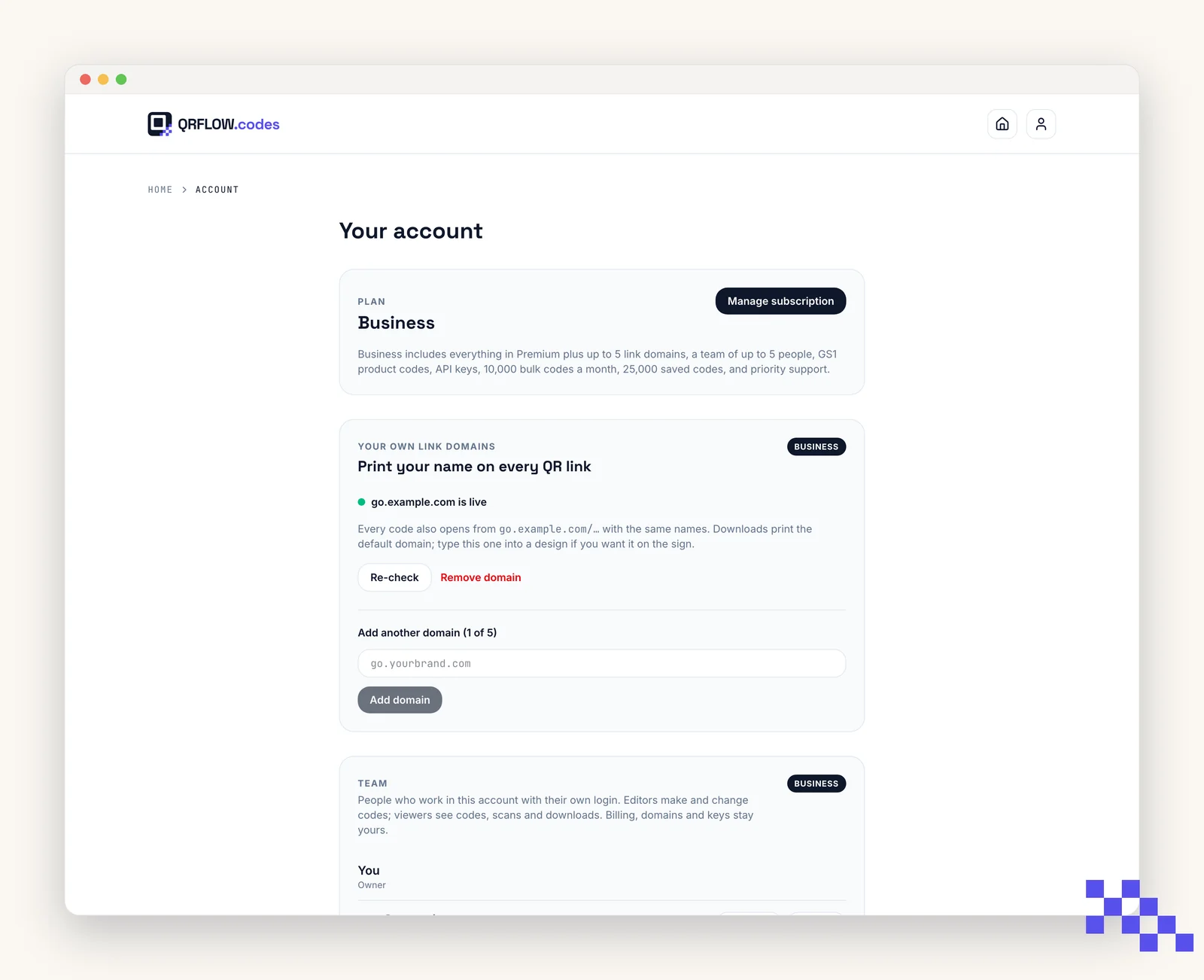
Open Account (in the user menu, top right). Update email or password, save. Email changes require confirming the new address. The same page holds your link domain, and on Business the Team and API keys cards.
One account holds the codes
- A code belongs to the account that made it, and there is no way to move one to a different account. Decide whose account the business codes live in before anything is printed.
- To give someone else access, add them to yours. Team seats on Business give each person their own login into the same set of codes, which is safer than sharing one password.
- Signed up with Google? You can still set a password on the Account page and then use either way in.
- Changing your email keeps everything. The codes, the links and the history all stay where they are.
Delete your account
From the Account page, click Delete account. This is permanent: every saved code, its scan history, and its profile are removed. Any dynamic codes stop redirecting.
Pick the plan that fits
Free never expires. Premium is $4 a month for dynamic codes and scan analytics. Business is $29 for link domains, a team of five and the API.
Still stuck? Search the help center, or contact support and a person will answer.