Sign in from the top right of any page. Google is one click; email needs a password and, the first time, a confirmation click.
Continue with Google
Click Continue with Google and pick the account. No password to remember. If you signed up with email first and later use Google with the same address, both open the same account.
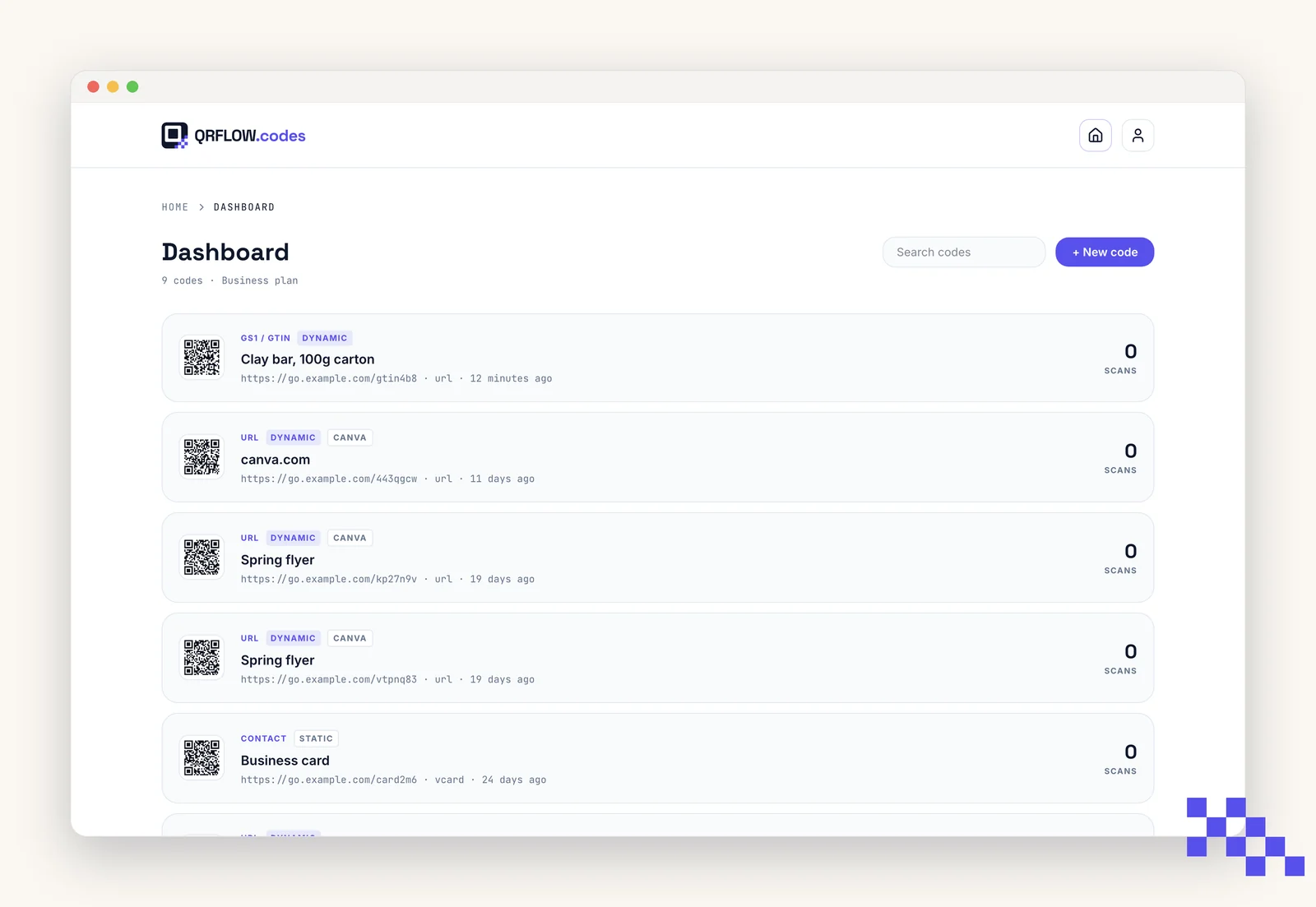
Email and password
- 1Sign up
Enter your email and a password of at least 8 characters.
- 2Confirm
We send a confirmation link from hello@qrflow.codes. Click it once; you are signed in.
- 3Did not get it?
Check spam and promotions. Search your mailbox for qrflow. If it is not there after five minutes, sign up again with the same address and a fresh link is sent.
Reset a forgotten password
- 1Click Forgot password on the sign-in page
Enter your email.
- 2Open the email
The link is valid for one hour. Clicking it opens a page to set a new password.
- 3Set the new password
At least 8 characters. Every other browser where you were signed in is signed out.
Signed in with Google? There is no password to reset. Use Continue with Google again.
Pick the plan that fits
Free never expires. Premium is $4 a month for dynamic codes and scan analytics. Business is $29 for link domains, a team of five and the API.
Still stuck? Search the help center, or contact support and a person will answer.