Deleting your account removes your profile, every saved code, every scan record and your settings. It is immediate and it cannot be undone.
Before you delete
- Dynamic codes stop redirecting the moment the account is gone. Anything printed with a qrflow.codes/q/ link or your own domain will show Code not found. Replace those prints first or keep the account.
- Export scan history you want to keep: each code's Analytics tab has Export CSV.
- Download any code files you still need. Static codes keep working after deletion because the content is in the image.
- A paid plan is canceled automatically as part of the deletion, so you will not be billed again. If you would rather keep a receipt trail, cancel from Manage subscription first.
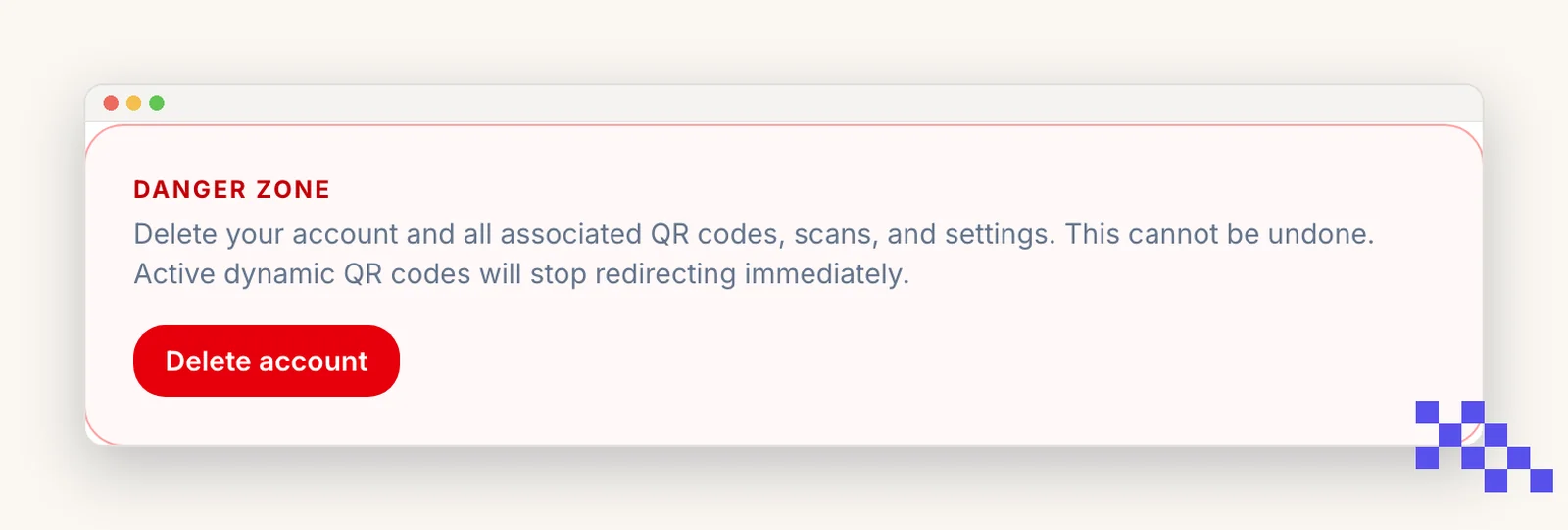
Delete
- 1Open Account
Scroll to the bottom, Danger zone.
- 2Click Delete account
Type DELETE to confirm.
- 3Done
You are signed out and the data is removed. Copies in our backups rotate out within 30 days.
Want to keep the account but remove data? Delete individual codes from their Security tab, or email hello@qrflow.codes for a copy of what we hold about you.
Plans
Pick the plan that fits
Free never expires. Premium is $4 a month for dynamic codes and scan analytics. Business is $29 for link domains, a team of five and the API.
Still stuck? Search the help center, or contact support and a person will answer.
/
Try: