Billing runs through Stripe. Cancel any time from the Account page; you keep the paid features until the end of the period you already paid for.
Cancel
- 1Open Account
Top right, the account icon, then Account.
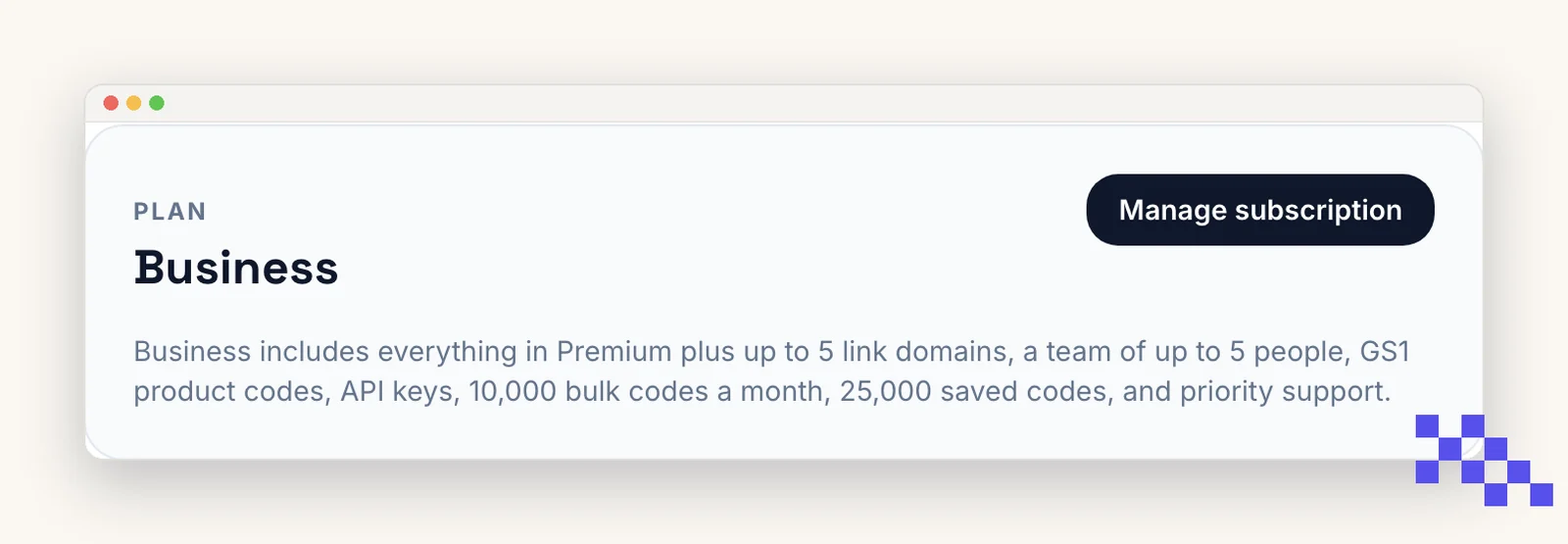
- 2Click Manage subscription
It opens Stripe's billing portal in a new tab, already signed in.
- 3Cancel plan
Confirm. The portal shows the date your access ends. No further charges.
What happens to your codes
- Nothing is deleted. Every code, scan and setting stays in your Dashboard.
- Dynamic codes keep redirecting, with a Free cap of 500 scans per code per month. Editing the destination, analytics, password and expiration become read-only until you upgrade again.
- Downloads go back to PNG and SVG at 1024px; sizes above that, the center logo and frames are Premium. Your account keeps the downloads unmarked.
- A connected link domain and link names keep working for 30 days, then stop until you are back on a paid plan. The qrflow.codes/q/ links never stop.
- Leaving Business: team members become viewers at once and their seats close after 30 days; API keys keep working for 30 days, then answer 402. Nothing is deleted, and Business again reopens both.
Switch plans or billing period
In the same portal you can move between monthly and annual, or between Premium and Business. Stripe prorates the difference on the next invoice, and the new limits apply immediately.
Pick the plan that fits
Free never expires. Premium is $4 a month for dynamic codes and scan analytics. Business is $29 for link domains, a team of five and the API.
Still stuck? Search the help center, or contact support and a person will answer.