Every payment produces a receipt from Stripe and an invoice you can download any time. Refund requests go to support and are handled by a person.
Receipts and invoices
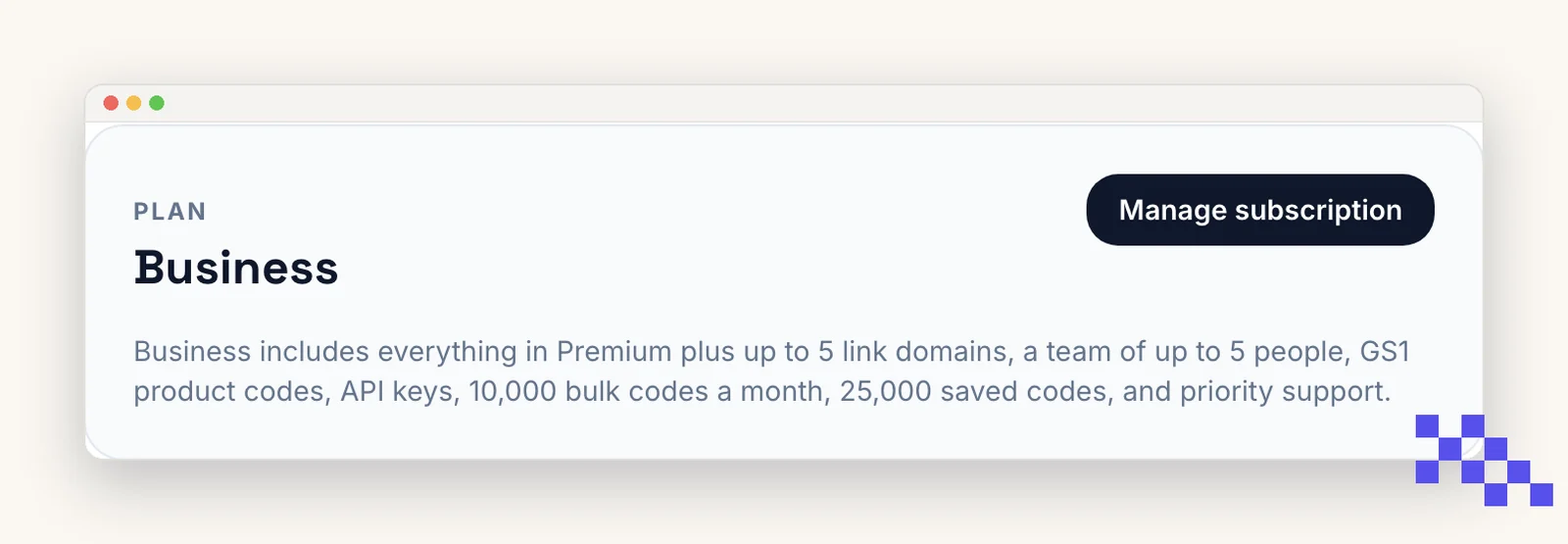
- 1Account, Manage subscription
Opens the Stripe portal.
- 2Billing history
Every invoice with a PDF download. Receipts are also emailed to your account address at each payment.
- 3Add business details
Billing information lets you add a company name, address and tax ID. They appear on every future invoice; ask support if you need a past invoice reissued.
Refunds
- First payment: cancel within 14 days and we refund it in full, no reason needed.
- Annual plans: cancel within 30 days of the payment for a full refund; after that we refund the unused whole months if you ask.
- A renewal you did not mean to make: tell us within 30 days and we refund it, as long as the paid features were not used much in that period.
Email hello@qrflow.codes with the date and amount. We process refunds within one business day; your bank usually takes another five to ten days to show it, on the card that paid.
Cancelling stops future charges; it does not refund the period already paid by itself. The three cases above are where a refund applies.
Pick the plan that fits
Free never expires. Premium is $4 a month for dynamic codes and scan analytics. Business is $29 for link domains, a team of five and the API.
Still stuck? Search the help center, or contact support and a person will answer.