There is no QRFLOW app in the App Store or on Google Play. The site is built to work on a phone, so you make, edit and download codes in the browser, and you can put it on your home screen if you want the icon.
Put it on your home screen
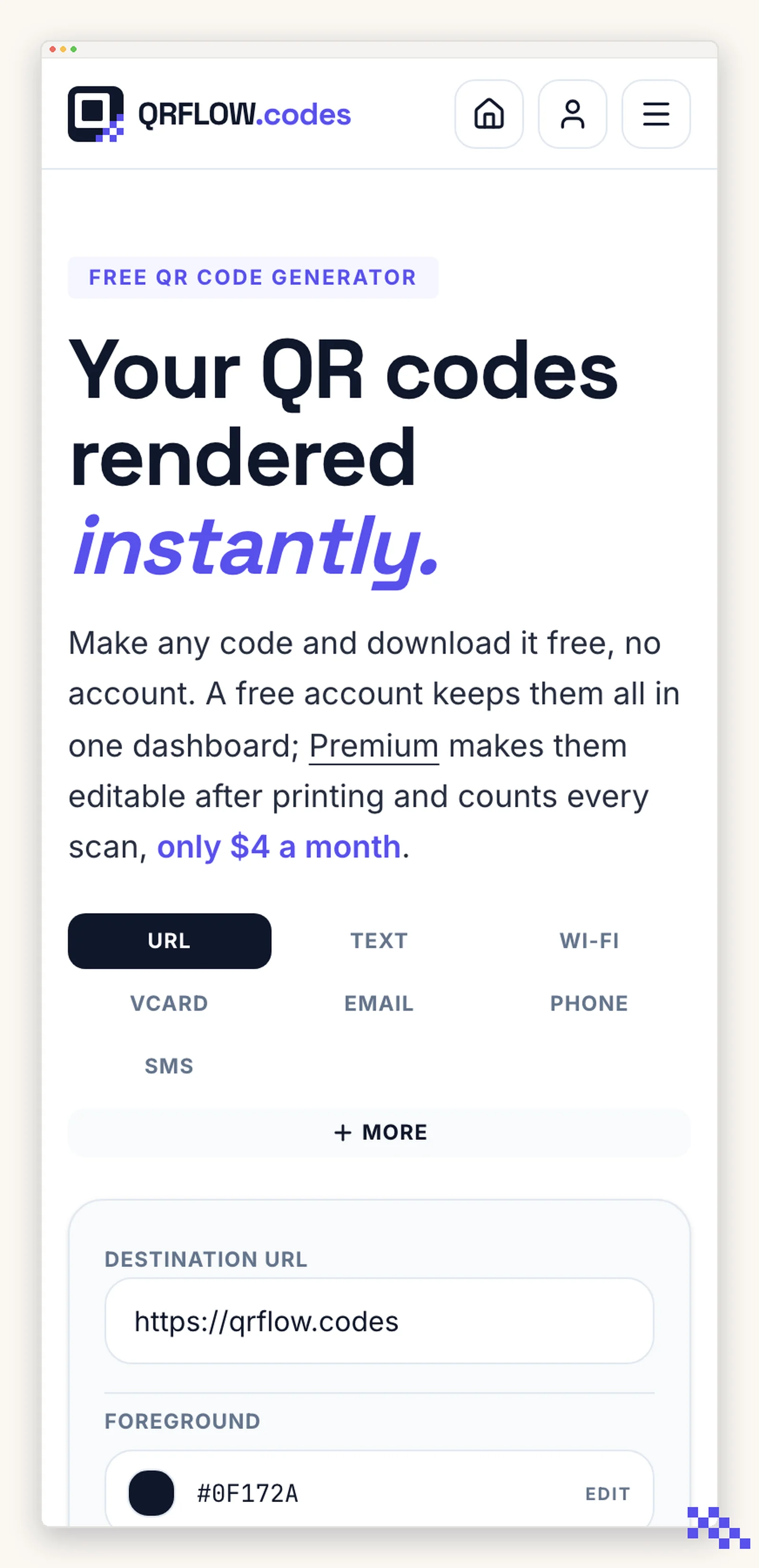
- 1Open qrflow.codes in your phone browser
Safari on iPhone and iPad, Chrome on Android.
- 2Open the share or menu button
On iPhone it is the square with an arrow; on Android it is the three dots.
- 3Choose Add to Home Screen
It gets an icon and opens without the browser bars, the same as an installed app.
Scanning does not need an app either
Every iPhone and almost every Android made in the last several years reads a QR code with the normal camera app. Point it at the code and a notification appears. No scanner app is needed, by you or by the people who scan what you print.
Ready to make your own QR code?
Free QR codes rendered as you type, no signup to try. Premium makes them dynamic for $4 a month.
Still stuck? Search the help center, or contact support and a person will answer.