
An AI QR code generator is most useful when you give each code one job, ask for the exact destination in plain words, and make any link that may change later editable before you print it.
Most small businesses do not need fifty QR codes. They need five good ones in places customers already pause, like a table, a package, a front desk, an event sign, or a receipt.
If you already work in Claude or ChatGPT, this is one of the few times asking an assistant can save real time. QRFLOW.codes connects to Claude and ChatGPT, so you can ask for a code in plain English and send it straight to your dashboard.
What are 5 ways to use an AI QR code generator?#
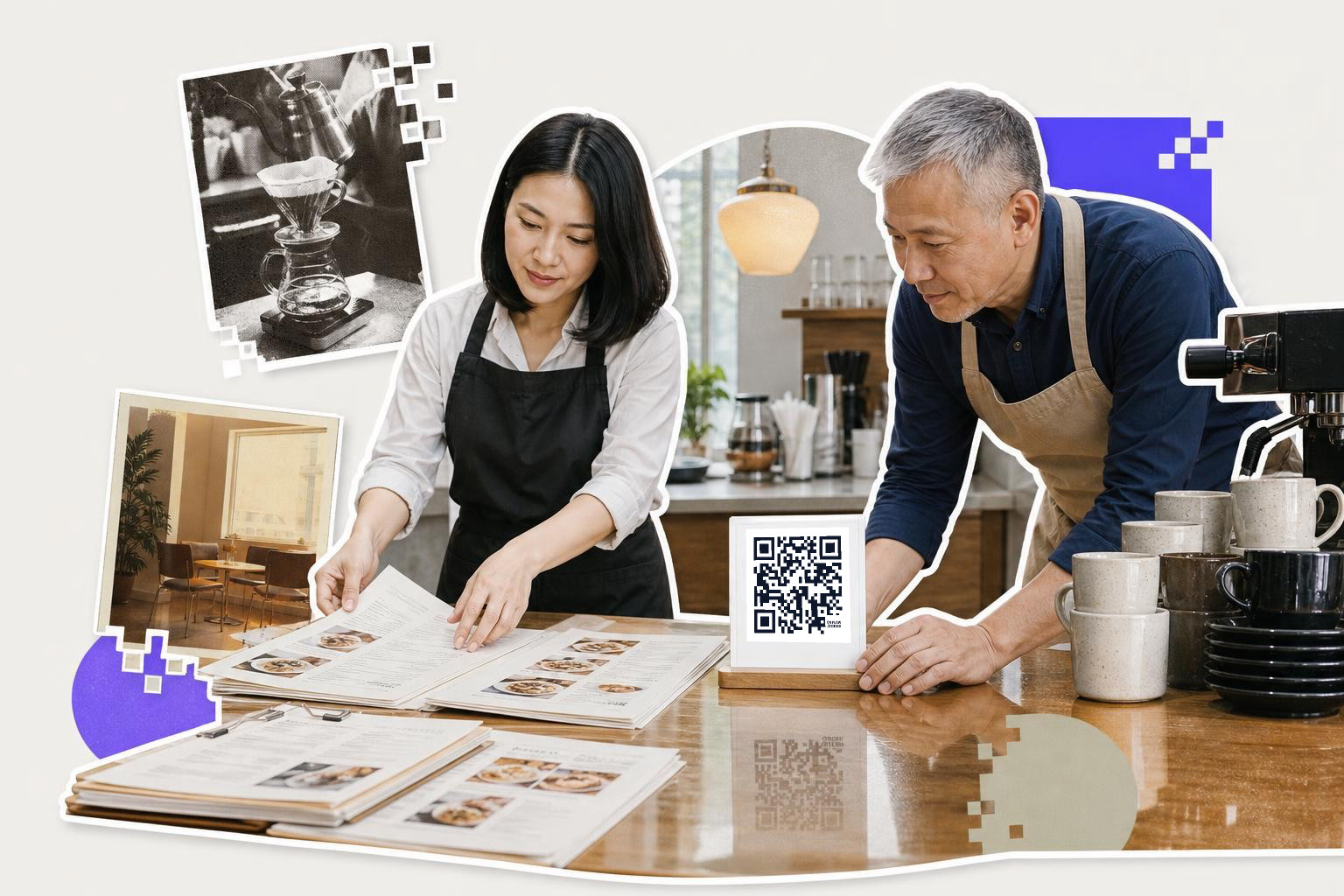
Use an AI QR code generator to create a code that opens your menu, price list, or order page directly. Print the code on table tents, near the register, and by the door, using sizes like 1.5 inches (3.8 cm) for table tents and 2.5 inches (6 cm) for wall signs.
1. Put a menu or price list on tables and counters#
A table code should open the menu, price list, or order page directly. Do not send diners to your homepage and make them hunt.
This is the easiest first win for a cafe, food truck, bakery, or salon. Print one code on a table tent, one near the register, and one by the door for people waiting in line. For a table tent, start around 1.5 inches (3.8 cm) wide. For a wall sign, use at least 2.5 inches (6 cm).
An AI prompt can be dead simple: “Make a QR code for our brunch menu at this link.” That is the honest appeal of this approach. It removes the fiddly steps when you already know what the code should do.
If your menu link might change after you print, make that code dynamic. Your first dynamic code is free on QRFLOW.codes, which is genuinely handy for seasonal menus. If you want a dedicated page for this use, the QR code menu guide is the closest fit.
2. Add a code to packaging that helps after the sale#
A packaging code should answer the first question buyers ask after opening the box. That might be setup, care instructions, ingredients, sizing help, or reordering.
This works well for makers, retail shops, candle brands, coffee roasters, soap sellers, and anyone shipping a product with a short learning curve. A code on the inside flap often gets better attention than one buried on the shipping label. If the printed area is small, keep the code at least 0.8 inches (2 cm) wide.
The beginner mistake is linking packaging to a homepage. A better move is a single useful page, like “How to use this product,” or a short PDF. If you need a file, how to make a QR code for a pdf covers that setup.
This is also a good place to ask your assistant for batches in plain words, like one code per product insert. If you grow into many SKUs later, bulk generation exists, but most small shops should start with one code per product line, not one per item.
Midway through this, you may realize the hard part is not making the square. It is choosing the destination. The free QR code generator helps once you know what the code should open, and you can make one without a signup wall.
3. Use event and pop-up codes that can change after printing#
An event QR code should open the one thing people need right then, tickets, the schedule, a map, a giveaway form, or your follow-up offer. If the plan might move, the code should be dynamic.
This one matters for market stalls, tasting events, workshops, open houses, and weekend pop-ups. You can print one code on a 4 inch (10 cm) sign for the booth, another on postcards, and another on staff badges. Each one should do one job. A booth sign asking people to follow, join email, and book at once usually does none of them well.
This is where using an assistant really helps. You can ask for several event codes in one pass, such as “make one QR code for our giveaway form and one for today’s schedule.” Then you are editing destinations, not building assets from scratch.
If you want to change a destination after flyers are printed, dynamic is the safe choice. Premium is where every code can be dynamic, which is useful if you run events often. For more event-specific setups, see QR code for events.
4. Turn appointment cards and window signs into bookings#
A booking code should open your booking page straight away. A salon, barber, tutor, cleaner, trainer, or repair service does not need extra steps between the scan and the calendar.
This use is great when customers already mean to come back. Put the code on appointment reminder cards, the front desk, the window, and the thank you note in the bag. A counter card should usually be at least 1.2 inches (3 cm) wide. A window sign needs more, because people scan from farther back, often 3 to 6 feet (1 to 2 m) away.
The small detail people miss is channel matching. If your customers usually book on phones, send them to a mobile-friendly booking page, not a desktop heavy homepage. If your shop takes walk-ins and bookings, keep those codes separate so the sign can say exactly what happens after the scan.
If you want ideas beyond booking, Create a QR code: a step by step guide walks through other destination types you can set up for service businesses.
5. Ask for reviews at the right moment, not everywhere#
A review code works best right after a good visit, a clean checkout, or a finished job. Put it where a happy customer pauses for five seconds, not where they are still deciding how they feel.
Good spots include the receipt, takeout bag, counter card, fitting room mirror area, or job completion handout. A review request card can be small, around 1 inch (2.5 cm), because it is scanned at hand distance. The wording matters as much as the code. “Review your visit” beats “Scan me.”
This is also the easiest code to overdo. One review code at checkout is helpful. Five around the store feels needy. If reviews are the goal, send people straight to the review form, not your profile homepage. The google review QR code page is built for that exact job.
If you are comparing tools and wondering about trust, yes, that matters here. Use a service that lets you control the destination and edit it if a platform link changes. We wrote a plain guide on is QR code generator safe if you want the checklist.
Does an AI assistant actually help with QR codes?#

Yes, if you already work inside that assistant and you know what the code should open. The speed gain comes from plain language, not from “AI magic.”
A good prompt names the destination and the format, like “make a QR code for our booking page and save it as SVG.” A weak prompt says “make a cool QR code” and leaves the useful choices unstated.
Today, the confirmed assistant connections for QRFLOW are Claude, ChatGPT, and ChatGPT Code. You connect once, ask in plain words, and the code lands in your dashboard like any other code. If you are starting from scratch instead of from an assistant, the regular free QR code generator is usually faster.
Still stuck?#

If you are still stuck, choose a dynamic QR code for flexibility. It allows you to change the destination after printing. Start with one of five key destinations: menu, booking, review page, event page, or product help.
Is an AI setup better than a normal generator?#
An assistant-led setup is better only if plain language saves you time. The actual value is not smarter squares. It is skipping clicks when you already know the link, file, or action you want.
Can AI make a QR code that changes later?#
AI can help create the code, but changing it later depends on whether the code is dynamic. A static code points to one fixed destination. A dynamic code lets you change that destination after printing.
What should a small business link first?#
Most small businesses should start with one of five destinations: menu, booking, review page, event page, or product help. Pick the page a customer actually wants in that moment, not your homepage.
Is a QR code generator safe?#
A QR code generator is safe when you control the destination, can verify where it goes, and trust the service handling redirects or saved data. Safety is less about the square itself and more about the link behind it.
Enhance business cards with QR codes#

Adding a QR code to business cards can provide a smooth way for potential clients or partners to access more information about your business. Instead of just a name and phone number, a QR code can link to a personal introduction video, a full resume, or a portfolio of work. This is particularly useful for freelancers, consultants, and creatives who want to make a strong first impression.
When designing your business card, ensure the QR code is at least 0.8 inches (2 cm) wide for easy scanning. Place it on the back of the card to keep the front clean and professional. Use an AI tool to quickly create a code that links directly to an online portfolio or LinkedIn profile.
Consider what information is most beneficial for your audience and tailor the QR code destination accordingly. This approach not only modernizes your business card but also provides a richer, more interactive experience for anyone who receives it.
Boost social media engagement#

Place these codes in strategic locations such as store windows, product tags, or receipts to encourage customers to follow or engage with your brand online. This tactic works well for retail stores, restaurants, and service providers looking to grow their social media audience.
When creating a QR code for social media, ensure it links directly to a specific profile or campaign page, rather than a general homepage. This direct approach encourages immediate action and reduces the steps needed for users to find you online.
An AI tool can simplify the creation process by allowing you to specify the exact social media platform and profile you want to promote. This ensures that your QR code is both functional and effective in driving online engagement.
Simplify employee onboarding#
QR codes can simplify the onboarding process for new employees by providing instant access to essential resources. By placing QR codes on welcome packets, office signage, or digital documents, new hires can quickly access training materials, company policies, or team introductions.
This method is particularly useful for remote or hybrid work environments where face-to-face interactions are limited. An AI tool can help create codes that link to online training modules, HR forms, or company intranet pages.
Ensure the QR codes are easy to scan and lead directly to the necessary resources. This not only saves time but also helps new employees feel supported and informed from day one.
Small businesses do best with QR codes when each one has a clear job and a clear place to live. If you are ready to make your first one, try the free QR code generator, and if you need every code editable later, see pricing.