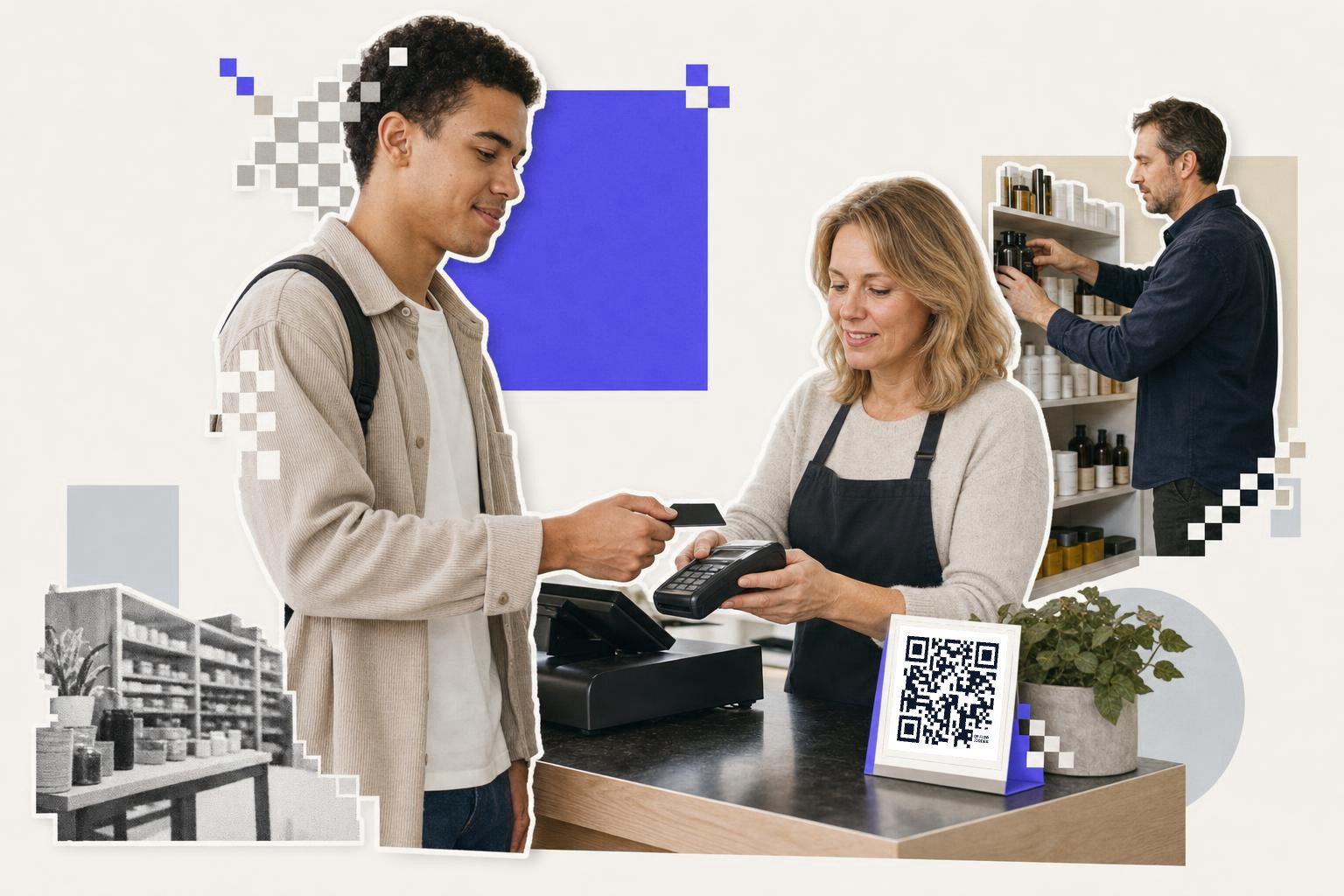
Yes, QR code security for transactions can be strong, if the code opens a trusted HTTPS payment page, shows the payee name clearly, and staff check where it leads before it goes on any counter, invoice, or package.
That is the part people often miss. A QR code is just a container for data, usually a link. The code itself does not encrypt money, clear the card, or approve the payment. Your payment provider and the page behind the scan do that.
If you run an online store, take phone orders, or collect payments in person, the real question is not “are QR codes safe?” It is “where does this code send people, and how easy is it to fake that step?”
Are QR codes secure for transactions on their own?#

No. QR codes are not secure on their own, because they are only a way to open data. Transaction security comes from the payment page, the processor, HTTPS, account checks, and your process for stopping tampered links.
That is why two payment codes can look identical but have very different risk. One might open a hosted checkout page from a payment provider. Another might open a fake page built to steal card details or push a bank transfer to a scammer.
This is also where QRishing comes in. Quishing is phishing through QR codes. The scan feels simple and familiar, so people skip the normal “where am I going?” check they might do with an email link.
A static code can be fine for a fixed payment link that will not change. But if your checkout URL, invoice route, or campaign page might change later, a static vs dynamic QR code choice matters. Your first dynamic code is free on QRFLOW.codes, which is handy when you want to re-point a printed payment code without reprinting the sign.
Where does transaction risk actually come from?#
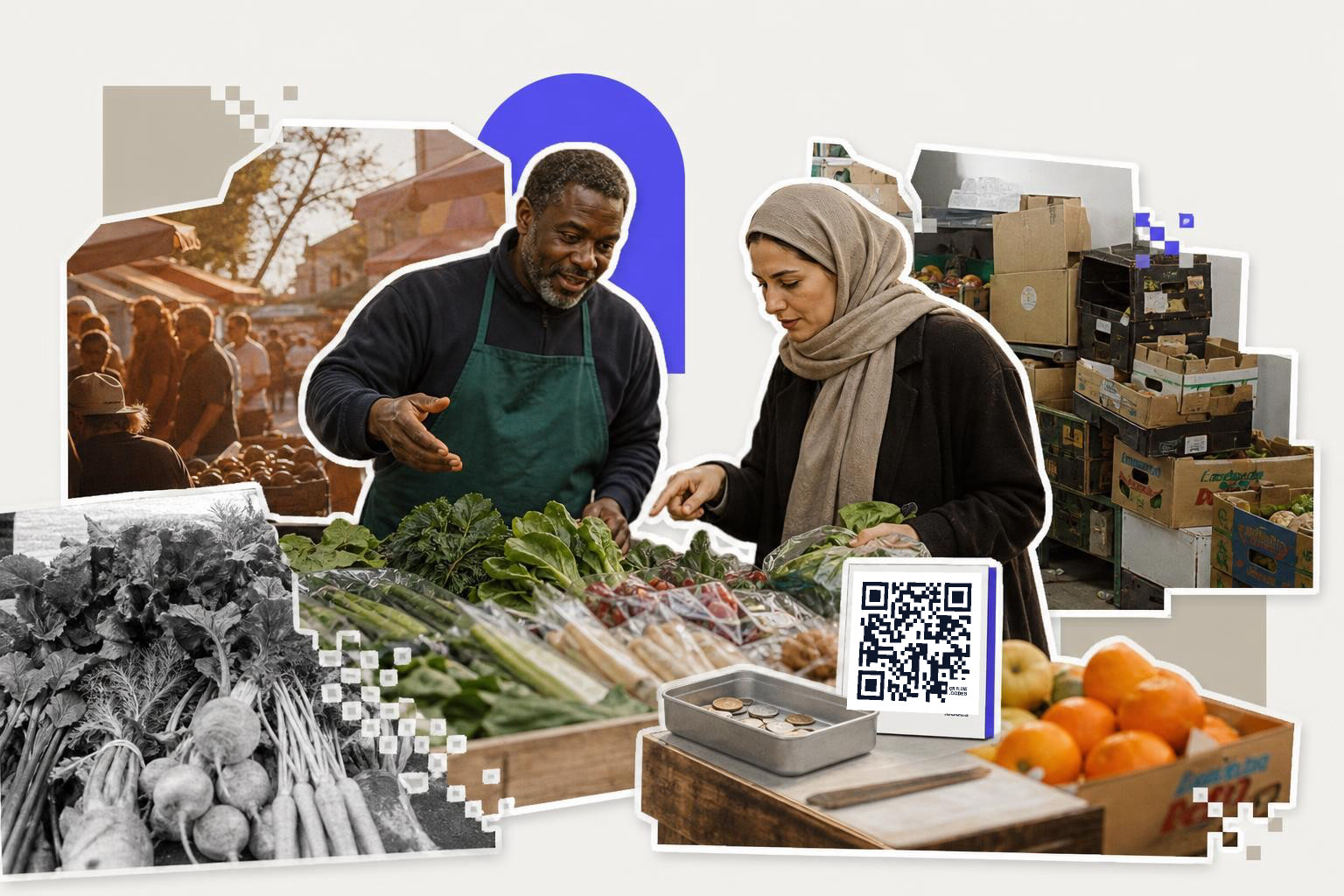
Transaction risk usually comes from link swapping, fake landing pages, and weak payee verification, not from the black and white pattern itself. If a scammer can replace the destination or cover your printed code with theirs, they can hijack the payment.
Here are the big risk points to watch:
- A sticker placed over a real code at a counter, kiosk, table, or parcel.
- A payment page on a lookalike domain, like one letter off your real name.
- A code that sends buyers straight to a bank transfer with no payee check.
- An old printed code that still works, but points to the wrong campaign or account.
- A screenshot of a code shared in chat with no context, so staff cannot tell if it is current.
Encryption matters, but it happens on the payment page and in the payment network. If the linked page uses HTTPS and your payment provider uses normal card security controls, the scan itself is not the weak point. The weak point is usually trust in the destination.
For a deeper plain-English look at how the square is built, see How are QR codes generated: a simple guide.
A simple rule helps here: if a customer cannot tell who they are paying within 2 seconds, the payment flow needs work. Put your business name on the page, show the amount clearly, and never hide the final payee.
Midway through setup, it helps to make a test code and scan it the way a customer would. The free QR code generator lets you create one without a signup wall, then check the full payment path before you put it on anything public.
How do you make QR payments safer?#

Safer QR payments come from boring controls, done well: trusted domains, clear payee names, tamper checks, and limited link sprawl. You do not need magic. You need a payment path people can verify fast.
Start with the destination. Use the payment page from your processor, commerce platform, or bank, not a strange redirect chain. If you can use your own domain for payment links, that helps staff and customers spot fakes faster.
Then lock down the physical and digital path:
- Put payment codes where staff can see them, not on unattended loose cards.
- Check printed codes during opening and closing, especially stickers and table tents.
- Use one source file, not five versions living in chats and email threads.
- Retire old invoice and campaign codes instead of letting them drift around.
- Train staff to confirm the domain and payee name before sharing a code.
Dynamic QR codes help with fraud prevention in one useful way. If a link changes or a code is exposed in the wrong place, you can change where it points after printing. On paid plans, QRFLOW.codes also adds password protection and expiration, which can make sense for private invoices or short-lived payment requests. Pricing for that is on /pricing.
If you need a payment-specific setup, the payment QR code page is the right next stop.
What myths about secure payments need retiring?#
Myth one: “QR payments are encrypted because the code looks technical.” False. The code is just a visual way to carry data. Encryption, if present, is on the network and checkout side.
Myth two: “A dynamic QR code is automatically safer.” Not automatically. A dynamic code gives you control after print, which is useful, but the linked payment page still has to be trustworthy.
Myth three: “If it scans, it is legitimate.” False again. Scam pages scan perfectly. A successful scan only means the camera could read the code.
Myth four: “Only street payments get hit by quishing attacks.” Online retailers get similar problems through invoice PDFs, packaging inserts, support chats, and marketplace listings. Any place a buyer sees a payment code can become a spoof target.
If your team needs the broad setup basics before you choose a payment flow, How to generate QR code, and which type to pick is a good companion read.
A safe setup for retailers and payment teams#
A safe setup uses one code for one payment job, points that code to a trusted hosted page, and gives staff a short checklist they can follow every time. Keep the process simple enough that it survives a busy shift.
For example, a downtown coffee shop might use one code for in-store deposits, another for invoice payment, and another for event preorders. Each code opens a separate hosted payment page with the amount or order reference visible. Staff know which code belongs in which place, and old versions get removed the same day a campaign ends.
For payment facilitators, the bar is a bit higher. Use distinct domains or paths per merchant, monitor for odd scan patterns if your stack supports it, and make sure merchants can replace exposed links fast. Full scan analytics can help investigate where a payment code was being used, but only after the basics above are solid.
Detecting and preventing QR code tampering#
QR code tampering is a significant risk for transactions. Scammers can replace or cover legitimate codes with fake ones, leading customers to fraudulent sites. To prevent this, regularly inspect physical codes at your locations. Train staff to spot tampering signs, such as mismatched stickers or altered surfaces.
Use tamper-evident labels for codes placed in public areas. Implement alerts for unusual scanning patterns or access attempts. This can help detect unauthorized changes to linked destinations. Encourage customers to verify the URL before proceeding with payments.
Display clear instructions near the code, reminding users to check the web address after scanning. By combining physical checks with digital monitoring, you can reduce the risk of tampering and protect your transactions.
Educating customers on QR payment safety#
Start by telling customers what a normal payment flow should look like. A legitimate code should open a secure HTTPS page that shows your business name, the amount or order details, and a clear payee before they approve anything.
That kind of expectation-setting matters because most scams work by rushing people past basic checks. If buyers know your payment page always uses the same domain and always shows the same business name, they are more likely to pause when something looks off.
It also helps to give simple warnings in the places where people scan. A small note on a counter card, receipt, or invoice can remind them to avoid altered stickers, unexpected redirects, or pages that hide who they are paying. Encourage them to report odd behavior right away, especially if the code opens the wrong page or asks for unusual payment details.
Choosing the right QR code generator#
Look for a generator that matches the way your payment flow actually works. If you may need to update a destination later, dynamic codes are useful because they let you change the link without reprinting every sign, card, or insert.
The basics still matter more than extras. Make sure the platform supports HTTPS destinations, lets you test the code before publishing, and keeps your payment links organized so staff are not pulling old files from random chats or email threads.
Extra controls can be helpful in the right cases. Password protection or expiration dates make more sense for private invoices or short-lived payment requests than for a code that sits at a register every day. If the platform offers analytics, use them as a monitoring layer, not as a substitute for checking the destination and payee details first. For a broader comparison, see Safest QR code generator online, what to check.
Questions people ask about QR code security for transactions#
How can I verify a QR code's destination before scanning?#
Use a scanner that previews the URL before opening it, or scan with a phone setting that shows the destination first. Check that the page uses HTTPS and that the domain matches the business you expect to pay. If the link looks shortened, misspelled, or unfamiliar, stop there.
What should I do if I suspect a QR code is fake?#
Do not scan it or complete the payment. Tell the business right away so staff can inspect the sign, sticker, or invoice and remove any altered version. If you already opened the page, do not enter card or bank details unless the domain and payee are clearly legitimate.
Can QR codes be used for secure online payments?#
Yes, they can, if they open a trusted payment page with HTTPS and clear payee information. The safety comes from the checkout page, processor, and verification controls behind the scan. The code itself is only the shortcut that gets a customer there.
How do dynamic QR codes help prevent fraud?#
Dynamic QR codes assist in preventing fraud by allowing changes to the destination after printing if a link needs updating or a code appears in the wrong place. That makes incident response faster and cuts down on reprints. A dynamic code still needs a trustworthy payment page, so it is a control, not a guarantee.
QR payments are not inherently unsafe. Sloppy destinations are. If you want to make a payment code you can update later, start with the free QR code generator.